- Nowy
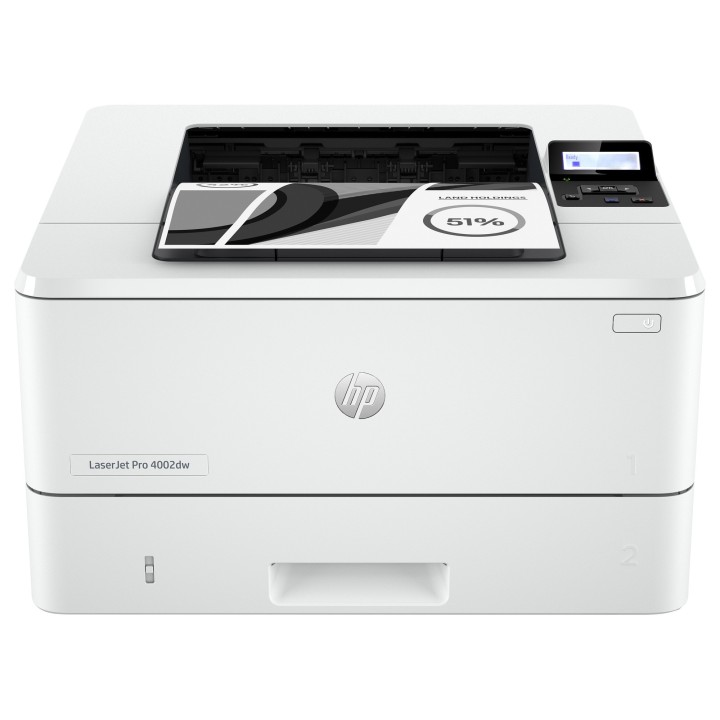
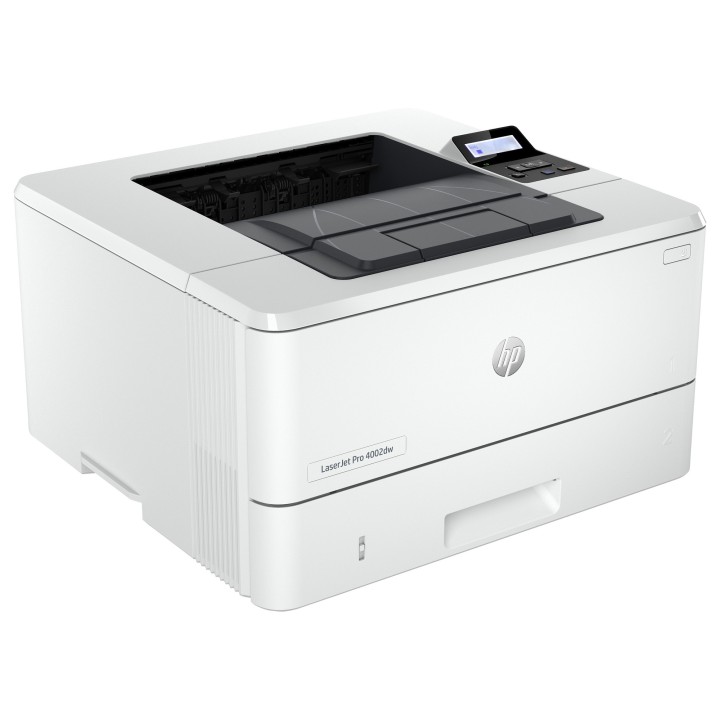
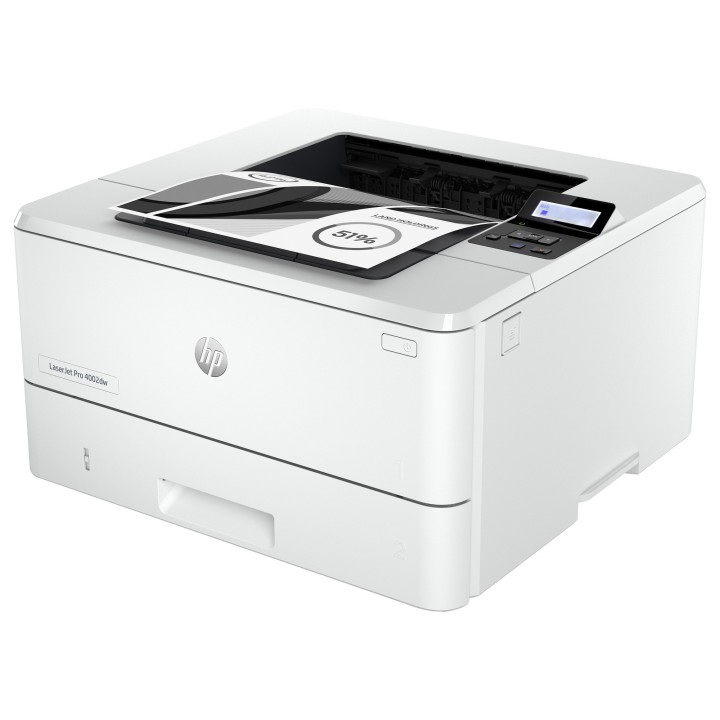
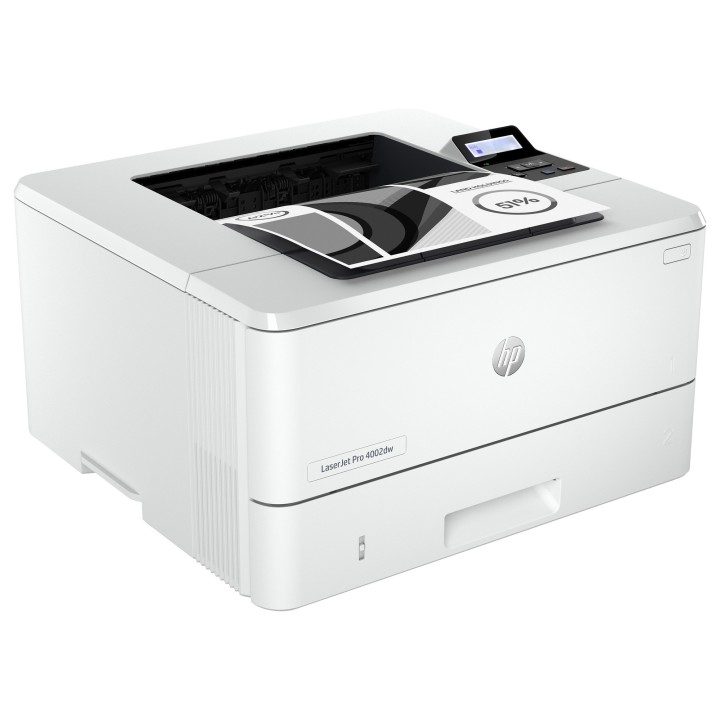


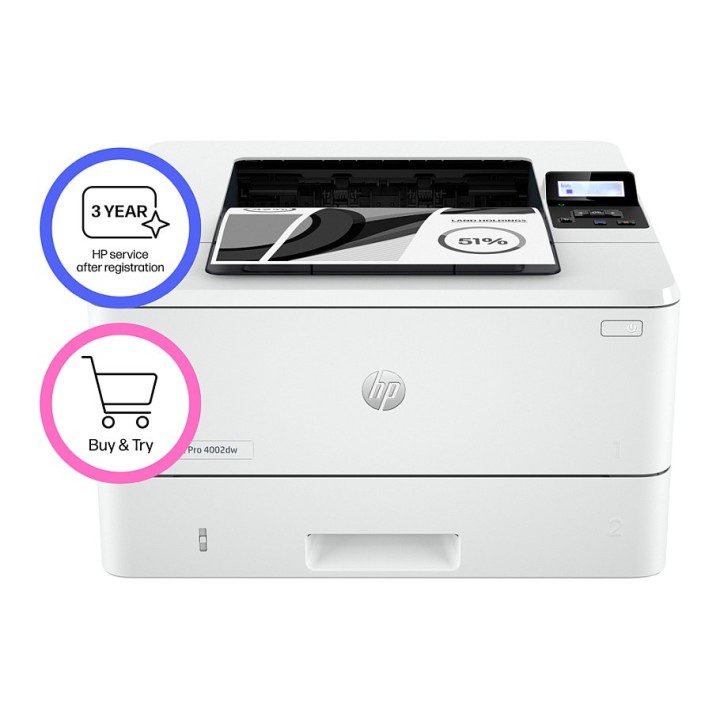
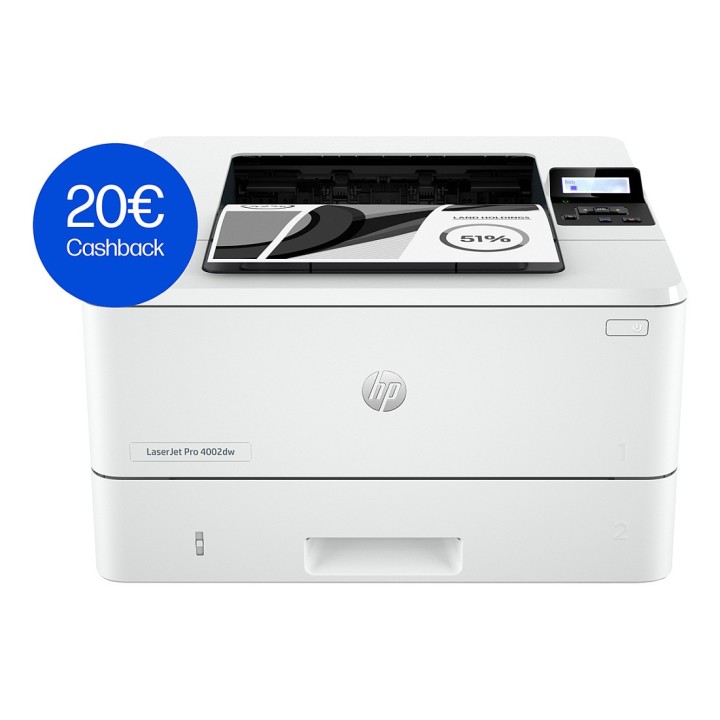
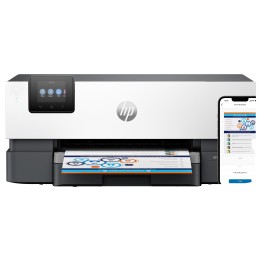
Drukarka HP LaserJet Pro 4002dw (2Z606F)
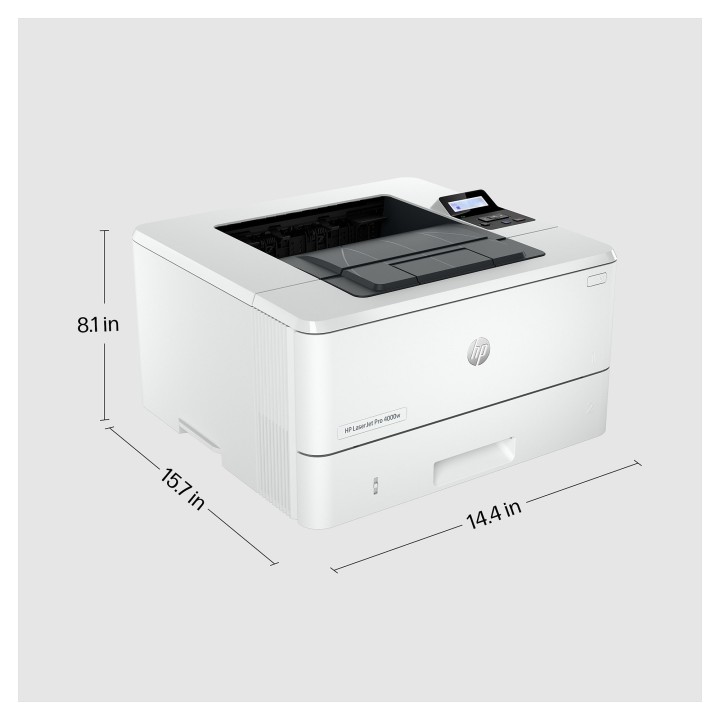
Ta drukarka została stworzona z myślą o maksymalnej wydajności dzięki dużej szybkości i niezawodnemu sprzętowi, zapewniając bezproblemową codzienną pracę z dowolnego miejsca, dzięki czemu możesz bardziej skoncentrować się na swojej firmie.
Maksymalna produktywność
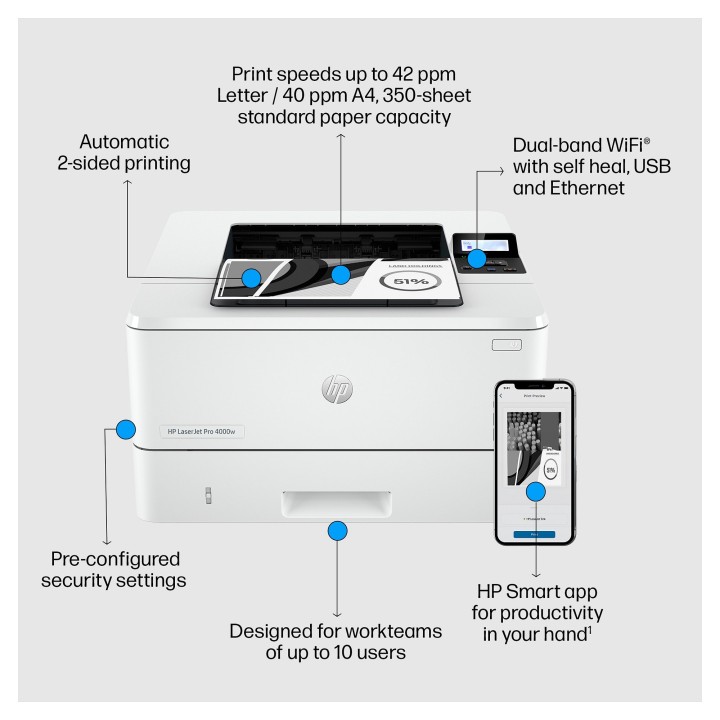
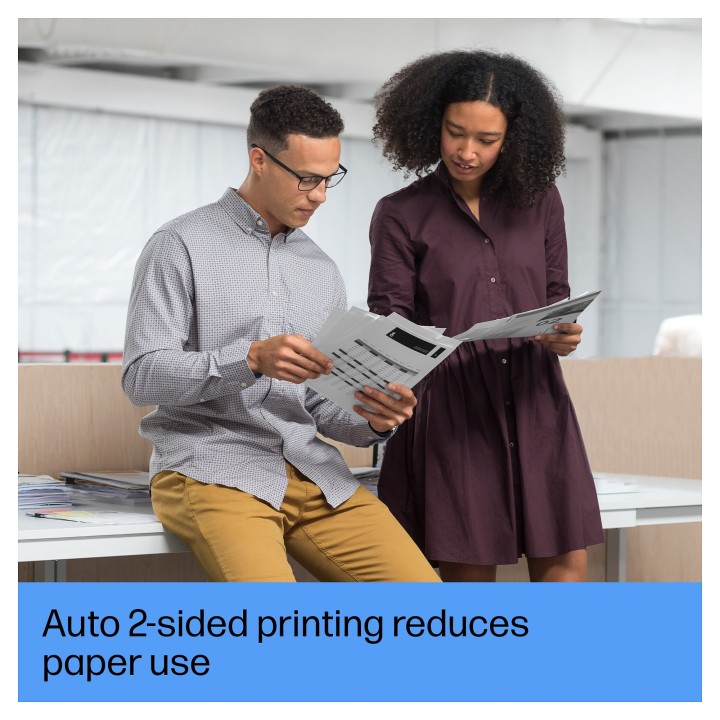
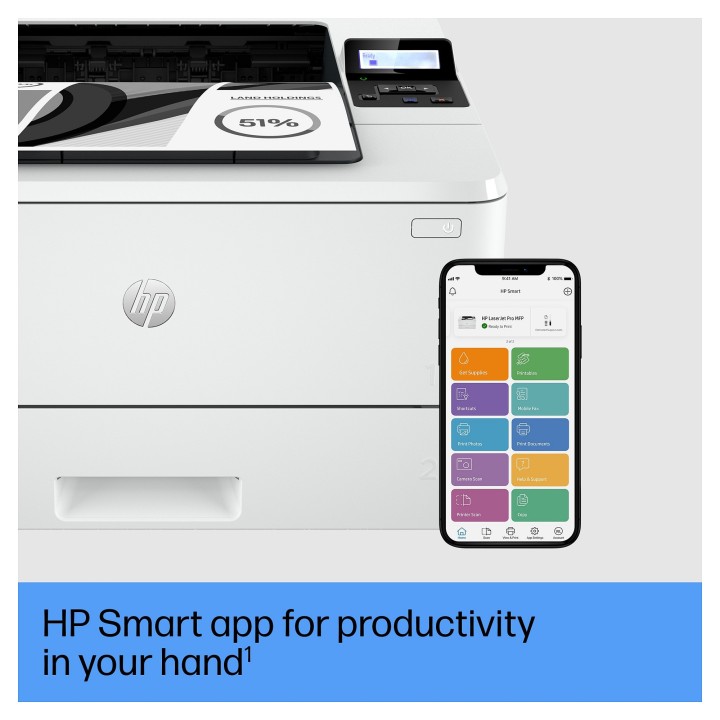
Kompaktowa konstrukcja z przełomową wydajnością. Szybkie drukowanie dwustronne z prędkością do 42 stron na minutę i samonaprawiająca się łączność Wi-Fi. Włączona aplikacja HP Smart umożliwiająca łatwe drukowanie z chmury, w tym aplikacje takie jak Google Drive i Dropbox.
Bezproblemowe zarządzanie
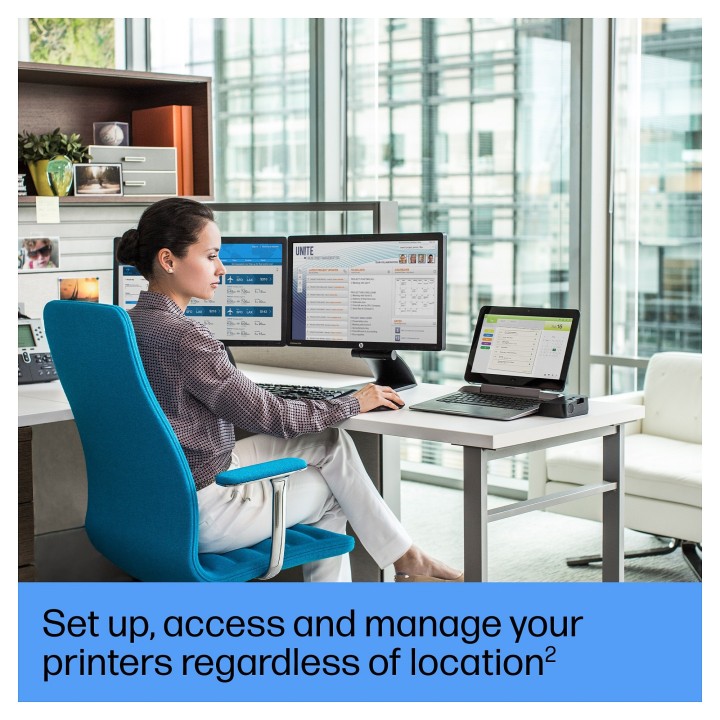
Zarządzaj drukarką za pomocą wydajnego narzędzia Web Jetadmin lub podłącz drukarkę do chmury za pomocą konta HP. Intuicyjne narzędzia do zarządzania pomagają konfigurować drukarkę, wprowadzać użytkowników, śledzić poziomy tonera, zapewniać bezpieczeństwo i nie tylko.
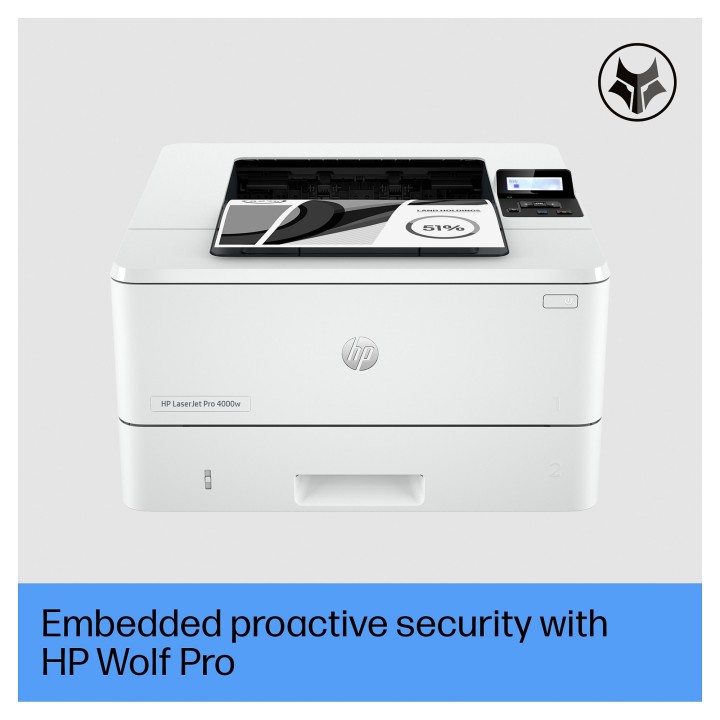
Zabezpieczenia HP Wolf Pro
Zwiększ swoje bezpieczeństwo dzięki zabezpieczeniom HP Wolf Pro natychmiast wbudowanym i wstępnie skonfigurowanym od razu po wyjęciu z pudełka.
HP Inc Polska Sp. z o.o.
ul. Szturmowa 2a 02-678 Warszawa Polska
E-mail: support@hp.com
Formularz kontaktowy: https://www.hp.com/us-en/contact-hp/contact.html
Telefon: +1 650-857-1501
HP Inc Polska sp. z o.o
Plac marsz. Józefa Piłsudskiego 1 00-078 Warszawa Polska
E-mail: support@hp.com
List of safety warnings for inkjet and laser printers based on the requirements of Regulation (EU) 2023/988 on General Product Safety (GPSR): 1. Risk of electric shock: * Make sure that the printer is connected to an outlet with grounding. * Do not touch the power cable with wet hands. 2. Risk of burns: * Wait for the printer to cool down before replacing consumables. 3. Risk to vision (laser printers): * Avoid looking at the laser beam while the printer is running. 4. Risk of fire: * Do not place the printer near flammable materials. * Regularly clean the inside of your printer to remove accumulated dust and paper debris. 5. Risk of hearing damage (needle printers): * Use the printer in a quiet environment or use protective headphones. 6. Risk for children: * Place the printer out of reach of children. * Do not allow children to play with consumables. 7. Risk of cuts: * Beware of sharp edges inside the printer. * Use protective gloves when replacing consumables. 8. Risk of poisoning: * Do not inhale toner fumes. * Dispose of used consumables in accordance with local regulations. 9. Risk of injury: * Place the printer on a stable surface to prevent it from tipping over. * Do not put heavy objects on the printer. 10. Maintenance risk: * Disconnect the printer from the power supply before cleaning. * Use only the intended cleaning products. 11. Warnings on battery (if applicable): * Do not throw the battery into the fire. * Keep batteries out of reach of children. 12. Allergy risk: * Use protective gloves when replacing toner.
Produkty, które ostatnio zwróciły Twoją uwagę.