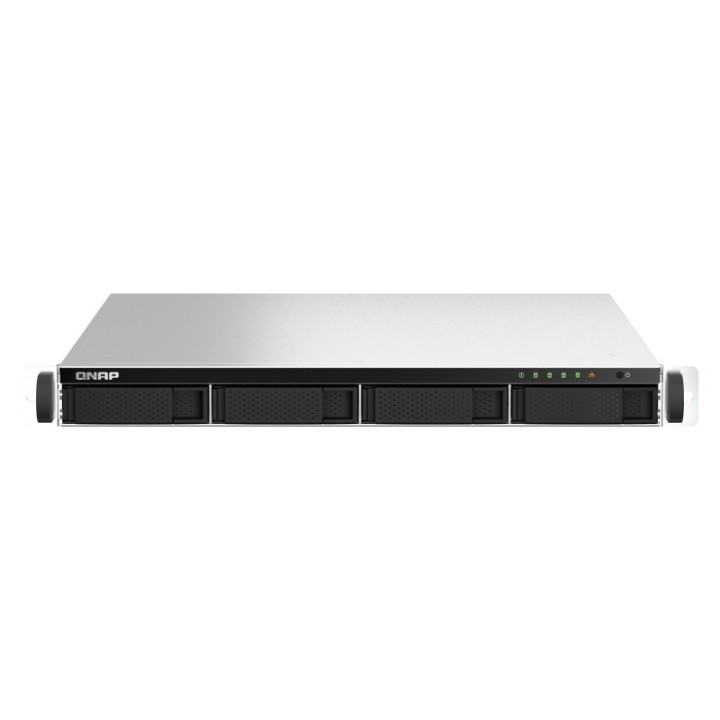
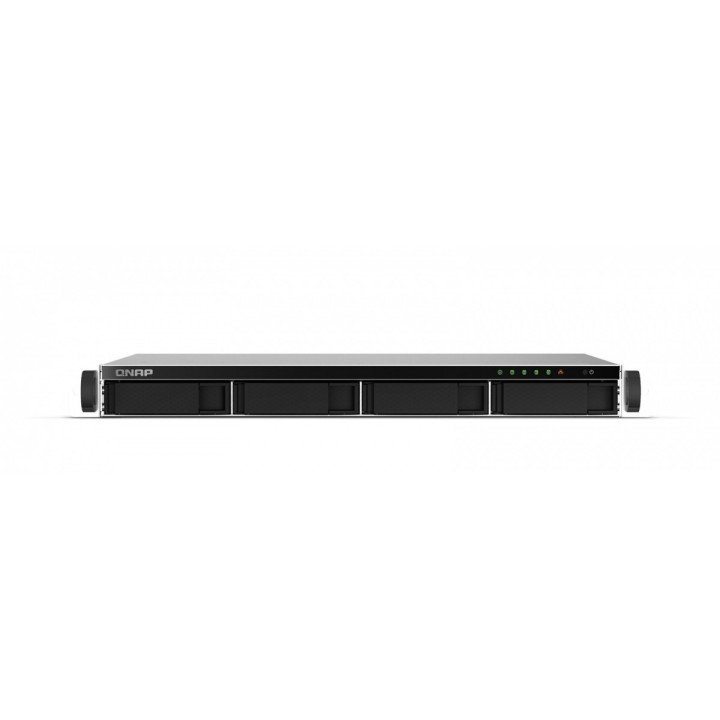
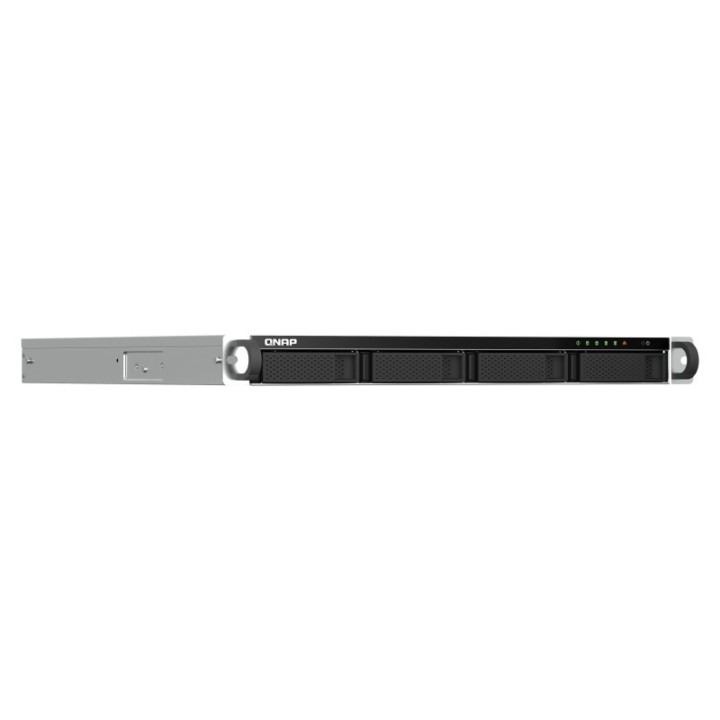
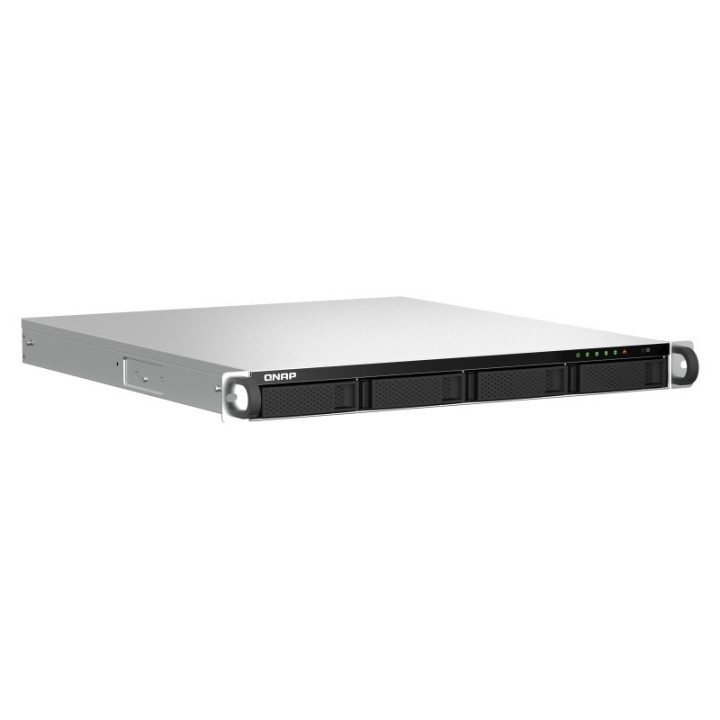
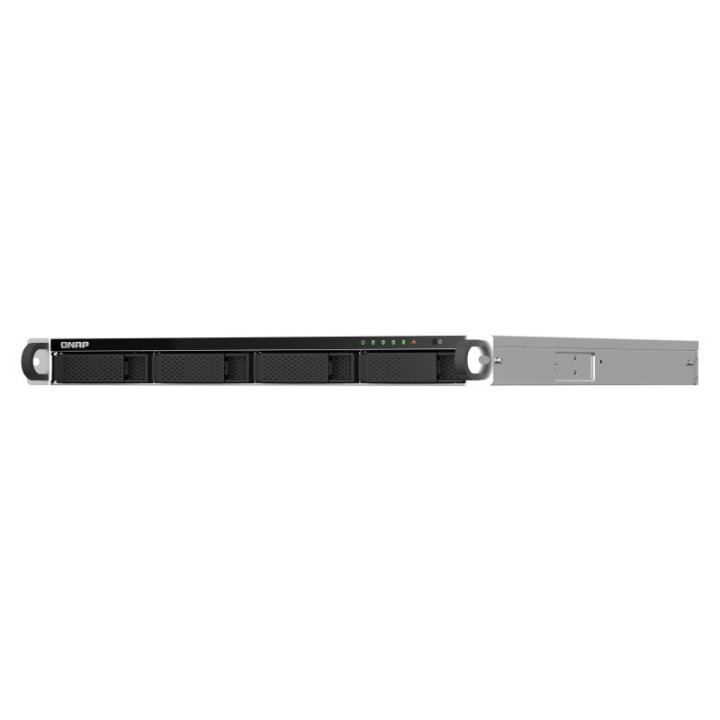
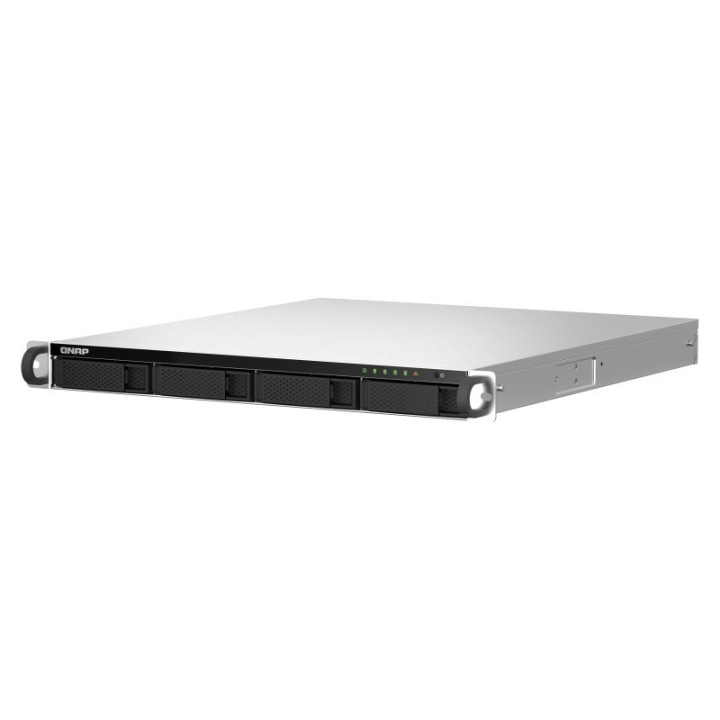
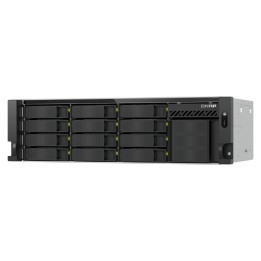
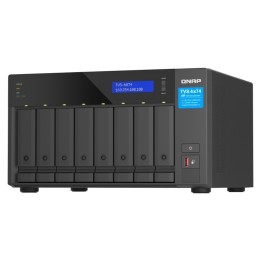
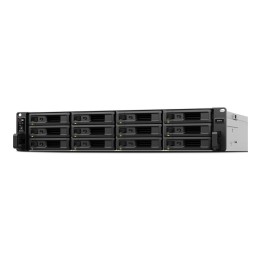
Serwer NAS TS-464U-8G 4x0HDD 1U Intel Cel N5105/N5095 8G
Opis produktu
TS-464U 4-rdzeniowy/4-wątkowy procesor Intel Celeron N5095 o taktowaniu zwiększanym do 2,9 GHz, 8 GB wbudowana (nierozszerzalna)
NAS w obudowie RACK z czterordzeniowym procesorem Intel, podwójnym portem 2,5GbE oraz możliwością rozbudowy PCIe na potrzeby szybkiej transmisji i aplikacji do wirtualizacji.
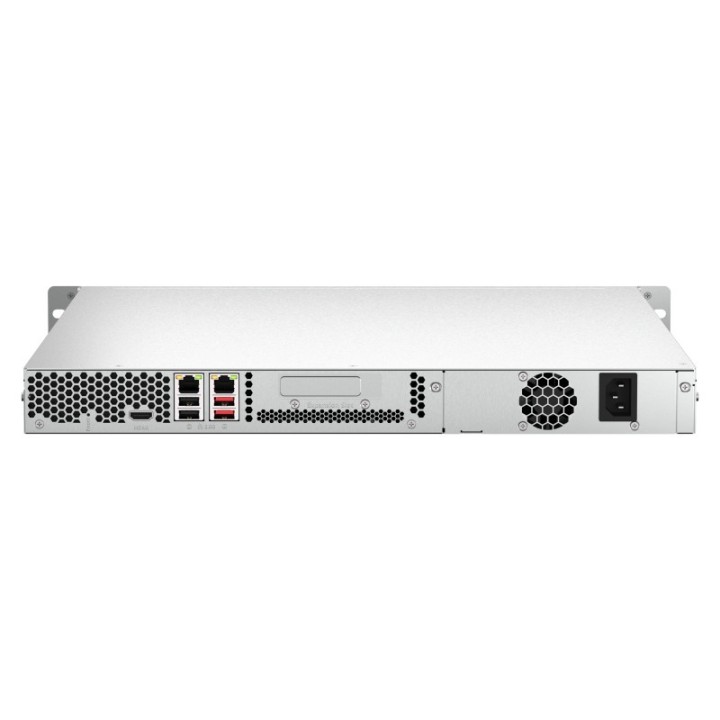
Model TS-464U, wyposażony w czterordzeniowy procesor Intel Celeron N5095 (o taktowaniu zwiększanym do 2,9 GHz), oferuje dwa porty 2,5GbE RJ45 i funkcję Trunkingu portów na potrzeby łączonej przepustowości nawet do 5 Gb/s. Wbudowane wyjście 4K HDMI do wyświetlania multimediów i zawartości maszyny wirtualnej. Model TS-464U, wyposażony w gniazdo PCIe Gen 3, zapewnia elastyczną możliwość rozszerzania funkcji NAS, umożliwiając instalację różnych kart: karty sieciowej 10GbE/5GbE, karty QM2 do buforowania dysków SSD M.2 lub Edge TPU do rozpoznawania obrazów w oparciu o sztuczną inteligencję. Model TS-464U obsługuje także 256-bitowe szyfrowanie AES, zapewniając poufność wrażliwych danych biznesowych bez pogarszania wydajności systemu.
- Łączność 2,5GbE
Ustawiając trunking portów z dwoma wbudowanymi portami 2,5GbE (2,5 G / 1 G / 100 M), można uzyskać prędkość transferu do 5 Gb/s. - Możliwość rozbudowy PCIe
Instalując kartę PCIe Gen3 x2 możesz rozszerzyć główną funkcjonalność modelu TS-464U, w tym dodać wielogigabitową kartę sieciową 10GbE/5GbE/2,5GbE, kartę QM2 lub kartę USB 3.2 Gen 2 (10 Gb/s). - Migawki
Chroń pliki i dane przed przypadkowym usunięciem i atakami złośliwego oprogramowania dzięki migawkom, które rejestrują pełny stan systemu i danych. - Zwirtualizowane środowisko niewymagające licencji
Obsługa wielu skonteneryzowanych aplikacji na potrzeby różnych usług i programów. - Automatyczne warstwowanie dysków
Technologia automatycznego poziomowania Qtier i pamięć podręczna SSD zapewniają stałą optymalizację pamięci masowej. - Elastyczna możliwość rozbudowy
Możliwość skalowania pojemności pamięci masowej w celu dostosowania do rosnących potrzeb danych, poprzez podłączenie modułów rozszerzających QNAP.
Specyfikacja
- Procesor: Procesor czterordzeniowy zapewniający wysoką wydajnośćModel TS-464U jest wyposażony w czterordzeniowy procesor Intel Celeron N5095 i oferuje pamięć DDR4 8 GB, dwa porty 2,5GbE oraz obsługuje dyski SATA 6 Gb/s. Zintegrowany mechanizm szyfrowania Intel AES-NI pomaga również chronić poufne dane bez wpływu na wydajność systemu.
- Wbudowana pamięć RAM: 8 GB
- Wbudowana pamięć flash: 4 GB
- Rodzaj pamięci: SODIMM DDR4
- Maks. liczba dysków: 4
- Typ dysku: HDD
- Format szerokości dysku: 2,5'' (SFF)
- Interfejs dysku: SATA II - 3 Gb/s
- RAID: Tak
- Poziomy RAID : 6
- Architektura sieci (switche): GigabitEthernet
- Interfejs sieciowy: 2 x 10/100/1000/2500 Mbit/s
- Gniazda we/wy: 1 x HDMI
- Liczba wentylatorów: 2
- Wentylator: 4 cm
- Obudowa serw.: Rack 1U
- Gniazda rozszerzeń: 1 x PCIe 3.0 x 2
- Zasilanie: Zasilacz: 250 W (x1), 100240 V
- Akcesoria w zestawie: TS-464U Kabel Ethernet x 1 Przewód zasilający x 2 Śruba z łbem płaskim (do 3,5-calowego dysku twardego) x 48 Śruba z łbem płaskim (do 2,5-calowego dysku twardego) x 36 Wieszak x 2 Skrócona instrukcja instalacji (QIG)
- Waga: 8.54 kg
- Wymiary: 43.3 × 430 × 479 mm
- Uwaga: CE+WEEE

Szczegóły produktu
- Marka QNAP
- Kod produktu 660fc2ed71a267703cb96354
- Dostępność 7 Przedmioty
- EAN13 4711103082218
- MPN TS-464U-8G
Specyfikacja
- Model procesora N5095
- Pamięć RAM (GB) 8 GB
-
Obsługiwane formaty dysków
2,5'' (SFF)
3,5'' (LFF)
Producent
Producent
QNAP GmbH
Karl-Arnold-Straße 26 47877 Willich Germany
E-mail: desales@qnap.com
Formularz kontaktowy: https://www.qnap.com/en/contact-us
Telefon: +49 2154 884280
Osoba odpowiedzialna w UE
QNAP GmbH
Karl-Arnold-Straße 26 47877 Willich Germany
E-mail: desales@qnap.com
Formularz kontaktowy: https://www.qnap.com/en/contact-us
Telefon: +49 2154 884280
Bezpieczeństwo
Informacje o bezpieczeństwie
List of file server security warnings (NAS) based on the requirements of General Product Safety Regulation (EU) 2023/988 (GPSR): 1. Risk of electric shock: * Make sure that the device is connected to a working socket with grounding. * Do not touch the plug or cable with wet hands. * Avoid using the device in places with high humidity. 2. Risk of overheating: * Provide adequate ventilation while maintaining at least 5 cm of free space around the device. * Do not block ventilation openings. * Do not place the server in enclosed spaces without proper ventilation. 3. Fire risk: * Use only original power supplies and accessories recommended by the manufacturer. * Do not leave the device on unattended near flammable materials. 4. Risk of bodily injury: * Use the device on a stable surface to minimize the risk of falling. 5. Hazards in humid environments: * Do not use the server in places with high humidity. * If the device is flooded, immediately disconnect it from the power source and contact the service. 6. Hazards at high temperatures: * Do not expose the device to direct sunlight. * Avoid using the server at temperatures above the recommended range (usually 5-35°C). 7. Risk of damage during cleaning: * Disconnect the server from the power supply before cleaning and use a soft, slightly damp cloth. * Avoid using strong detergents that can damage the surface of the device. 8. Caution when replacing accessories: * Use only the accessories recommended by the manufacturer. * When replacing batteries, follow the manufacturer's instructions and do not expose the battery to high temperatures. 9. Risks associated with battery use: * Avoid damage to the battery by impact or puncture. * If the battery overheats or swells, stop using the device immediately. 10. Warnings for children: * Keep power cables out of reach of children. * Make sure that children do not play with the device or accessories that can be dangerous. 11. Risk of data loss: * Back up data stored on the server regularly. * Protect access to your device with a password. 12. Power failures: * Consider using an emergency power supply (UPS) to protect your data in the event of power outages. 13. Loss of connectivity: * Protect your server from unauthorized physical access. * Update server software regularly. 14. Hacking attacks: * Use strong passwords and change them regularly. * Enable firewall. * Install antivirus software. * Monitor server logs for suspicious activity. 15. Mechanical damage: * Protect your server from drops, bumps, and other mechanical damage. * Do not place heavy objects on the server. 16. Electromagnetic interference: * Make sure the server is placed in a place where there is no strong electromagnetic interference. * Use proper cable shielding.