- Nowy
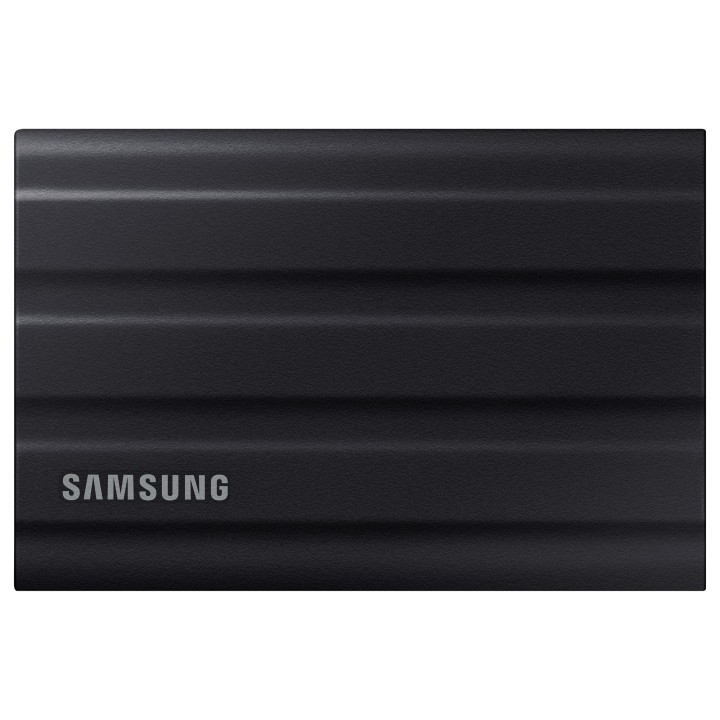
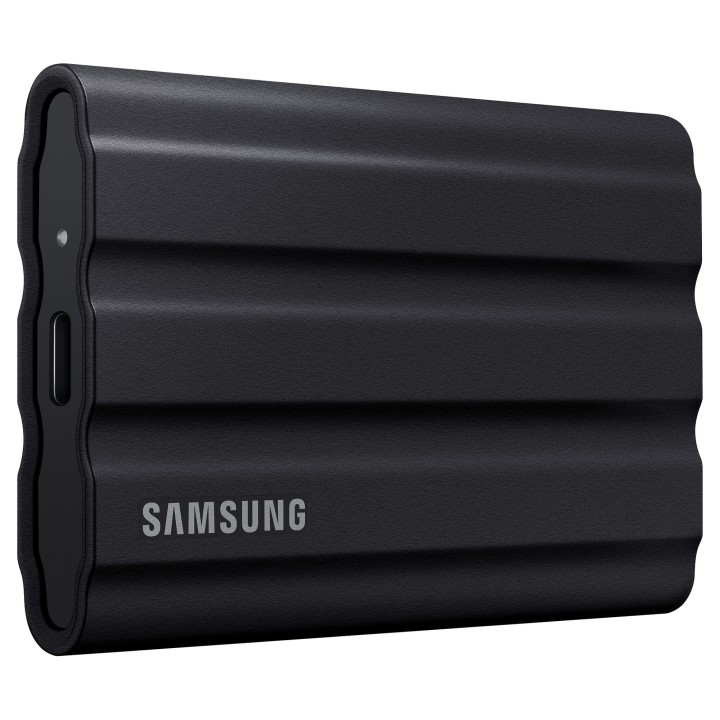
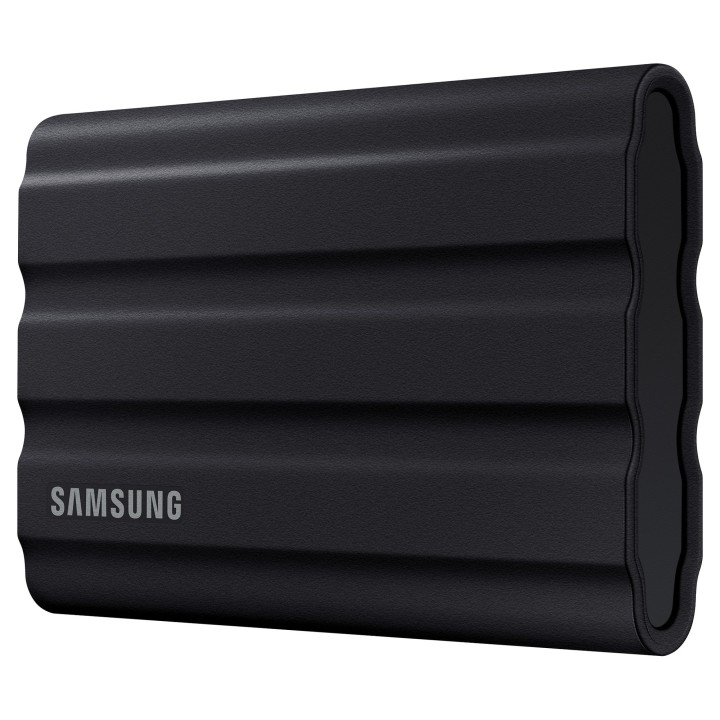
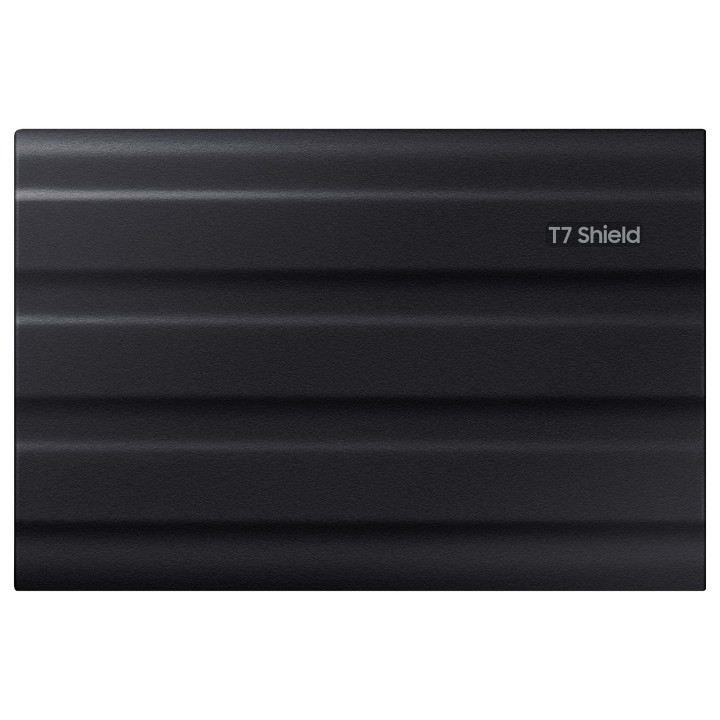
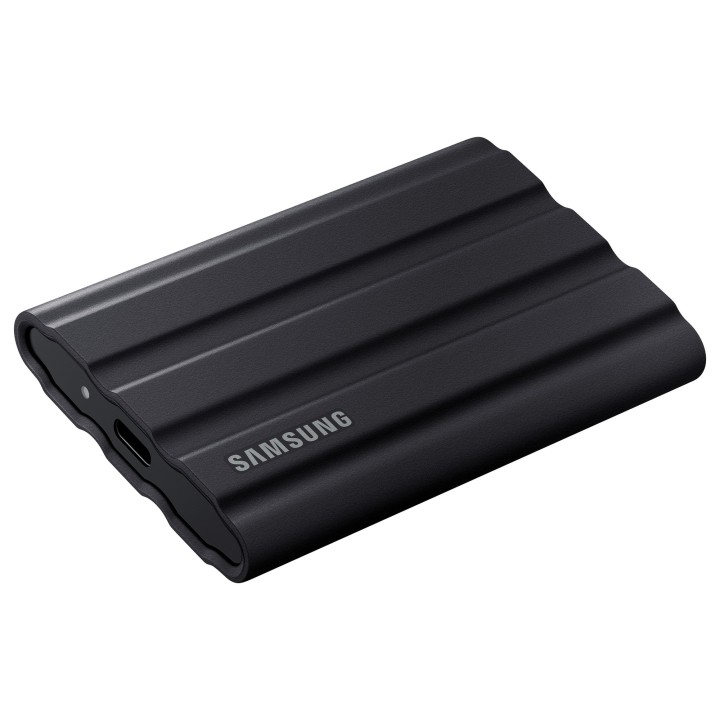
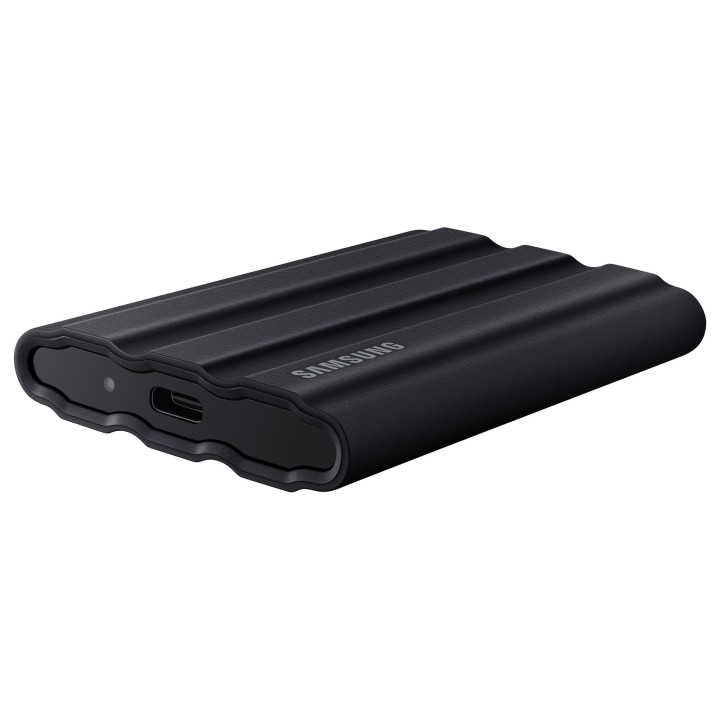
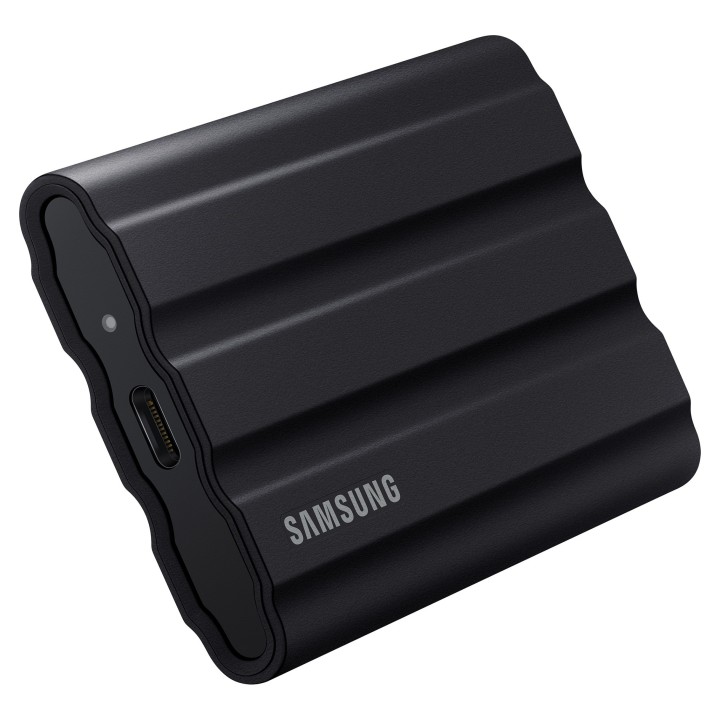
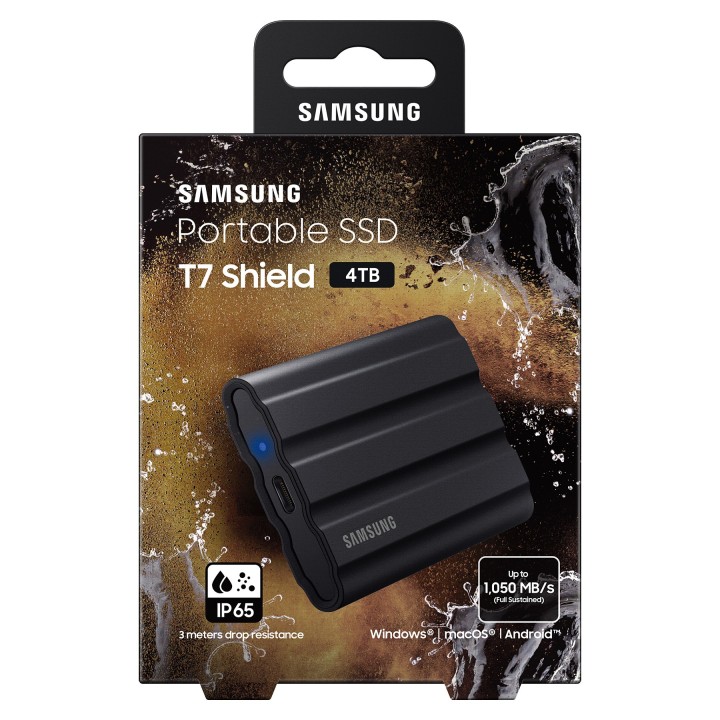
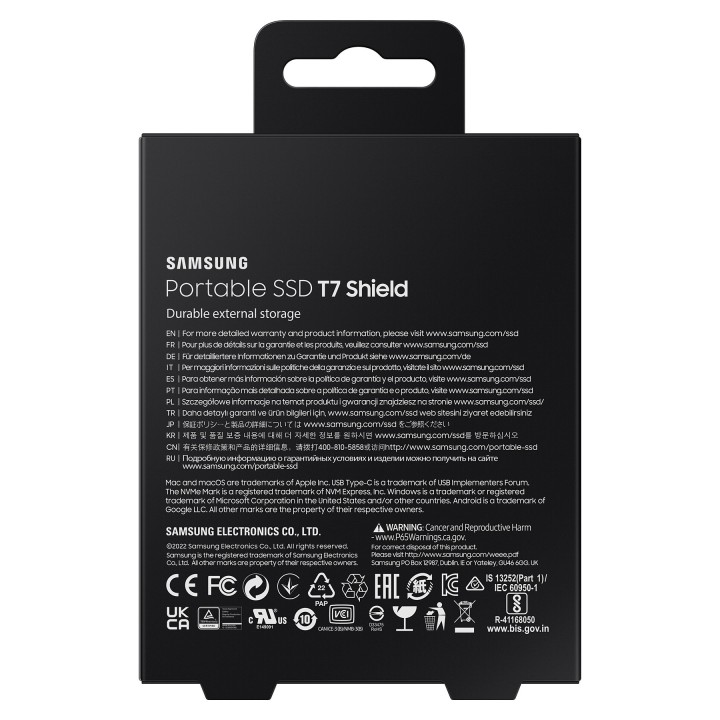
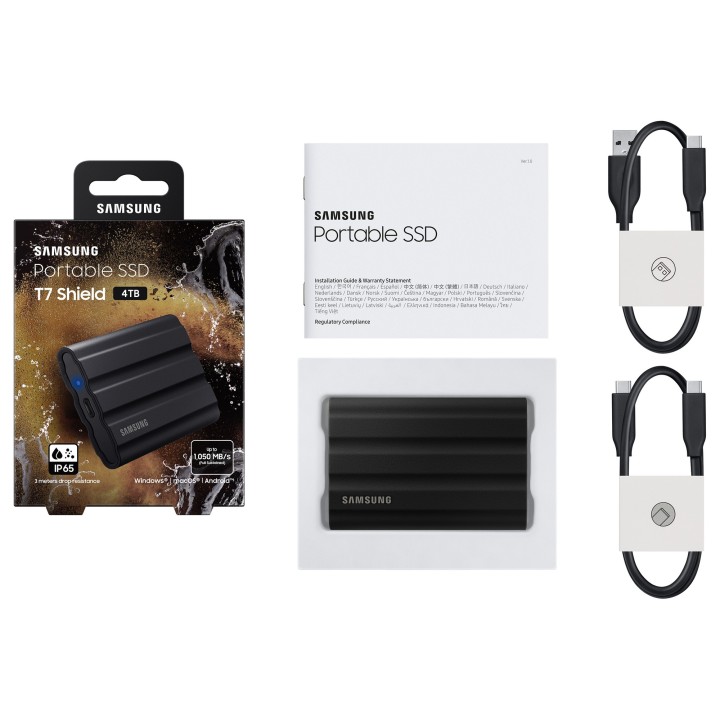
Dysk zewnętrzny SSD Portable SSD T7 Shield USB3.2 czarny obrazki
Dysk zewnętrzny SSD Portable SSD T7 Shield USB3.2 czarny
Opis produktu
Samsung T7 Shield MU-PE4T0S - SSD - zaszyfrowany - 4 TB - zewnętrzny (przeno¶ne) - USB 3.2 Gen 2 (USB-C zł±cze) - 256 bitów AES - czarny
Specyfikacja
- Model: Portable SSD T7 Shield
- Typ dysku: SSD
- Typ napędu: Zewnętrzny
- Pojemność dysku: 4 TB
- Interfejs dysku: USB 3.1/USB 3.1 gen 2/USB 3.2 gen 2
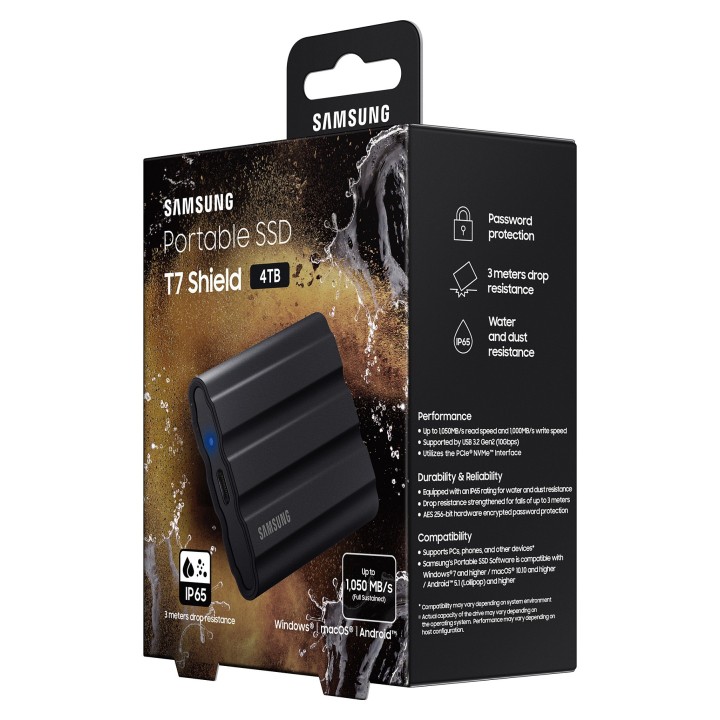
- Prędkość odczytu: 1050 MB/s
- Prędkość zapisu: 1000 MB/s
- Kolor (wyliczeniowy): Czarny
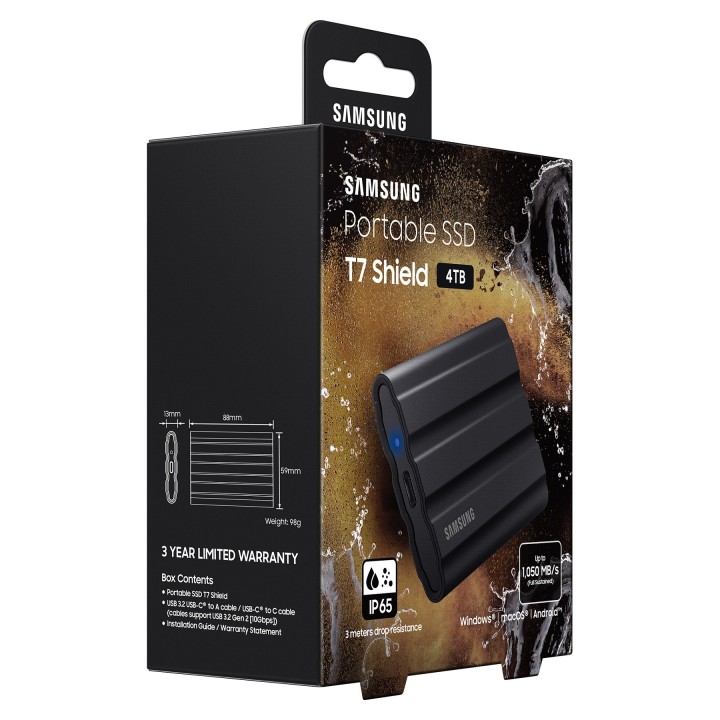
- Wysokość: 88 mm
- Szerokość: 59 mm
- Głębokość: 13 mm
- Waga: 98 g
- Pozostałe parametry: Odporność na wodę/kurz: IP 65
- Wymagania środowiskowe: Tempertura pracy: 0°C - 60°C Temperatura przechowywania: -40°C - 85°C Wilgotność: 5% - 95% bez kondensacji
- Certyfikaty: CE, BSMI, KC, VCCI, C-tick, FCC, IC, UL, TUV, CB, EAC, UKCA, BIS, RoHS 2
- Uwaga: CE+WEEE
Szczegóły produktu
- Marka Samsung
- Kod produktu 660fc35471a267703cb9cc33
- Dostępność 13 Przedmioty
- EAN13 8806092968448
- MPN MUPE4T0SEU
Specyfikacja
- Pojemność nośnika (GB) 4000 GB
- Prędkość odczytu (MB/s) 1050 MB/s
- Prędkość zapisu (MB/s) 1000 MB/s
Producent
Producent
SAMSUNG
PO Box 12987 D01F5P Dublin Ireland
Formularz kontaktowy: https://www.samsung.com/pl/support/
Bezpieczeństwo
Informacje o bezpieczeństwie
List of external and portable drive safety warnings based on the requirements of General Product Safety Regulation (GPSR) 2023/988: * Use the drive according to the manufacturer’s instructions to avoid mechanical damage or data loss. * Do not expose the disc to extreme temperatures, moisture, or direct sunlight to prevent overheating or damage. * Protect your drive from drops and bumps, as this can cause damage to internal components and data loss. * Disconnect the drive from your computer in a secure manner (using the "Safe Hardware Removal" feature) to avoid data loss or damage to the drive. * Do not open the disk housing, as this may result in loss of warranty and damage to delicate components. * In case of disk failure, do not try to repair it yourself; contact a professional data recovery service. * Keep the drive away from strong magnetic fields that can disrupt operation and cause data loss. * Use only the original cables and power supplies that came with the drive to avoid compatibility issues and damage. * Regularly back up data from disk to other media to avoid losing important information in the event of a failure. * Keep the disc out of reach of children to avoid accidental damage or ingestion of small items. * When transporting the disk, protect it from shocks and moisture by placing it in a suitable protective case. * Do not attempt to connect a damaged drive to your computer as this may cause additional problems. * Regularly scan the drive with an antivirus program to prevent malware infection. * Do not use the disc near flammable substances, as overheating and fire may occur in the event of a breakdown. * Make sure the voltage in the electrical outlet complies with the requirements of the disk power supply to avoid damage. * If the drive overheats, disconnect it from power immediately and let it cool before reusing. * Clean the disc housing with a soft, dry cloth; do not use chemicals that can damage the surface. * For long-term disk storage, place it in a dry and cool place to avoid component degradation. * If your drive is equipped with encryption software, make sure your password is secure and remembered to avoid permanent loss of access to your data. * When connecting and disconnecting the drive, hold by the housing, not by the cable, to avoid damaging the connector.
Dyski zewnętrzne i banki danych
Ostatnio oglądane
Produkty, które ostatnio zwróciły Twoją uwagę.
- Nowy
- Nowy
- Nowy
- Nowy
- Nowy
- Nowy
- Nowy
- Nowy
- Nowy
- Nowy