- Nowy
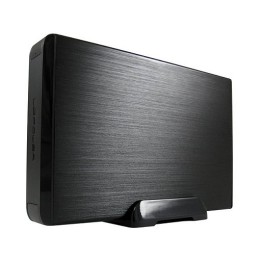
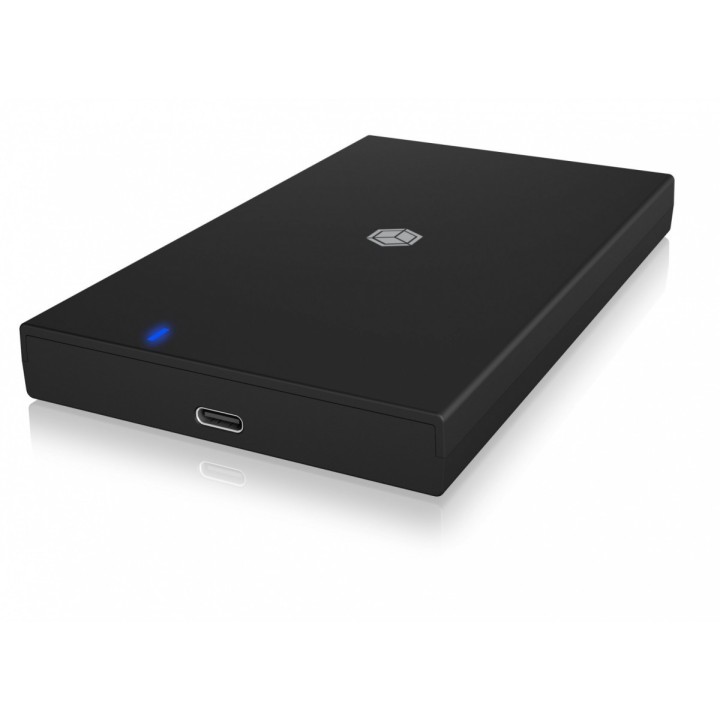
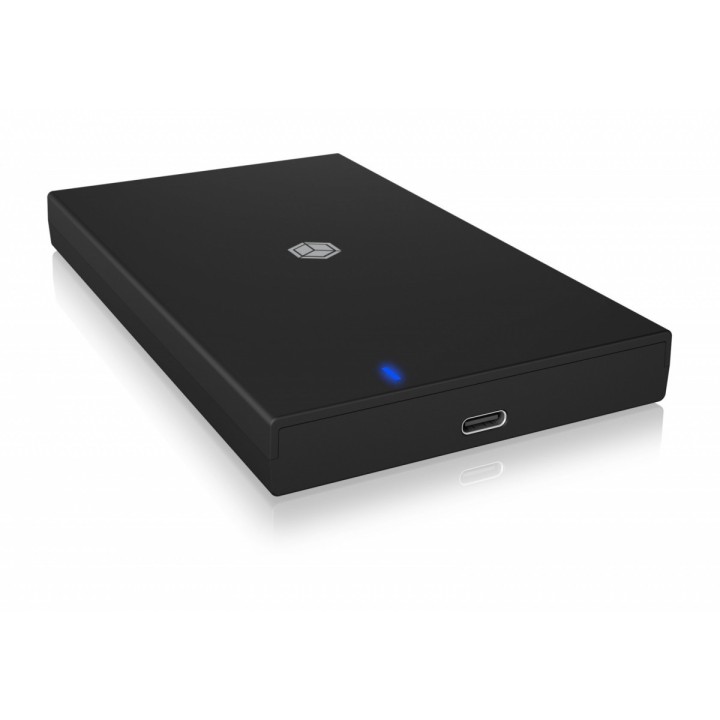
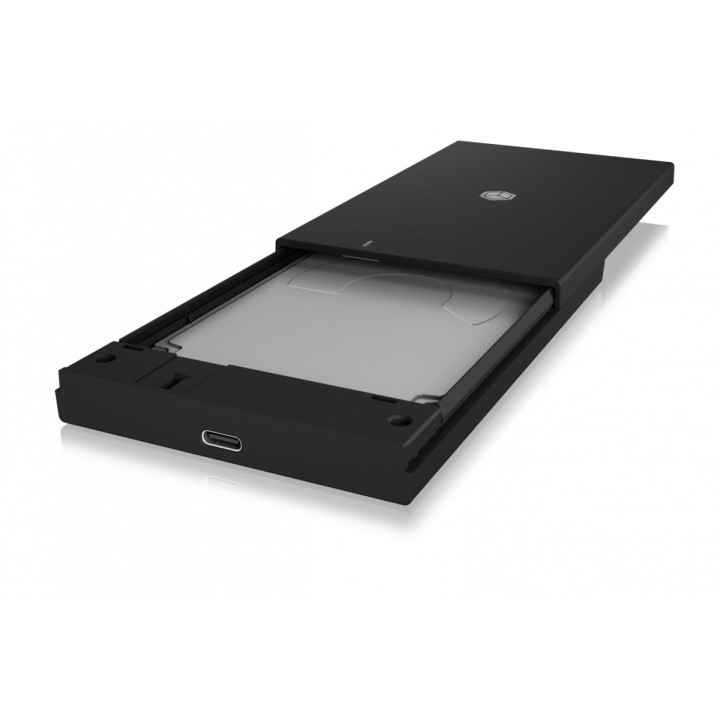
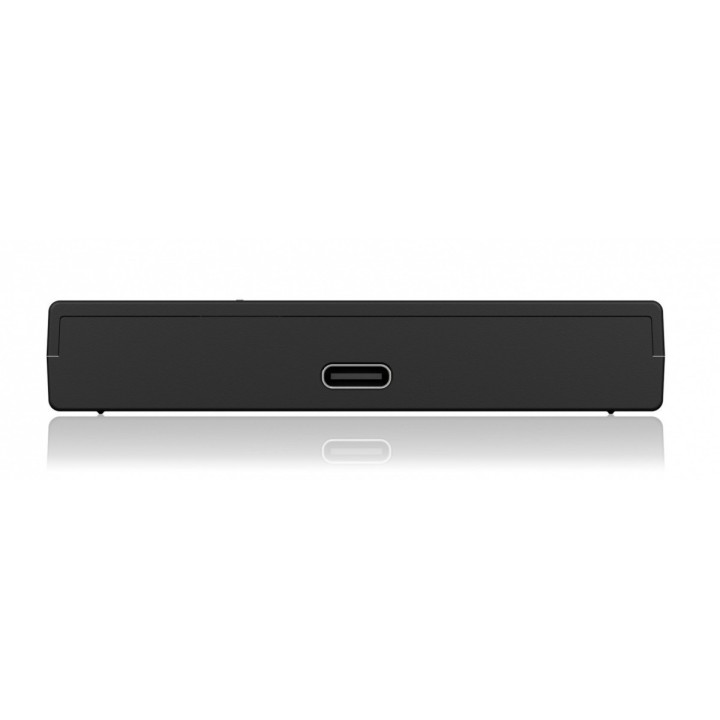
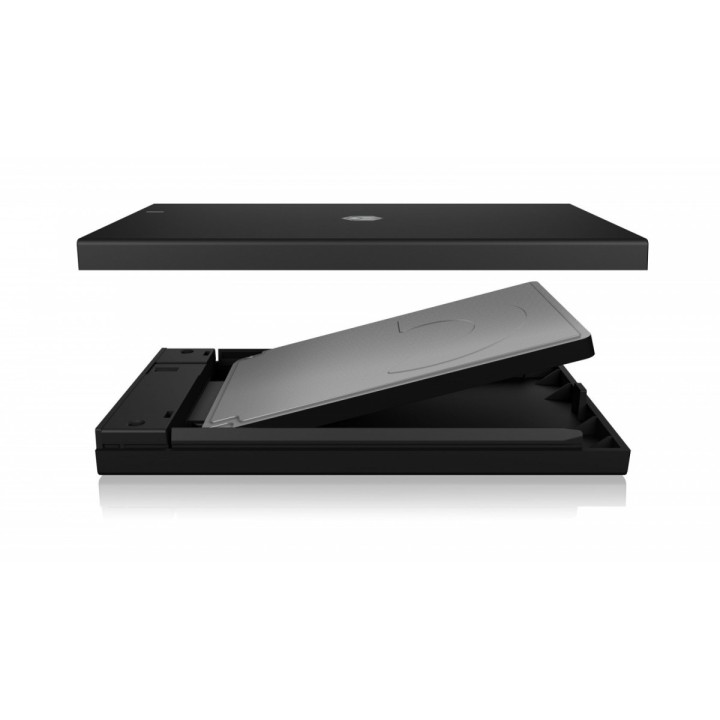
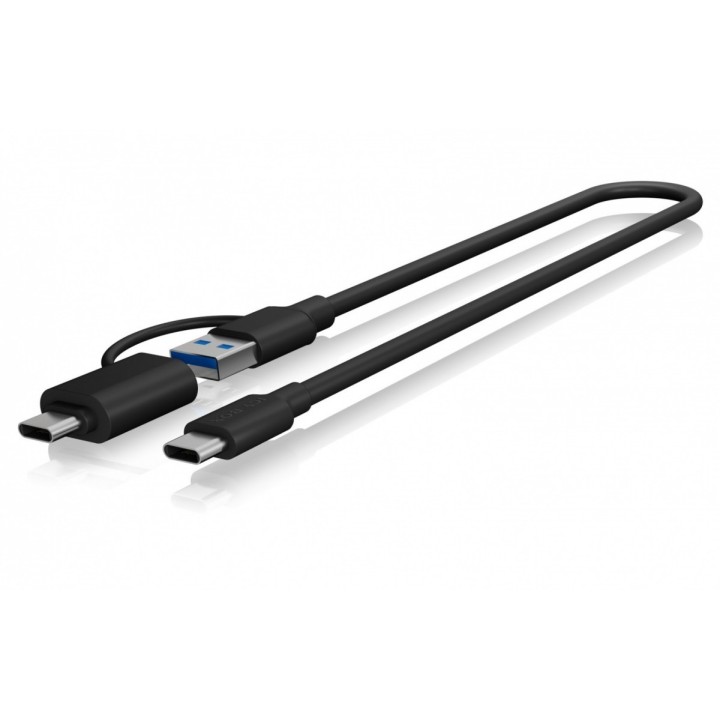
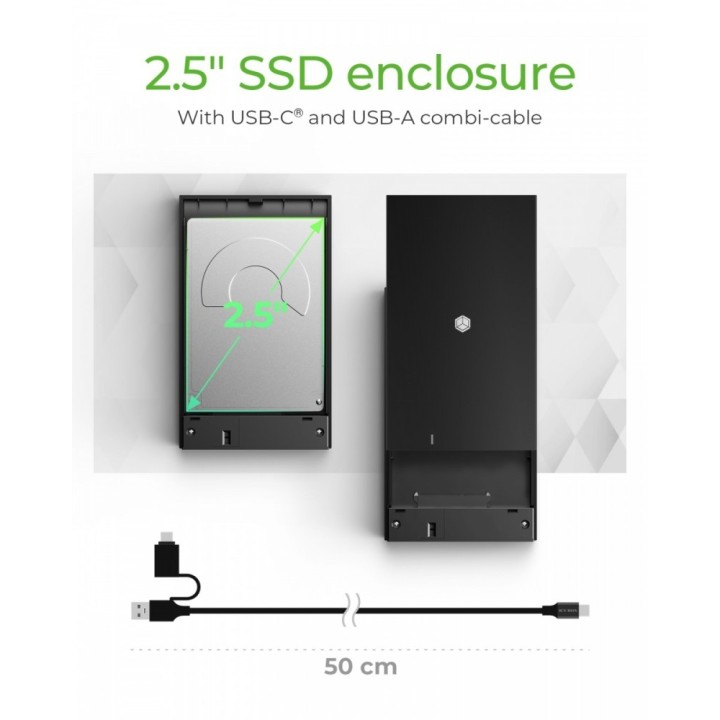
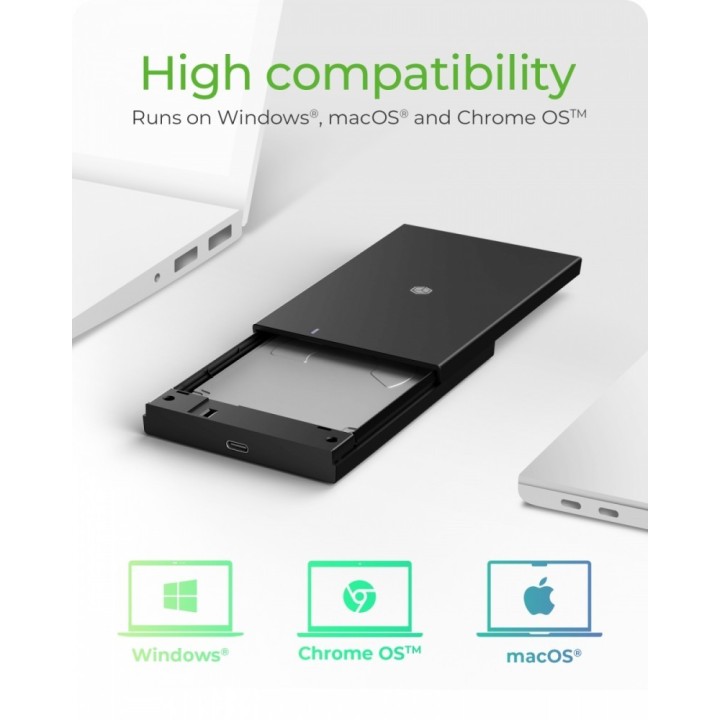
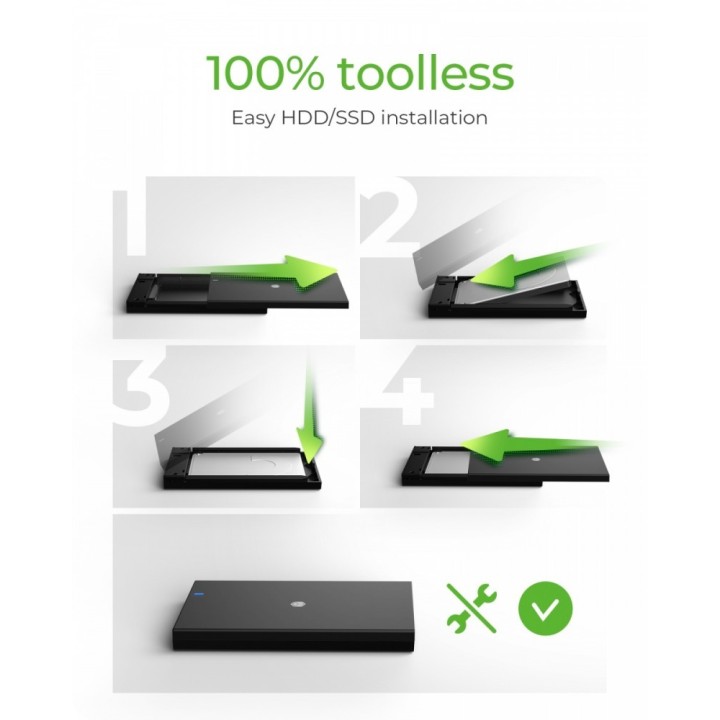
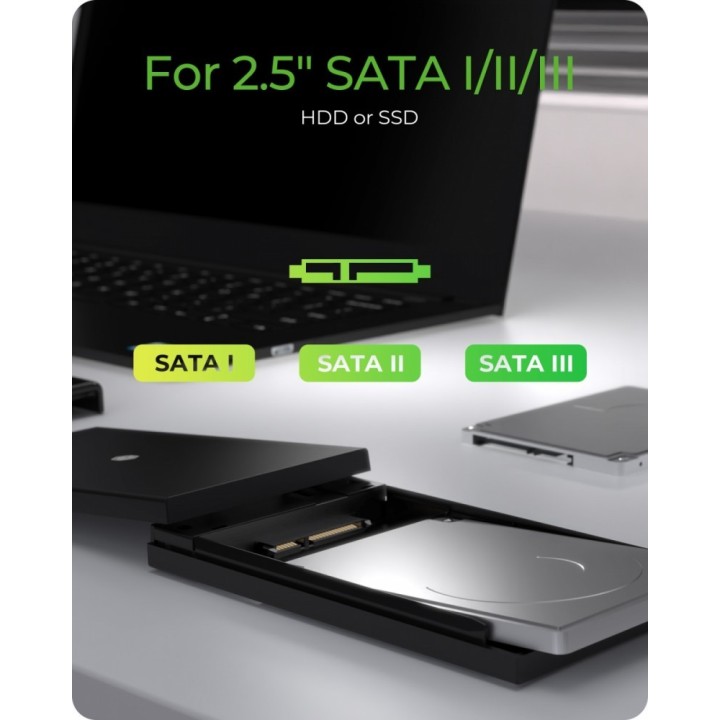
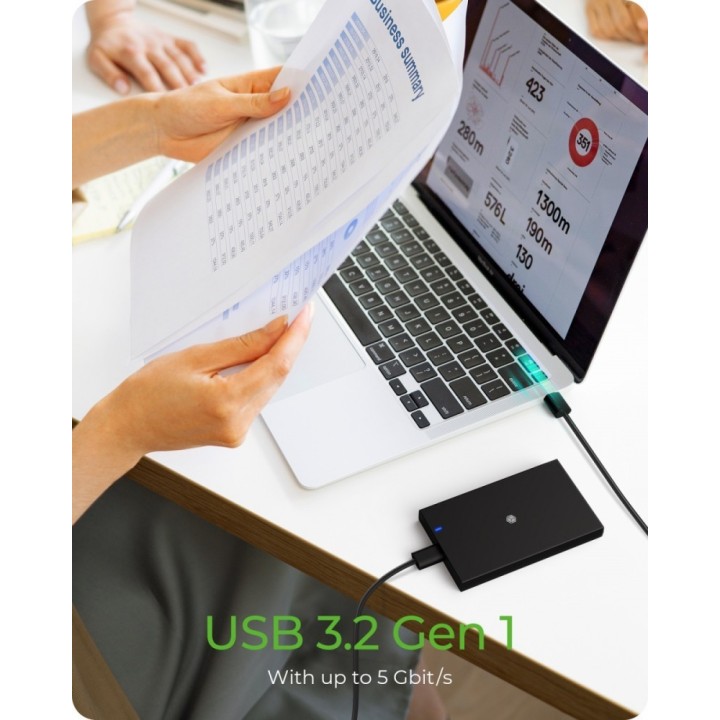
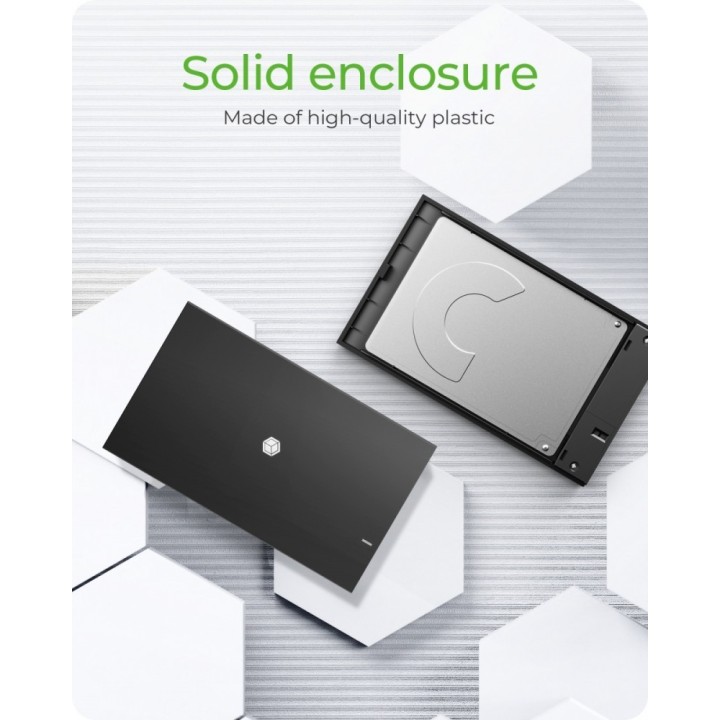
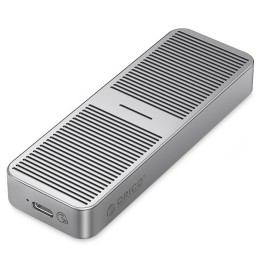
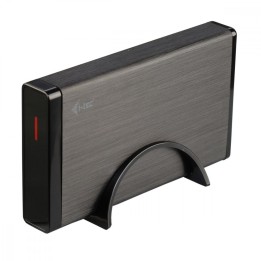
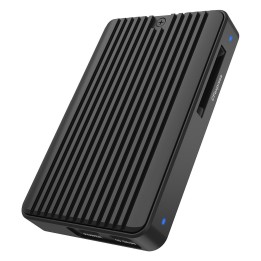
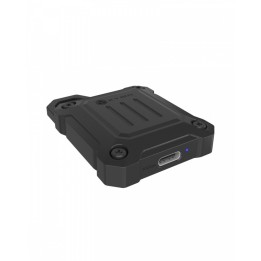
Obudowa na 1x SSD/HDD z kablem combi USB 3.2 Gen 1 Type-A/Type-C IB-200T-C3
RaidSonic Technology GmbH
Kurt-Fischer-Strasse 50 D- 22926 Ahrensburg Germany
E-mail: potrykus@raidsonic.de
Formularz kontaktowy: https://icybox.de/contact
Telefon: +49 4102 468900
List of safety warnings Enclosures and pockets based on the requirements of General Product Safety Regulation (GPSR) 2023/988: 1. Risk of electric shock: Before opening the case, make sure your computer is disconnected from power. Do not touch electronic components with wet hands. 2. Risk of hardware damage: Be careful when installing drives to avoid damaging them or the enclosure. Use the right tools and screws. 3. Sharp edges: Enclosures may have sharp edges, so be careful when assembling to avoid cuts. Use protective gloves. 4. Overheating: Make sure the housing provides adequate ventilation to prevent the discs from overheating. Do not block ventilation openings. 5. Grounding: The housing should be properly grounded to prevent the accumulation of electrostatic charges. 6. Compatibility: Make sure the case and pocket are compatible with the drive type (e.g. SATA, NVMe) and computer interface (e.g. USB, Thunderbolt). 7. Weight: Some enclosures with mounted discs can be heavy, so be careful when moving to avoid injuries. 8. Children: Keep small items (screws, jumpers) away from children to prevent ingestion. Do not allow children to assemble themselves. 9. Moisture: Protect your enclosure and discs from moisture and flooding. 10. Damage: Do not use a damaged case or pocket.
Produkty, które ostatnio zwróciły Twoją uwagę.