- Nowy
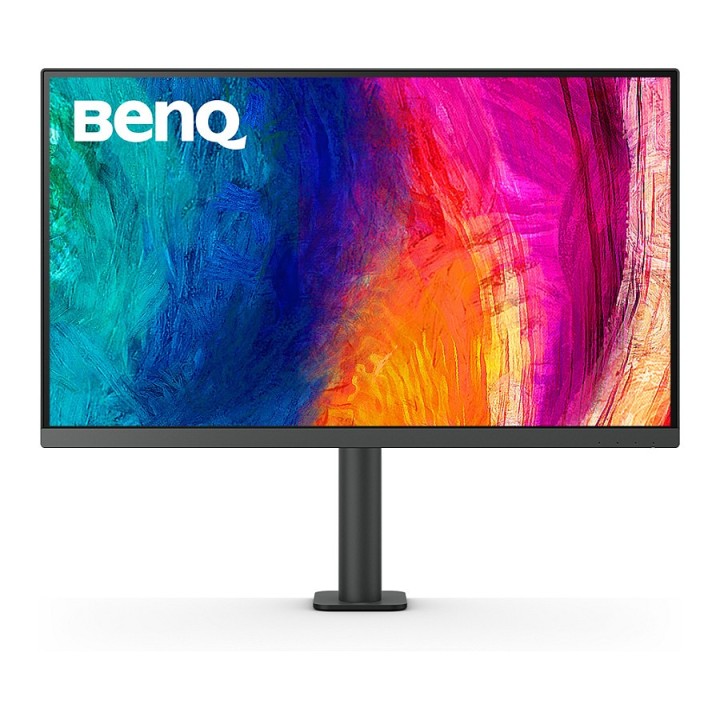
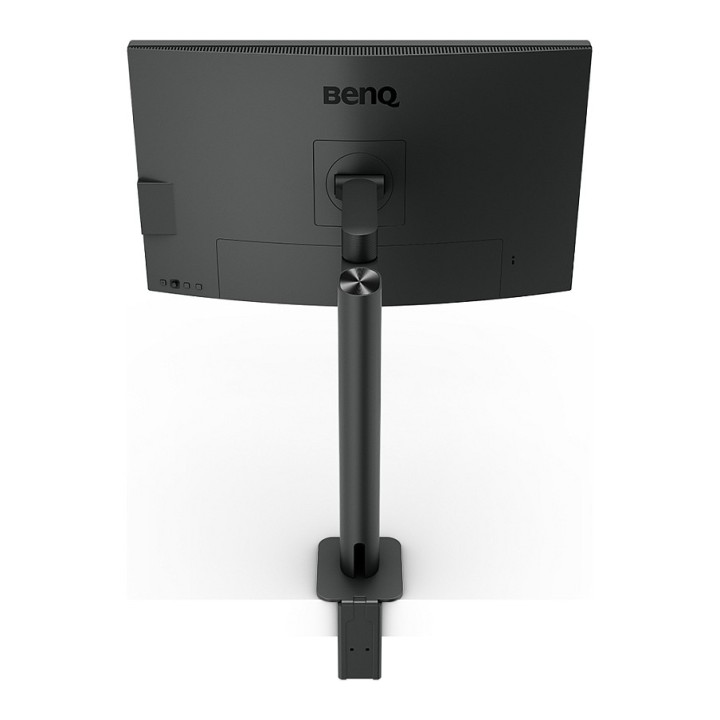
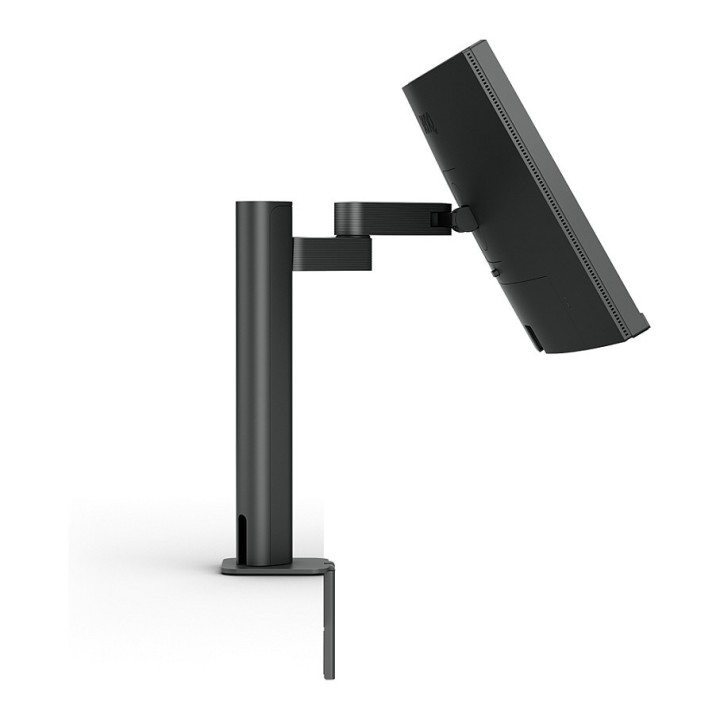
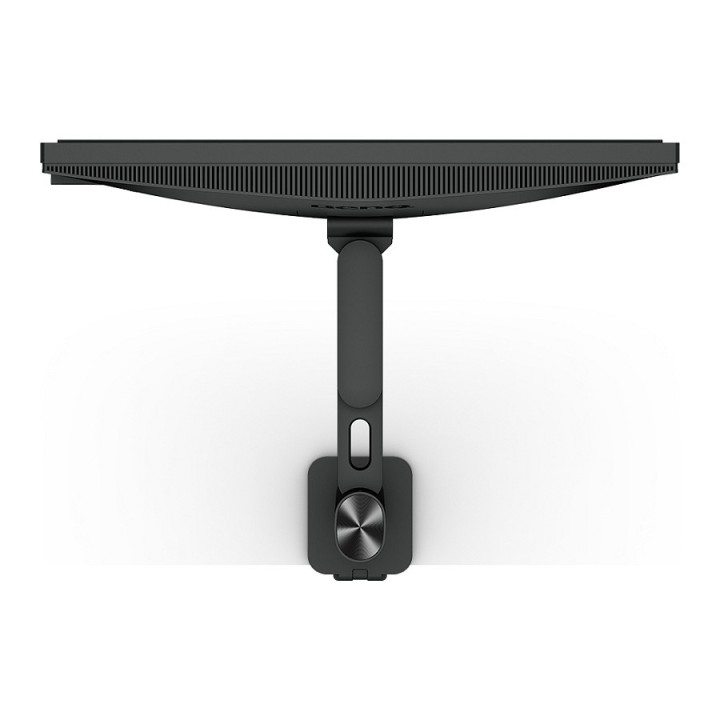
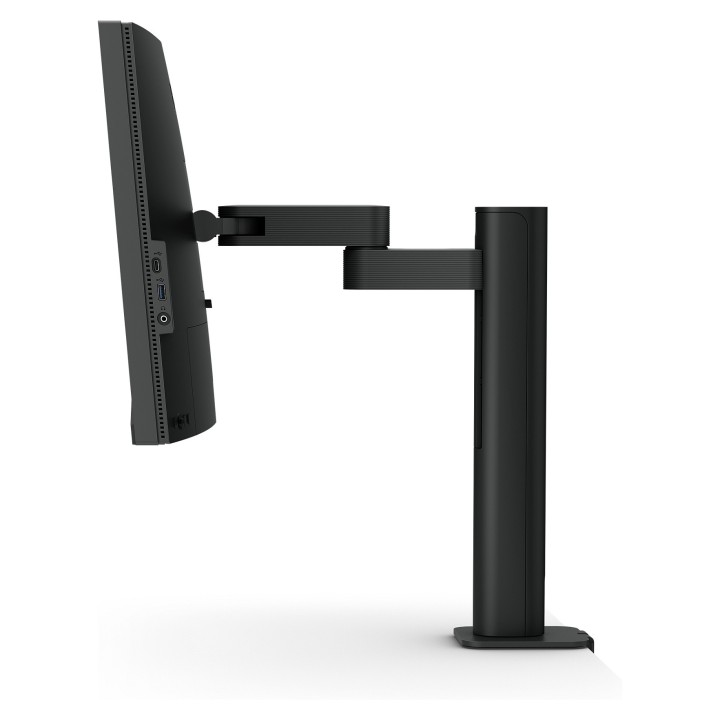
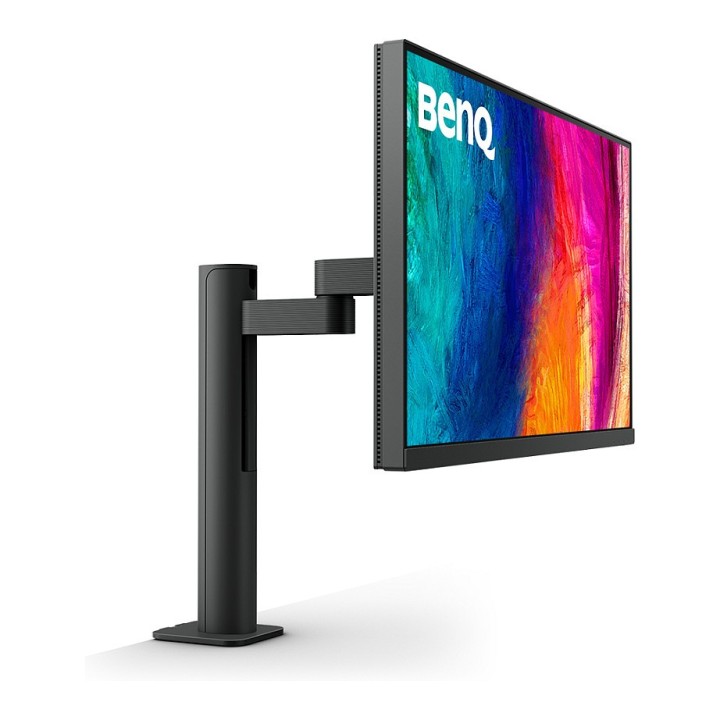
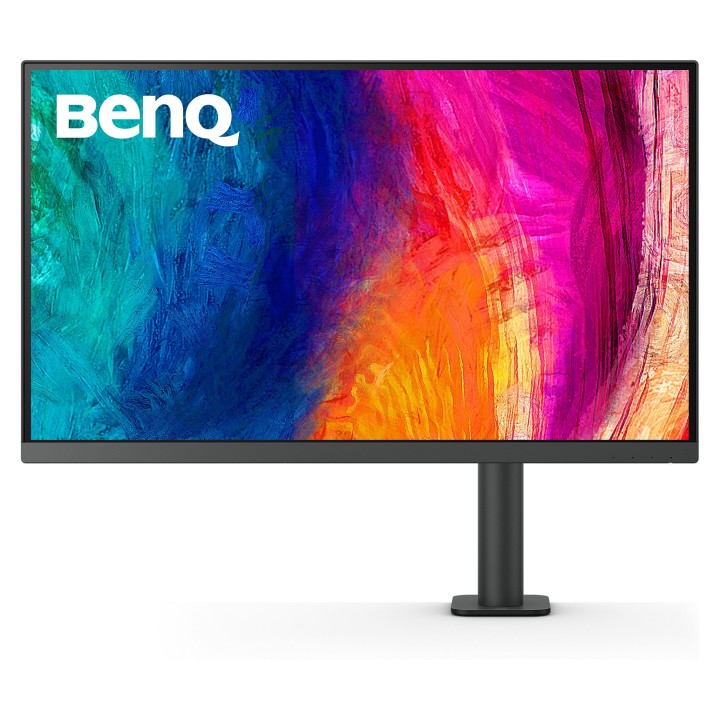
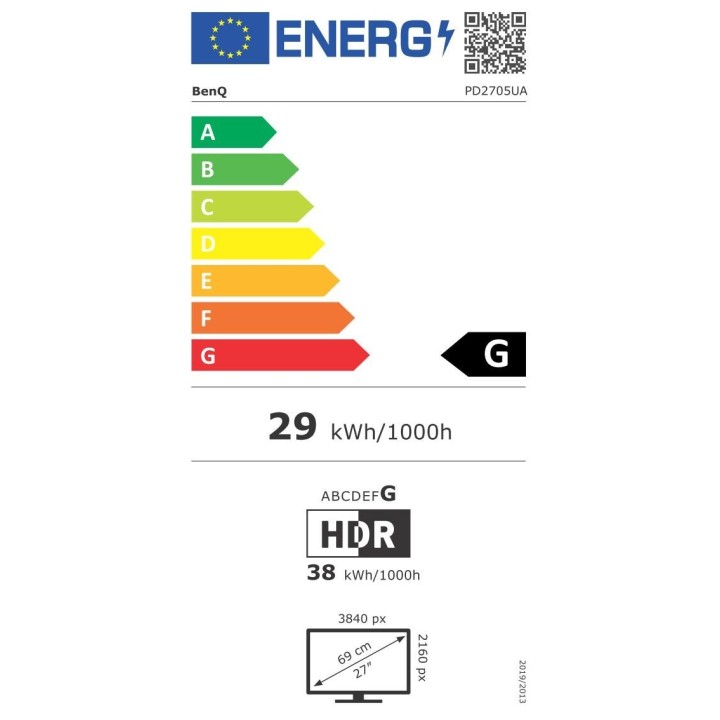
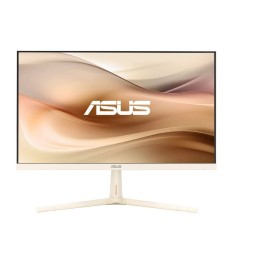
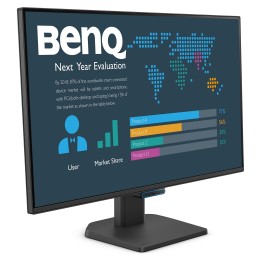
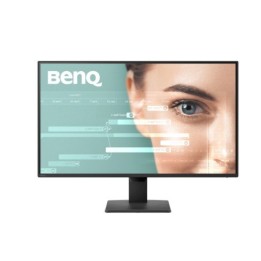
PD2705UA
Uwolnij kreatywność z maksymalnym komfortem
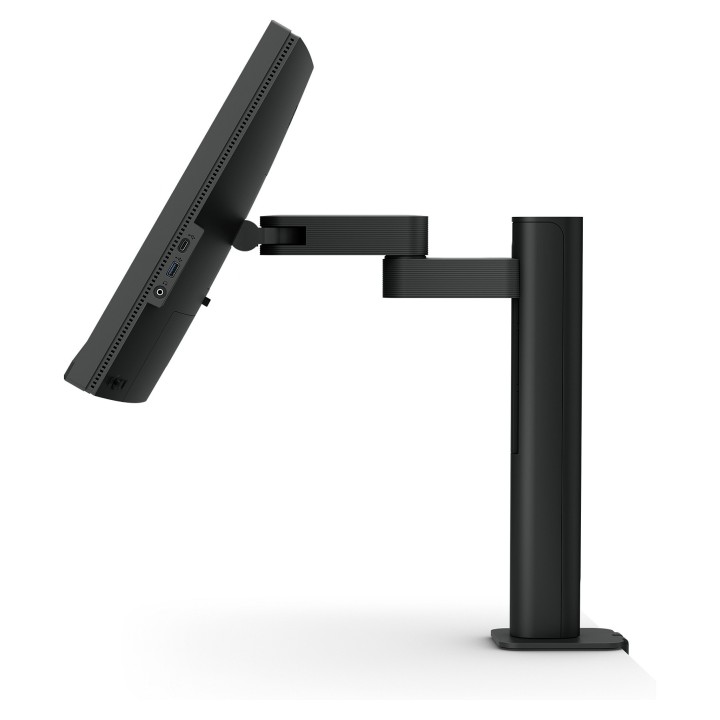
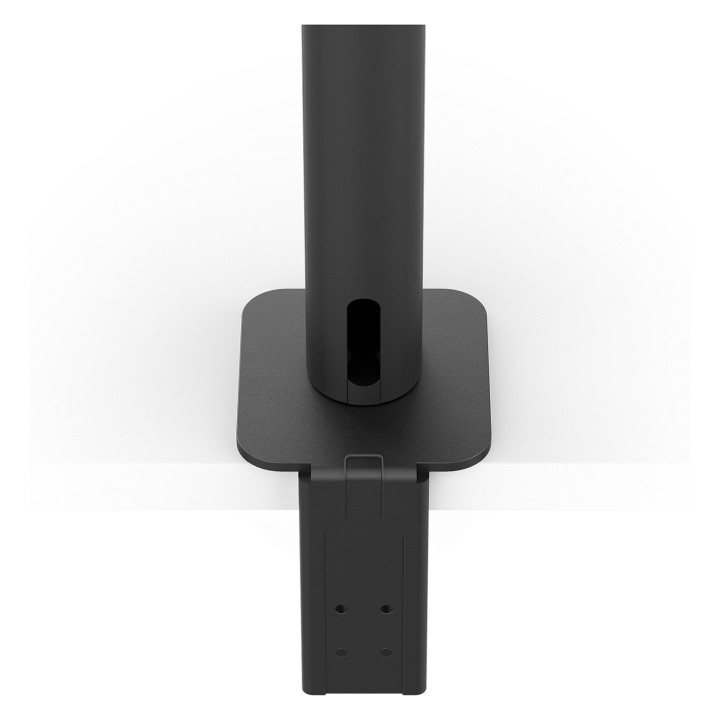
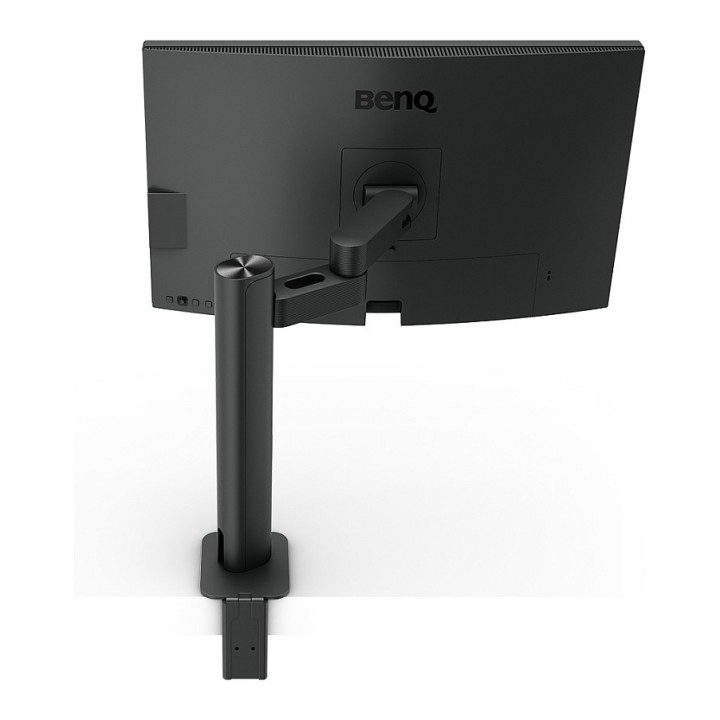
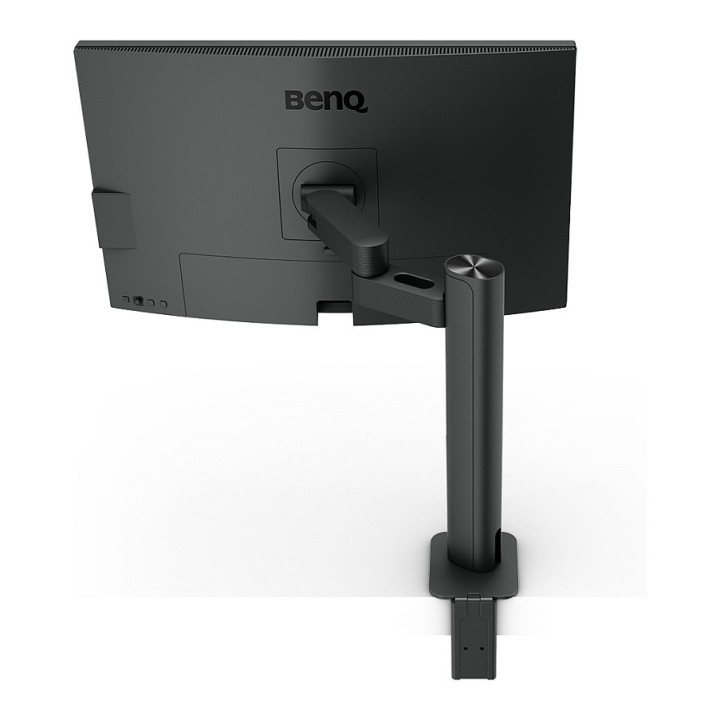
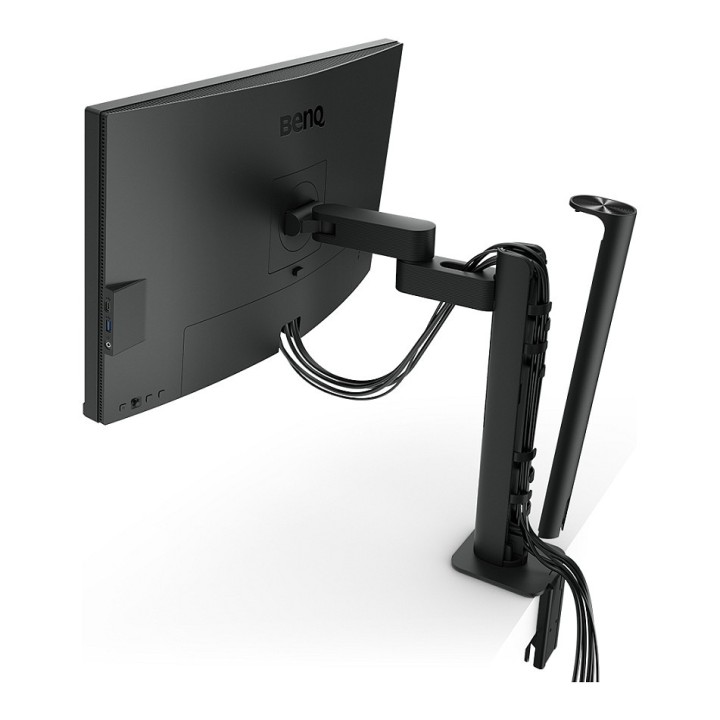
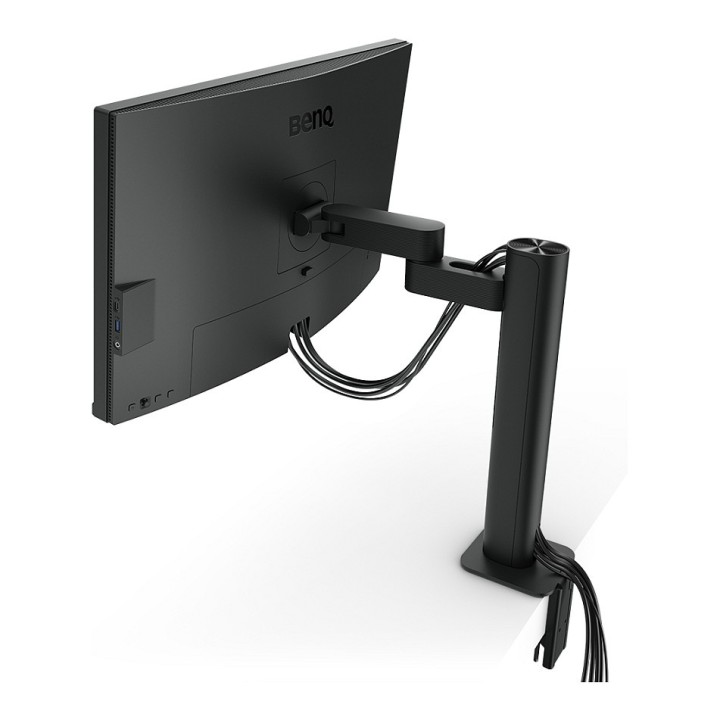
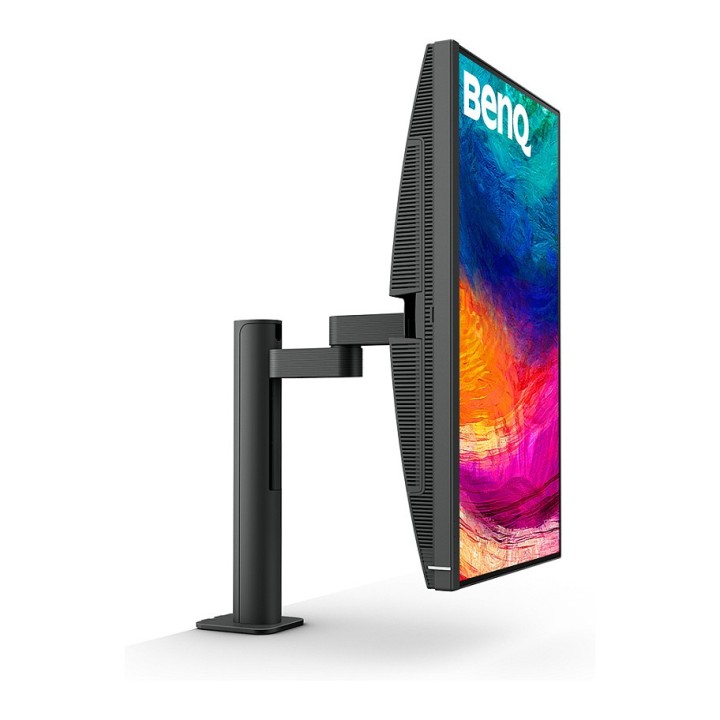
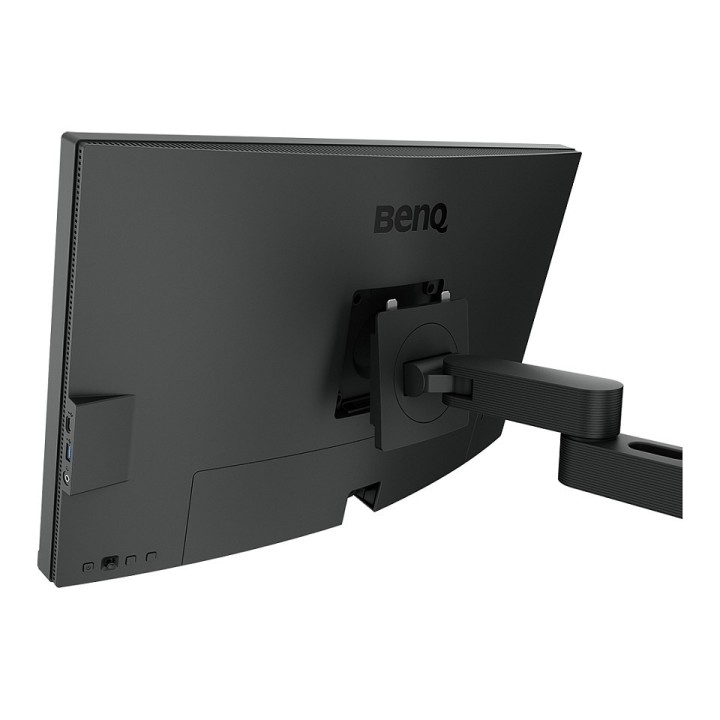
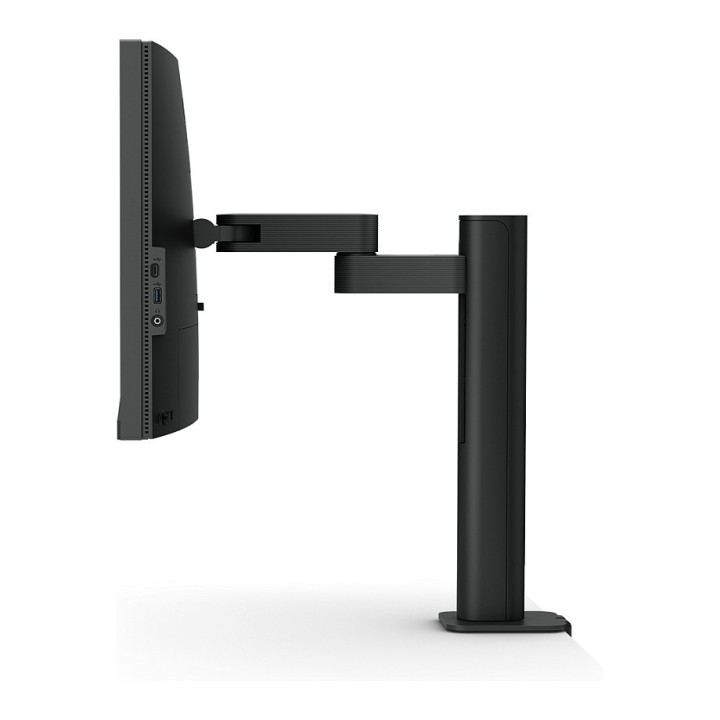
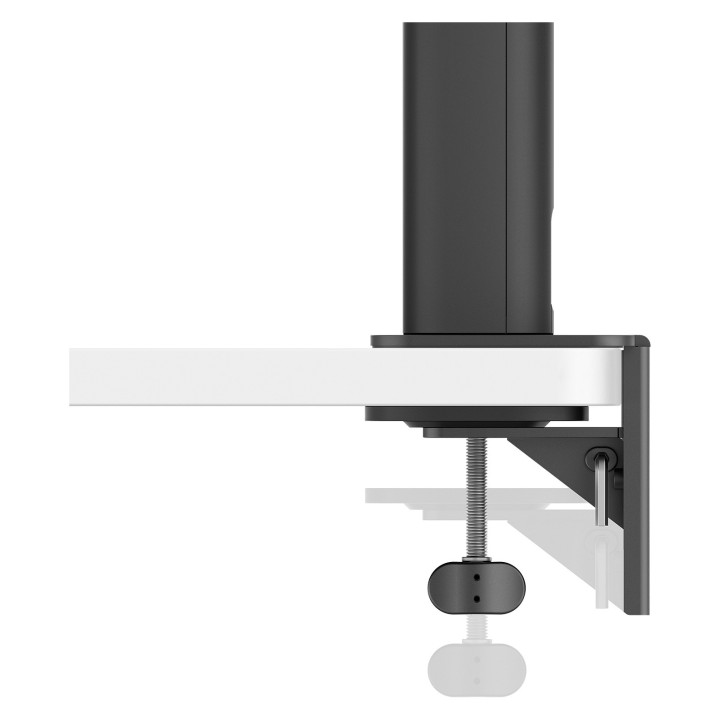
Jako magik przestrzeni roboczej, PD ErgoArm w pełni obsługuje elastyczność regulacji wysokości, obracania, pochylania i niesamowitego zarządzania kablami wewnątrz ramienia. Twórz z konfigurowalnym ergonomicznym projektem i jednocześnie ciesz się niesamowitą wydajnością kolorów. Niezależnie od tego, czy pracujesz nad projektem, czy prezentujesz swoje pomysły klientom, zawsze jest odpowiednie miejsce i odpowiedni kąt, aby to zrobić.
Technologia HDR
HDR10 uzyskuje lepsze wyniki wydajniej, gdy wyświetlasz podgląd efektu HDR na wideo podczas edycji.
Pokaż tylko niezbędne szczegóły
Różne tryby kolorystyczne przybliżają Twoim oczom niezbędne szczegóły. Musisz tylko dla swojej duszy do pracy.
Wykorzystaj swoją kreatywność
Niech ulepszona konstrukcja zajmie się częścią techniczną i pozwoli Ci uruchomić talenty twórcze.
Twórz bezpiecznie
Wiodące w branży technologie ochrony wzroku firmy BenQ zmniejszają zmęczenie oczu, zapewniając jednocześnie większy komfort użytkownika podczas długich okresów użytkowania
Reprezentuj właściwe koloryprzed sobą
Inspiracja ożywa, gdy zostanie przeniesiona do żywych kolorów. Technologia kolorów BenQ zamienia każdy monitor w Twojego pomocnika, aby każdy kreatywny pomysł stał się rzeczywistością.
BenQ Polska Sp. z o.o.
Al. Jerozolimskie 178 02-486 Warszawa Polska
E-mail: cidertechnology@gmail.com
Formularz kontaktowy: https://www.benq.eu/en-eu/support/contact-us.html
List of computer monitor safety warnings based on the requirements of General Product Safety Regulation (EU) 2023/988 (GPSR): * Risk to vision: Long-term gazing at the monitor screen may cause eye strain, dry eyes or headaches. * Limit the working time with the monitor. * Take regular breaks. * Maintain proper distance from the screen. * Ensure proper lighting in the room. * Set the brightness and contrast of the monitor to a comfortable level. * Ergonomics: Incorrect position when working with the monitor can lead to back, neck, and shoulder pain. * Set the monitor to the correct height so that the top edge of the screen is at eye level or slightly below. * Use an adjustable chair and desk to ensure an ergonomic position. * Maintain proper posture while sitting. * Risk of electric shock: Improper use or damage to the monitor can lead to electric shock. * Do not use the monitor in humid environments. * Do not touch the monitor with wet hands. * Do not put any items inside the monitor. * If the power cable is damaged, replace it with a new one. * Disconnect the monitor from power before cleaning. * Fire risk: Overheating or short circuiting in the monitor can cause a fire. * Do not cover the ventilation holes of the monitor. * Do not place the monitor near heat sources. * Use only the original power supply that came with your monitor. * If the monitor overheats, disconnect it from power immediately. * Mechanical damage: The fall of the monitor can cause damage and pose a threat to the user. * Set the monitor on a stable surface. * Secure cables to avoid accidental tripping. * For monitor transport, use appropriate protective packaging. * Cleaning: Improper cleaning of the monitor can damage the screen or cause other problems. * Use only a soft, dry cloth to clean the screen. * Do not use cleaning products containing alcohol, ammonia or other corrosive substances. * Disconnect the monitor from power before cleaning. * Disposal: Incorrect disposal of the monitor can pose a threat to the environment. * Return the used monitor to the e-waste collection point. * Do not throw the monitor in a regular trash can. * Children: The monitor is not a toy and should not be used by children without supervision. * Make sure children do not touch the power cables. * Make sure kids don't play around with the monitor packaging. * Repairs: Do not try to repair the monitor yourself. * Any repairs should be done by qualified personnel. * Monitor portability: Be careful when moving your monitor. * Disconnect all cables before moving. * Use appropriate packaging. * Weather conditions: Do not expose the monitor to extreme temperatures or moisture. * Protect your monitor from direct sunlight. * Adjustable settings: Do not use extreme brightness or contrast settings. * These can cause faster eye strain. * Noise: If the monitor makes disturbing noises, turn it off immediately. * Contact the technical service. * Environmental protection: Be sure to turn off the monitor when not in use. * You save energy this way. * Software: Use only the software provided by the manufacturer. * You will avoid compatibility issues.
Produkty, które ostatnio zwróciły Twoją uwagę.