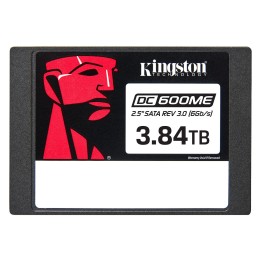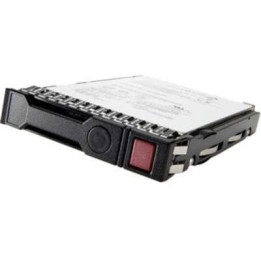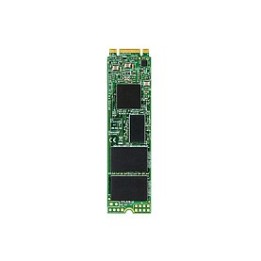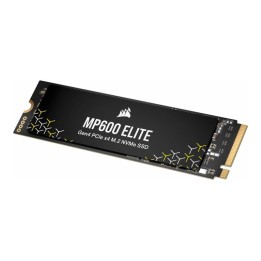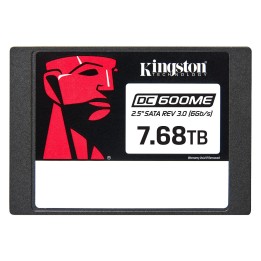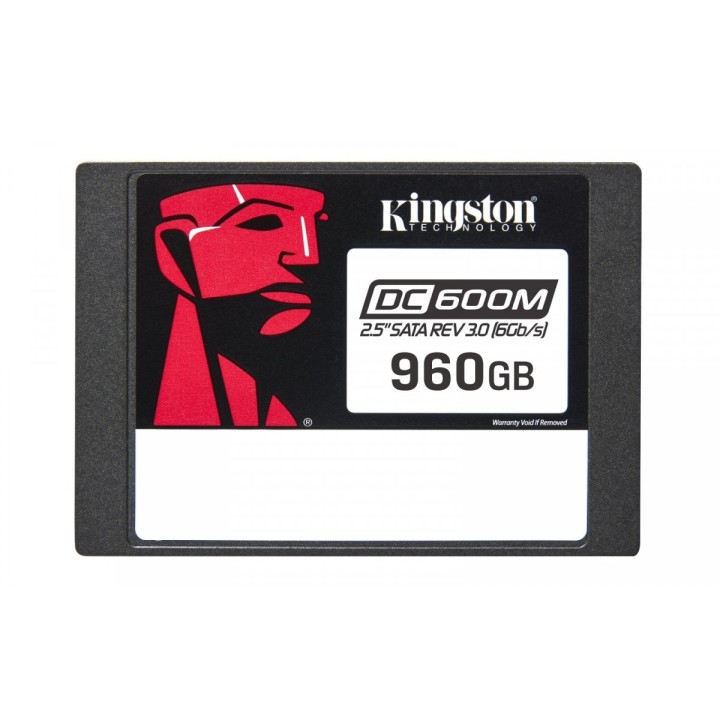
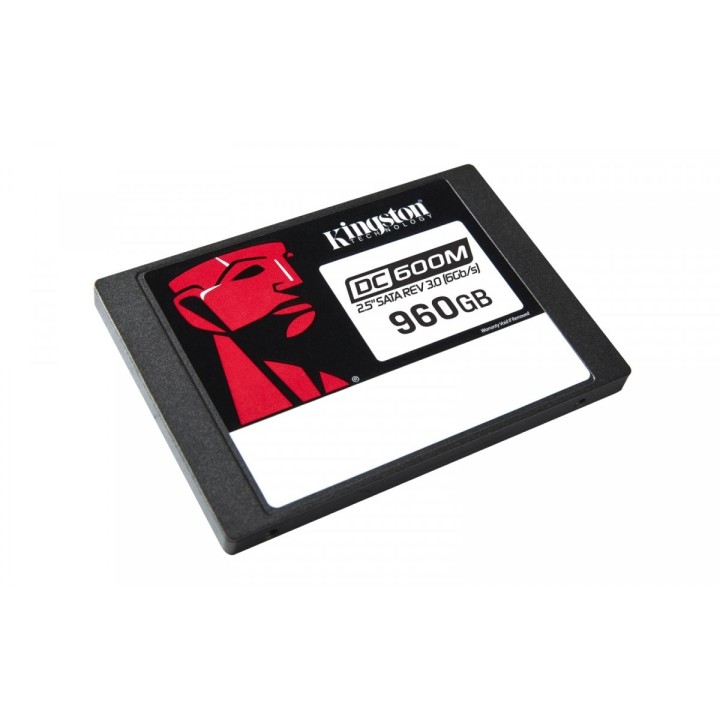
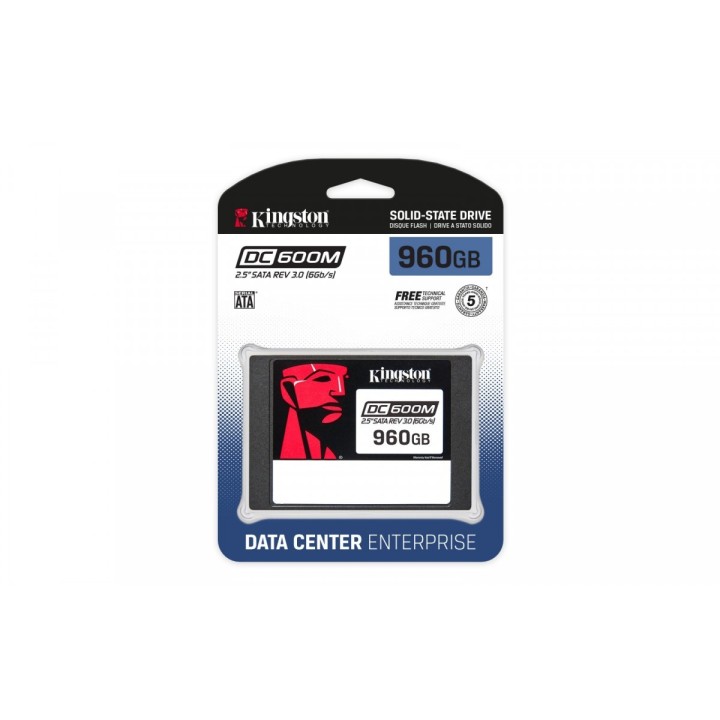
Dysk SSD DC600M 960GB
Opis produktu
DC600M
Dysk Kingston DC600M to 4. generacji dysk SSD SATA 3.0, 6Gbps z 3D TLC NAND przeznaczony dla centrów danych i do obsługi obciążeń mieszanych. DC600M jest przeznaczony do użycia w serwerach instalowanych w szafach serwerowych i pracujących pod dużym obciążeniem i obejmuje wbudowane zabezpieczenie sprzętowe na wypadek utraty zasilania (PLP). Dzięki zastosowaniu w dysku DC600M kondensatorów, zabezpieczenia na wypadek awarii zasilania ograniczają ryzyko utraty danych i zapewniają
prawidłową inicjalizację dysku po przywróceniu zasilania. DC600M zapewnia spójność w zakresie opóźnień i operacji we/wy dla integratorów systemów, centrów danych z hiperskalowaniem oraz dostawców usług w chmurze.
Oferowane są dyski o pojemności 480GB-7680GB, które spełnią wszelkie wymagania związane z przechowywaniem danych.
Szczegóły produktu
- Marka Kingston
- Kod produktu 660fc44771a267703cbab8cf
- Dostępność 26 Przedmioty
- EAN13 0740617334913
- MPN SEDC600M/960G
Specyfikacja
- Trwałość TBW (TB) 1752 TB
- Format dysku 2,5 cala
- Interfejs dysku SATA III - 6 Gb/s
- Prędkość odczytu (MB/s) 560 MB/s
- Prędkość zapisu (MB/s) 530 MB/s
- Typ pamięci flash 3D TLC
Producent
Producent
Kingston Technology International Ltd
Blanchardstown Road North D15 PEC4 Dublin Irlandia
E-mail: customerservice@kingston.eu
Bezpieczeństwo
Informacje o bezpieczeństwie
List of SSD security warnings based on General Product Safety Regulation (GPSR) 2023/988 requirements: * Before installing or disassembling an SSD, make sure your computer is turned off and disconnected from power. * When installing an SSD, use the appropriate tools and screws to avoid damaging your drive or computer. * Do not open the SSD enclosure as this may result in loss of warranty and damage to the drive. * Protect your SSD from moisture, dust, and extreme temperatures. * Use SSD management software according to the manufacturer's instructions to monitor its health and performance. * Regularly back up data from your SSD to avoid data loss in the event of a drive failure. * Do not disassemble the SSD while writing or reading data, this can lead to data loss. * Do not expose your SSD to shocks, drops, or other mechanical damage. * Once usage is complete, delete data from the SSD securely to prevent unauthorized access to the data. Follow the rules for the safe handling of electronic waste when disposing of an SSD.
Dyski SSD
Ostatnio oglądane
Produkty, które ostatnio zwróciły Twoją uwagę.