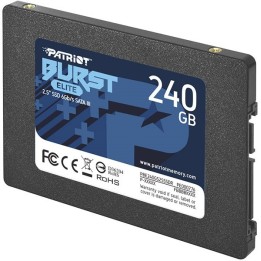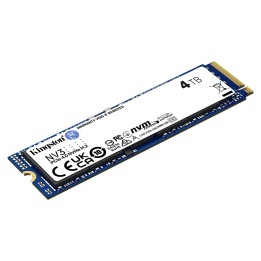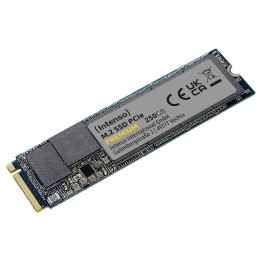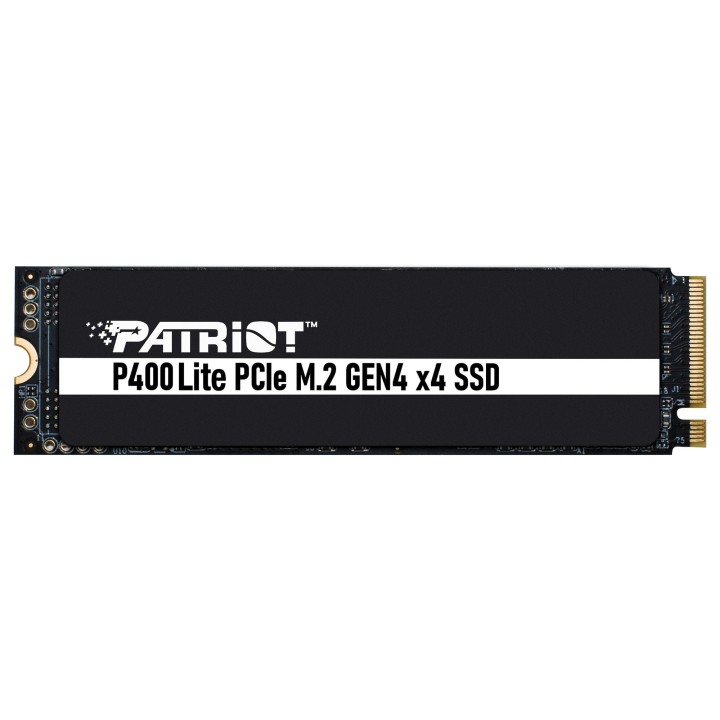
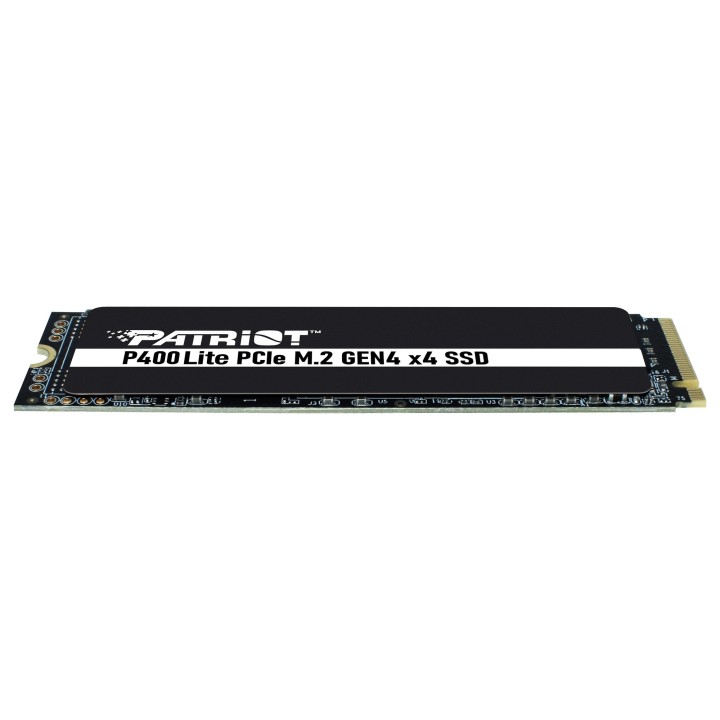
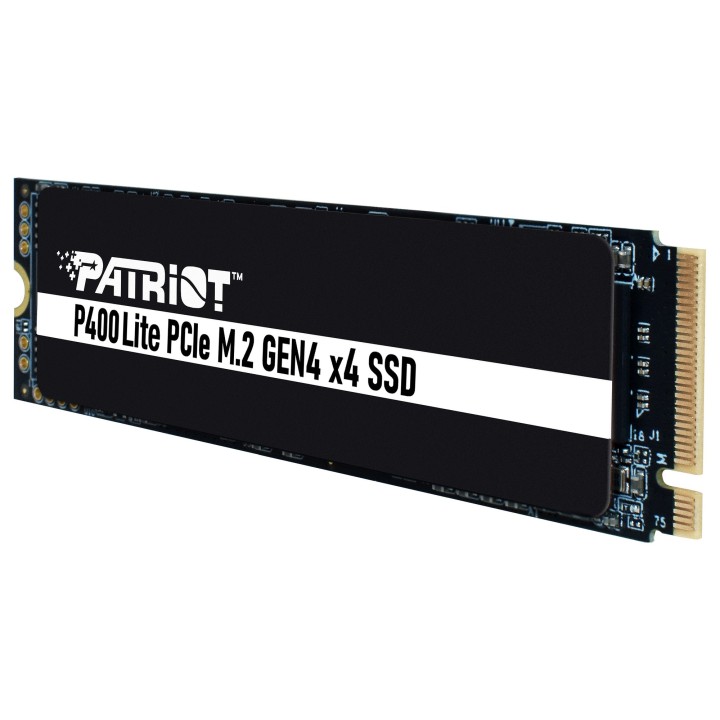
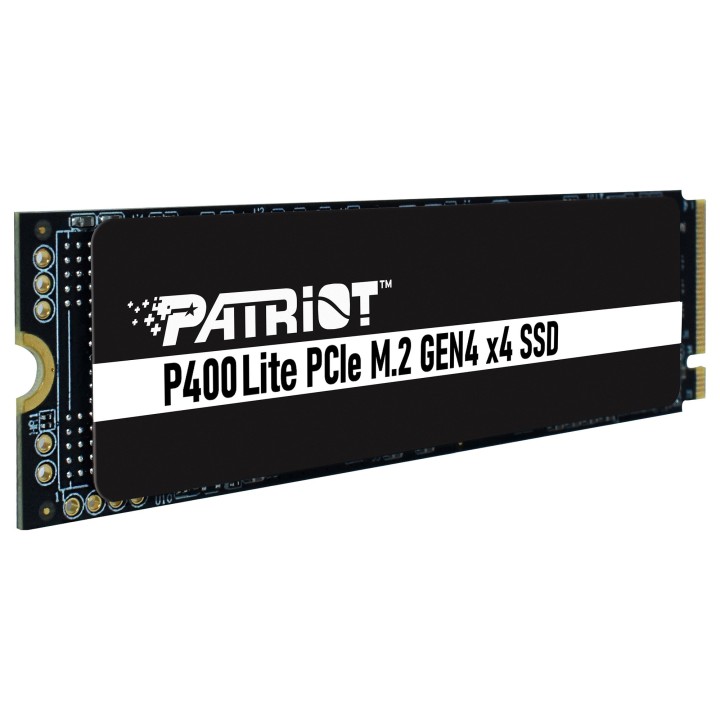
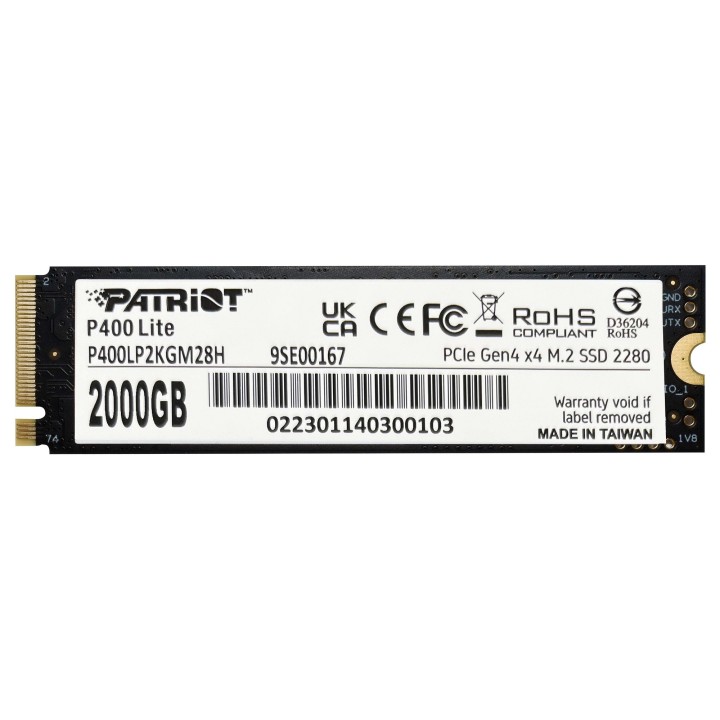
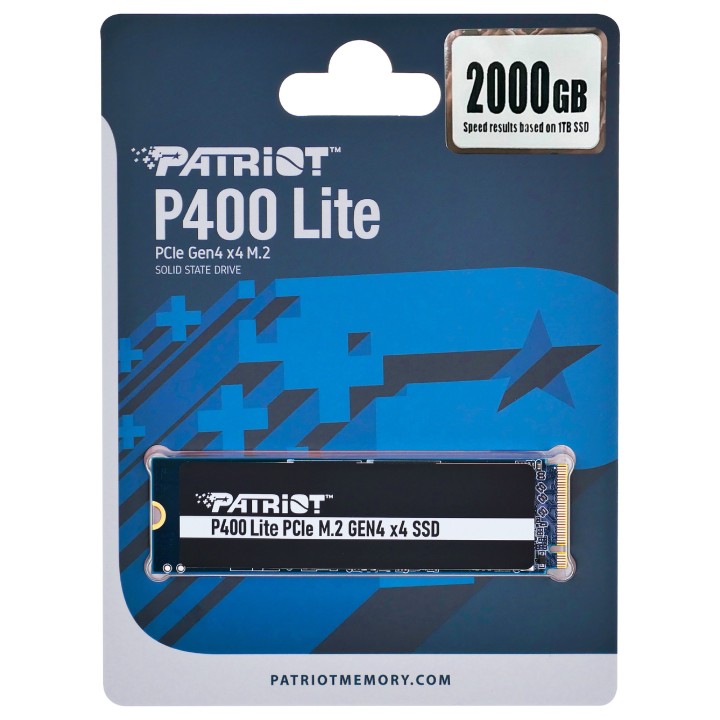
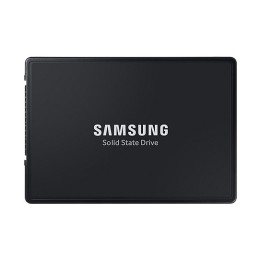
Dysk SSD 2TB Viper P400 Lite 3300/2700MB/s PCIe M.2 Gen 4x4 NVMe1.4
Opis produktu
Viper P400 Lite
Patriot P400 Lite z najnowszym kontrolerem PCIe M.2 Gen4 x4 NVMe 1.4 został zaprojektowany z myślą o wysokich prędkościach i wydajności, aby oferować najlepsze rozwiązania pamięci masowej dla użytkowników komputerów stacjonarnych i laptopów.
Dzięki niesamowicie szybkim prędkościom odczytu do 3500 MB/s SEQ i prędkości zapisu SEQ 2700 MB/s, P400 Lite oferuje wysoką wydajność niezbędną do wykonywania zadań. P400 ma elegancką, kompaktową konstrukcję i smukłą grafenową osłonę termiczną o wysokiej wydajności, która będzie pasować do każdego popularnego komputera PC lub laptopa. Oferuje również technologię SmartECC, dławienie termiczne, niskie zużycie energii i kompleksową ochronę ścieżki danych.
Szczegóły produktu
- Marka Patriot
- Kod produktu 660fc45371a267703cbac377
- Dostępność 29 Przedmioty
- EAN13 4711378424140
- MPN P400LP2KGM28H
Specyfikacja
- Pojemność nośnika (GB) 2000 GB
- Trwałość TBW (TB) 1200 TB
- Format dysku M.2
- Interfejs dysku PCIe 4.0
- Długość modułu M.2 (mm) 80 mm
- Prędkość odczytu (MB/s) 3300 MB/s
- Prędkość zapisu (MB/s) 2700 MB/s
Producent
Producent
Patriot Memory B.V.
Innsbruckweg 190-192 3047 AH Rotterdam Netherlands
E-mail: EUsales@patriotmemory.com
Formularz kontaktowy: https://www.patriotmemory.com/contact-us
Telefon: +31 (0)10-2931-250
Bezpieczeństwo
Informacje o bezpieczeństwie
List of SSD security warnings based on General Product Safety Regulation (GPSR) 2023/988 requirements: * Before installing or disassembling an SSD, make sure your computer is turned off and disconnected from power. * When installing an SSD, use the appropriate tools and screws to avoid damaging your drive or computer. * Do not open the SSD enclosure as this may result in loss of warranty and damage to the drive. * Protect your SSD from moisture, dust, and extreme temperatures. * Use SSD management software according to the manufacturer's instructions to monitor its health and performance. * Regularly back up data from your SSD to avoid data loss in the event of a drive failure. * Do not disassemble the SSD while writing or reading data, this can lead to data loss. * Do not expose your SSD to shocks, drops, or other mechanical damage. * Once usage is complete, delete data from the SSD securely to prevent unauthorized access to the data. * Follow the rules for the safe handling of electronic waste when disposing of an SSD.
Dyski SSD
Ostatnio oglądane
Produkty, które ostatnio zwróciły Twoją uwagę.