- Nowy
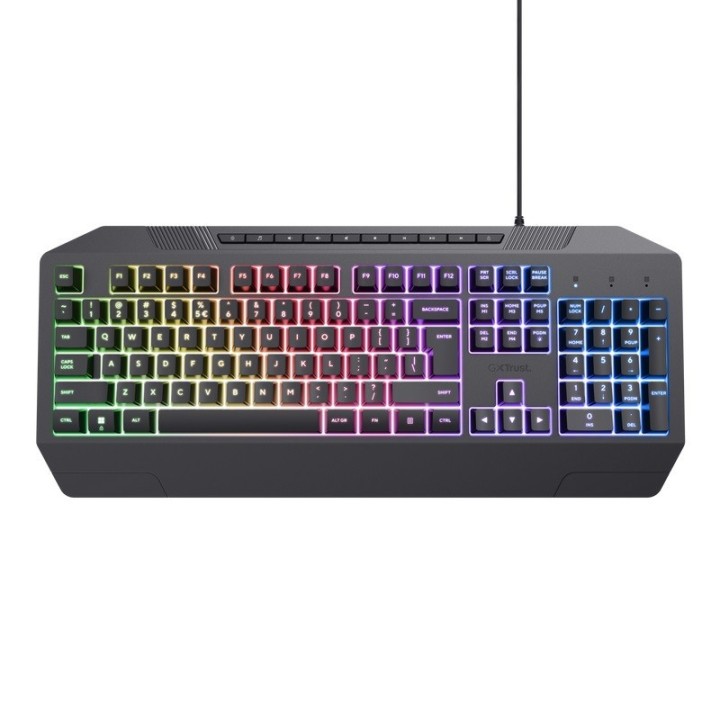
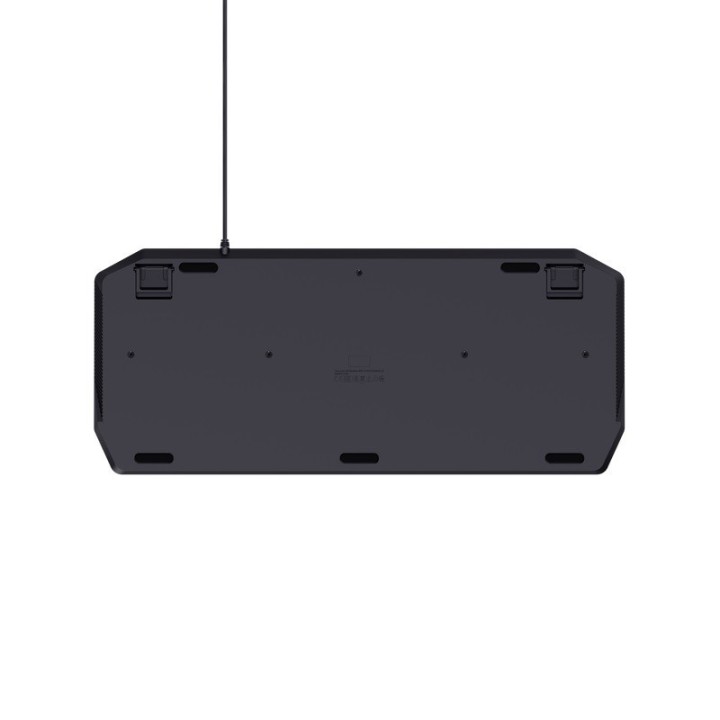
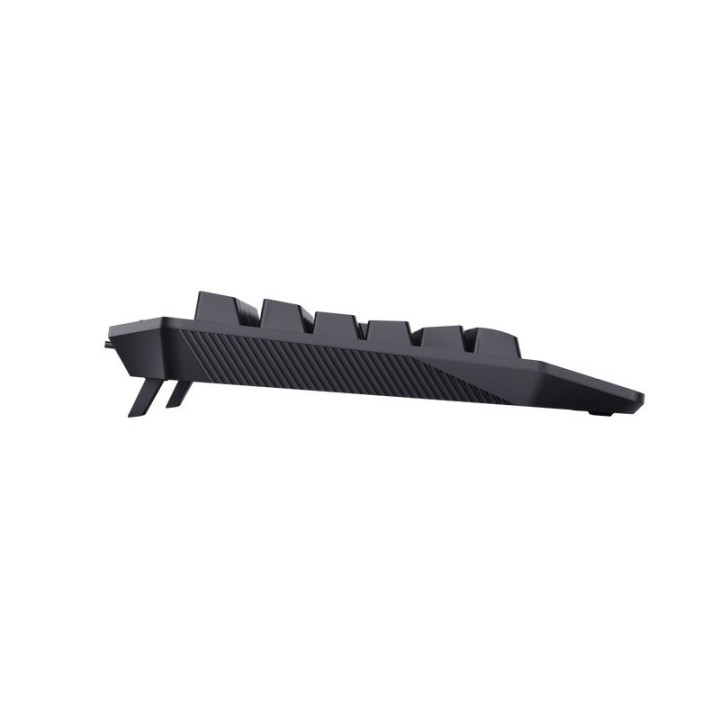
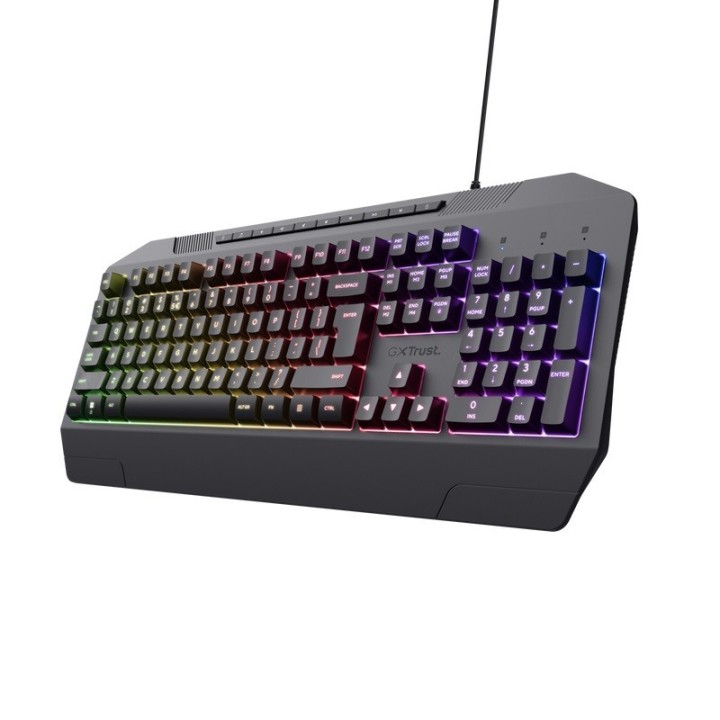
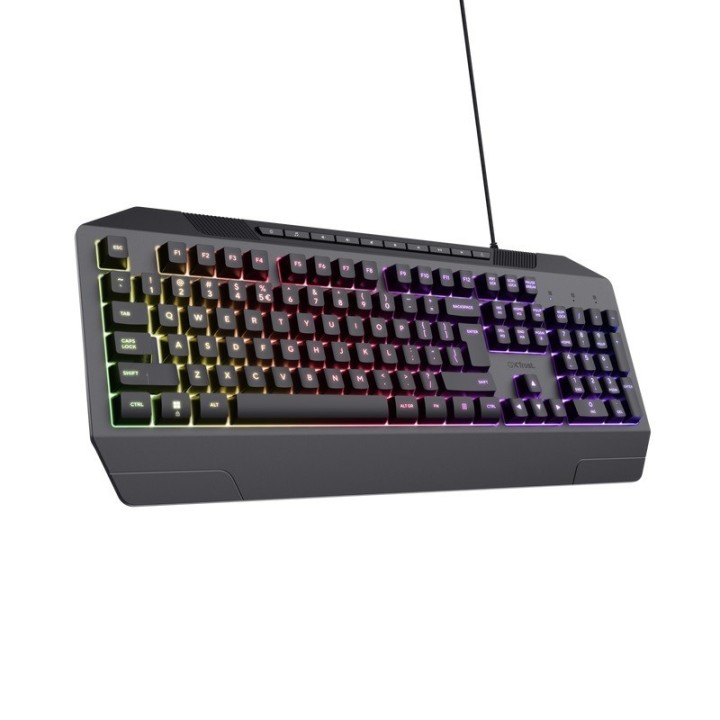
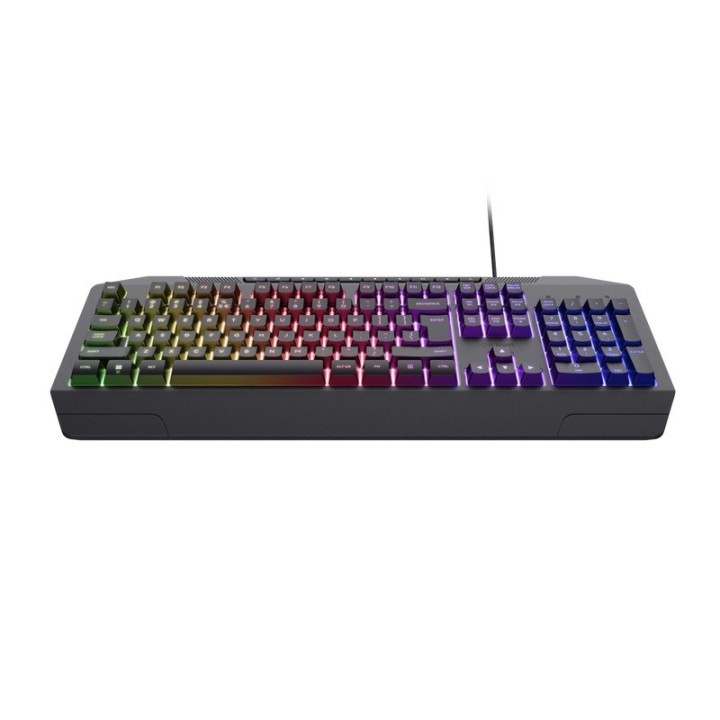
Klawiatura gamingowa przewodowa GXT 836 Evocx obrazki
Klawiatura gamingowa przewodowa GXT 836 Evocx
Opis produktu
Klawiatura gamingowa przewodowa GXT836 EVOCX
Podświetlana klawiatura dla graczy z efektem tęczowej fali i miękkim skokiem klawiszy.
- Odporna na płyny klawiatura z przyciskami membranowymi typu Soft-Touch*
- Konstrukcja przyjazna dla środowiska, w 78% wykonana z tworzyw sztucznych z recyklingu
- Pulsujące oświetlenie RGB z regulowanym poziomem jasności i kolorów pozwala grać ze stylem
- Funkcja anti-ghosting pozwala rejestrować do 25 jednoczesnych naciśnięć klawiszy
- Dedykowane klawisze medialne umożliwiają bezpośredni dostęp do funkcji sterowania odtwarzaniem: odtwórz, zatrzymaj itd.
- Klawisz gry umożliwia nieprzerwaną zabawę, dezaktywując przycisk startu
- Bezpoślizgowe, 3-stopniowe, gumowe nóżki o regulowanej wysokości zapewniają komfort podczas grania i pisania
*Testy w kontrolowanych warunkach. Urządzenie odporne na niewielkie ilości płynu.
Nie płukać ani nie zanurzać w wodzie.
Specyfikacja
- Model: GXT 836 Evocx
- Rodzaj klawiatury: Multimedialna
- Zestaw z myszką: Nie
- Połączenie: Przewodowe
- Interfejs: USB
- Podświetlana klawiatura: Tak
- Zasilanie (lista): USB 5V
- Kolor (wyliczeniowy): Czarny
- Obsługiwane systemy operacyjne: Windows 11
- Wymiary: 35 x 193 x 454 mm
- Waga: 0.798 kg
- Uwaga: CE+WEEE
Szczegóły produktu
- Marka Trust
- Kod produktu 660fc45c71a267703cbacc8a
- Dostępność 30 Przedmioty
- EAN13 8713439247220
- MPN 24722
Specyfikacja
- Podświetlenie klawiatury Tak
Producent
Producent
Trust International B.V.
Laan van Barcelona 600, 3317 DD Dordrecht, Netherlands 3317 DD Dordrecht Netherlands
Formularz kontaktowy: https://www.trust.com/en/support/contact
Bezpieczeństwo
Informacje o bezpieczeństwie
List of keyboard safety warnings based on the requirements of General Product Safety Regulation (EU) 2023/988 (GPSR): * Make sure you use the keyboard as intended, avoid over-pressing or hitting the keys. * Protect your keyboard from flooding with liquids, as this can damage your electronics. * If you are using a wireless keyboard, be sure to replace the batteries regularly and dispose of them as per your regulations. * Keep your keyboard clean, vacuum it regularly, and clean with gentle agents to prevent dust and dirt buildup. * If the keyboard has LED backlighting, avoid staring at intense light for a long time, especially in dark environments. * Store your keyboard in a dry place, away from direct sunlight and heat sources. * Make sure that the keyboard cable is not an obstacle and does not threaten to trip. * If the keyboard has sharp edges, be careful to avoid cuts. * If you experience skin allergies to the materials from which the keyboard is made, stop using it and consult your doctor. * Do not use a damaged keyboard where the keys are loose or missing. * Keep your workstation organized to avoid accidental damage to your keyboard. * Avoid using the keyboard in conditions of high humidity or dustiness, as this can negatively affect its operation. * If you notice the keyboard overheating, disconnect it from the power source immediately. * If the keyboard is equipped with a USB receiver, store it in a safe place to avoid being swallowed by children. * Make sure that children do not play with the keyboard or its elements. * Do not try to repair the keyboard yourself if you are not qualified. * Pay attention to the ergonomics of the work to avoid problems with the wrists and hands during prolonged use of the keyboard.
Klawiatury
- Nowy
- Nowy
- Nowy
- Nowy
- Nowy
- Nowy
Ostatnio oglądane
Produkty, które ostatnio zwróciły Twoją uwagę.