- Nowy
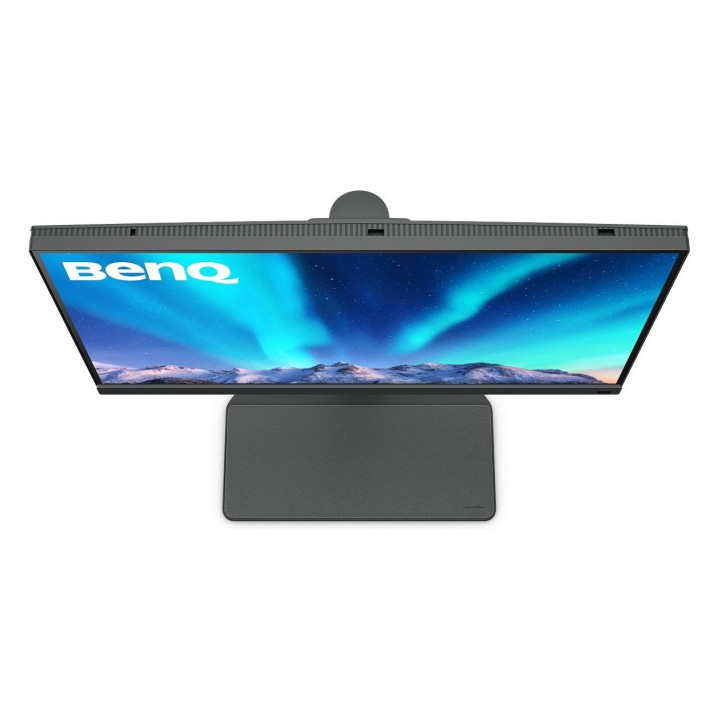
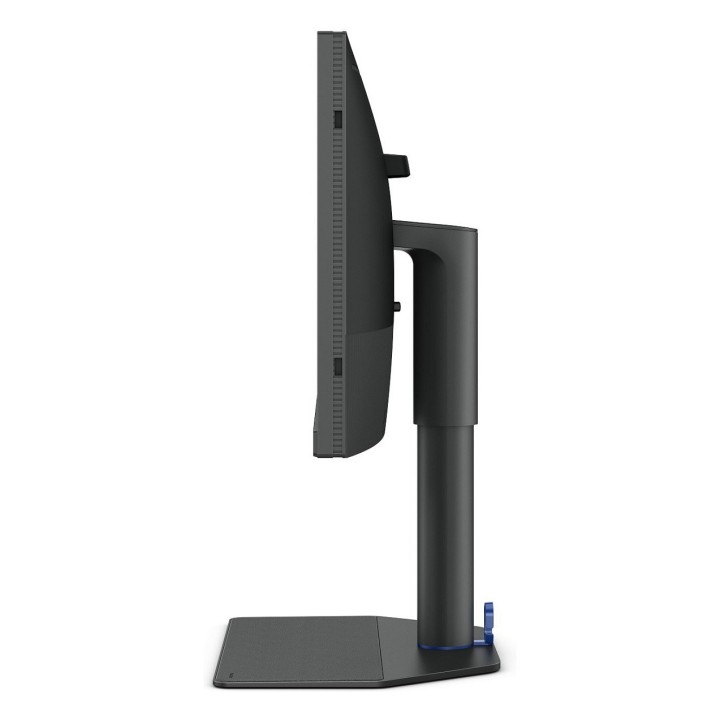
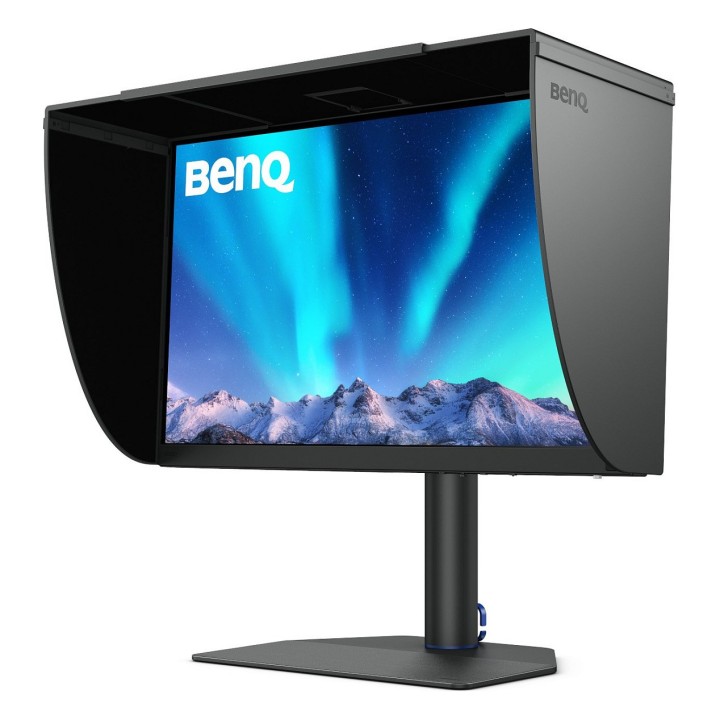
Panel antyrefleksyjny z certyfikatem TUV
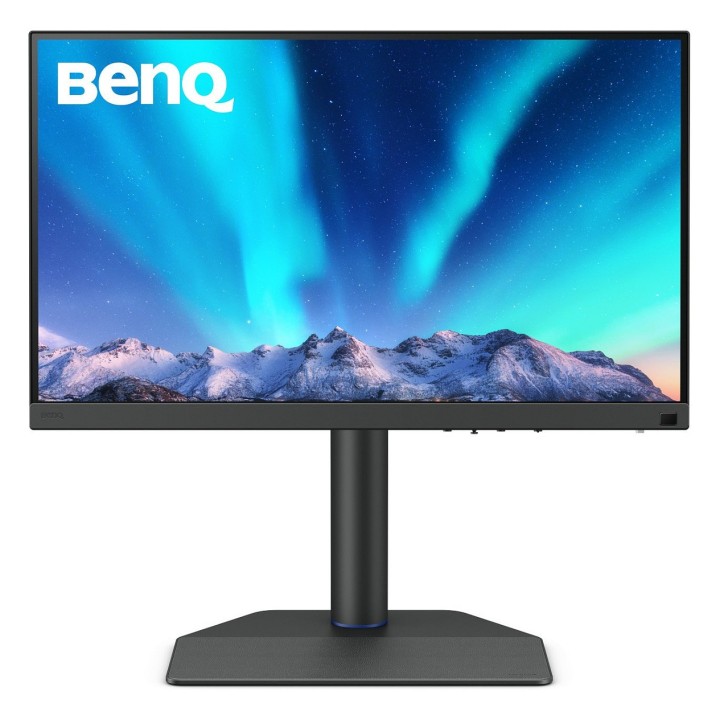
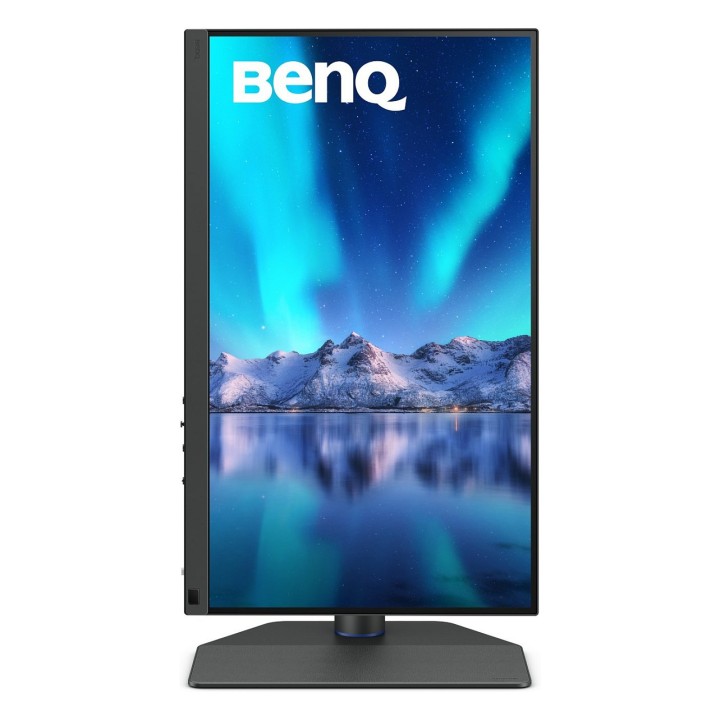
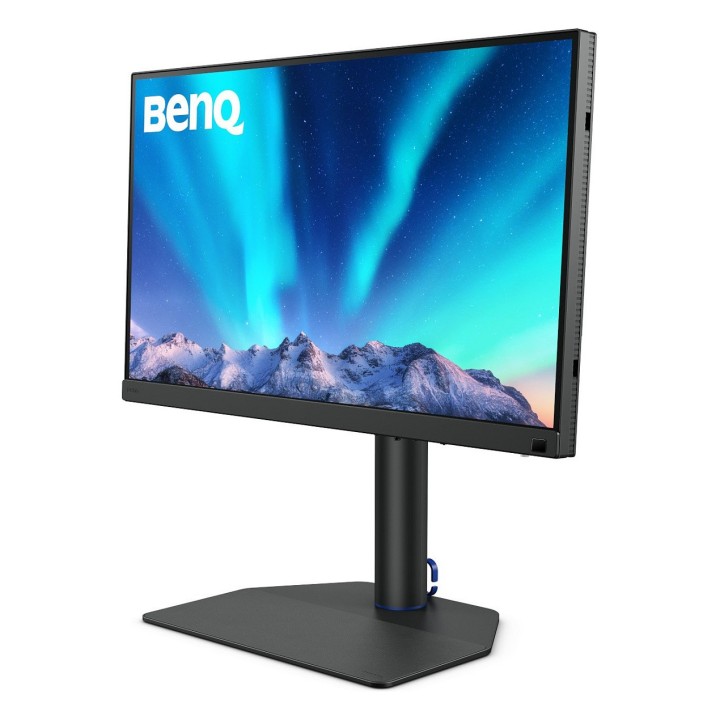
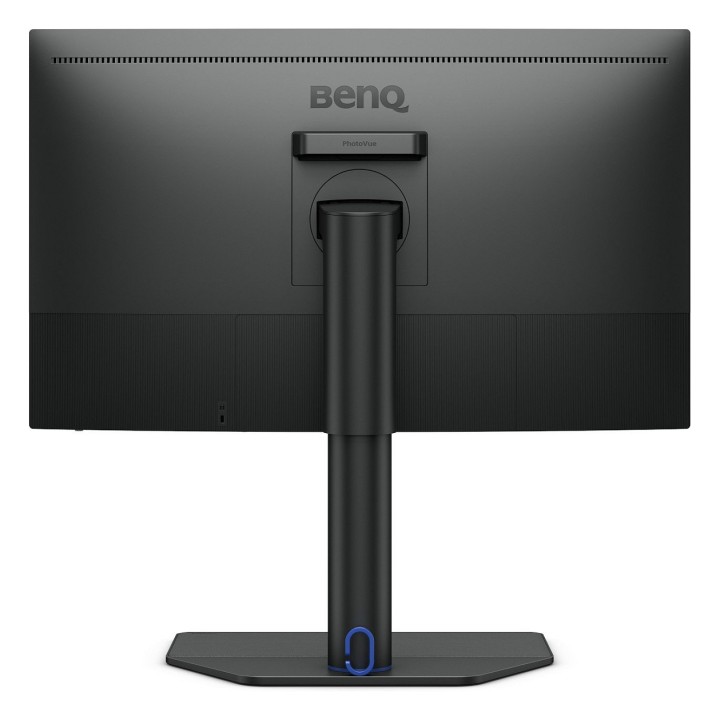
Posiadający certyfikaty TUV Rheinland Reflection-Free, SW272U wykorzystuje panel antyrefleksyjny z cienką powłoką, który eliminuje odblaski i odbicia. Daje to wrażenie wizualne symulowanej tekstury papieru na ekranie, nawet przy różnych typach oświetlenia otoczenia.
Przewaga AQCOLOR
Technologia BenQ AQCOLOR zapewnia Dokładne odwzorowanie. Oznacza to, że kolory są wyświetlane dokładnie tak, jak powinny. Prowadzony przez eksperta ds. kolorów zespół BenQ brał udział w ICC i ISO w celu ustanowienia standardów związanych z kolorami i wytycznych wdrożeniowych.
Obsługiwane oprogramowanie Calman Verified, Pantone Validated i oprogramowanie do kalibracji wideo innych firm
Monitory BenQ PhotoVue posiadają certyfikaty Calman Verified, Pantone Validated i Pantone SkinTone Validated. Kreatywni profesjonaliści wymagają doskonałości kolorów, a BenQ to zapewnia. Co więcej, SW272U obsługuje wiodące na świecie oprogramowanie do kalibracji wideo, Calman i ColourSpace. Dostosuj 3D LUT (tabelę przeglądową) wyświetlacza, aby uzyskać dokładność i spójność na wszystkich poziomach.
Pantone Connect Premium
Przejdź na technologię cyfrową z BenQ, pierwszą marką współpracującą z Pantone nad aplikacją mobilną. Jako istniejący właściciel lub nowy nabywca profesjonalnych monitorów BenQ otrzymujesz jeden rok bezpłatnej usługi Pantone Connect Premium zapewniającej spójność i dokładność kolorów na urządzeniach mobilnych.
Szerokie pokrycie przestrzeni kolorów
Niezależnie od tego, czy retuszujesz zdjęcia w Adobe RGB, czy edytujesz filmy 4K w DCI-P3, szeroka gama kolorów SW272U pokazuje Twój talent, dzięki czemu ukończona praca wygląda tak, jak zamierzałeś.
Paper Color Sync
Paper Color Sync umożliwia symulowanie obrazów dostosowanych do ustawień kolorów, używanej drukarki i papieru fotograficznego, aby łatwo i dokładnie wyświetlić podgląd zdjęcia przed wydrukowaniem.
GamutDuo
Wyświetlaj podgląd tego samego obrazu w dwóch gamie kolorów, obok siebie, w celu porównania w edycji zdjęć.
Przestrzeń kolorów P3
Dostarczaj dokładne kolory do filmów dzięki przestrzeni kolorów P3 dla swoich projektów wideo.
Obsługa formatu wideo
SW272U pomaga profesjonalistom uzyskać najlepsze wyniki wideo dzięki obsłudze HDR i wielu formatom wideo.
Wybierz Zgodność urządzeń SDI do HDMI
Firma BenQ przetestowała wybrane urządzenia SDI na HDMI pod kątem zgodności z SW272U. Kamerzyści mogą w ten sposób podłączyć swoje urządzenia SDI do monitora w celu uzyskania stabilnej i nieskompresowanej transmisji sygnału oraz rzeczywistej jakości obrazu wideo.
HDR10 i HLG
Dzięki kompatybilności urządzeń SDI do HDMI, SW272U jest również kompatybilny z HDR10 i HLG, dzięki czemu idealnie nadaje się do podglądu efektu HDR treści wideo podczas procesu edycji.
BenQ Polska Sp. z o.o.
Al. Jerozolimskie 178 02-486 Warszawa Polska
E-mail: cidertechnology@gmail.com
Formularz kontaktowy: https://www.benq.eu/en-eu/support/contact-us.html
List of computer monitor safety warnings based on the requirements of General Product Safety Regulation (EU) 2023/988 (GPSR): * Risk to vision: Long-term gazing at the monitor screen may cause eye strain, dry eyes or headaches. * Limit the working time with the monitor. * Take regular breaks. * Maintain proper distance from the screen. * Ensure proper lighting in the room. * Set the brightness and contrast of the monitor to a comfortable level. * Ergonomics: Incorrect position when working with the monitor can lead to back, neck, and shoulder pain. * Set the monitor to the correct height so that the top edge of the screen is at eye level or slightly below. * Use an adjustable chair and desk to ensure an ergonomic position. * Maintain proper posture while sitting. * Risk of electric shock: Improper use or damage to the monitor can lead to electric shock. * Do not use the monitor in humid environments. * Do not touch the monitor with wet hands. * Do not put any items inside the monitor. * If the power cable is damaged, replace it with a new one. * Disconnect the monitor from power before cleaning. * Fire risk: Overheating or short circuiting in the monitor can cause a fire. * Do not cover the ventilation holes of the monitor. * Do not place the monitor near heat sources. * Use only the original power supply that came with your monitor. * If the monitor overheats, disconnect it from power immediately. * Mechanical damage: The fall of the monitor can cause damage and pose a threat to the user. * Set the monitor on a stable surface. * Secure cables to avoid accidental tripping. * For monitor transport, use appropriate protective packaging. * Cleaning: Improper cleaning of the monitor can damage the screen or cause other problems. * Use only a soft, dry cloth to clean the screen. * Do not use cleaning products containing alcohol, ammonia or other corrosive substances. * Disconnect the monitor from power before cleaning. * Disposal: Incorrect disposal of the monitor can pose a threat to the environment. * Return the used monitor to the e-waste collection point. * Do not throw the monitor in a regular trash can. * Children: The monitor is not a toy and should not be used by children without supervision. * Make sure children do not touch the power cables. * Make sure kids don't play around with the monitor packaging. * Repairs: Do not try to repair the monitor yourself. * Any repairs should be done by qualified personnel. * Monitor portability: Be careful when moving your monitor. * Disconnect all cables before moving. * Use appropriate packaging. * Weather conditions: Do not expose the monitor to extreme temperatures or moisture. * Protect your monitor from direct sunlight. * Adjustable settings: Do not use extreme brightness or contrast settings. * These can cause faster eye strain. * Noise: If the monitor makes disturbing noises, turn it off immediately. * Contact the technical service. * Environmental protection: Be sure to turn off the monitor when not in use. * You save energy this way. * Software: Use only the software provided by the manufacturer. * You will avoid compatibility issues.