- Nowy
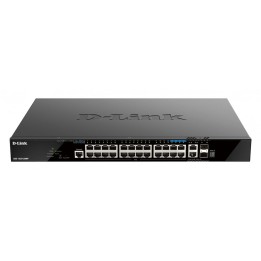
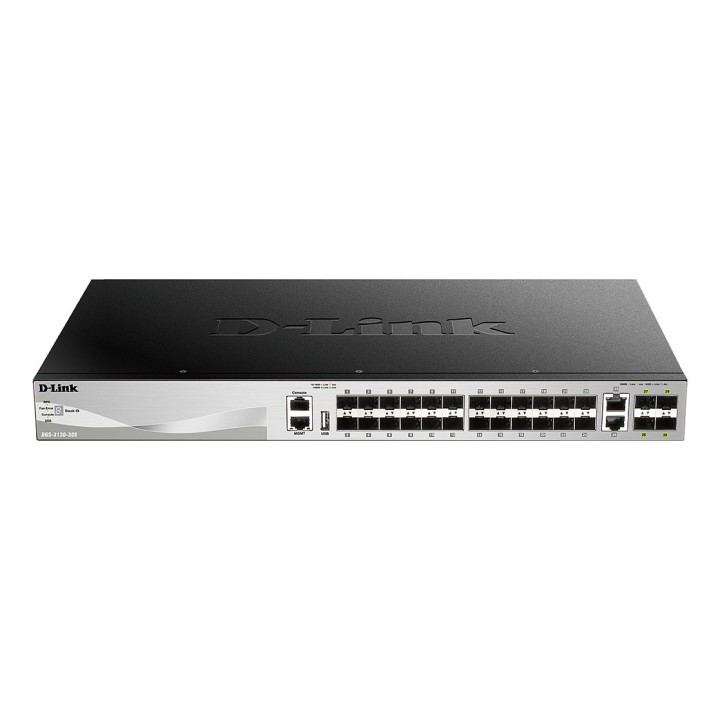
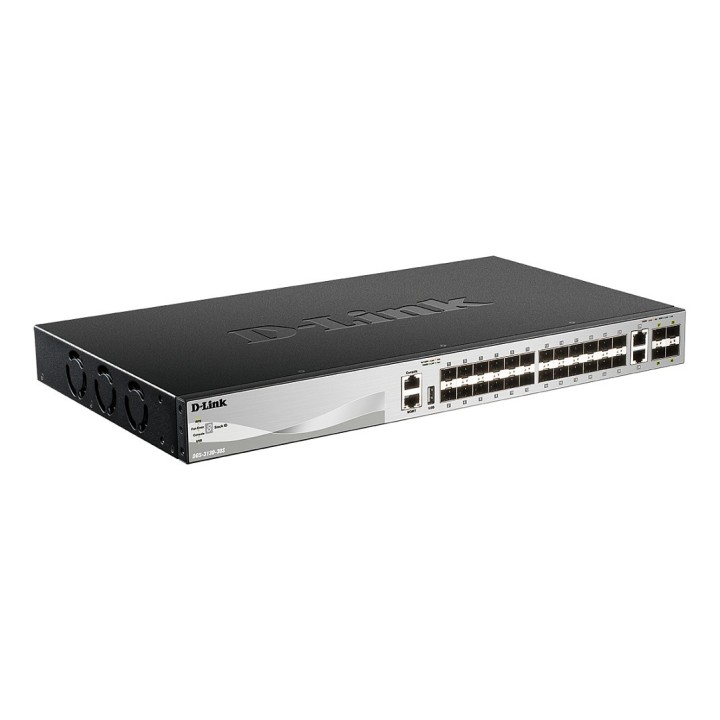
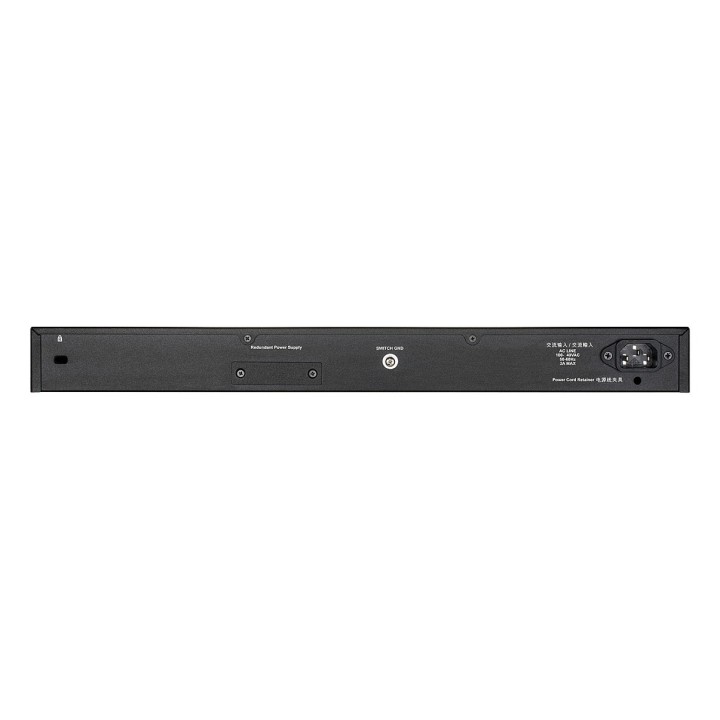
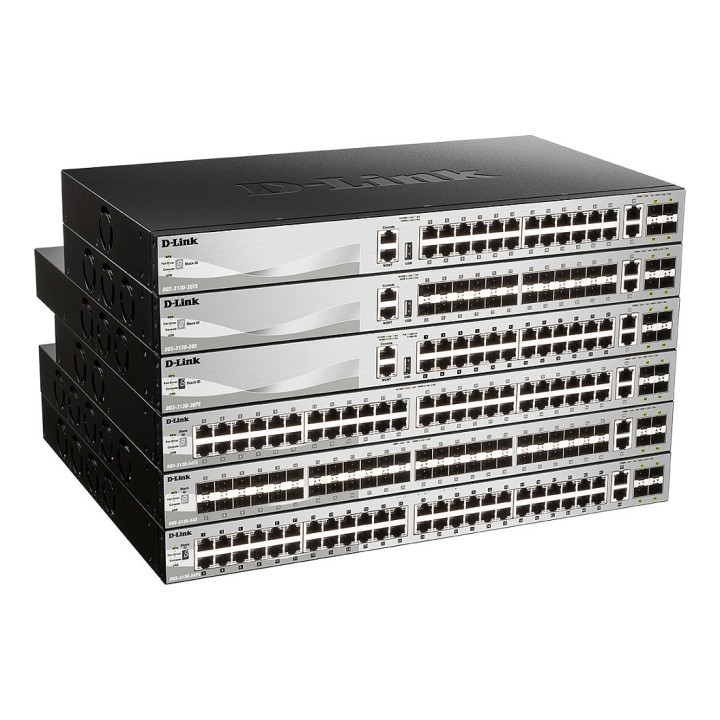
Gigabitowe zarządzalne przełączniki warstwy 3 serii DGS-3130 zostały zaprojektowane w celu zaspokojenia potrzeb małych i średnich sieci biznesowych poprzez włączenie funkcji L2 i L3, które umożliwiają wdrażanie przełączników w różnych środowiskach i topologiach. Razem ulepszenia sprzętowe i programowe tworzą rodzinę wydajnych, elastycznych i ekonomicznych przełączników.
Seria DGS-3130 umożliwia podłączenie wielu przełączników w celu utworzenia jednego stosu fizycznego lub wirtualnego. Zwiększa to redundancję w wielu jednostkach fizycznych, upraszcza zarządzanie i zapewnia jeden adres IP do zarządzania wszystkimi elementami w stosie. Seria DGS-3130 zawiera najnowsze funkcje bezpieczeństwa, takie jak wielowarstwowe i pakietowe listy kontroli dostępu do zawartości (ACL), Storm Control oraz IP-MAC-Port Binding (IMPB) z funkcją DHCP Snooping. Seria DGS-3130 obsługuje wiele mechanizmów uwierzytelniania, takich jak 802.1X, Web-based Access Control (WAC) i MAC-based Access Control (MAC), zapewniając ścisłą kontrolę dostępu i łatwe wdrożenie. Bogaty zestaw wielowarstwowych funkcji QoS/CoS zapewniających, że krytyczne usługi sieciowe, takie jak VoIP, wideokonferencje, IPTV i monitoring IP, mają zawsze wysoki priorytet.
D-Link (Polska) Sp. z o.o.
ul. Mysikrólika 11A 02-809 Warszawa Polska
E-mail: pl-info@dlink.com
Formularz kontaktowy: https://www.dlink.com/pl/pl/wsparcie-techniczne/contact
Telefon: +48 22 853 03 00
List of safety warnings for network equipment based on the requirements of General Product Safety Regulation (GPSR) 2023/988: 1. Risk of electric shock: * Make sure that the device is connected to a working socket with grounding. * Do not touch the plug or cable with wet hands. * Avoid using the device in places with high humidity. 2. Risk of overheating: * Provide adequate ventilation while maintaining at least 5 cm of free space around the device. * Do not block ventilation openings and avoid putting network equipment on soft surfaces such as blankets or pillows. 3. Fire risk: * Use only original power supplies and accessories recommended by the manufacturer. * Do not leave the device on unattended near flammable materials. 4. Risk of bodily injury: * Use the device on a stable surface to minimize the risk of falling. 5. Hazards in humid environments: * Do not use network equipment outdoors in rain or in places with high humidity. * If the device is flooded, immediately disconnect it from the power source and contact the service. 6. Hazards at high temperatures: * Do not expose the device to direct sunlight. * Avoid using network equipment at temperatures above the recommended range (usually 5-35°C). 7. Risk of damage during cleaning: * Before cleaning, disconnect the device from the power supply and use a soft, slightly damp cloth. * Avoid using strong detergents that can damage the surface of the device. 8. Caution when replacing accessories: * Use only the accessories recommended by the manufacturer. * When replacing batteries, follow the manufacturer's instructions and do not expose the battery to high temperatures. 9. Risks associated with battery use: * Avoid damage to the battery by impact or puncture. * If the battery overheats or swells, stop using the device immediately. 10. Warnings for children: * Keep power cables out of reach of children. * Make sure that children do not play with the device or accessories that can be dangerous. 11. Electromagnetic interference: * Using network equipment near medical devices such as pacemakers can cause electromagnetic interference. * Maintain a distance of at least 15 cm between network equipment and medical devices. 12. Fire hazard: * Storing network equipment near flammable materials or using non-original power supplies may increase the risk of fire. * Use your smartphone away from fabrics, paper, and other flammable materials. 13. Regular maintenance: * Failure to regularly clean ports and sockets can lead to damage or failure. * Clean ports and sockets regularly using a dry and clean cloth, avoiding moisture input.
Produkty, które ostatnio zwróciły Twoją uwagę.