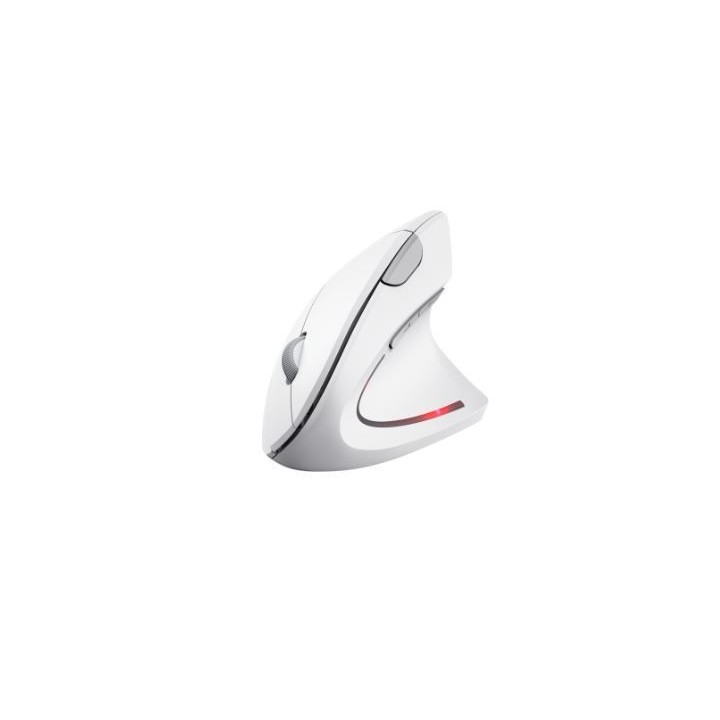
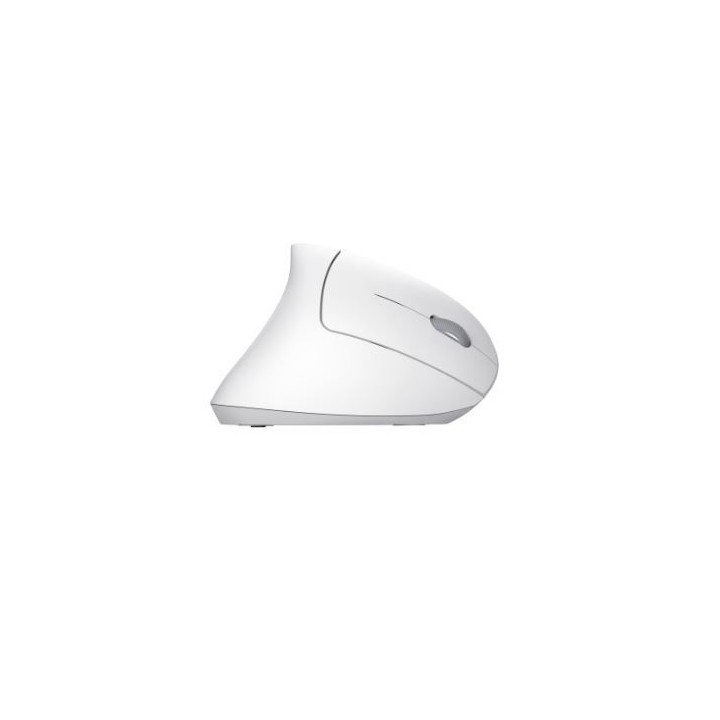
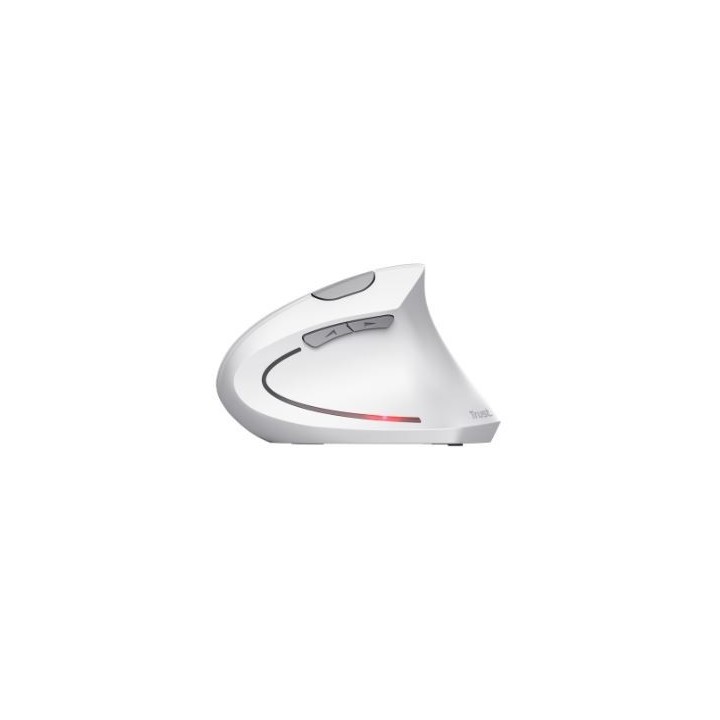
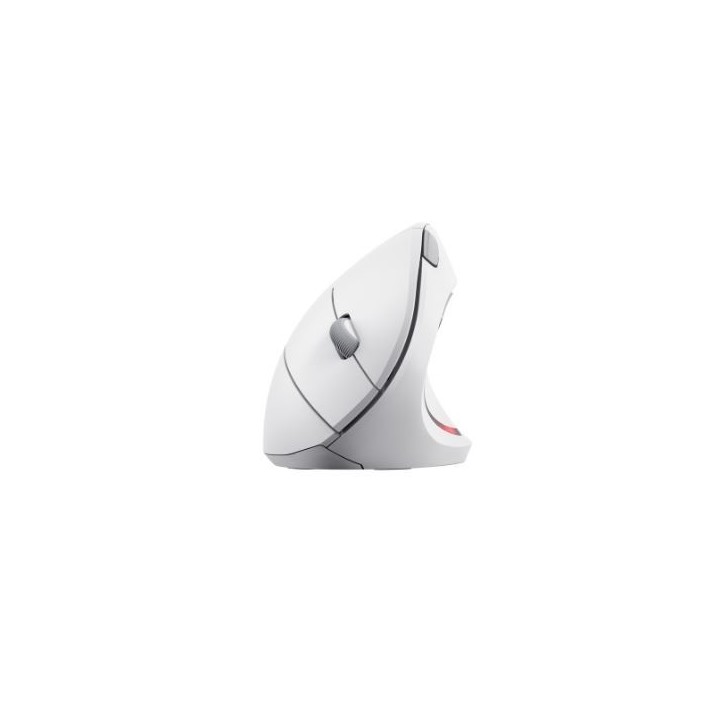
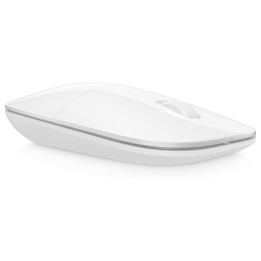
Mysz bezprzewodowa Verto Ergo biała
Opis produktu
Mysz bezprzewodowa Verto Ergo biała
Wszystko naturalne
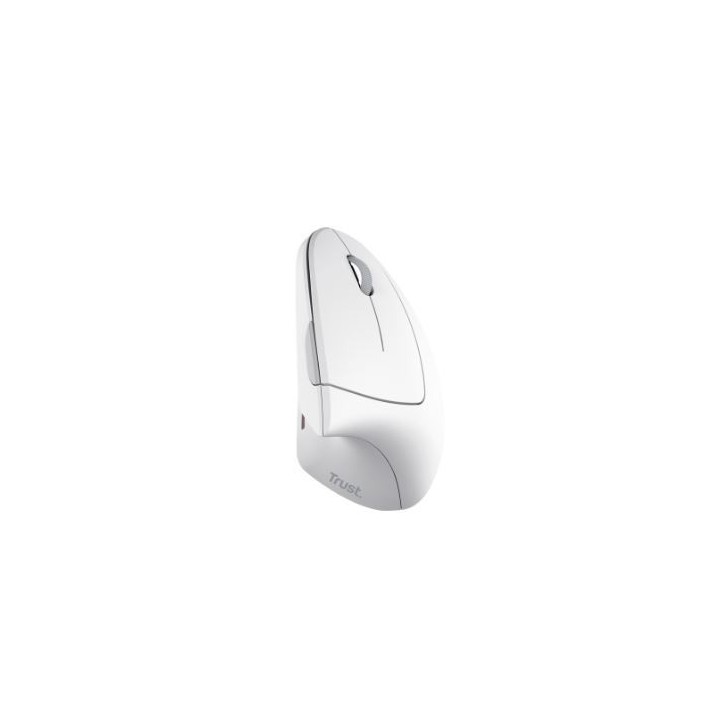
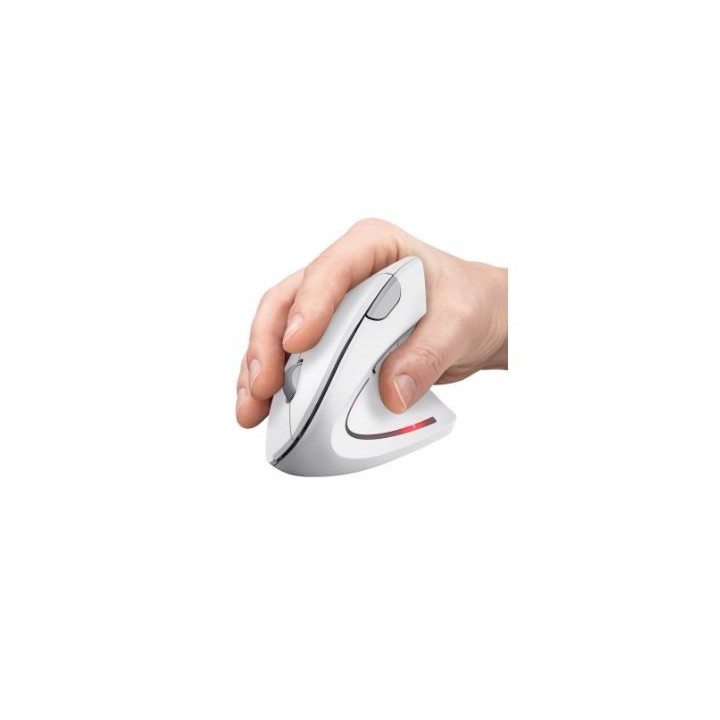
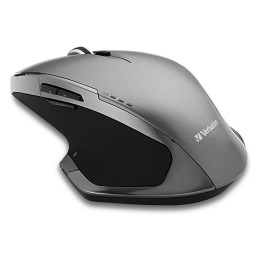
Ergonomiczny kształt myszy Verto Wireless Ergonomic Mouse ustawia ramię i nadgarstek w naturalnej pozycji pod kątem 60 stopni, zmniejszając obciążenie ramienia i nadgarstka, dzięki czemu możesz pracować wygodniej i wydajniej.
Następny poziom komfortu
Lekka konstrukcja i podpórka pod kciuk jeszcze bardziej poprawiają komfort, a gumowa powłoka poprawia chwyt i trwałość, zapewniając koncentrację i wydajność.
Brak przewodów, brak zmartwień
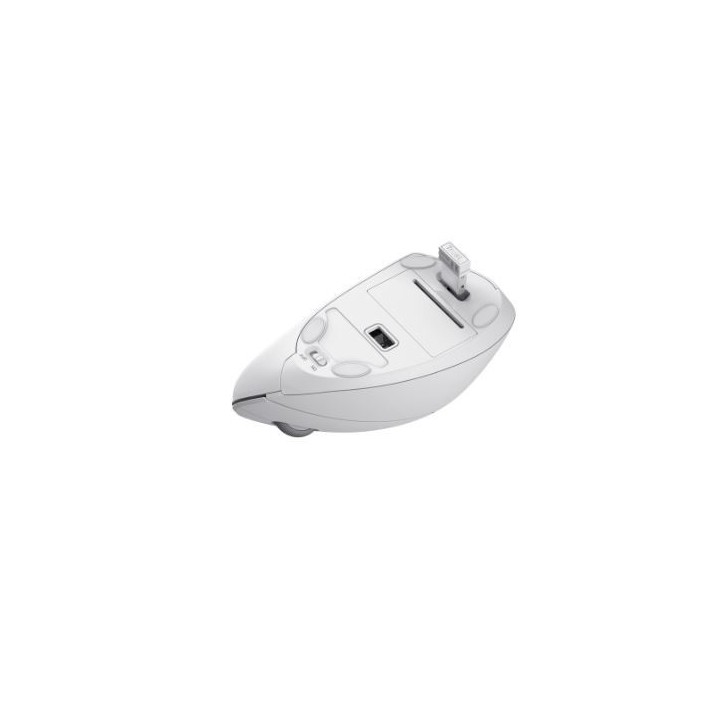
Po podłączeniu, przenośny mikroodbiornik USB natychmiast zapewnia zasięg 10 m, pomagając siedzieć w lepszej postawie i z większą swobodą. Gotowy do wylogowania? Włącznik/wyłącznik oszczędza żywotność baterii.
Specyfikacja
- Model: Verto Ergonomic Wireless
- Przeznaczenie (myszy / podkładki): Biuro
- Sensor myszy: Optyczny
- Liczba przycisków: 6
- Liczba rolek: 1
- Profil: Praworęczny
- Rozdzielczość (min.) [dpi/lpi]: 800 dpi
- Rozdzielczość (maks.) [dpi/lpi]: 1600 dpi
- Połączenie: Bezprzewodowe
- Zasięg: 10 m
- Interfejs: USB
- Podświetlenie: Tak
- Zasilanie (lista): Baterie/akumulatory AAA
- Kolor (wyliczeniowy): Biały
- Wymiary: 75 x 63 x 120 mm
- Waga: 89 g
- Pozostałe parametry: Zgodne typy urządzeń: komputer stacjonarny, laptop Kompatybilne platformy oprogramowania: MacOS, system operacyjny Chrome, Windows
- Uwaga: CE+WEEE

Szczegóły produktu
- Marka Trust
- Kod produktu 660fc4d471a267703cbb3ba1
- Dostępność 30 Przedmioty
- EAN13 8713439251326
- MPN 25132
Specyfikacja
- Typ sensora Optyczny
- Maksymalna czułość (DPI) 1600 DPI
- Profil dłoni Praworęczny
- Liczba przycisków (szt.) 6 szt.
- Masa (g) 89 g
Producent
Producent
Trust International B.V.
Laan van Barcelona 600, 3317 DD Dordrecht, Netherlands 3317 DD Dordrecht Netherlands
Formularz kontaktowy: https://www.trust.com/en/support/contact
Bezpieczeństwo
Informacje o bezpieczeństwie
List of mouse safety warnings based on the requirements of General Product Safety Regulation (EU) 2023/988 (GPSR): 1. Ergonomics and repetitive movements: I use the mouse ergonomically to avoid strains and injuries. I regularly take breaks to reduce the risk of carpal tunnel syndrome or other problems associated with repetitive movements. 2. Cleaning and Maintenance: I disconnect the mouse from the computer before cleaning. I use a soft, dry cloth to clean my mouse. I avoid using liquids that can get inside the unit and damage it. 3. Cable and Connections: I make sure the mouse cable is properly connected to the computer and is not damaged. A damaged cable may pose a risk of electric shock or cause the mouse to malfunction. 4. Batteries (if applicable): If I use a battery-operated wireless mouse, I use the right type of battery and insert it correctly. I remove the batteries when the mouse is not in use for extended periods of time to prevent leaks and damage. 5. LED lighting (if applicable): I avoid staring at the intense LED light for a long time, which can cause eye strain. 6. Kids: I store my mouse and small items (e.g. batteries) out of reach of children to avoid the risk of ingestion or choking. 7. Recycling: I return the used mouse to the appropriate recycling point to minimize the environmental impact. 8. Usage: I do not use a damaged mouse as this may result in electric shock or injury. 9. Repairs: I do not repair the mouse myself, I give it to the service. 10. Storage: I store the mouse in a dry place, away from moisture and extreme temperatures.
Myszy i trackballe
Ostatnio oglądane
Produkty, które ostatnio zwróciły Twoją uwagę.