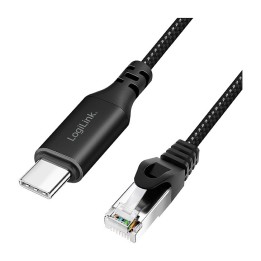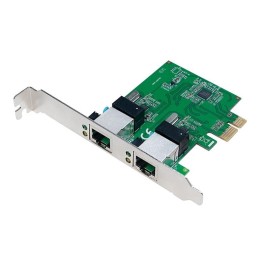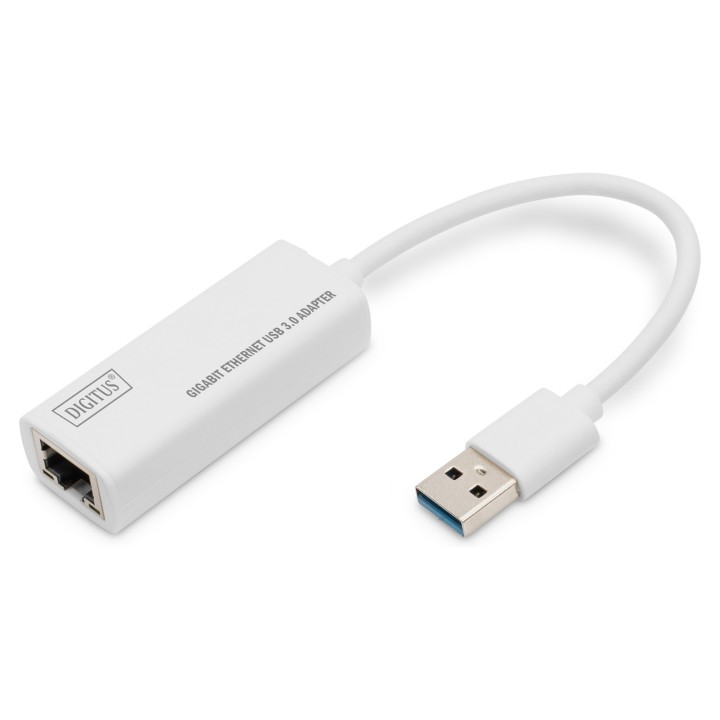
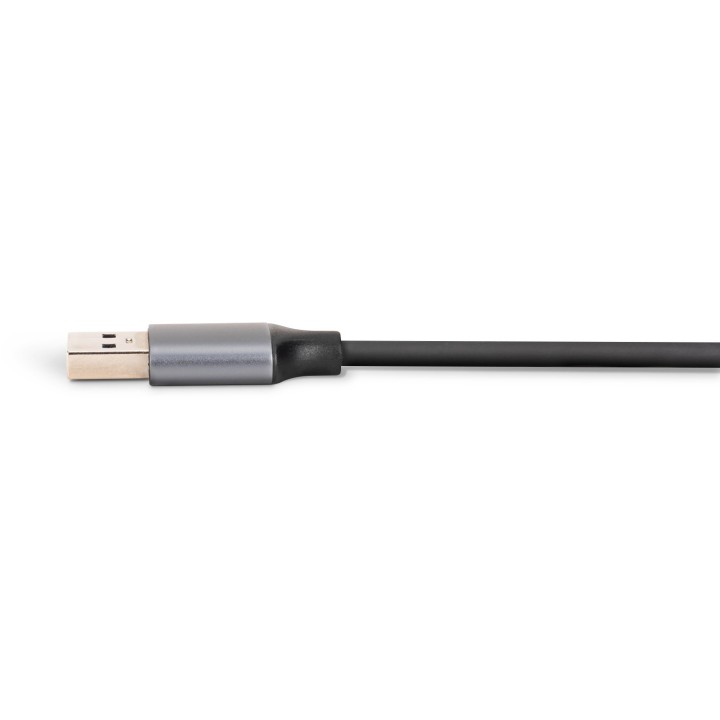
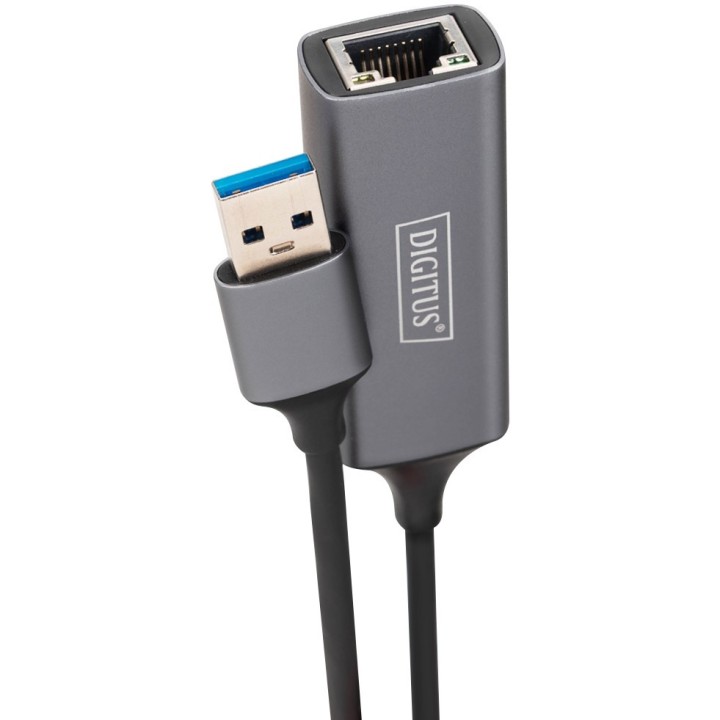
Karta sieciowa przewodowa USB 3.0 do Gigabit Ethernet 10/100/1000Mbps
Opis produktu
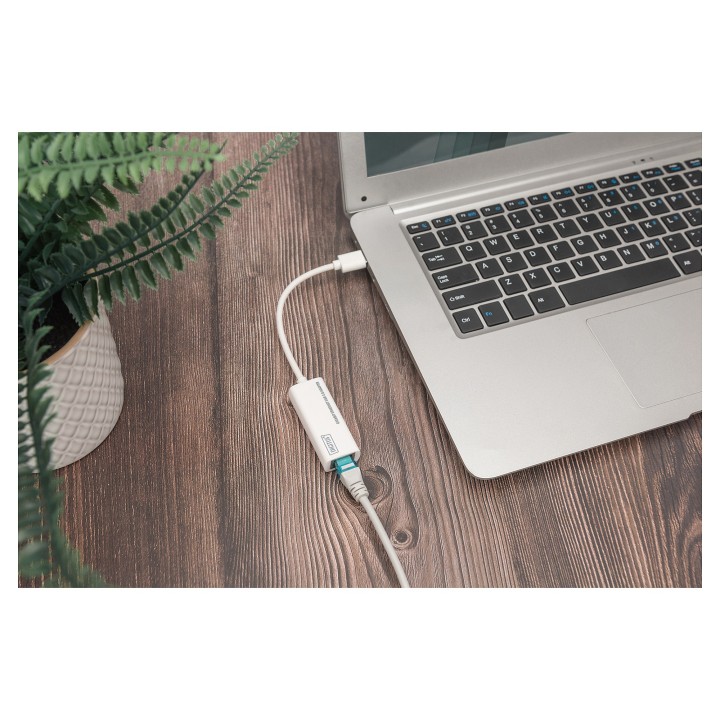
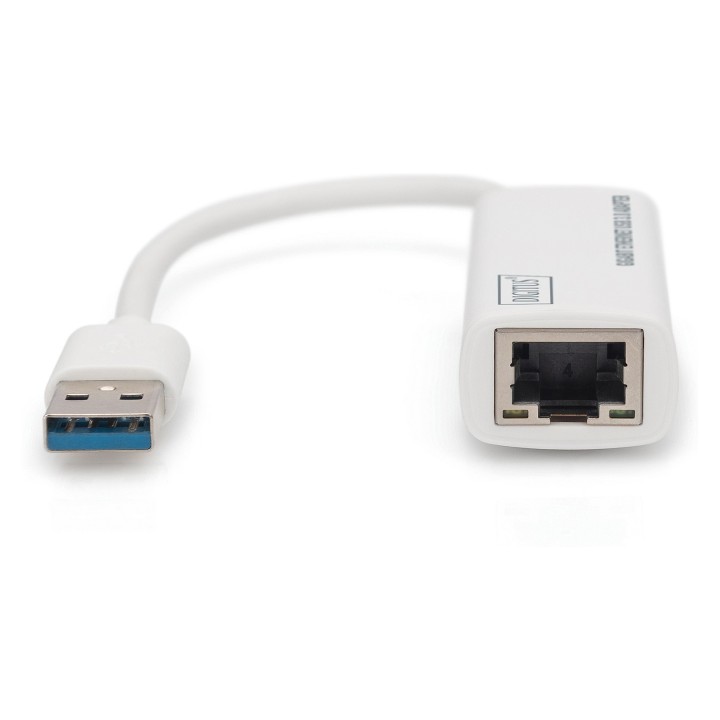
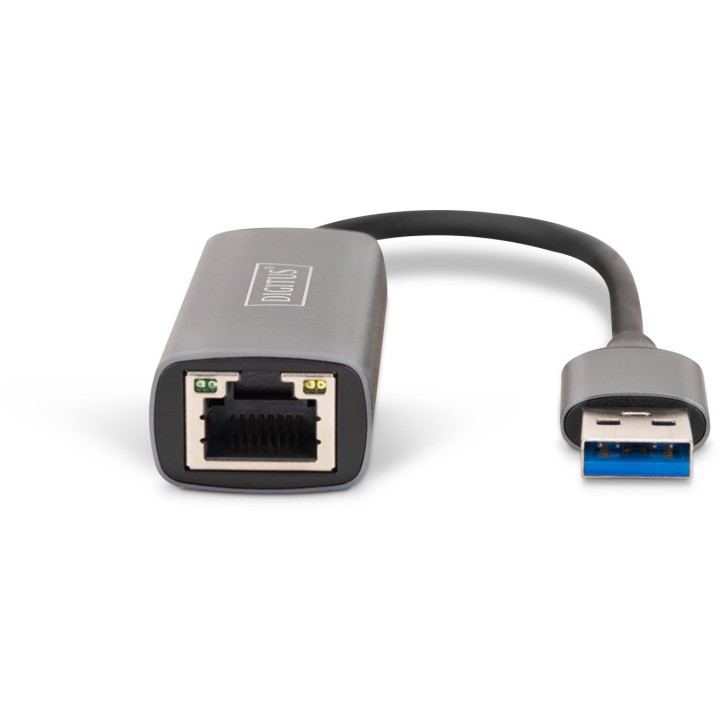
DN-3023 to konwerter USB 3.0 do sieci Gigabit Ethernet, która zapewnia prędkość połączeń sieciowych do 1000Mbps przez port Ethernet RJ-45. Jest ona zgodna z poprzednimi wersjami systemów komputerowych z USB 2.0 i USB 1.x oraz sieciami Ethernet 10/100 Mbps. Ta niewielka i przenośna przejściówka sieciowa jest idealna dla komputerów stacjonarnych lub jako dodatek do laptopów.
Specyfikacja
- Typ karty sieciowej: LAN
- Interfejs: USB
- Porty we/wy (sieciówka drobna): 1 x 10/100/1000 Mbit/s
- Pasma (sieci drobne): Nie dotyczy
- Standardy sieciowe: 802.3ab
- Liczba anten (sieci drobne): Brak
- Antena (sieci drobne): Nie dotyczy
- Obsługiwane systemy operacyjne: Mac OS
- Specyfikacja techniczna: • Obsługuje tryby USB Full i High Speed (zasilanie z magistrali USB)• Obsługuje tryby "full dupleks" i "half dupleks"• Funkcja Wake-on-LAN• Zasilany z interfejsu USB, plug and play• Odpowiednia dla wszystkich powszechnych środowisk sieciowych
- Uwaga: CE+WEEE
Szczegóły produktu
- Marka Digitus
- Kod produktu 660fb8e771a267703cab6a63
- Dostępność 99 Przedmioty
- EAN13 4016032318385
- MPN DN3023
Specyfikacja
-
Obsługiwane systemy
Linux
Mac OS
Windows 7
Windows 8
Windows Vista
Windows XP - Interfejs do komputera USB
Producent
Producent
ASSMANN Electronic GmbH,
Auf dem Schuffel 3 58513 Ludenscheid GERMANY
E-mail: info@assmann.com
Formularz kontaktowy: https://www.digitus.info/en/contact/contact-form/
Telefon: +49 2351 554 0
Osoba odpowiedzialna w UE
ASSMANN Electronic GmbH
Auf dem Schuffel 3 58513 Ludenscheid Niemcy
E-mail: info@assmann.com
Bezpieczeństwo
Informacje o bezpieczeństwie
List of network card security warnings based on the requirements of General Product Safety Regulation (GPSR) 2023/988: * Make sure that the installation of the network adapter complies with the manufacturer’s instructions. Incorrect installation can lead to damage to your device or computer. * Before installing or disassembling the network card, turn off the computer and disconnect it from power. * Protect your network card from moisture and extreme temperatures. Do not use it in places where it may be exposed to water or direct sunlight. * Use the network adapter for its intended purpose. Do not try to modify or repair it on your own. * Regularly check that the network card is properly attached to the motherboard slot. A loose connection can cause network problems. * Make sure your network adapter drivers are up to date. Outdated drivers can lead to compatibility and security issues. * Use a dry, soft cloth when cleaning the network card. Avoid using cleaning products that can damage components. * If your network card has an antenna, make sure it is properly attached and undamaged. A damaged antenna can affect signal quality. * Pay attention to sharp edges or card components that may pose a potential injury hazard during installation or disassembly. * If your network card has electronic components, keep it away from children.
Karty sieciowe i adaptery Bluetooth
Ostatnio oglądane
Produkty, które ostatnio zwróciły Twoją uwagę.