- Nowy
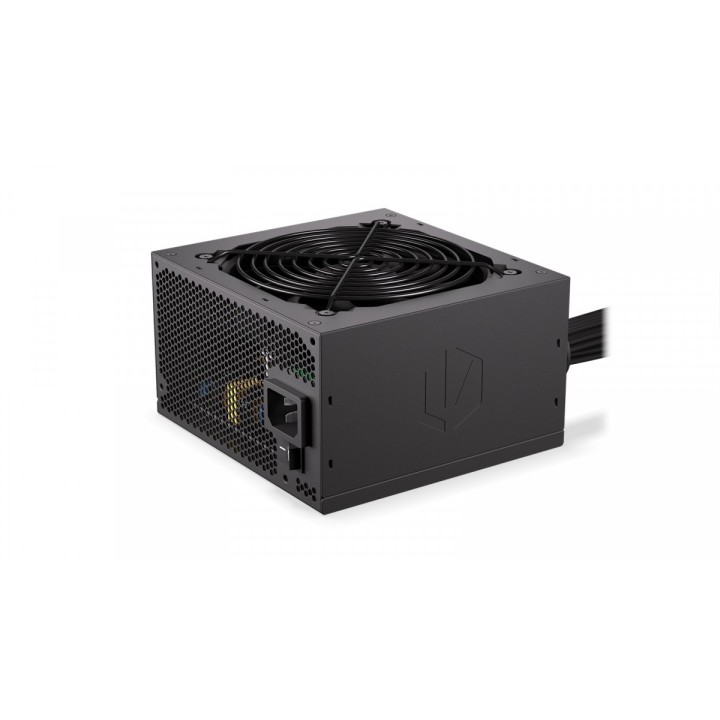
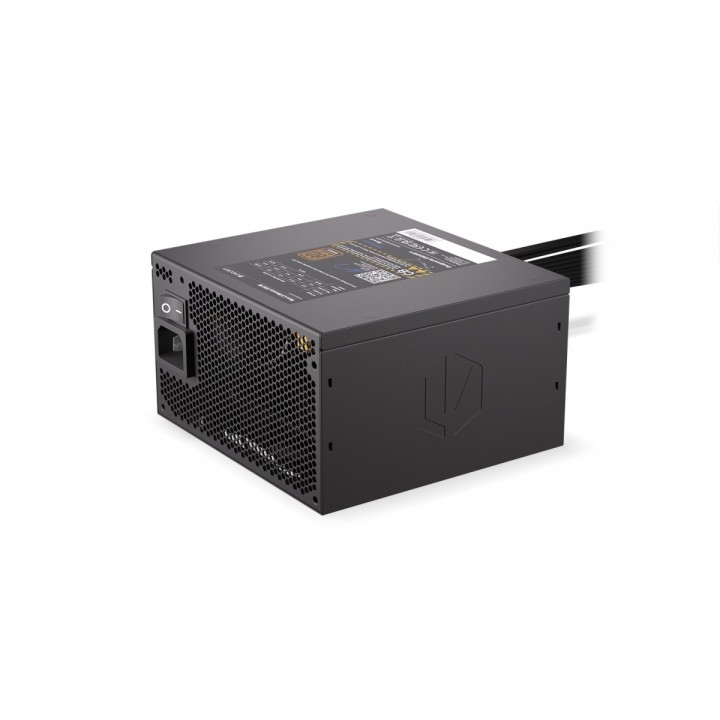
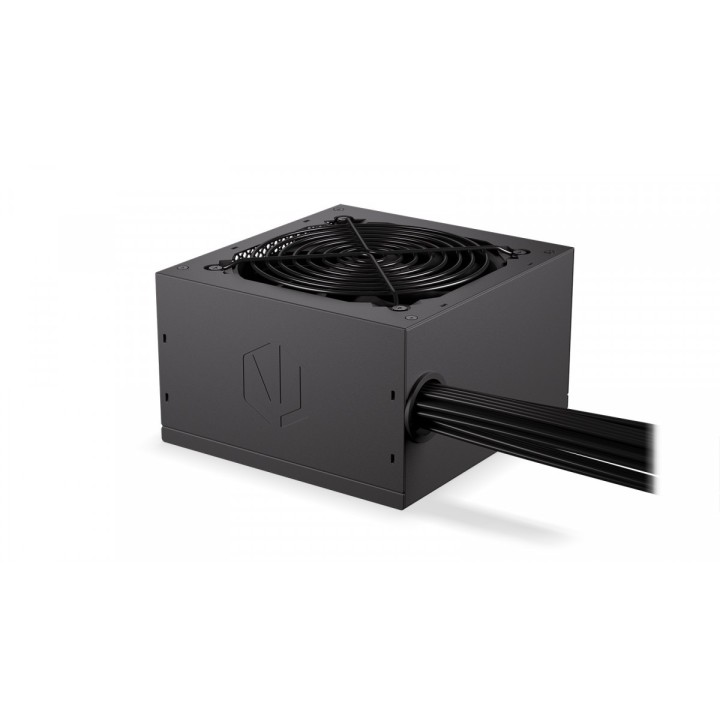
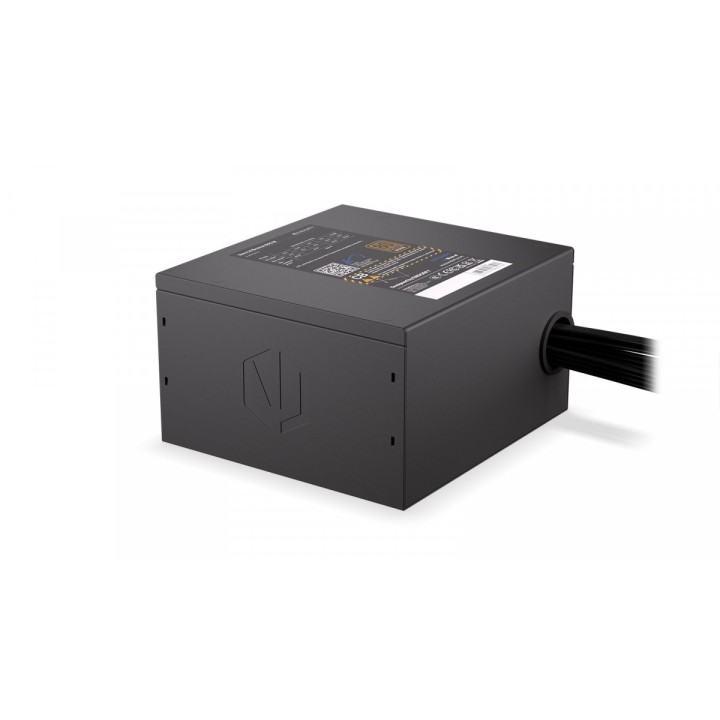
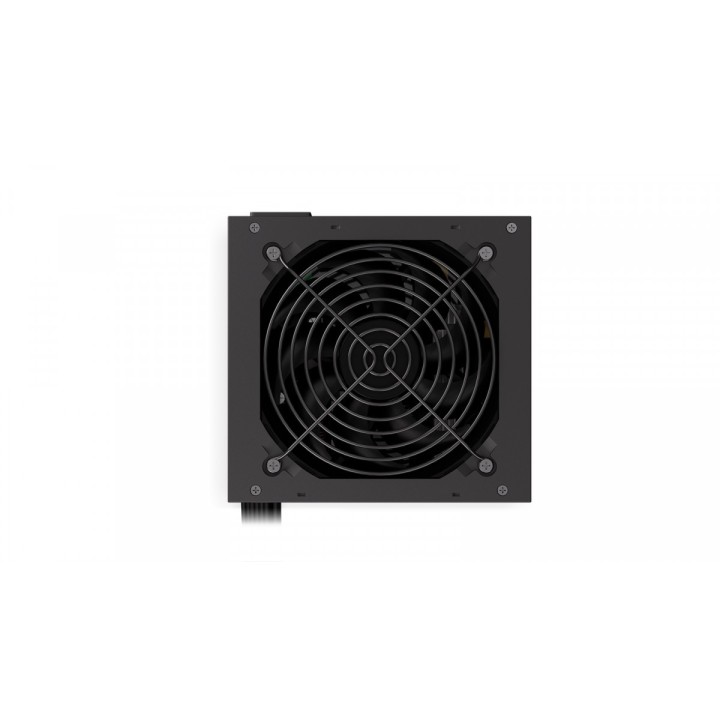
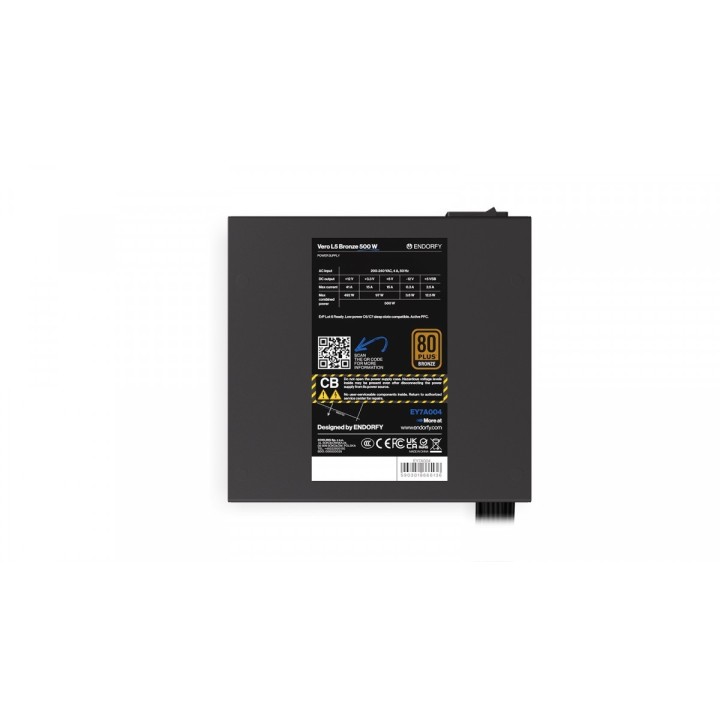
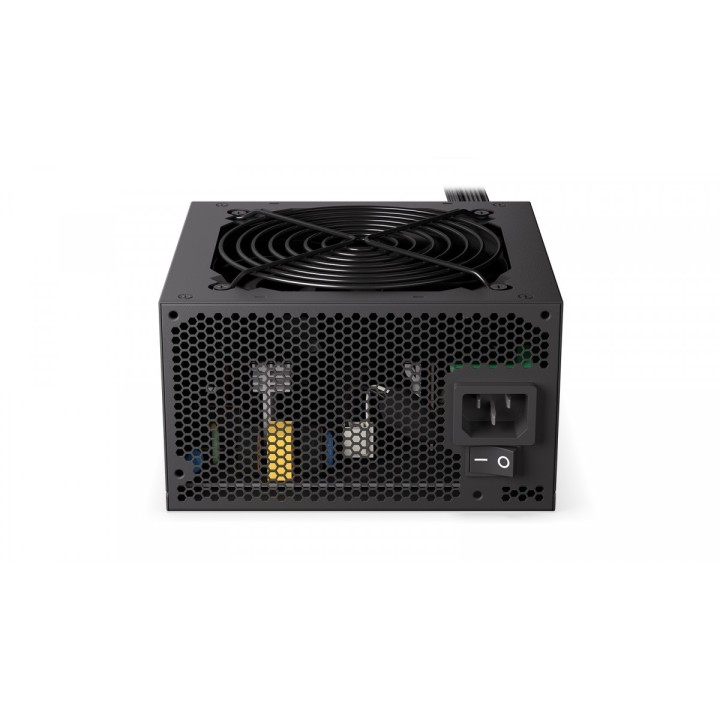
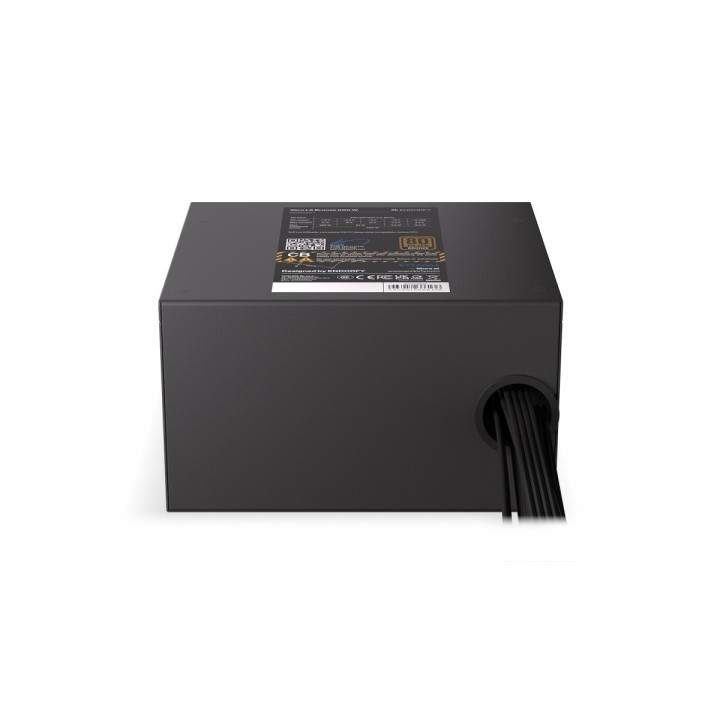
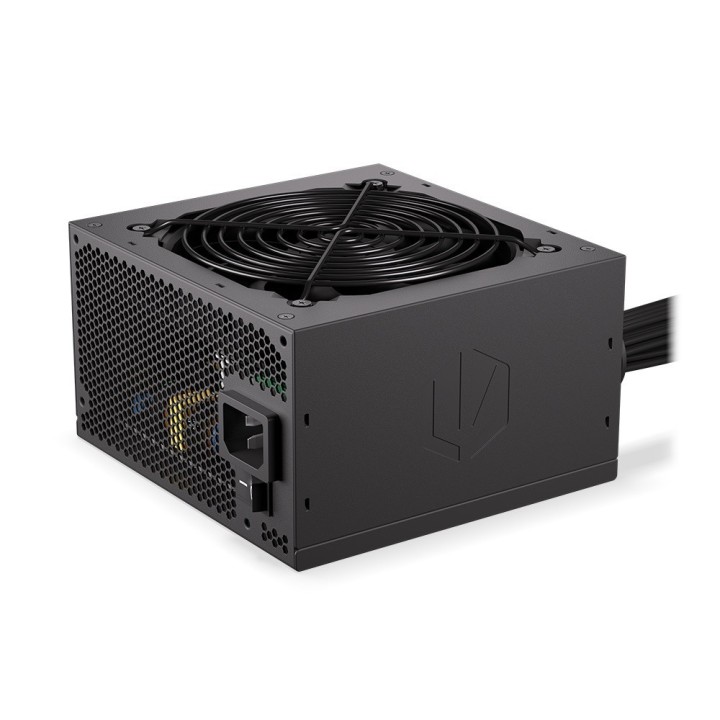
Zasilacz Vero L5 500W 80 Plus Bronze obrazki
Zasilacz Vero L5 500W 80 Plus Bronze
Opis produktu
Vero L5 Bronze 500W
Jeśli lubisz sprzęt, który nie boi się pracy na pełnych obrotach, to polubisz Vero L5 Bronze 500W stabilny zasilacz do regulacji napięć. Spakowaliśmy w nim między innymi cichy wentylator Stratus i tajwańskie kondensatory elektrolityczne i aluminiowo-polimerowe Teapo, więc możesz podkręcać parametry bez obaw, że za chwilę ekran zaświeci na niebiesko. Nic dziwnego, że zasilacz ma certyfikat 80 PLUS Bronze.
Vero jest też zabezpieczone przed zwarciami, przeciążeniem systemu i innymi wypadkami. Nad niską temperaturą pracy czuwa cichy wentylator Stratus z łożyskiem FDB. Jego obudowa ma 14 cm długości, więc dopasujesz go nawet do mniejszego kompa.
Specyfikacja
- Moc zasilacza: 500 W
- Wentylator: 12 cm
- PFC: Aktywny
- Ilość złącz zas. MOLEX: 1
- Ilość złącz zas. SATA: 5
- Ilość złącz zas. 4+4-pin 12V: 1
- Ilość złącz zas. PCI-E 6+2-pin : 1
- Złącze zas. MB: 24 pin
- Wymiary: 87 × 140 × 150 mm
- Certyfikat 80+: 80 PLUS Bronze
- Format (zasilacze): ATX
- Akcesoria w zestawie: Zasilacz ENDORFY Vero L5 Bronze 500W Kabel zasilający Zestaw montażowy Instrukcja obsługi
- Pozostałe parametry: Certyfikat 80 PLUS Bronze Przetwornica DC-DC Tajwańskie kondensatory Teapo Wydajny i wytrzymały wentylator Stratus Wygodne zarządzanie kablami Kompaktowa obudowa
- Uwaga: CE+WEEE
Szczegóły produktu
- Marka Endorfy
- Kod produktu 660fc4f371a267703cbb58ff
- Dostępność 2 Przedmioty
- EAN13 5903018666136
- MPN EY7A004
Specyfikacja
- Moc znamionowa (W) 500 W
- Format zasilacza ATX
- Certyfikat sprawności 80 PLUS Bronze
- Średnica wentylatora (mm) 120 mm
- Modularność okablowania Brak modularności
Producent
Producent
Cooling s.p z.o.o.
ul. Sokołowska 24 05-806 Sokołów Polska
Formularz kontaktowy: https://www.cooling.pl/contact_us.php
Telefon: 510 809 813
Bezpieczeństwo
Informacje o bezpieczeństwie
List of safety warnings for computer power supplies based on the requirements of General Product Safety Regulation (GPSR) 2023/988 * Risk of electric shock: * Make sure the power supply is properly grounded. * Do not open the power supply housing when it is connected to power. * Do not touch any internal components of the power supply when it is connected to power. * Do not use the power supply in humid or wet environments. * Disconnect the power supply from the power supply before cleaning. * Fire risk: * Do not use a power supply with less power than required by your computer. * Make sure the power supply has adequate surge, short-circuit and thermal protection. * Do not cover the power supply to ensure adequate ventilation. * Do not place the power supply near heat sources. * Regularly inspect power cables for damage. * Explosion risk: * Do not use a power supply that is damaged or has visible signs of damage. * Do not try to repair the power supply yourself. * Use the power supply only for its intended purpose. * Dispose of the power supply according to local regulations. * Risk of injury: * Do not drop the power supply. * Do not disassemble the power supply as it contains live components that can cause electric shock. * Do not expose the power supply to extreme temperatures or moisture. * Before installing the power supply, disconnect the computer from the power supply. * Compatibility and selection: * Make sure the power supply is compatible with the motherboard and other computer components. * Check that the power supply has the right connectors for all components. * Overheating protection: * Provide adequate ventilation in the computer case so that the power supply does not overheat. * Regularly clean the power supply fan from dust. * Installation and use: * Follow the manufacturer's instructions when installing the power supply. * Do not overload the power supply by connecting too many devices to it. * Storage: * Store the power supply in a dry and clean place, away from children. * Cables & Connections: * Make sure all cables are properly connected and not damaged. * Do not use extension cords or adapters that are not intended to be used with the power supply.