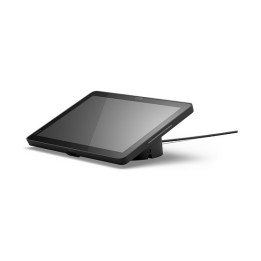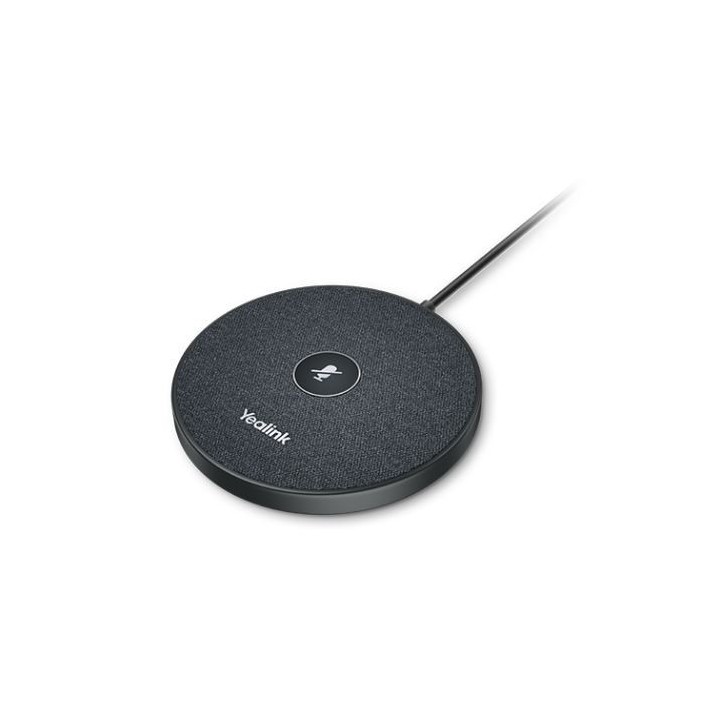
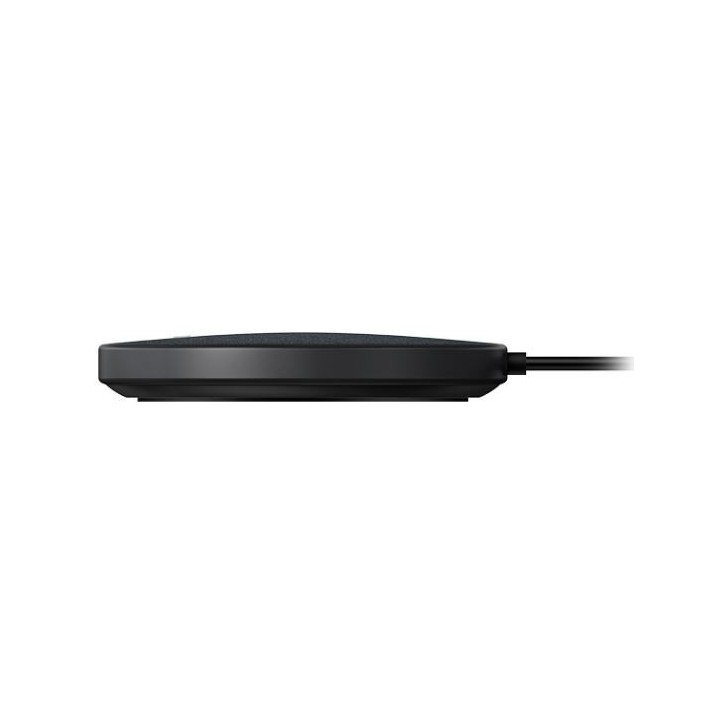
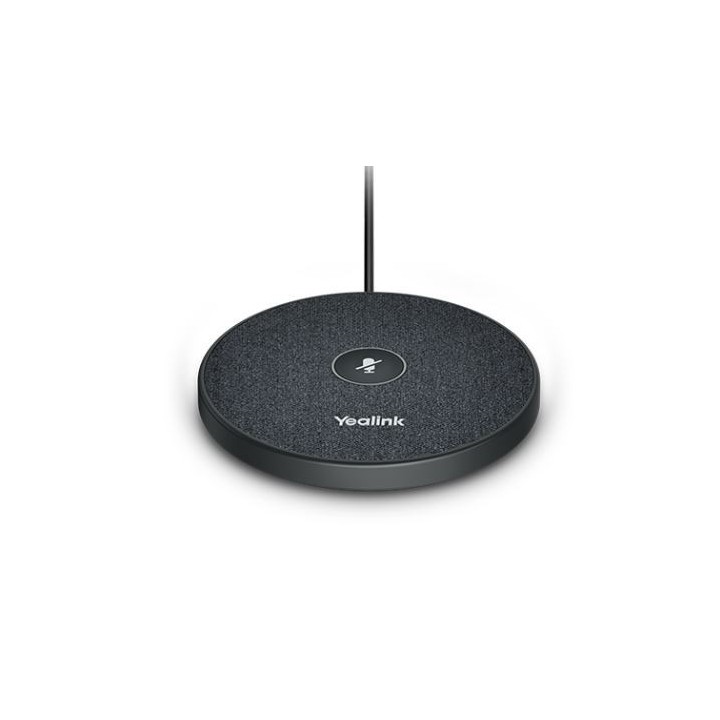
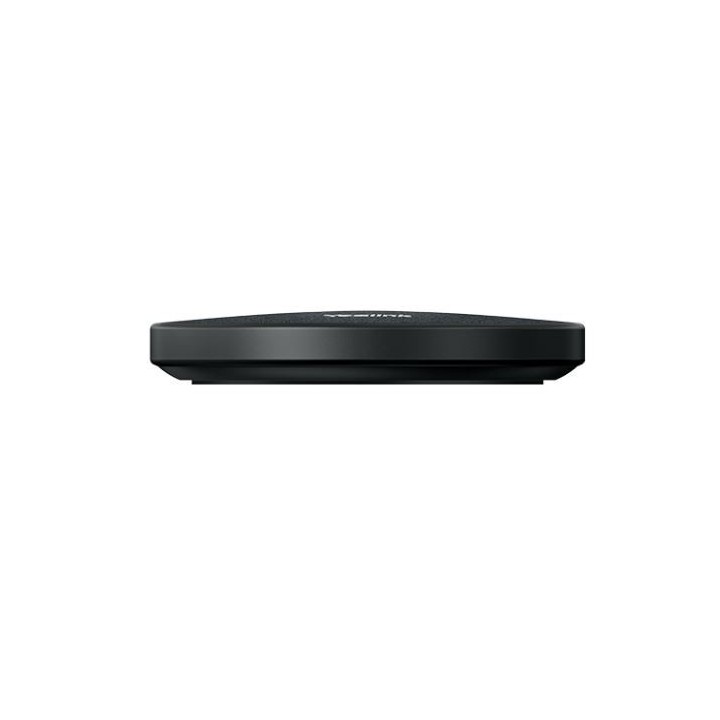
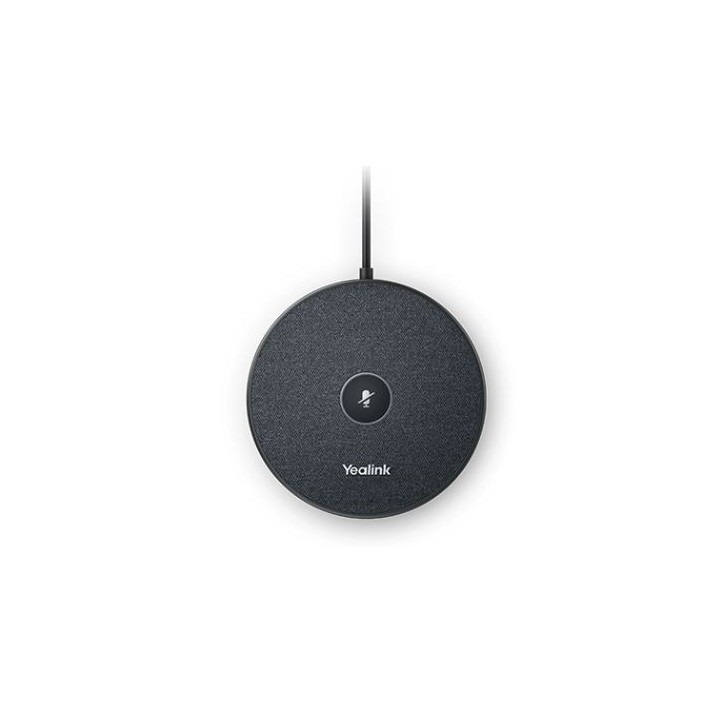
Mikrofon VCM35 konferencyjny przewodowy

Cena: 1 069,49 zł
Brutto
Dostępność produktu: Dostępny 26 szt.
Czas dostawy Wysyłka w ciągu 2 dni roboczych
Koszt dostawy Bezpłatna dostawa od 250 zł.

Opis produktu

Ciesz się krystalicznie czystą komunikacją

VCM35 jest wyposażony we wbudowany zestaw trzech mikrofonów, który obejmuje promień 20 stóp (6 m) i zapewnia zasięg odbioru głosu w zakresie 360°, co czyni go idealny wybór do średnich i dużych sal konferencyjnych.

Dzięki technologii Yealink Acoustic Echo Cancelling i technologii Yealink Noise Proofnologii, VCM35 skutecznie redukuje hałas otoczenia, zapewniając wysokiej jakości dźwięk podczas połączenia w trybie pełnego dupleksu.

Kluczowe cechy:

  • Dźwięk Optima HD
  • Technologia pełnego dupleksu Yealink
  • Redukcja echa akustycznego Yealink
  • Ochrona przed hałasem Yealink Technologia
  • Zasięg odbioru głosu w promieniu 6 m
  • Wyciszanie mikrofonu za pomocą touchpada

Specyfikacja

  • Technologie (słuchawki): Usuwanie echa akustycznego (AEC)
  • Kolor (wyliczeniowy): Czarny
  • Uwaga: CE+WEEE

Szczegóły produktu

  • Marka Yealink
  • Kod produktu 660fc52571a267703cbb866f
  • Dostępność 26 Przedmioty
  • EAN13 6938818313064
  • MPN 1303144

Producent

Producent

Yealink (Europe) Network Technology B.V.

Keizersgracht 62 1015 CS Amsterdam Holandia

E-mail: europe@yealink.com

Formularz kontaktowy: https://www.yealink.com/en/contact

Telefon: +86 5925702000

Osoba odpowiedzialna w UE

Yealink (Europe) Network Technology B.V.

Keizersgracht 62 1015 CS Amsterdam Netherlands

E-mail: europe@yealink.com

Formularz kontaktowy: https://www.yealink.com/

Telefon: +86 5925702000

Bezpieczeństwo

Informacje o bezpieczeństwie

List of safety warnings for video conferencing sets and cameras based on the requirements of Regulation (EU) 2023/988 on General Product Safety (GPSR) 1. Risk of electric shock: * Make sure that the device is connected to a working socket with grounding. * Do not touch the plug or cable with wet hands. * Avoid using the device in places with high humidity. 2. Risk of overheating: * Provide adequate ventilation while maintaining at least 5 cm of free space around the device. * Do not block ventilation openings. 3. Fire risk: * Use only original chargers and accessories recommended by the manufacturer. * Do not leave the device on unattended near flammable materials. 4. Risk of bodily injury: * Avoid using the device in a position that causes excessive heat pressure on the skin to prevent burns. * Use the device on a stable surface to minimize the risk of falling. 5. Hazards in humid environments: * Do not use the unit outdoors in rain or in areas with high humidity, such as bathrooms. * If the device is flooded, immediately disconnect it from the power source and contact the service. 6. Hazards at high temperatures: * Do not expose the device to direct sunlight. * Avoid using the device at temperatures exceeding the recommended range (usually 5-35°C). 7. Risk of damage during cleaning: * Before cleaning, disconnect the device from the power supply and use a soft, slightly damp cloth. * Avoid using strong detergents that can damage the surface of the device. 8. Caution when replacing accessories: * Use only the accessories recommended by the manufacturer. * When replacing batteries, follow the manufacturer's instructions and do not expose the battery to high temperatures. 9. Risks associated with battery use: * Avoid damage to the battery by impact or puncture. * If the battery overheats or swells, stop using the device immediately. 10. Child Hazards: * Keep power cables out of reach of children. * Make sure that children do not play with the device or accessories that can be dangerous. 11. Risk of mechanical damage and injury: * The device's fall may cause the screen to shatter, which can lead to user cuts. * Use durable protective cases and tempered glass for your screen. If the screen is damaged, do not use the device until repaired. 12. Risk of electromagnetic interference * Using the device near medical devices such as pacemakers can cause electromagnetic interference. * Maintain a distance of at least 15 cm between the device and medical devices. 13. Effects on vision * Long-term use of the device, especially in dark conditions, can lead to eye strain. * Use eye protection mode if available, and take breaks from the screen regularly. 14. Regular maintenance * Failure to regularly clean ports and sockets can lead to damage or failure. * Clean ports and sockets regularly using a dry and clean cloth, avoiding moisture input. 15. Allergic reactions to materials * Materials used in the device housing (e.g. silicone, metal) can cause skin irritation or allergic reactions. * In case of redness or discomfort, remove the device and consult a dermatologist. Clean the case regularly to avoid accumulation of sweat or dirt.

Ładowanie...
Wróć na górę