- Nowy
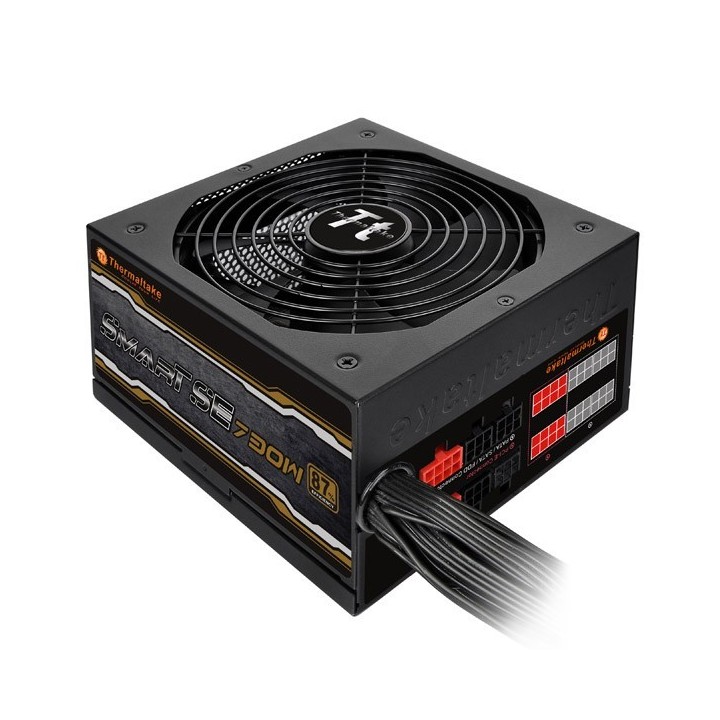
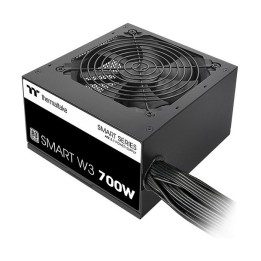
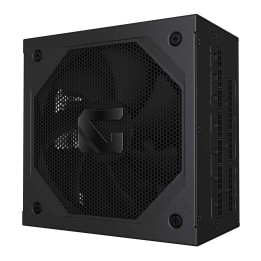
Thermaltake Smart SE to rodzina zasilaczy kierowana do użytkowników ceniących wysoką stabilność pracy przy niewygórowanej cenie konstrukcji. Thermaltake Smart SE 730W sprawność 80+ Bronze 140mm Modular to produkt mogący sprostać nawet tandemowi złożonemu z dwóch wydajnych kart graficznych pracujących w trybie SLI lub CrossFire. Urządzenie charakteryzuje się bardzo stabilną, silną, pojedynczą linią 12 V, dla której maksymalne natężenie prądu wynosi 57 A. Moc szczytowa to niebagatelne 830W!
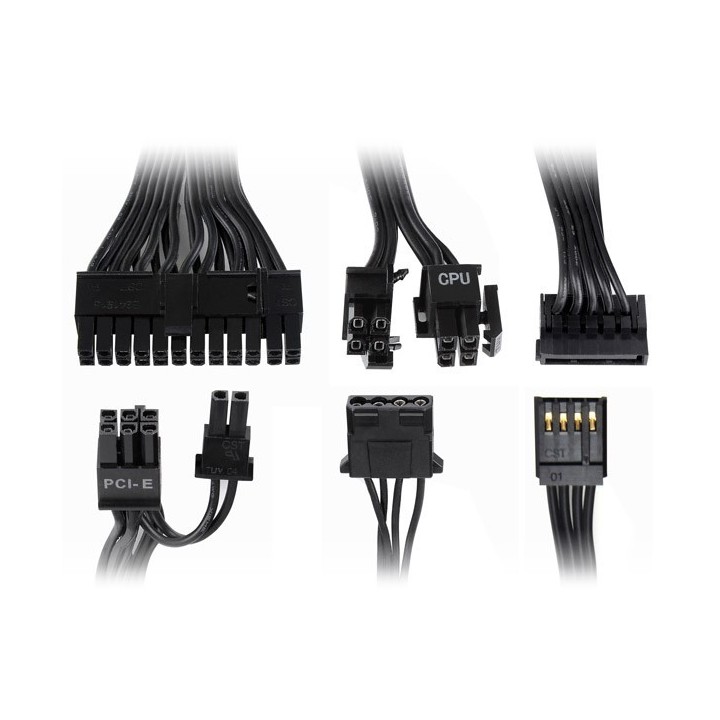
Sprawność dla Thermaltake Smart SE (87%) jest lepsza niż wymagana przy 80+ Bronze, a przy typowych obciążeniach bliska wymaganiom 80+ Silver (patrz wykres) ! Zoptymalizowana pod rynek europejski budowa zasilacza z serii Smart SE (napięcie wejściowe 220-230V) nie niesie za sobą żadnego kompromisu w zakresie efektywności działania! Konstrukcja posiada bogaty zestaw złączy, w tym cztery PCI-E, sześć SATA oraz cztery Molex pod postacią eleganckich kabli low profile. Produkty z serii Thermaltake Smart SE posiadają ponadto aktywny układ PFC, który potrafi o wiele sprawniej od standardowego korygować przesunięcia fazowe.
Konstrukcję wyposażono w 140-mm wentylator, a także szereg zabezpieczeń, spośród których warto wymienić choćby filtry przeciwprzepięciowe, zabezpieczenie nadprądowe, zabezpieczenie przed zwarciem.
eXtremeMem
Szyszkowa, nr 35/37 02-285 Warszawa Polska
E-mail: michal.chmura@extrememem.com
Formularz kontaktowy: https://my.thermaltake.com/csTech.aspx
Telefon: 48-22-40-799-40
eXtremeMem
Szyszkowa, nr 35/37 02-285 Warszawa Polska
E-mail: michal.chmura@extrememem.com
Telefon: 48-22-40-799-40
List of safety warnings for computer power supplies based on the requirements of General Product Safety Regulation (GPSR) 2023/988 * Risk of electric shock: * Make sure the power supply is properly grounded. * Do not open the power supply housing when it is connected to power. * Do not touch any internal components of the power supply when it is connected to power. * Do not use the power supply in humid or wet environments. * Disconnect the power supply from the power supply before cleaning. * Fire risk: * Do not use a power supply with less power than required by your computer. * Make sure the power supply has adequate surge, short-circuit and thermal protection. * Do not cover the power supply to ensure adequate ventilation. * Do not place the power supply near heat sources. * Regularly inspect power cables for damage. * Explosion risk: * Do not use a power supply that is damaged or has visible signs of damage. * Do not try to repair the power supply yourself. * Use the power supply only for its intended purpose. * Dispose of the power supply according to local regulations. * Risk of injury: * Do not drop the power supply. * Do not disassemble the power supply as it contains live components that can cause electric shock. * Do not expose the power supply to extreme temperatures or moisture. * Before installing the power supply, disconnect the computer from the power supply. * Compatibility and selection: * Make sure the power supply is compatible with the motherboard and other computer components. * Check that the power supply has the right connectors for all components. * Overheating protection: * Provide adequate ventilation in the computer case so that the power supply does not overheat. * Regularly clean the power supply fan from dust. * Installation and use: * Follow the manufacturer's instructions when installing the power supply. * Do not overload the power supply by connecting too many devices to it. * Storage: * Store the power supply in a dry and clean place, away from children. * Cables & Connections: * Make sure all cables are properly connected and not damaged. * Do not use extension cords or adapters that are not intended to be used with the power supply.
Produkty, które ostatnio zwróciły Twoją uwagę.