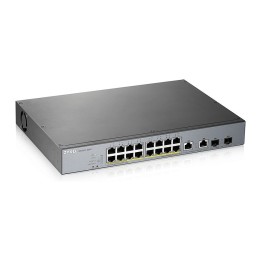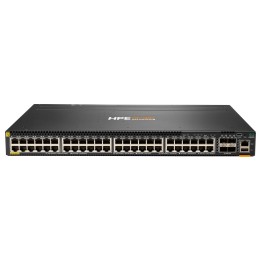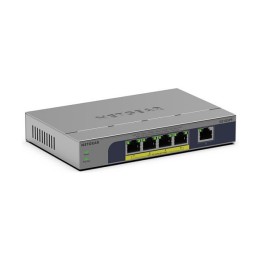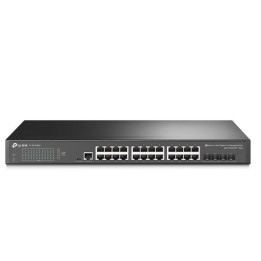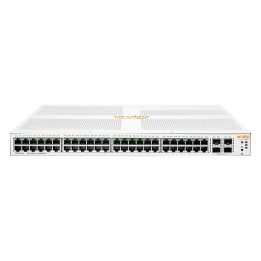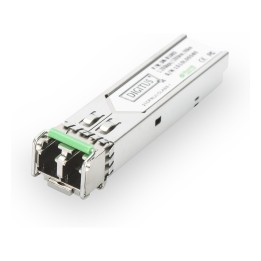
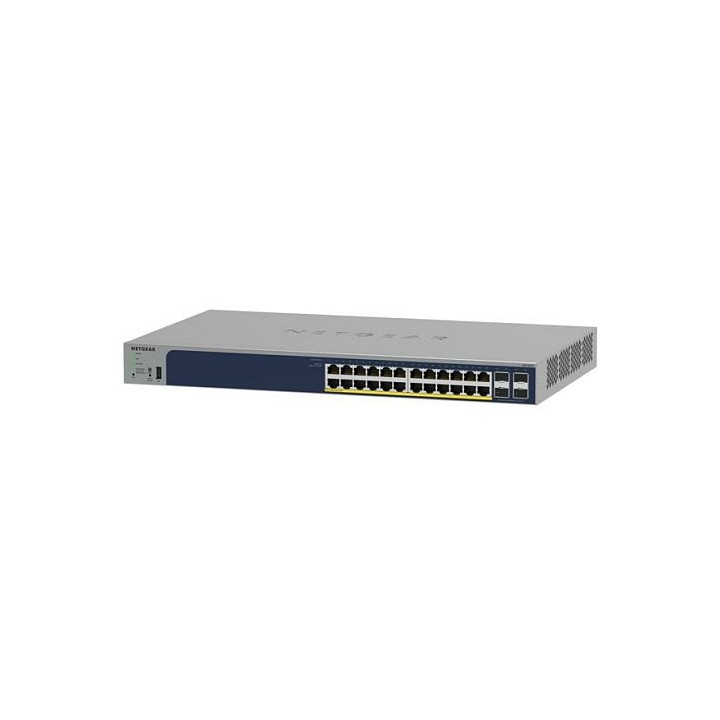
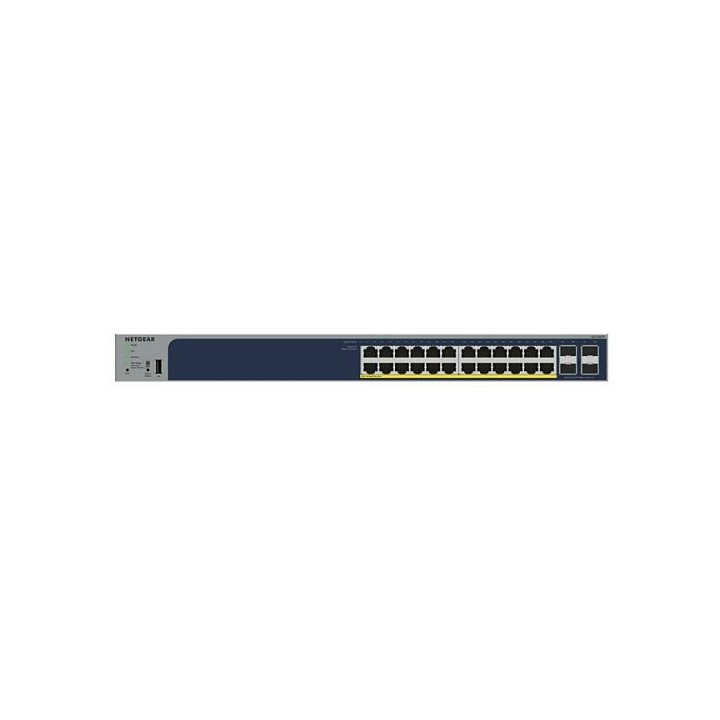
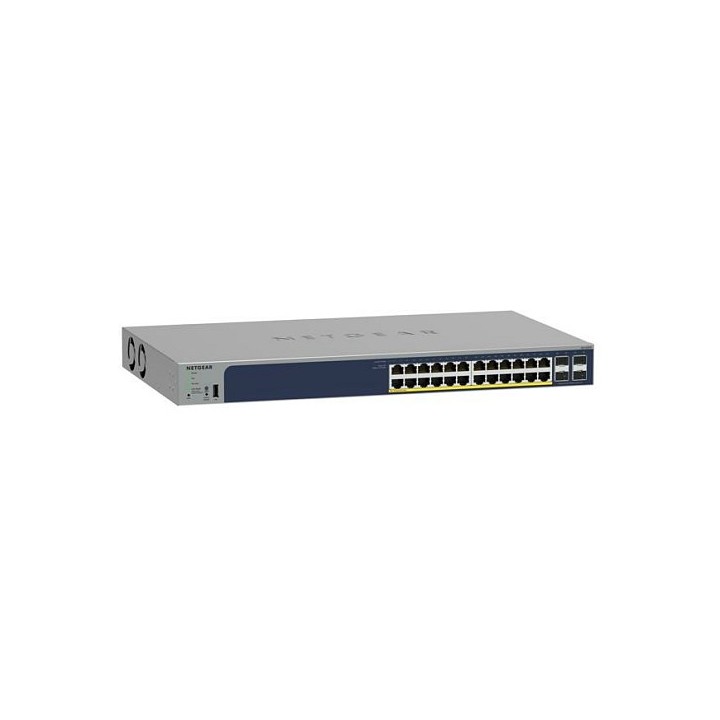
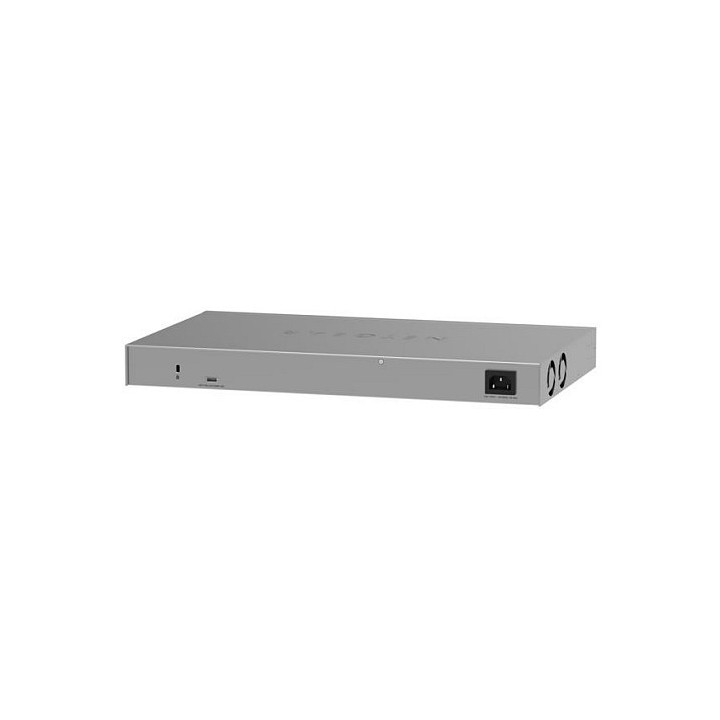
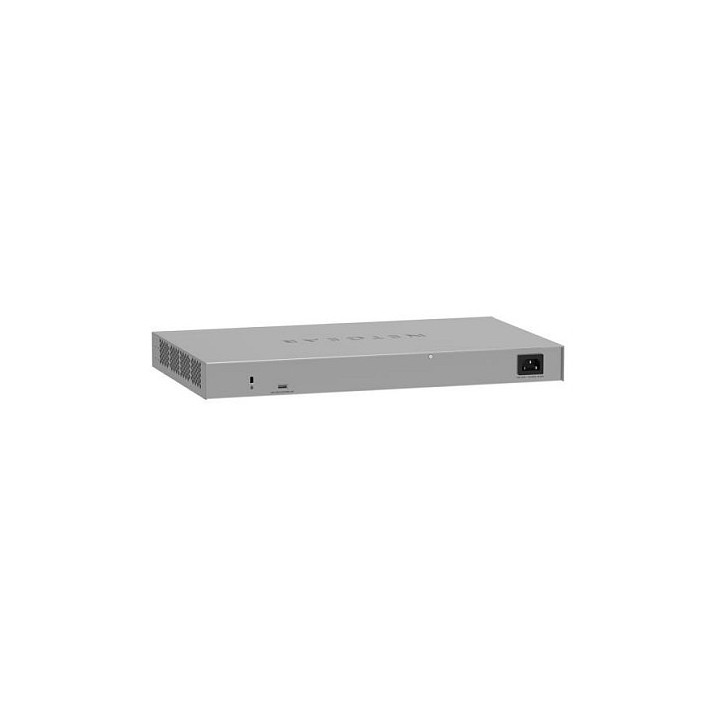
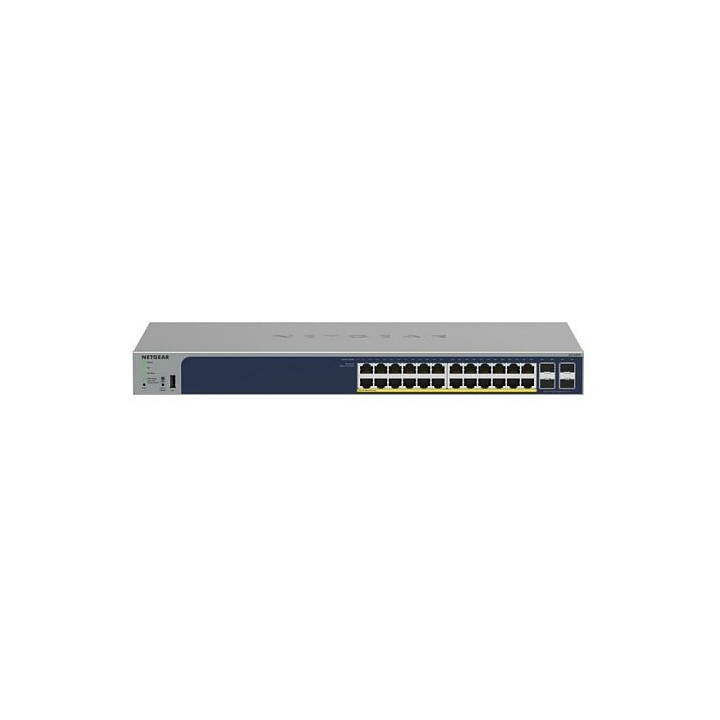
Switch GS752TPP Smart 48xGE PoE+ 4xSFP

Cena: 3 917,49 zł
Brutto
Dostępność produktu: Dostępny 2 szt.
Czas dostawy Wysyłka w ciągu 3 dni roboczych
Koszt dostawy Bezpłatna dostawa od 250 zł.

Opis produktu

48-portowy gigabitowy przełącznik Smart PoE+ z opcjonalnym zarządzaniem zdalnym/w chmurze i 4 portami SFP (760 W) Samodzielny inteligentny przełącznik przeznaczony do sieci konwergentnych, dużych lub małych.

Specyfikacja

  • Klasa przełącznika: SMART
  • Zastosowanie (switche): Średnie i duże firmy (powyżej 16 portów)
  • Warstwa przełączania (switche): L2+
  • Architektura sieci (switche): GigabitEthernet
  • Liczba portów 10/100 Mbps: Brak
  • Liczba portów 10/100/1000 Mbps: 48
  • Liczba portów 10/100/1000/2500 Mbps: Brak
  • Liczba portów 10Gb: Brak
  • Liczba portów PoE (PoE + PoE+): Brak
  • Liczba portów PoE+: Brak
  • Liczba portów PoE++: 1
  • Liczba portów COMBO: Brak
  • Liczba portów SFP: 4
  • Liczba portów SFP+: Brak
  • Liczba portów SFP28: 1
  • Liczba portów SFP56: Brak
  • Liczba portów QSFP28: 1
  • Liczba portów QSFP+: Brak
  • Port konsoli: Nie
  • Tryb przekazywania: Store-and-forward
  • Przepustowość (switche Gbps): 104 GB/s
  • Bufor pamięci (switche): 1.5 MB
  • Rozmiar tablicy adresów MAC: 16000
  • Obsługa ramek Jumbo: Tak
  • Rozmiar ramki Jumbo: 10 KB
  • Liczba grup VLAN (tylko mng i smart): 256
  • Obsługiwane protokoły i standardy: IEEE 802.3 Ethernet IEEE 802.3u 100BASE-T IEEE 802.3ab 1000BASE-T IEEE 802.3af PoE IEEE 802.3at PoE+ IEEE 802.3az Energy Efficient Ethernet (EEE) IEEE 802.3ad Trunking (LACP) IEEE 802.3z Gigabit Ethernet 1000BASE-SX/LX IEEE 802.3x Full-Duplex Flow Control IEEE 802.1Q VLAN Tagging IEEE 802.1AB LLDP with ANSI/TIA-1057 (LLDP-MED) IEEE 802.1p Class of Service IEEE 802.1D Spanning Tree (STP) IEEE 802.1s Multiple Spanning Tree (MSTP) IEEE 802.1w Rapid Spanning Tree (RSTP) IEEE 802.1x RADIUS Network Access Contro
  • QoS: Ograniczanie szybkości w oparciu o port QoS oparte na portach Support for IPv6 fields DiffServ QoS IEEE 802.1p COS Destination MAC i IP DSCP IPv4 i v6 IPv4 and IPv6 ToS Oparty na protokole TCP/UDP Weighted Round Robin (WRR) Ścisła technologia kolejki priorytetowej Auto-VoIP VLAN/Auto-Voice VLAN: Tak, w oparciu o bajty OUI (domyślna baza danych i OUI oparte na użytkownikach) w źródłowym adresie MAC telefonu Auto-VoIP: Tak, w oparciu o protokoły (SIP). Priorytetowo kieruje ruch do wyższej kolejki Głosowa sieć VLAN: Tak, w oparciu o identyfikator VLAN lub priorytet 802.1p, pakiety są przesyłane do łączącego się telefonu VoIP za pomocą protokołu LLDP-MED
  • Typ obudowy: Rack (Switche/UPS)
  • Wentylator (switche): Tak
  • Zasilacz (switche): Wewnętrzny
  • Pobór mocy: 861 W
  • Czas pracy pomiędzy awariami (MTBF): 1107549 h
  • Akcesoria w zestawie: Switch Przewód zasilający prądu przemiennego ze złączem C13 (w zależności od regionu sprzedaży) Wsporniki i śruby do montażu w stojaku Gumowe podkładki do montażu na blacie Gumowe zaślepki ochronne, które są już zamontowane w gniazdach SFP Instrukcja instalacji
  • Wymiary: 440 × 310 × 43,2 mm
  • Waga: 5.03 kg
  • Uwaga: CE+WEEE

Szczegóły produktu

  • Marka Netgear
  • Kod produktu 660fc56171a267703cbbbba4
  • Dostępność 2 Przedmioty
  • EAN13 0606449162561
  • MPN GS752TPP300EUS

Specyfikacja

  • Rodzaj zarządzania SMART
  • Montaż Rack Tak
  • Bez wentylatora Nie
  • Liczba portów SFP (szt.) 4 szt.
  • Typ obudowy sieciowej Rack (Switche/UPS)

Producent

Producent

NETGEAR International Limited

6th Floor, Penrose Two, Penrose Dock T23 YY09 Cork Ireland

E-mail: emea.orders@netgear.com

Formularz kontaktowy: https://www.netgear.com/support/

Telefon: +353 (0)4089 078000

Bezpieczeństwo

Informacje o bezpieczeństwie

List of safety warnings for network equipment based on the requirements of General Product Safety Regulation (GPSR) 2023/988: 1. Risk of electric shock: * Make sure that the device is connected to a working socket with grounding. * Do not touch the plug or cable with wet hands. * Avoid using the device in places with high humidity. 2. Risk of overheating: * Provide adequate ventilation while maintaining at least 5 cm of free space around the device. * Do not block ventilation openings and avoid putting network equipment on soft surfaces such as blankets or pillows. 3. Fire risk: * Use only original power supplies and accessories recommended by the manufacturer. * Do not leave the device on unattended near flammable materials. 4. Risk of bodily injury: * Use the device on a stable surface to minimize the risk of falling. 5. Hazards in humid environments: * Do not use network equipment outdoors in rain or in places with high humidity. * If the device is flooded, immediately disconnect it from the power source and contact the service. 6. Hazards at high temperatures: * Do not expose the device to direct sunlight. * Avoid using network equipment at temperatures above the recommended range (usually 5-35°C). 7. Risk of damage during cleaning: * Before cleaning, disconnect the device from the power supply and use a soft, slightly damp cloth. * Avoid using strong detergents that can damage the surface of the device. 8. Caution when replacing accessories: * Use only the accessories recommended by the manufacturer. * When replacing batteries, follow the manufacturer's instructions and do not expose the battery to high temperatures. 9. Risks associated with battery use: * Avoid damage to the battery by impact or puncture. * If the battery overheats or swells, stop using the device immediately. 10. Warnings for children: * Keep power cables out of reach of children. * Make sure that children do not play with the device or accessories that can be dangerous. 11. Electromagnetic interference: * Using network equipment near medical devices such as pacemakers can cause electromagnetic interference. * Maintain a distance of at least 15 cm between network equipment and medical devices. 12. Fire hazard: * Storing network equipment near flammable materials or using non-original power supplies may increase the risk of fire. * Use your smartphone away from fabrics, paper, and other flammable materials. 13. Regular maintenance: * Failure to regularly clean ports and sockets can lead to damage or failure. * Clean ports and sockets regularly using a dry and clean cloth, avoiding moisture input.

Ładowanie...
Wróć na górę