- Nowy
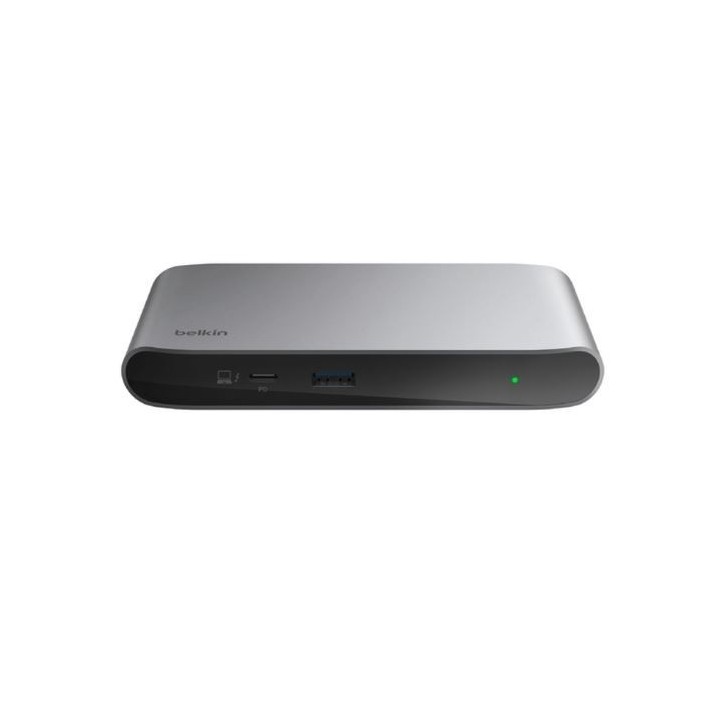
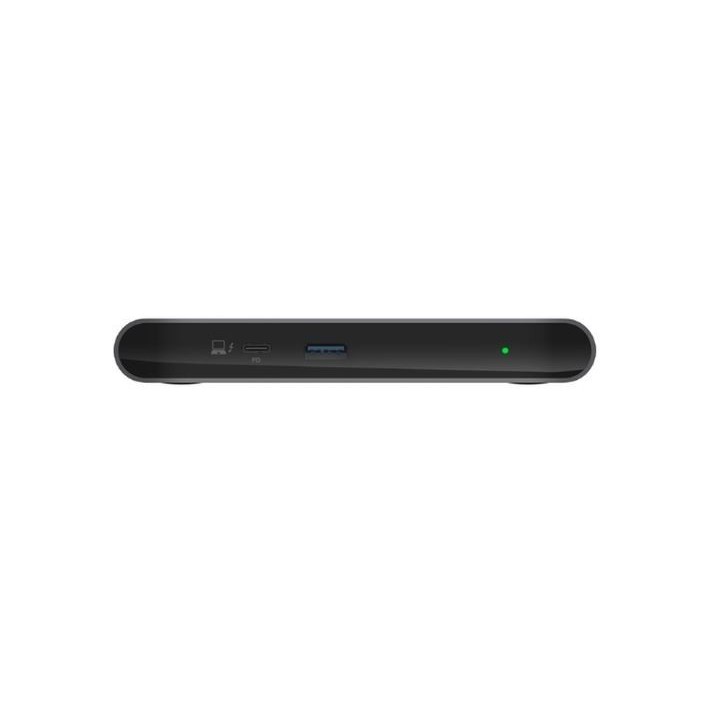
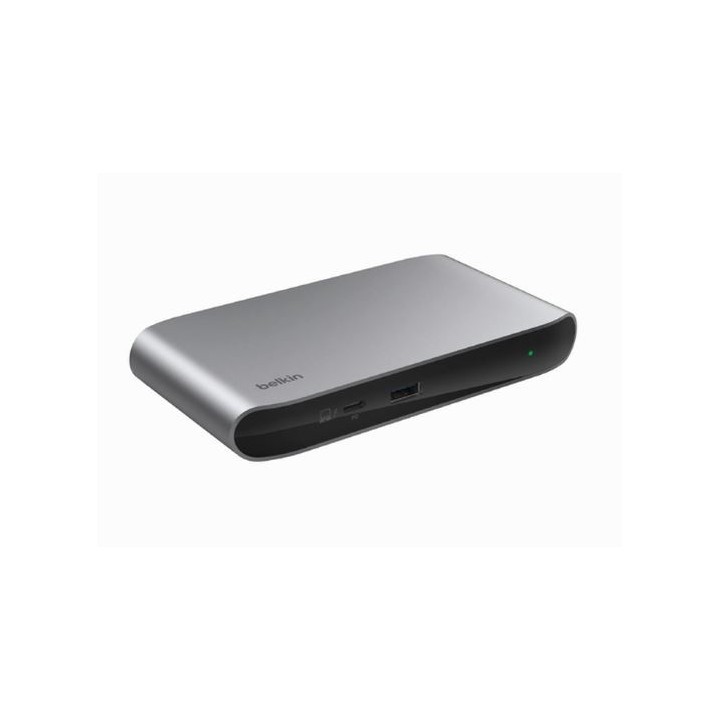
Stacja dokująca Thunderbolt 4 5w1
Zoptymalizuj swoją stację roboczą za pomocą kompaktowego koncentratora 5 w 1, aby podłączyć wszystkie swoje urządzenia, błyskawicznie ładować i przesyłać dane 8 razy szybciej niż USB 3.0.
Doładuj swoją stację roboczą.
Podłącz pięć urządzeń w tym cztery obsługujące technologię Thunderbolt za pomocą jednego kabla Thunderbolt. Dzięki certyfikatowi Thunderbolt 4 i zgodności z USB4 możesz cieszyć się najnowszymi i najlepszymi rozwiązaniami.
Błyskawiczne prędkości przesyłania danych.
Dzięki szybkości przesyłania danych do 40 Gb/s ten koncentrator jest wystarczająco szybki, aby poradzić sobie nawet z największymi plikami. Utrzymasz pełną prędkość nawet przy pełnym obciążeniu i jednoczesnym uruchomieniu wielu urządzeń peryferyjnych. Możesz przesłać 3 godziny nagrań z kamery sportowej 4K w mniej niż minutę. To 8 razy szybciej niż USB 3.0.
Obsługa monitora UHD.
Dzięki obsłudze monitorów o wysokiej rozdzielczości dla dwóch ekranów 4K przy częstotliwości 60 Hz ta stacja dokująca umożliwia dostęp do dużych ilości informacji z laptopa za pomocą prostego i wygodnego połączenia jednym kablem. Obsługuje również pojedynczy monitor 8K przy 30 Hz.
Możliwość rozbudowy i wszechstronność.
Nasz koncentrator umożliwia połączenie łańcuchowe maksymalnie sześciu urządzeń za pomocą Thunderbolt. Dodanie portu USB-A zapewnia miejsce na podłączenie dodatkowego urządzenia innego niż Thunderbolt.
Zasilaj swoje urządzenia peryferyjne.
Nasz koncentrator umożliwia ładowanie podłączonego laptopa z mocą do 96 W. Każdy port zapewnia ładowanie podłączonych urządzeń mocą do 15 W.
Bezpieczny, mocny ładunek.
Chroń wszystkie swoje urządzenia dzięki wbudowanemu zabezpieczeniu nadprądowemu (OCP). Dołączony zasilacz o mocy 150 W zapewnia sprawne ładowanie wszystkich podłączonych urządzeń peryferyjnych.
Belkin B.V.
Eduard van Beinumstraat 8 1077 CZ Amsterdam Holandia
E-mail: regionalRC@belkin.com
Formularz kontaktowy: https://www.belkin.com/company/contact-us/
Belkin B.V.
Eduard van Beinumstraat 8 1077 CZ Amsterdam Netherlands
Formularz kontaktowy: https://www.belkin.com/company/contact-us/
Telefon: +31 (0)20 658 0800
List of safety warnings for docking stations based on the requirements of General Product Safety Regulation (EU) 2023/988 (GPSR) * Risk of electric shock: * Make sure that the docking station is connected to an efficient grounded outlet. * Do not touch the plug or cable with wet hands. * Avoid using the docking station in areas with high humidity. * Risk of overheating: * Provide adequate ventilation while maintaining at least 5 cm of free space around the docking station. * Do not block ventilation openings. * Do not place the docking station on soft surfaces such as blankets or pillows. * Fire risk: * Use only original power supplies and accessories recommended by the manufacturer. * Do not leave the docking station on unattended near flammable materials. * Risk of bodily injury: * Use the docking station on a stable surface to minimize the risk of falling connected devices. * Avoid using the docking station in a position that causes excessive heat pressure on the skin to prevent burns. * Hazards in humid environments: * Do not use the docking station outdoors in rain or in places with high humidity, such as bathrooms. * If the docking station is flooded, immediately disconnect it from the power source and contact the service. * Hazards at high temperatures: * Do not expose the docking station to direct sunlight. * Avoid using the docking station at temperatures above the recommended range (usually 5-35°C). * Risk of damage during cleaning: * Disconnect the docking station from the power supply before cleaning and use a soft, slightly damp cloth. * Avoid using strong detergents that can damage the surface of the docking station. * Caution when replacing accessories: * Use only accessories recommended by the manufacturer. * When replacing batteries, follow the manufacturer's instructions and do not expose the battery to high temperatures. * Battery Use Hazards: * Avoid damaging the battery by impact or puncture. * If the battery overheats or swells, stop using the docking station immediately. * Child warnings: * Keep power cables out of reach of children. * Make sure your kids don't play with the docking station or accessories that can be dangerous. * Cleanliness: * Failure to regularly clean ports and sockets can lead to damage or failure. * Clean ports and sockets regularly using a dry and clean cloth, avoiding moisture input.
Produkty, które ostatnio zwróciły Twoją uwagę.