- Nowy
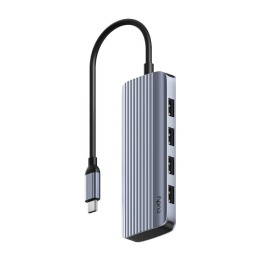
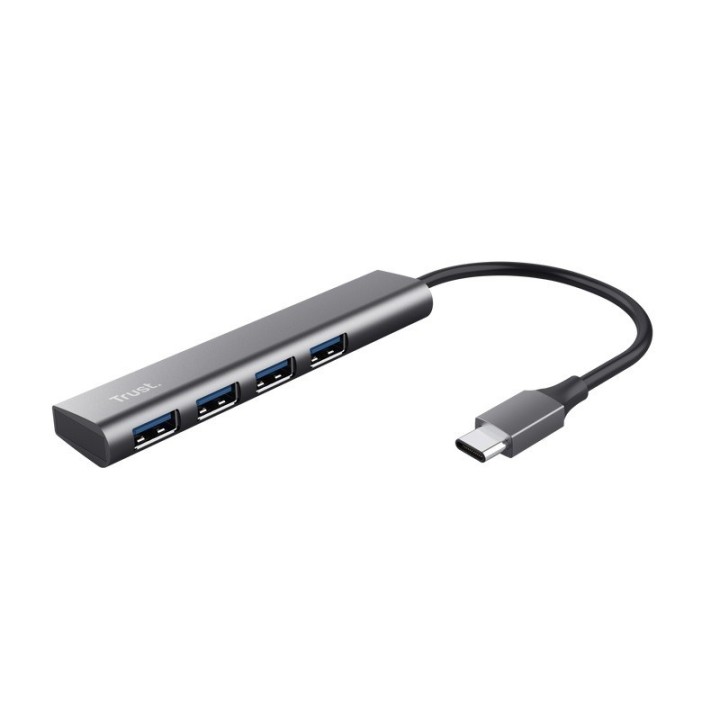
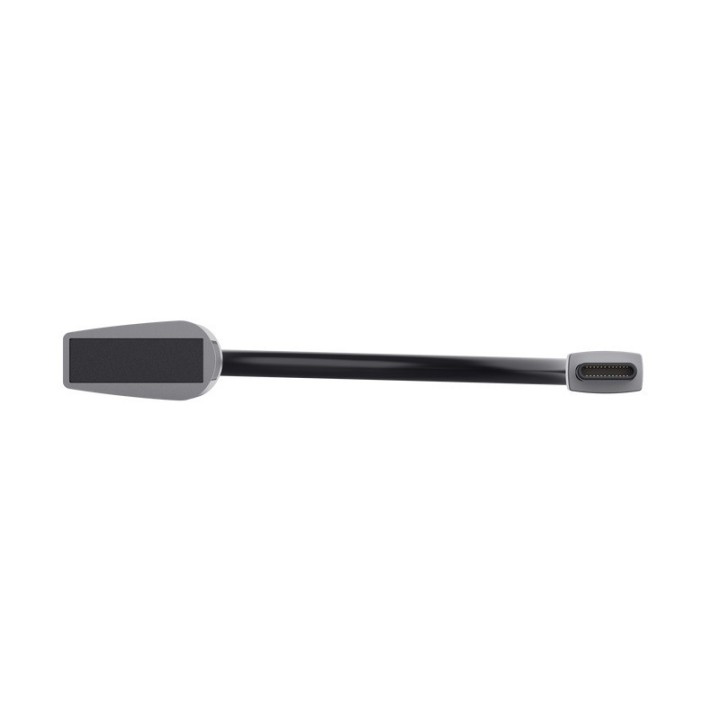
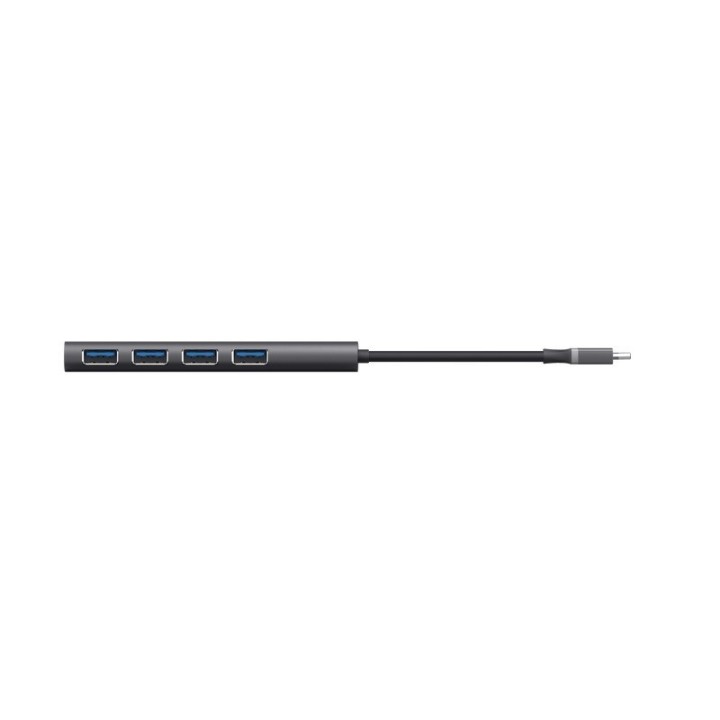
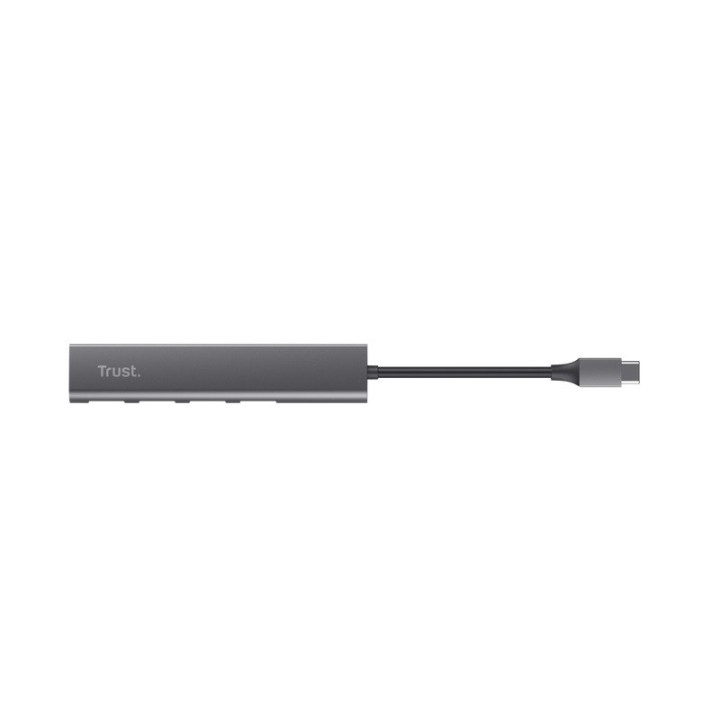
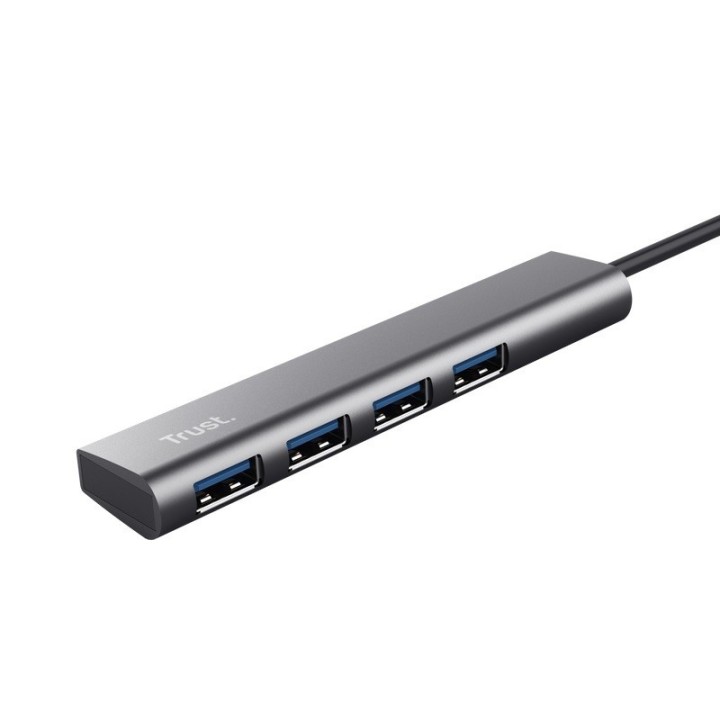
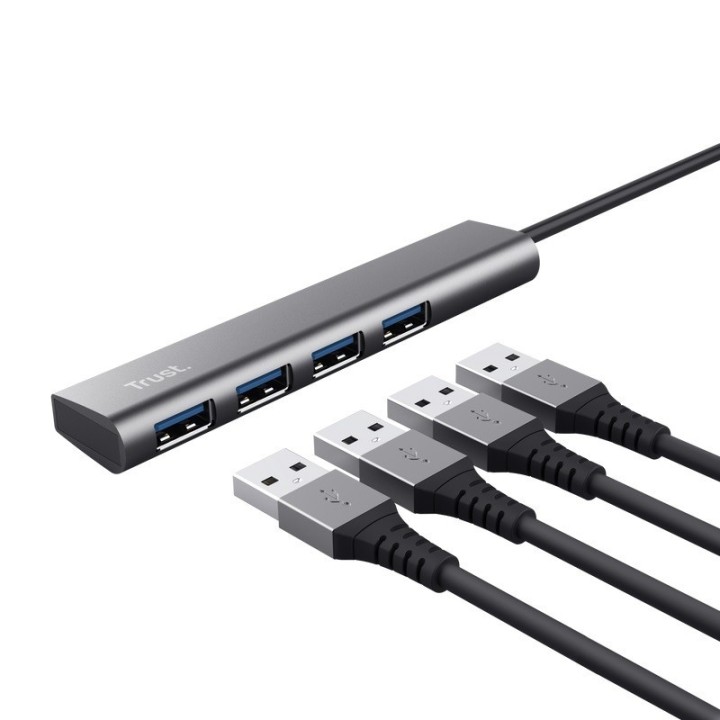
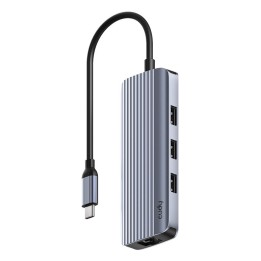
USB-C na 4-portowy koncentrator USB-A 3.2 Gen1
Stylowy aluminiowy koncentrator USB dodaje 4 dodatkowe porty USB-A z szybkością 5 Gb/s do komputera wyposażonego w port USB-C.
Impreza 4-portowa
Klawiatura czy mysz? Aparat czy zestaw słuchawkowy? Dzięki 4 wygodnym portom nigdy nie będziesz musiał decydować, które z urządzeń USB ma zostać podłączone wszystkie są tutaj mile widziane!
Nie są potrzebne żadne instrukcje
Halyx nie może być łatwiejszy w użyciu wystarczy podłączyć go za pomocą jednego kabla USB-C i gotowe. To tak proste, jak USB-C!
Mały, stylowy i mocny
Dzięki wytrzymałej aluminiowej obudowie i kompaktowej konstrukcji Halyx jest wytrzymały i wystarczająco mały, aby nie zajmować dużo miejsca na biurku. I wygląda naprawdę dobrze!
Trust International B.V.
Laan van Barcelona 600, 3317 DD Dordrecht, Netherlands 3317 DD Dordrecht Netherlands
Formularz kontaktowy: https://www.trust.com/en/support/contact
List of safety warnings for USB hubs based on the requirements of General Product Safety Regulation (EU) 2023/988 (GPSR): * Risk of electric shock: * Do not use damaged USB cables. * Do not touch the USB hub with wet hands. * Avoid contact with water and moisture. * Risk of overheating: * Do not cover the USB hub during use. * Make sure the USB hub has adequate ventilation. * Do not place the USB hub near heat sources. * Risk of short circuit and damage to devices: * Do not connect devices with too high power consumption. * Use a power supply with the appropriate parameters (if required). * Disconnect unused devices. * Risk of data corruption: * Securely disconnect USB devices before removing the plug from the hub port. * Avoid sudden power disconnection. * Restrictions on use: * Do not use the USB hub as intended. * Do not modify or repair the device yourself. * Child-related hazards: * Keep your USB hub and small accessories out of reach of children. * Do not allow children to play with the USB hub. * Maintenance and cleaning: * Clean the USB hub regularly with a dry cloth. * Do not use aggressive cleaners. * When connecting peripherals, especially external drives: * Use dedicated power supply for the USB hub to provide enough power.