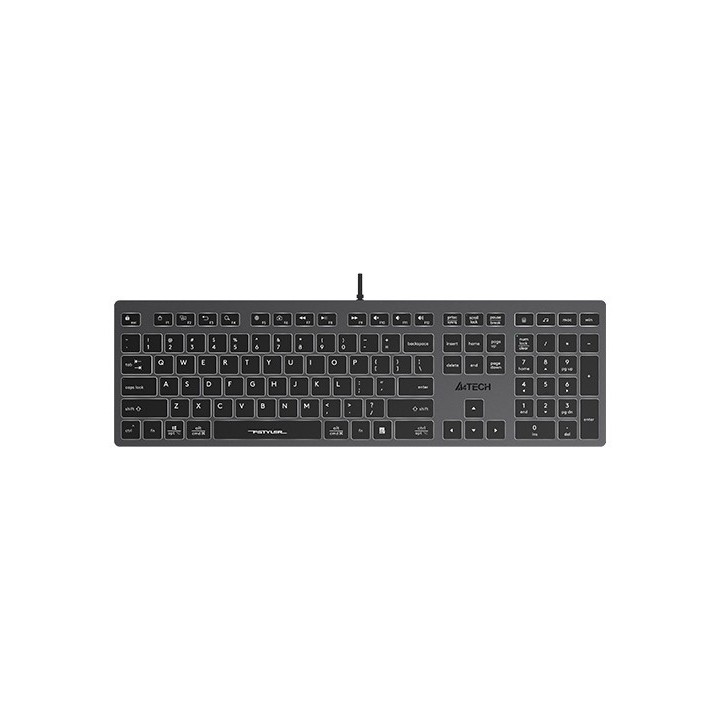
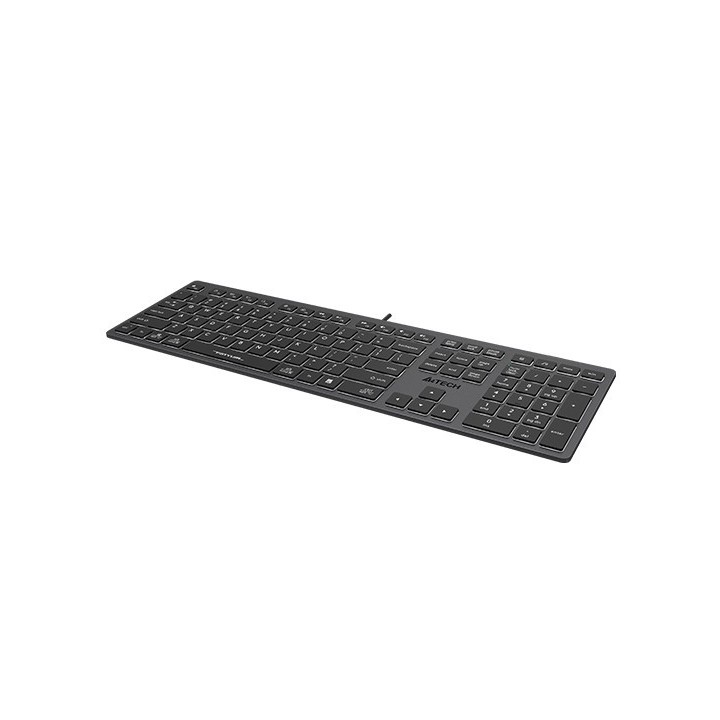
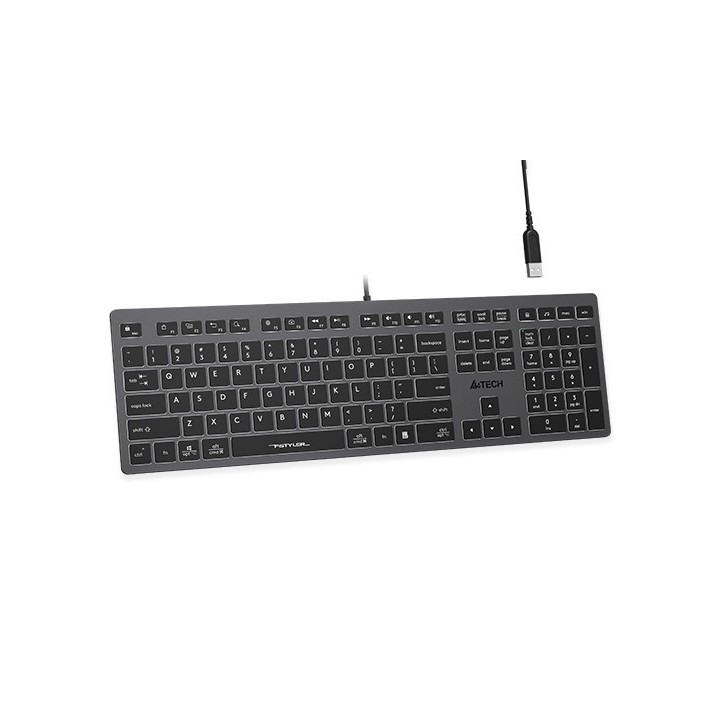
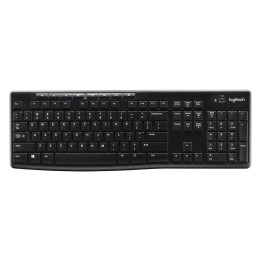
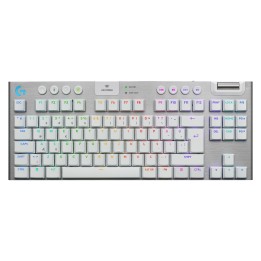
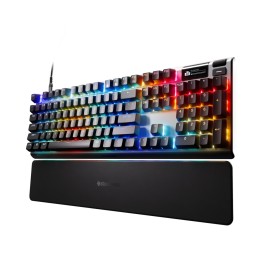
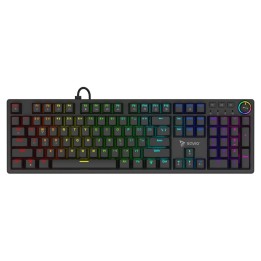
Klawiatura FStyler FX60H (białe podświetlenie)
Opis produktu
Zamiana systemu operacyjnego
Kompatybilna z Windows / Mac / iOS / Android. Łatwo zmieniaj układ z jednego systemu operacyjnego na inny.
Gładka struktura klawiszy przełącznika nożycowego
Każde naciśnięcie klawisza zostanie nagrodzone płynną reakcją dzięki przełącznikom nożycowym. Skalibrowana precyzja, punkt aktywacji 1,5 mm, mniej drgań.
Dostęp do multimediów za pomocą klawiszy skrótu
12 funkcji multimedialnych i internetowych za pomocą klawiszy FN + F1 do F12.
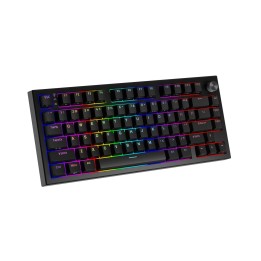
Podświetlenie LED
Podświetlenie LED ułatwia pisanie w ciemności, to dobry wybór do pracy, nauki i zabawy.
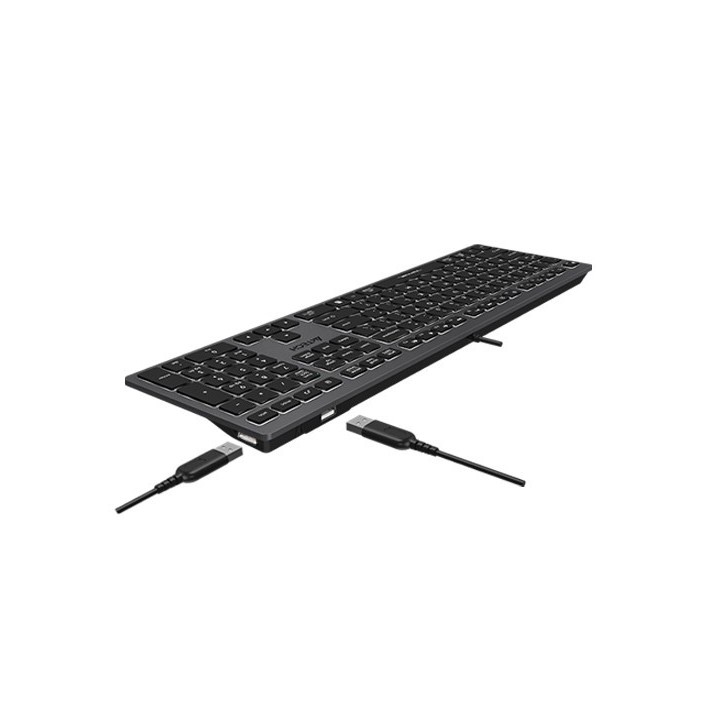
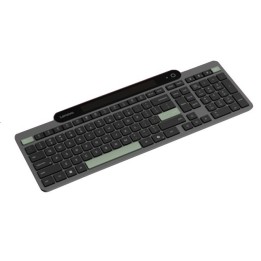
Rozszerzenie portów USB
Wbudowane dwa porty USB, idealne do szybkiego podłączania lub ładowania urządzeń USB.
Niskoprofilowe, czekoladowe klawisze
Ultracienka konstrukcja klawiszy w kształcie kostki czekolady pozwala na wygodne pisanie podczas długich godzin pracy.
Specyfikacja
- Model: FStyler FX60H
- Rodzaj klawiatury: Multimedialna
- Zestaw z myszką: Nie
- Połączenie: Przewodowe
- Interfejs: USB
- Podświetlana klawiatura: Tak
- Zasilanie (lista): USB 5V
- Długość przewodu: 150 cm
- Kolor (wyliczeniowy): Szary
- Obsługiwane systemy operacyjne: Mac OS
- Wymiary: 420 x 126 x 20 mm
- Uwaga: CE+WEEE

Szczegóły produktu
- Marka A4 Tech
- Kod produktu 660fc67971a267703cbcb06d
- Dostępność 15 Przedmioty
- EAN13 4711421976343
- MPN A4TKLA47125
Specyfikacja
- Podświetlenie klawiatury Tak
- Sposób połączenia Przewodowe
Producent
Producent
MEGABAJT SP. Z O.O.
Rydygiera 8 01-793 Warszawa Polska
E-mail: biuro@megabajt.com.pl
Formularz kontaktowy: https://www.tracer.pl/kontakt
Telefon: +48 22 633 11 99
Osoba odpowiedzialna w UE
MEGABAJT SP. Z O.O.
Rydygiera 8 01-793 Warszawa Polska
E-mail: biuro@megabajt.com.pl
Formularz kontaktowy: https://www.tracer.pl/kontakt
Telefon: +48 22 633 11 99
Bezpieczeństwo
Informacje o bezpieczeństwie
List of keyboard safety warnings based on the requirements of General Product Safety Regulation (EU) 2023/988 (GPSR): * Make sure you use the keyboard as intended, avoid over-pressing or hitting the keys. * Protect your keyboard from flooding with liquids, as this can damage your electronics. * If you are using a wireless keyboard, be sure to replace the batteries regularly and dispose of them as per your regulations. * Keep your keyboard clean, vacuum it regularly, and clean with gentle agents to prevent dust and dirt buildup. * If the keyboard has LED backlighting, avoid staring at intense light for a long time, especially in dark environments. * Store your keyboard in a dry place, away from direct sunlight and heat sources. * Make sure that the keyboard cable is not an obstacle and does not threaten to trip. * If the keyboard has sharp edges, be careful to avoid cuts. * If you experience skin allergies to the materials from which the keyboard is made, stop using it and consult your doctor. * Do not use a damaged keyboard where the keys are loose or missing. * Keep your workstation organized to avoid accidental damage to your keyboard. * Avoid using the keyboard in conditions of high humidity or dustiness, as this can negatively affect its operation. * If you notice the keyboard overheating, disconnect it from the power source immediately. * If the keyboard is equipped with a USB receiver, store it in a safe place to avoid being swallowed by children. * Make sure that children do not play with the keyboard or its elements. * Do not try to repair the keyboard yourself if you are not qualified. * Pay attention to the ergonomics of the work to avoid problems with the wrists and hands during prolonged use of the keyboard.