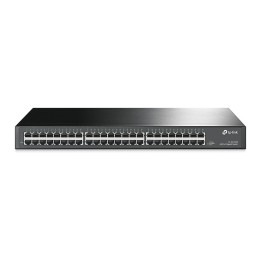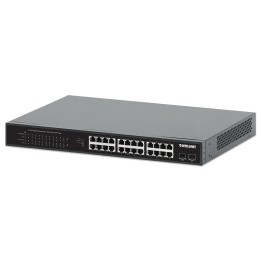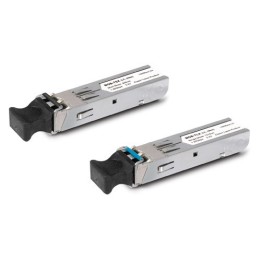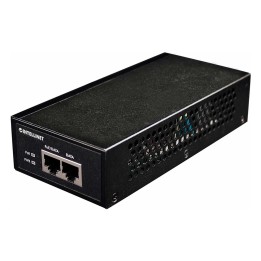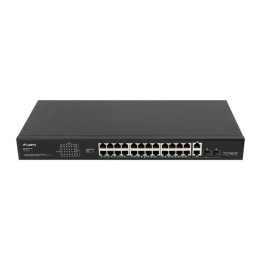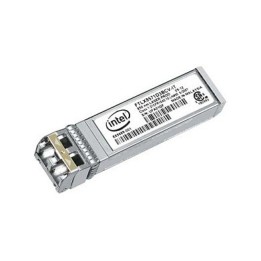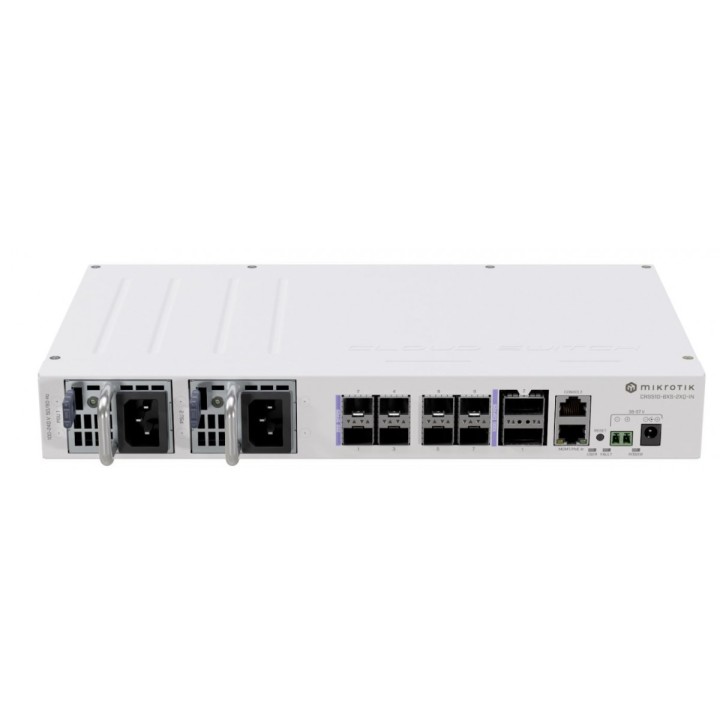
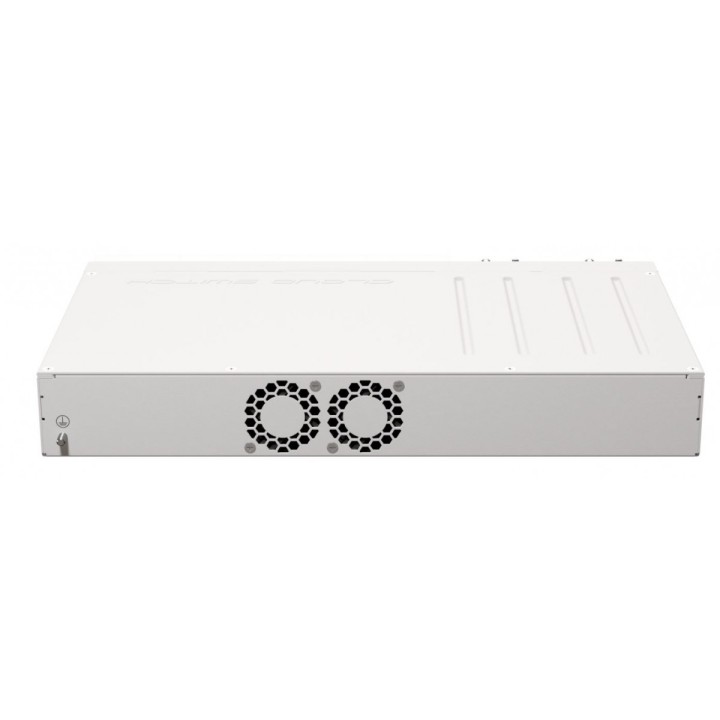
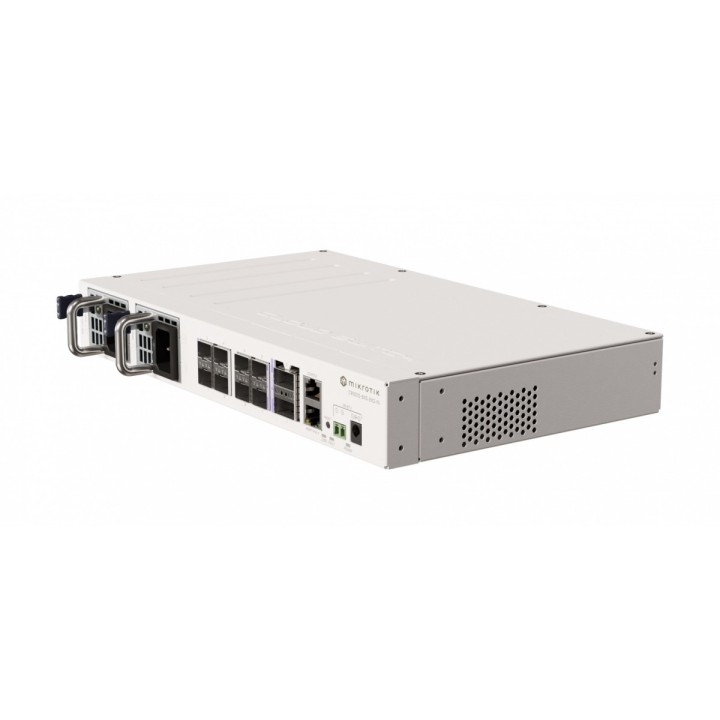
Przełącznik 8xSFP28 CRS510-8XS-2XQ-IN

Cena: 3 772,49 zł
Brutto
Dostępność produktu: Dostępny 20 szt.
Czas dostawy Wysyłka w ciągu 2 dni roboczych
Koszt dostawy Dostawa od 11,99 zł

Opis produktu

CRS518-16XS-2XQ dzięki 2 portom 100 Gigabit QSFP28 i 16 portom 25 Gigabit SFP28 jest to doskonały ekonomiczny dodatek do każdej sieci korporacyjnej lub centrum danych. A dzięki podwójnie nadmiarowym zasilaczom i wentylatorom z możliwością wymiany podczas pracy nie musisz się martwić o niepotrzebne przestoje. 25-gigabitowe porty są wstecznie kompatybilne z urządzeniami 10 Gigabit i 1 Gigabit SFP. Dwa zasilacze typu hot-swap obsługują wysoki zakres napięcia wejściowego: 100-240 V. Sama płyta zużywa do 45 W mocy, podczas gdy całkowity maksymalny pobór mocy wzrasta do 77 W ze wszystkimi dodatkami.

Specyfikacja

  • Klasa przełącznika: Zarządzalny
  • Zastosowanie (switche): Dom i małe biuro (do 16 portów)
  • Warstwa przełączania (switche): L3
  • Architektura sieci (switche): GigabitEthernet
  • Liczba portów 10/100 Mbps: 1
  • Liczba portów SFP28: 8
  • Liczba portów QSFP28: 2
  • Port konsoli: Tak
  • Obsługa ramek Jumbo: Tak
  • Możliwość łączenia w stos: Nie
  • Typ obudowy: Rack (Switche/UPS)
  • Wentylator (switche): Tak
  • Zasilacz (switche): Zewnętrzny
  • Pobór mocy: 51 W
  • Certyfikaty: CE, EAC, ROHS
  • Zasilanie: 100-240 V
  • Wymiary: 320 x 185 x 44 mm
  • Uwaga: CE+WEEE

Szczegóły produktu

  • Marka Mikrotik
  • Kod produktu 660fc6e971a267703cbd0ee4
  • Dostępność 20 Przedmioty
  • EAN13 4752224008466
  • MPN CRS5108XS2XQIN

Specyfikacja

  • Rodzaj zarządzania Zarządzalny
  • Montaż Rack Tak
  • Bez wentylatora Nie
  • Typ obudowy sieciowej Rack (Switche/UPS)

Producent

Producent

Mikrotikls SIA

Ūnijas iela 2 LV-1039 Rīga Latvia

E-mail: support@mikrotik.com

Formularz kontaktowy: https://mikrotik.com/support

Telefon: +371 67317700

Bezpieczeństwo

Informacje o bezpieczeństwie

List of safety warnings for network equipment based on the requirements of General Product Safety Regulation (GPSR) 2023/988: 1. Risk of electric shock: * Make sure that the device is connected to a working socket with grounding. * Do not touch the plug or cable with wet hands. * Avoid using the device in places with high humidity. 2. Risk of overheating: * Provide adequate ventilation while maintaining at least 5 cm of free space around the device. * Do not block ventilation openings and avoid putting network equipment on soft surfaces such as blankets or pillows. 3. Fire risk: * Use only original power supplies and accessories recommended by the manufacturer. * Do not leave the device on unattended near flammable materials. 4. Risk of bodily injury: * Use the device on a stable surface to minimize the risk of falling. 5. Hazards in humid environments: * Do not use network equipment outdoors in rain or in places with high humidity. * If the device is flooded, immediately disconnect it from the power source and contact the service. 6. Hazards at high temperatures: * Do not expose the device to direct sunlight. * Avoid using network equipment at temperatures above the recommended range (usually 5-35°C). 7. Risk of damage during cleaning: * Before cleaning, disconnect the device from the power supply and use a soft, slightly damp cloth. * Avoid using strong detergents that can damage the surface of the device. 8. Caution when replacing accessories: * Use only the accessories recommended by the manufacturer. * When replacing batteries, follow the manufacturer's instructions and do not expose the battery to high temperatures. 9. Risks associated with battery use: * Avoid damage to the battery by impact or puncture. * If the battery overheats or swells, stop using the device immediately. 10. Warnings for children: * Keep power cables out of reach of children. * Make sure that children do not play with the device or accessories that can be dangerous. 11. Electromagnetic interference: * Using network equipment near medical devices such as pacemakers can cause electromagnetic interference. * Maintain a distance of at least 15 cm between network equipment and medical devices. 12. Fire hazard: * Storing network equipment near flammable materials or using non-original power supplies may increase the risk of fire. * Use your smartphone away from fabrics, paper, and other flammable materials. 13. Regular maintenance: * Failure to regularly clean ports and sockets can lead to damage or failure. * Clean ports and sockets regularly using a dry and clean cloth, avoiding moisture input.

Ładowanie...
Wróć na górę