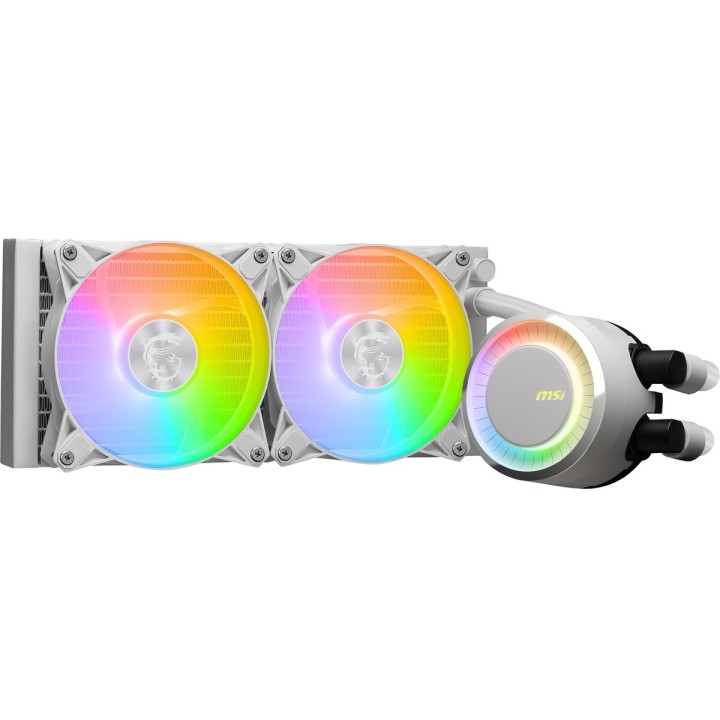
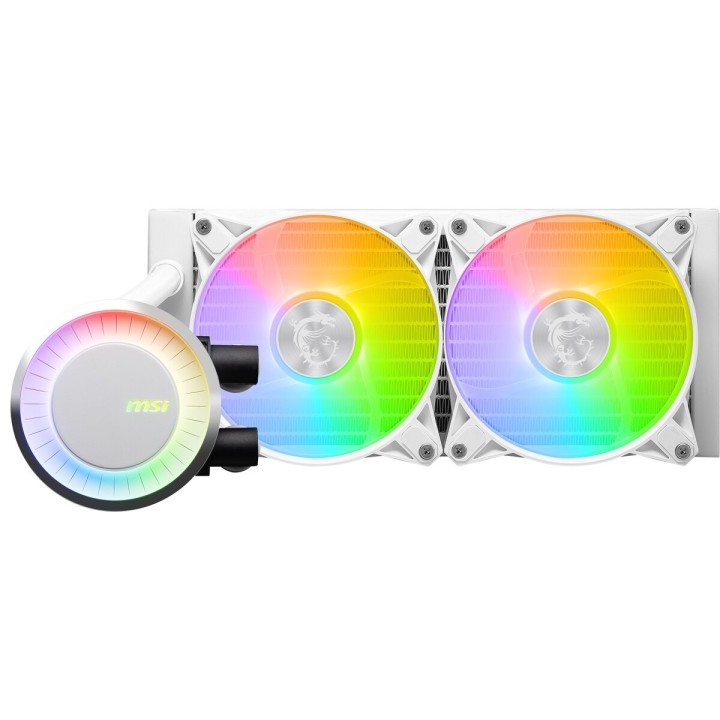
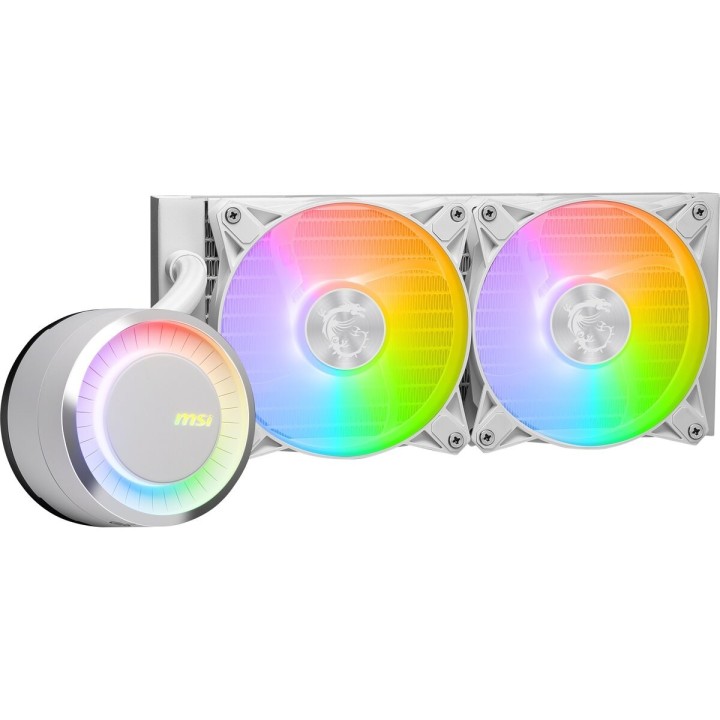
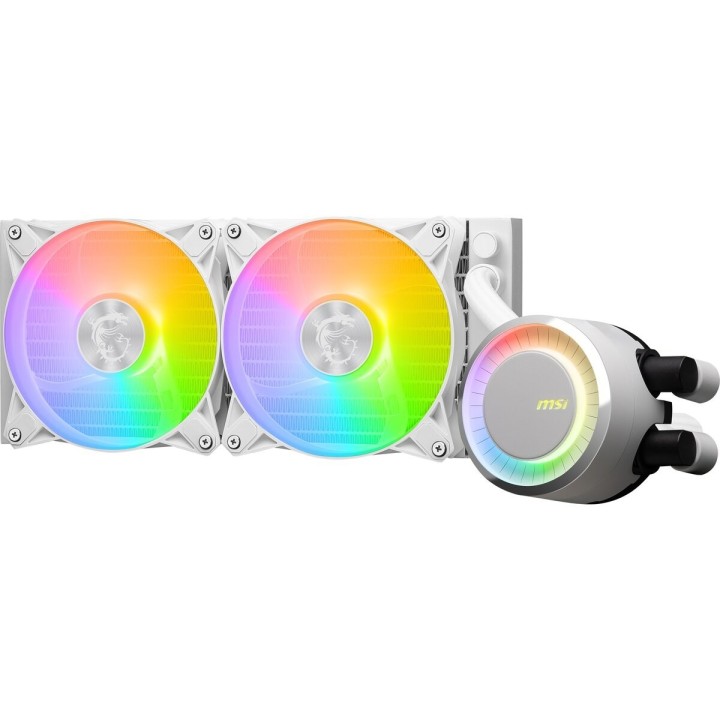
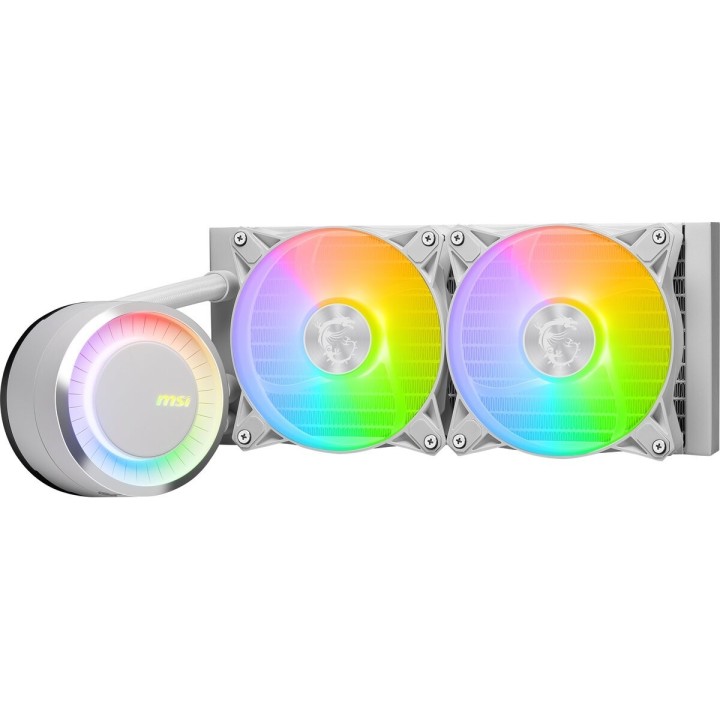
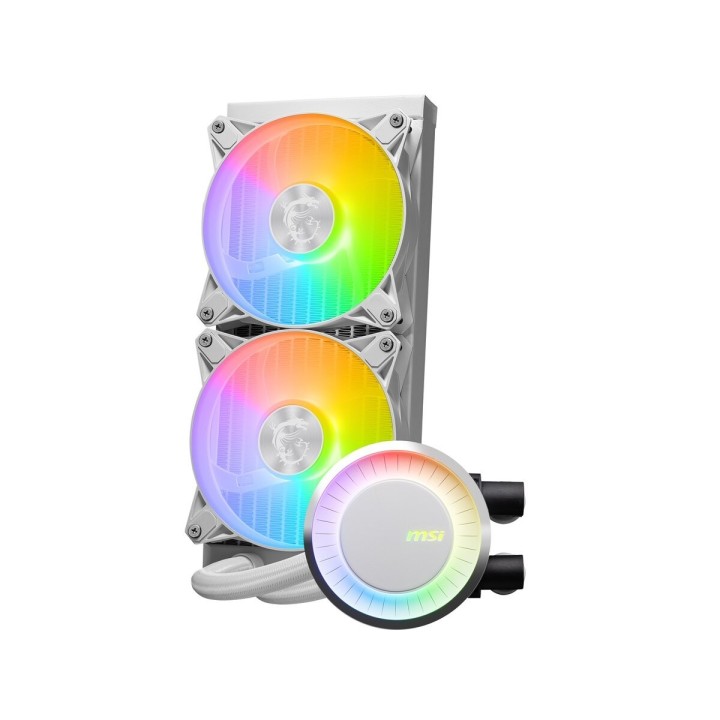
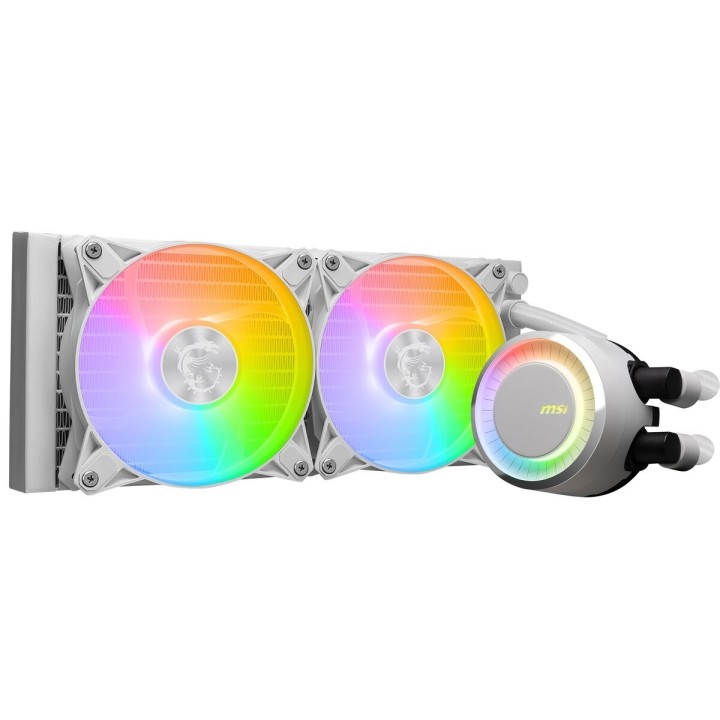
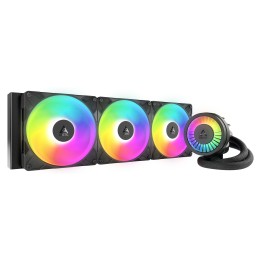
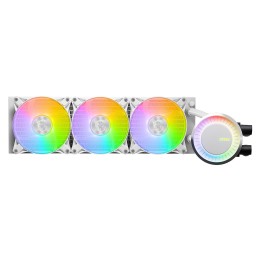
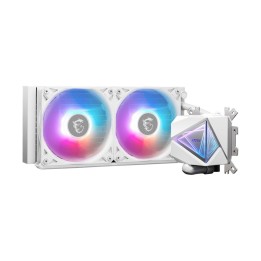
Chłodzenie MAG CORELIQUID E240 White 240mm 2xARGB FAN

Cena: 491,49 zł
Brutto
Dostępność produktu: Dostępny 15 szt.
Czas dostawy Wysyłka w ciągu 7 dni roboczych
Koszt dostawy Bezpłatna dostawa od 250 zł.

Opis produktu

Chłodzenie MAG CoreLiquid E240 / White

  • Zwiększona powierzchnia miedzianej płyty bazowej pomaga w uzyskaniu efektu doskonałego odprowadzania ciepła z najnowszą generacją procesorów.
  • Udoskonalenie konstrukcji mikro-kanalików w celu uzyskania wydajnego odprowadzania ciepła
  • Możliwość obrotu głowicy bloku wodnego o 270 stopni.
  • Zmiana kolorów i sposobu animacji podświetlenia wentylatora ARGB z poziomu aplikacji MSI Center.
  • Zwiększona wydajność wentylatora pozwala na szybsze odprowadzanie ciepła.
  • Wytrzymały, trójfazowy silnik pompy charakteryzuje się generowaniem minimalnych wibracji, zapewniając tym samym długotrwałą pracę systemu.
  • Rozdzielenie wewnątrz radiatora drogi przepływu ciepła pozwala na szybkie jego rozpraszanie

Specyfikacja

  • Podstawka / Blok CPU: Miedziany
  • Radiator (CPU): Aluminium
  • Gniazdo procesora: LGA1156
  • Przepływ powietrza: 75.04 cfm
  • Podświetlenie: ARGB
  • Rodzaj chłodzenia: Aktywne
  • Technologia chłodzenia: Powietrzem
  • Liczba wentylatorów: 2
  • Wentylator: 12 cm
  • Rodzaj złącza (zasilanie went.): 4-pin
  • Poziom hałasu: 20 dB
  • Akcesoria w zestawie: Kabel PWM wentylatora 1 x 1 do 2 1 x kabel wentylatora Molex 4-Pin do 4-Pin 1x pasta termoprzewodząca
  • Wymiary: Wymiary wentylatora: 120 x 120 x 25 mm Wymiary radiatora: 277 x 119,2 x 27 mm Rozmiar radiatora: 240 mm
  • Uwaga: CE+WEEE
Szczegóły produktu

  • Marka MSI
  • Kod produktu 660fc71c71a267703cbd3998
  • Dostępność 15 Przedmioty
  • EAN13 4711377124140
  • MPN MAGCORELIQUIDE240WHITE

Producent

Producent

MSI Polska SP. z o. o.

Magazynowa 1 55-040 Kobierzyce Polska

E-mail: info.pl@msi.com

Osoba odpowiedzialna w UE

MSI Computer Europe B.V.

Science Park 5706 5692ER Son Eindhoven Netherlands

E-mail: GPSR@msi.com

Telefon: +31-40-267-6100

Bezpieczeństwo

Informacje o bezpieczeństwie

List of computer cooling and tuning safety warnings based on the requirements of General Product Safety Regulation (EU) 2023/988 (GPSR): 1. Risk of electric shock: * Before assembly or disassembly, make sure your computer is disconnected from power. * Do not touch the power cords with wet hands. * Use only power supplies and cables that comply with safety standards. 2. Fire risk: * Make sure the cooling system is compatible with your central unit and power supply. * Regularly check the condition of wires and fittings for damage or overheating. * Do not block ventilation holes in the computer case. * Use only non-flammable coolants designed for liquid cooling systems. 3. Risk of physical injury: * Use protective gloves during assembly to avoid cuts to the sharp edges of the components. * Beware of heavy elements such as heat sinks to avoid dropping them on your feet or other body parts. * Secure tuning components such as fans so they don't cause injury while your computer is running. * Take special care when working with liquids - avoid contact with eyes and skin. 4. Risk of damage to equipment: * Before installation, make sure that all components are compatible with your computer. * Follow assembly and disassembly instructions to avoid damage to components. * Do not exceed the recommended voltage and current values to avoid overheating and damage to components. * Clean cooling elements regularly to ensure efficient heat transfer. 5. Coolant Hazards: * In case of coolant leakage, disconnect the computer from power immediately. * Cooling liquid can cause corrosion - it should be removed from the surface of the elements. * Avoid inhaling coolant fumes. 6. Hazards for children: * Keep small items (screws, fittings) out of reach of children. * Do not allow children to assemble or disassemble computer components themselves. 7. Noise: * Fans can generate noise - use headphones or limit the time spent near a loud computer. 8. Electronics hazards: * Use antistatic mats during operation to protect components from electrostatic discharge. * Do not repair damaged items yourself - return them to service. 9. Overheating: * Regularly monitor the temperature of components to avoid overheating. * Make sure your cooling system is working properly and is sufficient for your computer. 10. Fire safety: * Use only certified power supplies and cooling systems. * Regularly check that no dust accumulates inside the housing, which can be flammable.

Ładowanie...
Wróć na górę