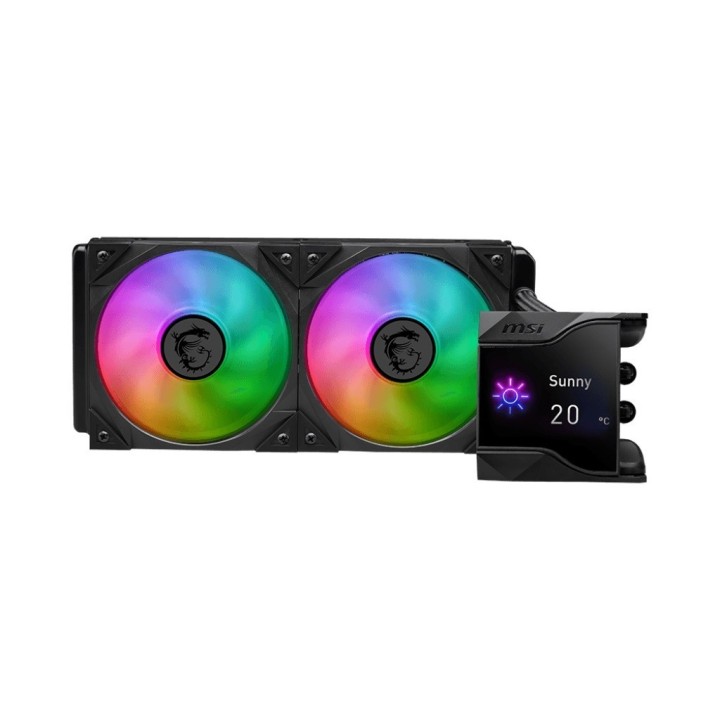
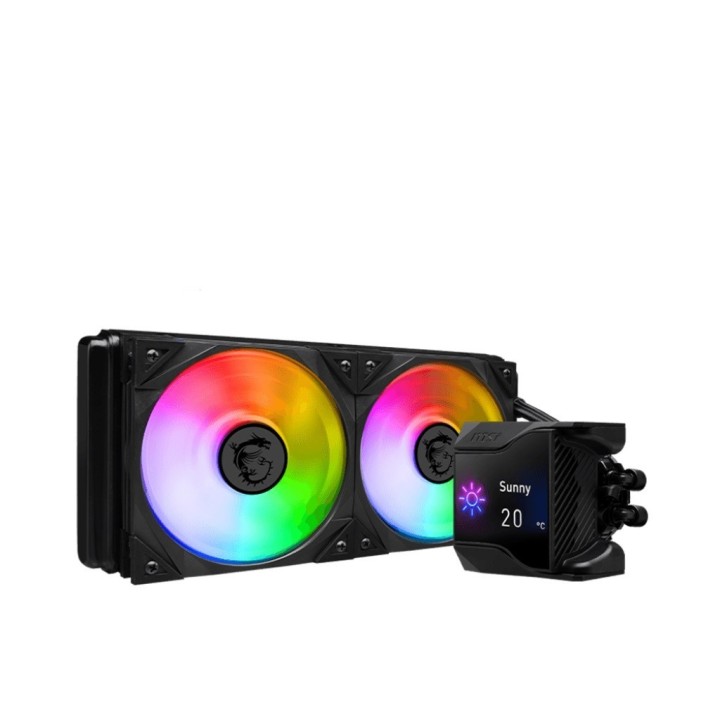
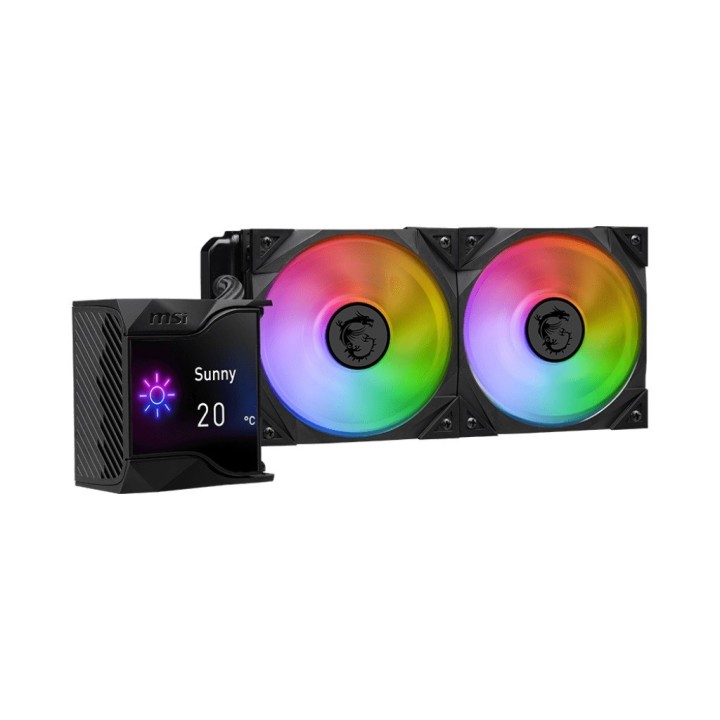
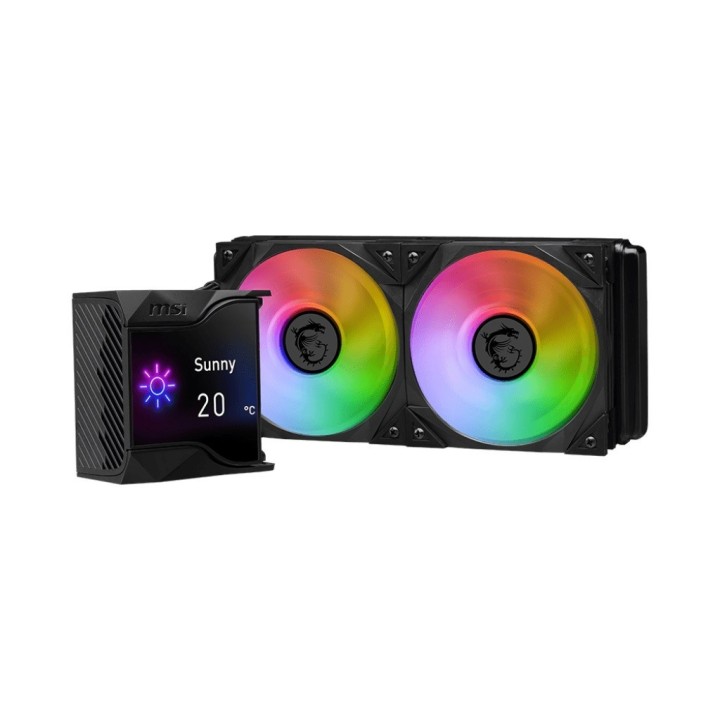
MSI MAG CoreLiquid D240 240mm ARGB
Opis produktu
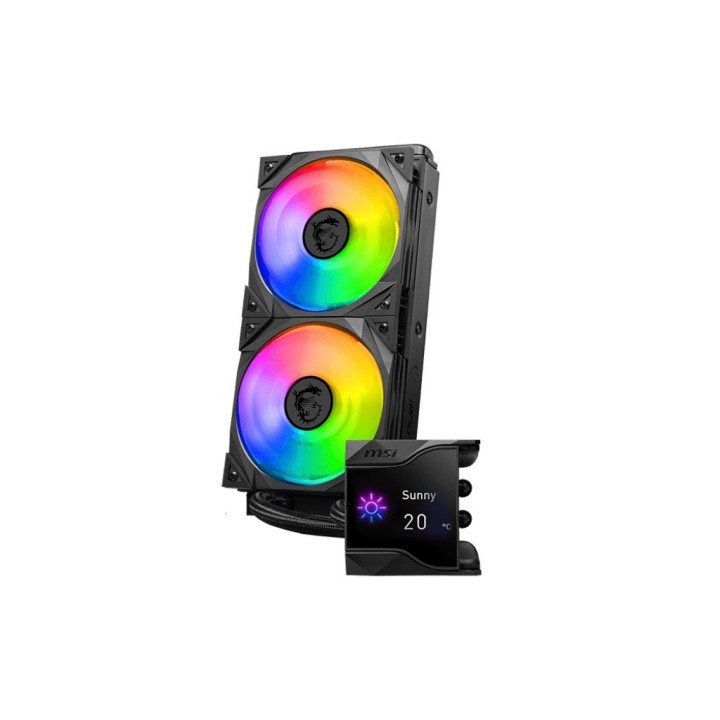
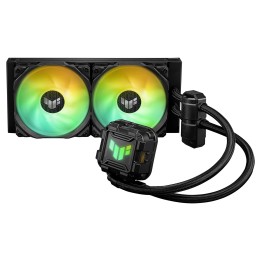
Nowoczesny, kompaktowy układ chłodzenia cieczą MSI zaprojektowany z myślą o wydajnym odprowadzaniu ciepła z procesora. System bazuje na chłodnicy 240 mm z dwoma wentylatorami 120 mm oraz wydajną pompą, co zapewnia efektywne chłodzenie w konstrukcjach klasy desktop.
W zestawie znajdują się dwa wentylatory TORX FAN 4.0 z podświetleniem ARGB, sterowane PWM, oraz blok z miedzianą podstawą. W bloku wodnym umieszczono również dodatkowy, niewielki wentylator wspomagający chłodzenie sekcji zasilania płyty głównej. Rurki obiegu wykonano w technologii trójwarstwowej, z usieciowanego tworzywa i zewnętrznym oplotem, co ogranicza parowanie płynu chłodzącego.
Urządzenie wyposażono w konfigurowalny, 2,4-calowy ekran IPS umożliwiający wyświetlanie informacji systemowych oraz grafik. Zestaw zawiera rozdzielacz ARGB oraz pastę termoprzewodzącą; konstrukcja wykorzystuje pompę Asetek 7. generacji i elementy z łożyskami kulkowymi, co wpływa na trwałość i stabilność działania.
Specyfikacja
- Typ produktu: Układ chłodzenia cieczą procesora
- Liczba wentylatorów: 2
- Rozmiar wentylatora (szer.): 120 mm
- Rozmiar wentylatora (głęb.): 120 mm
- Rozmiar wentylatora (wys.): 25 mm
- Typ wentylatora: TORX FAN 4.0
- Podświetlenie: ARGB
- Złącze wentylatora: 4-pin
- Łożysko wentylatora: Łożysko kulkowe
- Podstawa / blok CPU: Miedziany
- Pompa: Asetek 7. generacji
- Prędkość pompy: 2800 RPM
- Moc pompy: 4 W
- Moc wentylatora: 3.36 W
- Wyświetlacz: 2,4-calowy ekran IPS, konfigurowalny
- Rurki obiegu wodnego: Trójwarstwowe, usieciowane tworzywo z zewnętrznym oplotem
- Akcesoria w zestawie: Kabel rozdzielający ARGB 1→2; pasta termoprzewodząca
- Szerokość radiatora: 273 mm
- Głębokość radiatora: 120 mm
- Wysokość radiatora: 27 mm
- Szerokość bloku: 95 mm
- Głębokość bloku: 95 mm
- Wysokość bloku: 83.53 mm

Szczegóły produktu
- Marka MSI
- Kod produktu 660fc71d71a267703cbd3a0a
- Dostępność 26 Przedmioty
- EAN13 4711377134798
- MPN MPGCORELIQUIDD240
Producent
Producent
MSI Polska SP. z o. o.
Magazynowa 1 55-040 Kobierzyce Polska
E-mail: info.pl@msi.com
Osoba odpowiedzialna w UE
MSI Computer Europe B.V.
Science Park 5706 5692ER Son Eindhoven Netherlands
E-mail: GPSR@msi.com
Telefon: +31-40-267-6100
Bezpieczeństwo
Informacje o bezpieczeństwie
List of computer cooling and tuning safety warnings based on the requirements of General Product Safety Regulation (EU) 2023/988 (GPSR): 1. Risk of electric shock: * Before assembly or disassembly, make sure your computer is disconnected from power. * Do not touch the power cords with wet hands. * Use only power supplies and cables that comply with safety standards. 2. Fire risk: * Make sure the cooling system is compatible with your central unit and power supply. * Regularly check the condition of wires and fittings for damage or overheating. * Do not block ventilation holes in the computer case. * Use only non-flammable coolants designed for liquid cooling systems. 3. Risk of physical injury: * Use protective gloves during assembly to avoid cuts to the sharp edges of the components. * Beware of heavy elements such as heat sinks to avoid dropping them on your feet or other body parts. * Secure tuning components such as fans so they don't cause injury while your computer is running. * Take special care when working with liquids - avoid contact with eyes and skin. 4. Risk of damage to equipment: * Before installation, make sure that all components are compatible with your computer. * Follow assembly and disassembly instructions to avoid damage to components. * Do not exceed the recommended voltage and current values to avoid overheating and damage to components. * Clean cooling elements regularly to ensure efficient heat transfer. 5. Coolant Hazards: * In case of coolant leakage, disconnect the computer from power immediately. * Cooling liquid can cause corrosion - it should be removed from the surface of the elements. * Avoid inhaling coolant fumes. 6. Hazards for children: * Keep small items (screws, fittings) out of reach of children. * Do not allow children to assemble or disassemble computer components themselves. 7. Noise: * Fans can generate noise - use headphones or limit the time spent near a loud computer. 8. Electronics hazards: * Use antistatic mats during operation to protect components from electrostatic discharge. * Do not repair damaged items yourself - return them to service. 9. Overheating: * Regularly monitor the temperature of components to avoid overheating. * Make sure your cooling system is working properly and is sufficient for your computer. 10. Fire safety: * Use only certified power supplies and cooling systems. * Regularly check that no dust accumulates inside the housing, which can be flammable.
Chłodzenie procesorów
Ostatnio oglądane
Produkty, które ostatnio zwróciły Twoją uwagę.