- Nowy
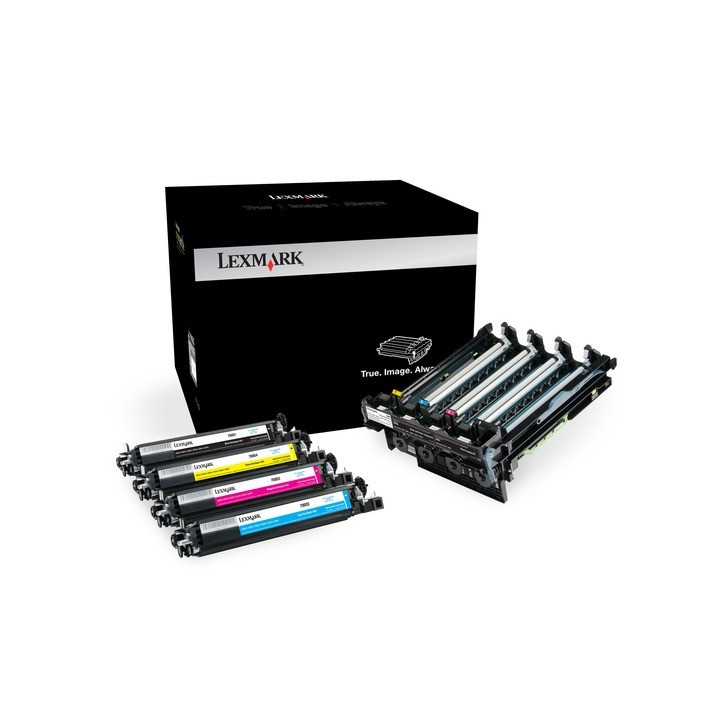
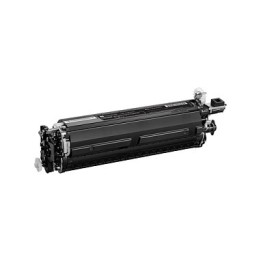
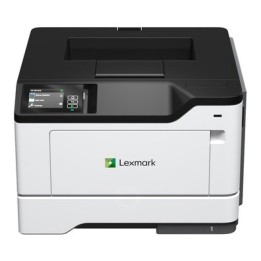
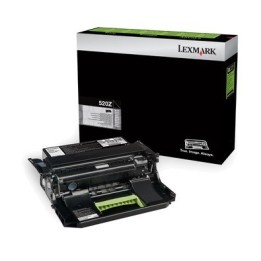
Ten zestaw obrazujący zaprojektowano pod kątem optymalnej współpracy z tonerem Unison . Unikalny skład tonera Unison ma istotne znaczenie dla wydajności systemu drukowania Lexmarka, ponieważ zapewnia niezmiennie wysoką jakość obrazów, długotrwałą niezawodność systemu drukowania i sprzyja środowisku naturalnemu - a wszystko dzięki nowatorskiemu systemowi druku, niewymagającemu potrząsania.Olbrzymi krok naprzód pod względem długotrwałości działania. Wyjątkowa jakość i maksymalna wydajność stanowią gwarancję udanej inwestycji w efektywność - i w przyszłość firmy.Oryginalne materiały eksploatacyjne Lexmarka zostały zaprojektowane w taki sposób, aby optymalnie współdziałać z drukarką Lexmarka, gwarantując znakomitą jakość wydruku od pierwszej do ostatniej strony.
Zestaw obrazujący
Wartość
Najlepiej razem
Lexmark International Technology Hungaria Kft.
Millenium Tower III, Lechner Ödön fasor 8. 1095 Budapest Hungary
E-mail: eu-product-safety@lexmark.com
Formularz kontaktowy: https://support.lexmark.com/pl_pl.html
Telefon: +36 1 501 75 73
Lexmark International Technology Hungaria Kft.
Millenium Tower III, Lechner Ödön fasor 8. 1095 Budapest Hungary
E-mail: eu-product-safety@lexmark.com
Formularz kontaktowy: https://support.lexmark.com/pl_pl.html
Telefon: +36 1 501 75 73
List of printer and scanner drum safety warnings based on the requirements of General Product Safety Regulation (GPSR) 2023/988 * Make sure the drum is compatible with your printer or scanner model. The wrong drum can damage the device. * Do not touch the surface of the drum. This can affect the print quality and life of the drum. * Replace the drum according to the manufacturer's instructions. Incorrect installation may cause damage to the printer. * Protect the drum from direct sunlight and high humidity. This can shorten its lifespan. * Do not use damaged drum. This can affect the quality of the print and damage the printer. * Keep the drum out of reach of children. The danger of swallowing small parts. * Use the drum as intended. Do not attempt to modify it or use it for other purposes. * Do not open or disassemble the drum. It contains substances that can be harmful to health. * If the substance from the drum comes into contact with the skin or eyes, immediately wash it with plenty of water and consult a doctor. * Recycle the used drum in accordance with local regulations. Do not throw it into ordinary waste. * Do not expose the drum to extreme temperatures. This can affect its performance and shorten its lifespan. * Use only recommended cleaning products to clean printer components that may come into contact with the drum. Strong detergents can damage it. * Regularly check the condition of the drum. If you notice any damage, replace it immediately. * If the printer displays an error message related to the drum, immediately check its status and correctness of installation. * When replacing the drum, make sure the printer is off power. This will minimize the risk of electric shock. * After replacing the drum, make sure all printer covers and protections are properly mounted. * If you have any doubts about the use of the drum, please contact the technical service of the printer manufacturer. * When cleaning the printer, avoid direct contact of cleaning agents with the drum surface.
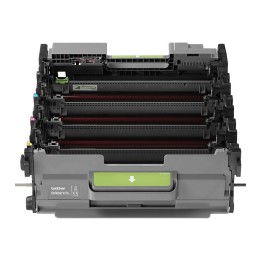
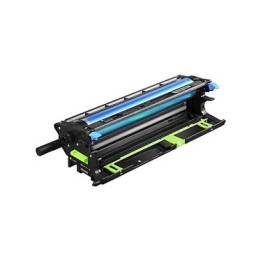
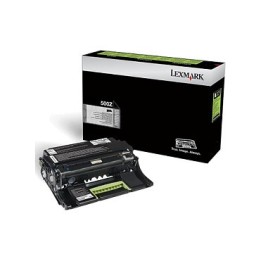
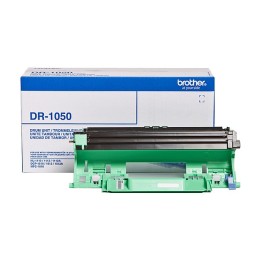

Produkty, które ostatnio zwróciły Twoją uwagę.