- Nowy
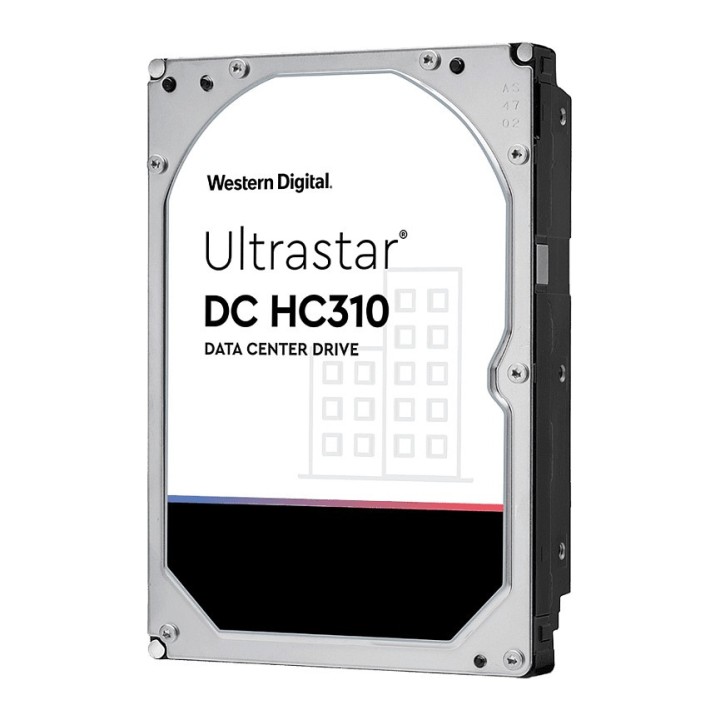
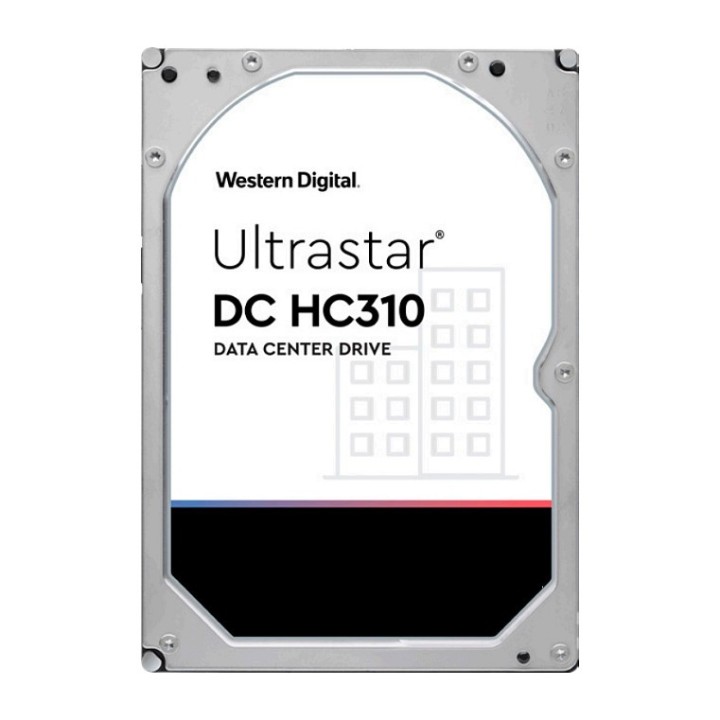
Dysk twardy Western Digital Ultrastar DC HC310 o pojemności 4 TB i interfejsie SAS przeznaczony do zastosowań serwerowych i systemów pamięci masowej. Konstrukcja 3,5 cala zapewnia kompatybilność z typowymi zatokami i obudowami rackowymi.
Model zaprojektowano z myślą o intensywnych obciążeniach klastra — konstrukcja wypełniona powietrzem obsługuje duże roczne zapisy danych, a zastosowanie formatu sektorów 512e (Advanced Format) optymalizuje wykorzystanie przestrzeni na nośniku. Dostępne są również wersje z funkcją samoszyfrowania (SED) dla zwiększenia bezpieczeństwa danych.
Urządzenie sprawdzi się w środowiskach rozproszonych i skalowalnych, takich jak systemy plików do analizy Big Data, obudowy pamięci masowej w stelażu oraz konfiguracje DAS i NAS, gdzie liczy się ekonomiczna pojemność i niezawodny dostęp do danych.
Western Digital Corporation
PO Box Address: BP 80006 92135 Issy les Moulineaux FRANCE
E-mail: support@wdc.com
Formularz kontaktowy: https://www.westerndigital.com/support?hideinterst
Telefon: 855-493-7867
List of HDD security warnings based on the requirements of General Product Safety Regulation (EU) 2023/988 (GPSR): 1. Protection against mechanical damage: * I am aware that HDDs are sensitive to shocks and drops. Avoid exposing them to such situations, as they can lead to data loss or damage to the drive itself. * I secure the HDD during transport using appropriate shock-absorbing materials. 2. Protection against moisture and extreme temperatures: * I avoid storing and using HDDs in places with high humidity or extreme temperatures, as this can negatively affect their performance and durability. * I make sure the HDD is stored in a dry and cool place when not in use. 3. Correct connection and disconnection: * I connect and disconnect HDDs according to the manufacturer's instructions to avoid damaging the connectors or electronics of the drive. * I always disconnect the HDD from power before disconnecting it from my computer or other device. 4. Secure data formatting and deletion: * I use appropriate tools and methods to format and delete data from HDDs to prevent unauthorized access to sensitive information. * I am aware that simply deleting files does not guarantee permanent deletion of data and I may need specialized software to permanently delete data. 5. Compatibility and power supply: * I make sure the HDD is compatible with my computer system and has adequate power supply. * I use a power supply with adequate power and voltage to ensure stable HDD performance. 6. Caution when opening the enclosure: * I do not open the HDD enclosure unless I am entitled to do so and have the appropriate tools and knowledge. Opening the case may result in loss of warranty and damage to the drive. 7. Overload protection: * I avoid overloading the HDD by regularly deleting unnecessary files and data to ensure its efficient operation. 8. Disposal: * Dispose of used HDDs in accordance with local environmental regulations to prevent contamination and unauthorized access to data. 9. Protection against electromagnetic interference: * I avoid placing HDDs near strong sources of electromagnetic interference that can negatively affect their performance. * I protect the HDD from contact with magnets. 10. Regular backup: * I create regular backups of important data stored on HDDs to prevent data loss in the event of a disk failure.
Produkty, które ostatnio zwróciły Twoją uwagę.