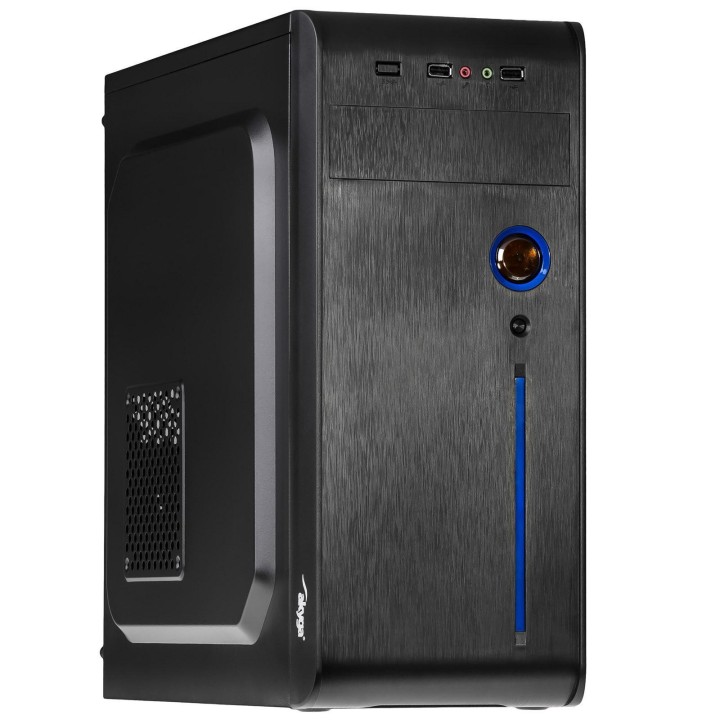
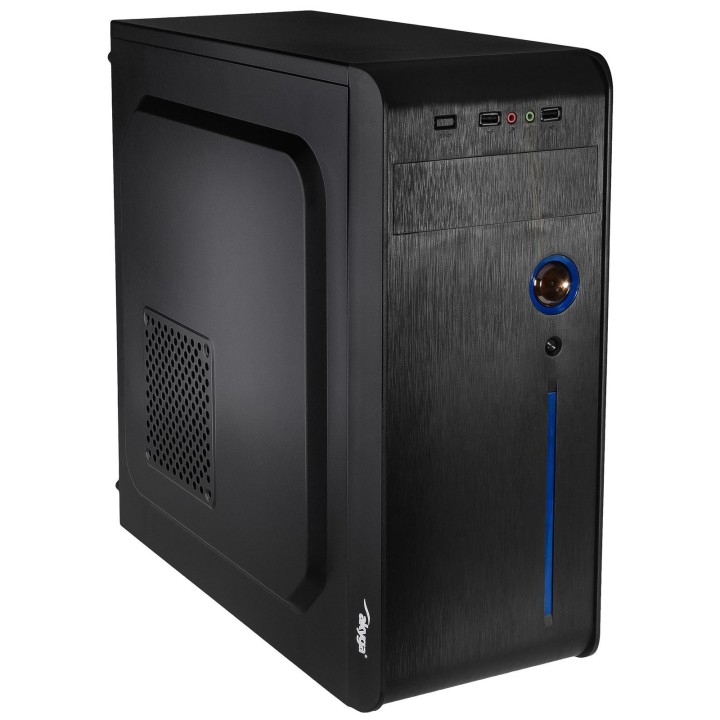
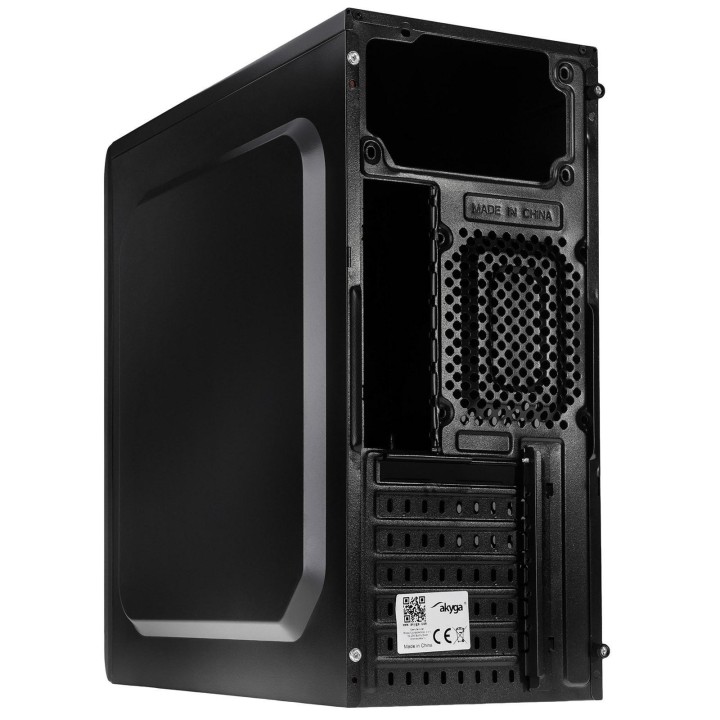
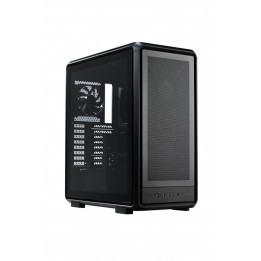
AKYGA Obudowa Midi ATX AK939BL 2x USB 2.0 czarna bez PSU
Opis produktu
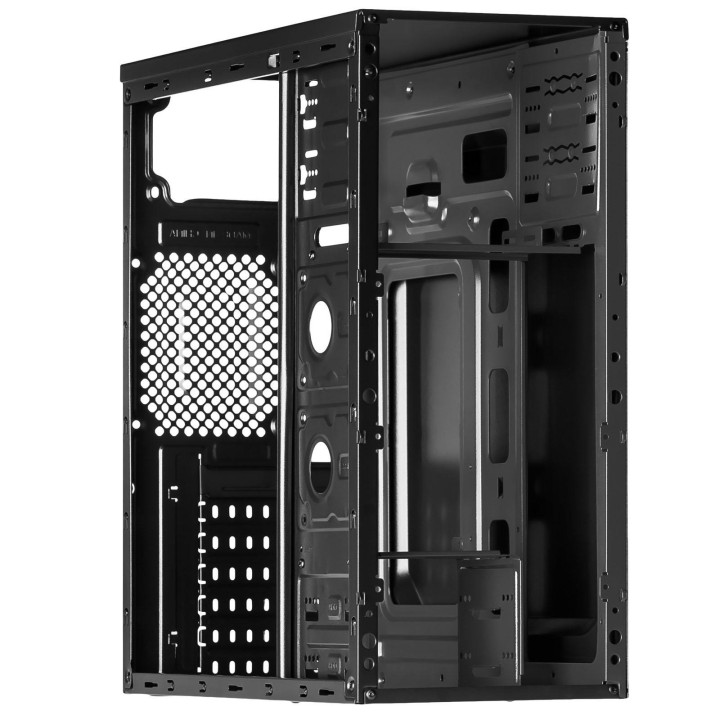
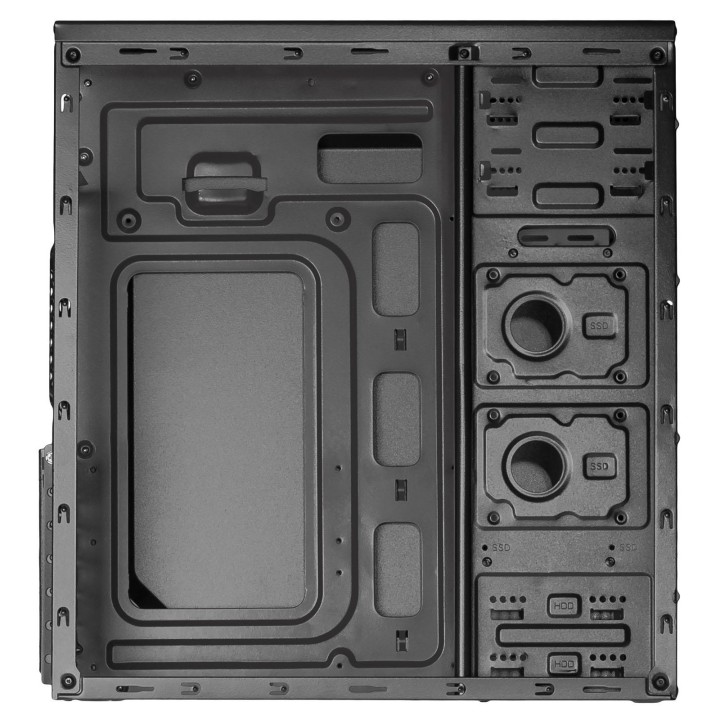
Obudowa Akyga to obudowa typu Midi ATX, odpowiednia zarówno dla graczy, jak również do firmy i biura. Standardowa wielkość pozwala na zamontowanie wszystkich niezbędnych komponentów oraz płyty głównej w rozmiarze ATX, Micro ATX, Mini ITX lub Flex ATX. Zastosowany system zarządzania kablami i odpowiednio dostosowane wycięcia wewnątrz obudowy ułatwiają instalację komponentów, a przestronne wnętrze pozwala na montaż długich kart graficznych. W obudowie znajdują się dwa miejsca na wentylatory. Na froncie umieszczony został panel wyposażony w dwa gniazda USB 2.0, które świetnie sprawdzą się do podłączenia bezprzewodowej myszy, klawiatury, zewnętrznych nośników pamięci czy innych urządzeń peryferyjnych. Tuż obok znajdują się wejścia na słuchawki i mikrofon. Umiejscowienie gniazd zapewnia łatwy i szybki dostęp do podłączania urządzeń.
Specyfikacja
- Opis produktu: Akyga AK939BL wieża ATX
- Typ produktu: Szafa systemowa
- Typ obudowy: Wieża
- Kolor: Czerń i błękitne wkładki
- Łączówki wejściawyjścia: 2 x USB 2.0 1 x słuchawki 1 x mikrofon
- Płyty główne: ATX, microATX, MiniITX, FlexATX
- Cechy szafki systemowej: System zarządzania kablami
- Zasilacz: Brak zasilacza (ATX)
- Wymiary (szer.głęb.wys.): 20 cm x 41.8 cm x 41.2 cm
- Waga: 2.8 kg

Szczegóły produktu
- Marka AKYGA
- Kod produktu 6610162e71a267703ce88dc5
- Dostępność 3 Przedmioty
- EAN13 5901720132499
- MPN AK939BL
Specyfikacja
- Kolor Czarny
- Zasilacz w zestawie Nie
- Liczba wentylatorów w zestawie (szt.) 0 szt.
- Maksymalna długość GPU (mm) 385 mm
- Maksymalna wysokość chłodzenia CPU (mm) 150 mm
- Okno boczne Nie
Producent
Producent
Akyga Europe Sp. z o.o.
Wrocławska 1C 52-200 Suchy Dwór Polska
E-mail: contact@akyga.com
Telefon: +48 713 644 644
Bezpieczeństwo
Informacje o bezpieczeństwie
List of safety warnings for computer enclosures based on the requirements of General Product Safety Regulation (EU) 2023/988 (GPSR): 1. Risk of electric shock: * Make sure your computer's power supply is properly grounded. * Do not touch the power supply components with wet hands. * Disconnect the computer from power before opening the case. 2. Risk of cuts: * Beware of sharp metal edges when assembling components. * Secure the edges that can cause cuts. * Use protective gloves when working with the case. 3. Risk of fire: * Do not block ventilation openings in the housing. * Make sure that your computer components do not overheat. * Use a power supply with adequate power to avoid overloading. 4. Risk of damage to components: * Ensure proper air circulation in the housing. * Do not place heavy objects on the housing to avoid damage. * Make sure all components are properly fixed in the housing. 5. Hazards for children: * Keep small items (screws, jumpers) out of reach of children. * Do not allow children to open the computer case themselves. 6. Weight Hazards: * When moving your computer case, make sure you are able to support its weight. * Ask the other person for help if the case is too heavy. 7. Cleaning warnings: * Disconnect the computer from power before cleaning the case. * Use a soft, dry cloth to clean the case. * Do not use cleaning products containing corrosive substances. 8. Modification warnings: * Housing modifications may affect the safety and performance of your computer. * Perform modifications only if you have relevant experience and knowledge. 9. Warnings on Dust inhalation: * When cleaning components in the housing with compressed air, use a mask. * Take special care and ensure proper ventilation.
Obudowy
Ostatnio oglądane
Produkty, które ostatnio zwróciły Twoją uwagę.