- Nowy
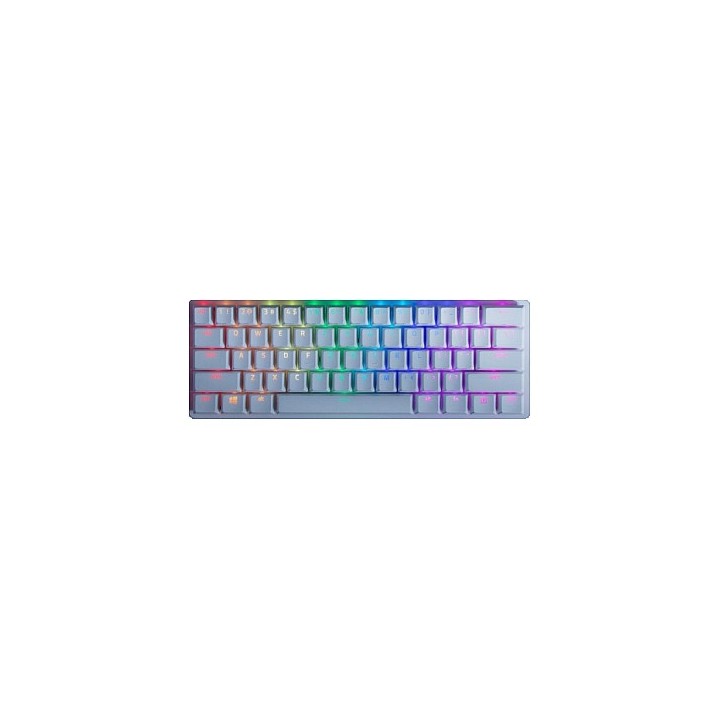
RAZER Huntsman Mini - Mercury Ed. Red Switch - US Layout keyboard obrazki
RAZER Huntsman Mini - Mercury Ed. Red Switch - US Layout keyboard
Opis produktu
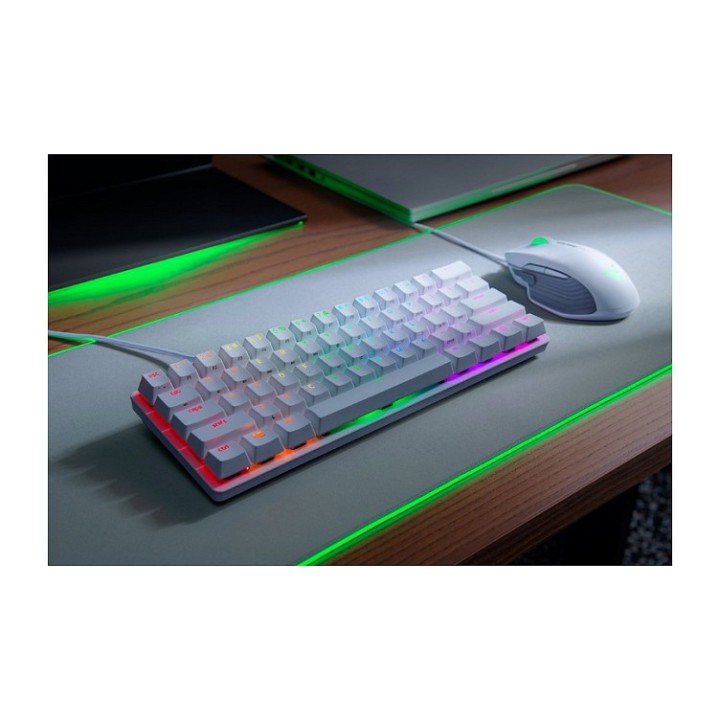
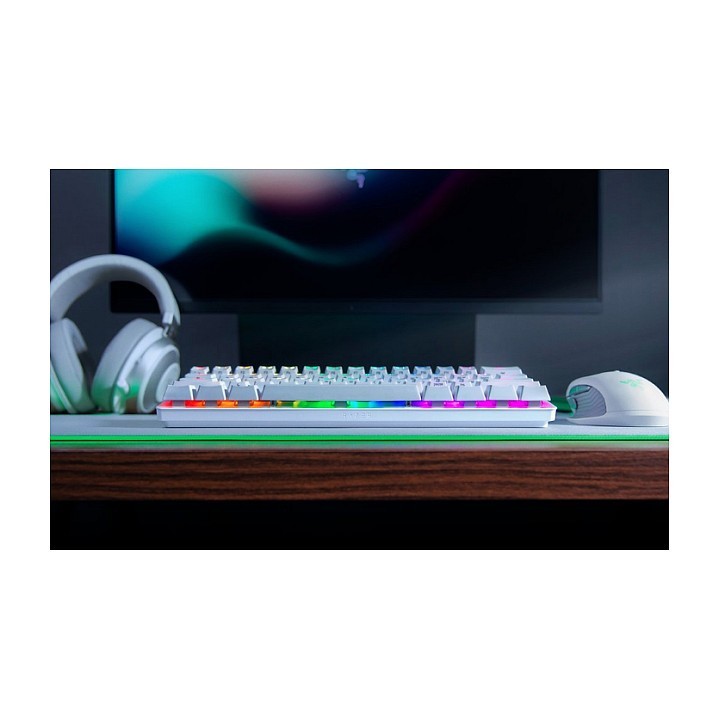
Wejdź w nowy wymiar śmiertelności z Razer Huntsman Mini - 60% klawiaturą gamingową z najnowocześniejszymi przełącznikami optycznymi Razer. Wysoce przenośna i idealna do usprawnionych konfiguracji, nadszedł czas, aby doświadczyć błyskawicznej aktywacji w kompaktowej obudowie.
Konfigurowalne podświetlenie Razer Chroma z 16,8 mln opcji kolorystycznych
Żywotność 100 milionów naciśnięć klawiszy
Aluminiowa konstrukcja
60% kompaktowa obudowa
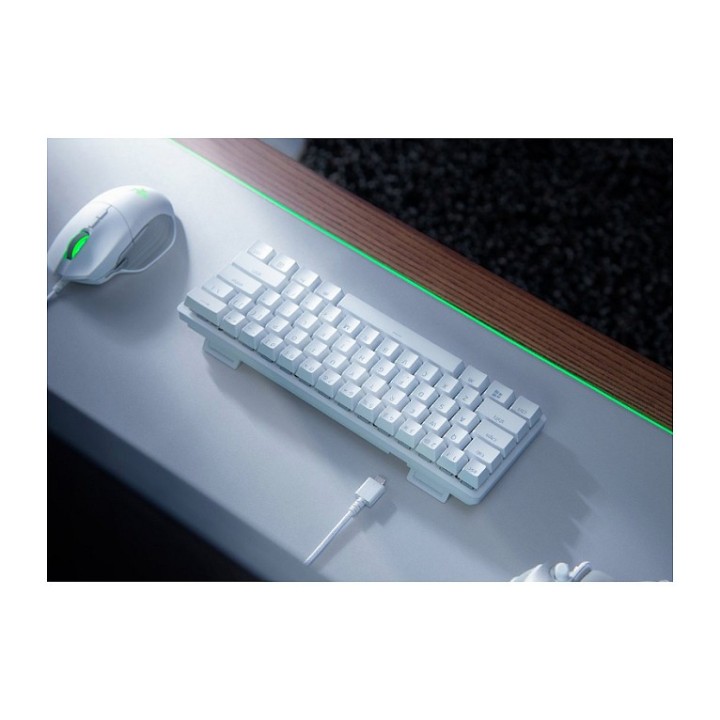
Odłączany kabel USB-C w oplocie z włókna szklanego
Wbudowana pamięć hybrydowa - do pięciu profili ustawień klawiszy
Wbudowane ustawienia podświetlenia
Razer Synapse 3 włączony
W pełni programowalne klawisze z nagrywaniem makr w locie
N-klawiszowe przewijanie z wbudowanym anti-ghostingiem
Specyfikacja
- Opis produktu: Razer Huntsman Mini klawiatura US mercury urządzenie wejściowe
- Rodzaj urządzenia: Klawiatura
- Podświetlenie: RGB Chroma
- Interfejs: USB
- Sposób podłączenia: Przewodowa
- Lokalizacja i układ: US
- Funkcje Hot Keys: Programowalny
- Typ przełącznika kluczykowego: Razer Linear Optical
- Kolor: Mercury
Szczegóły produktu
- Marka Razer
- Kod produktu 6610385971a267703cfb643d
- Dostępność 14 Przedmioty
- EAN13 8886419345763
- MPN RZ03-03390400-R3M1
Specyfikacja
- Układ klawiatury QWERTY
- Język klawiatury Amerykański międzynarodowy
- Sposób połączenia USB
Producent
Producent
Razer (Europe) GmbH
Alter Teichweg 25, 22081 Hamburg, Germany 22081 Hamburg Germany
E-mail: compliance@razer.com
Formularz kontaktowy: https://www.razer.com/eu-en/contact-us
Telefon: +49 (40) 4192 99300
Bezpieczeństwo
Informacje o bezpieczeństwie
List of keyboard safety warnings based on the requirements of General Product Safety Regulation (EU) 2023/988 (GPSR): * Make sure you use the keyboard as intended, avoid over-pressing or hitting the keys. * Protect your keyboard from flooding with liquids, as this can damage your electronics. * If you are using a wireless keyboard, be sure to replace the batteries regularly and dispose of them as per your regulations. * Keep your keyboard clean, vacuum it regularly, and clean with gentle agents to prevent dust and dirt buildup. * If the keyboard has LED backlighting, avoid staring at intense light for a long time, especially in dark environments. * Store your keyboard in a dry place, away from direct sunlight and heat sources. * Make sure that the keyboard cable is not an obstacle and does not threaten to trip. * If the keyboard has sharp edges, be careful to avoid cuts. * If you experience skin allergies to the materials from which the keyboard is made, stop using it and consult your doctor. * Do not use a damaged keyboard where the keys are loose or missing. * Keep your workstation organized to avoid accidental damage to your keyboard. * Avoid using the keyboard in conditions of high humidity or dustiness, as this can negatively affect its operation. * If you notice the keyboard overheating, disconnect it from the power source immediately. * If the keyboard is equipped with a USB receiver, store it in a safe place to avoid being swallowed by children. * Make sure that children do not play with the keyboard or its elements. * Do not try to repair the keyboard yourself if you are not qualified. * Pay attention to the ergonomics of the work to avoid problems with the wrists and hands during prolonged use of the keyboard.
Klawiatury
- Nowy
- Nowy


- Nowy
- Nowy