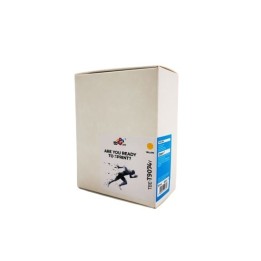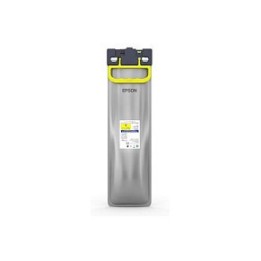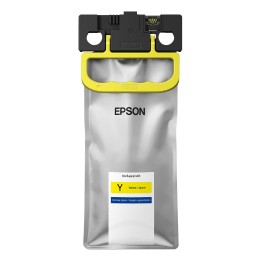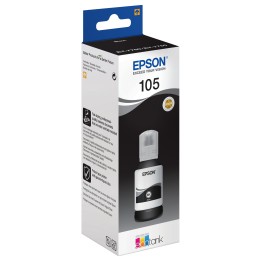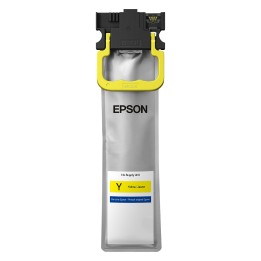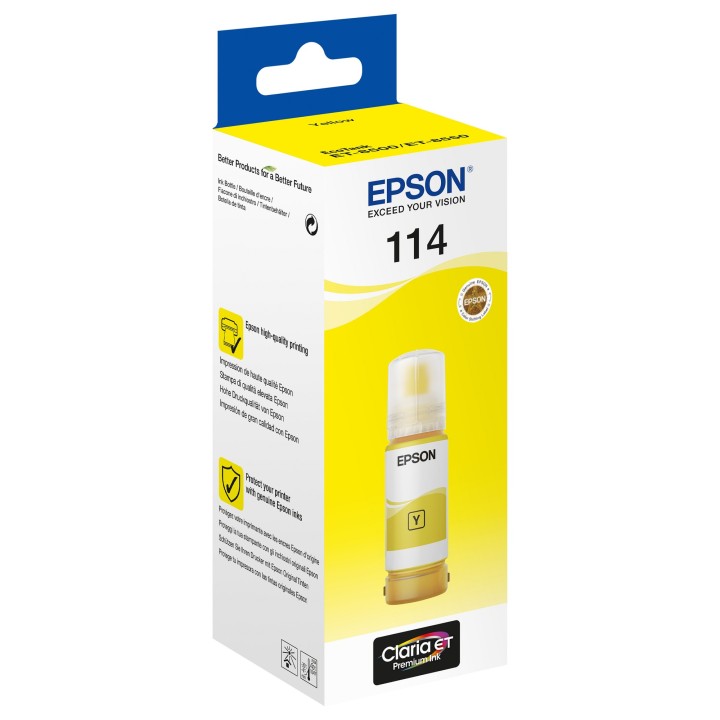
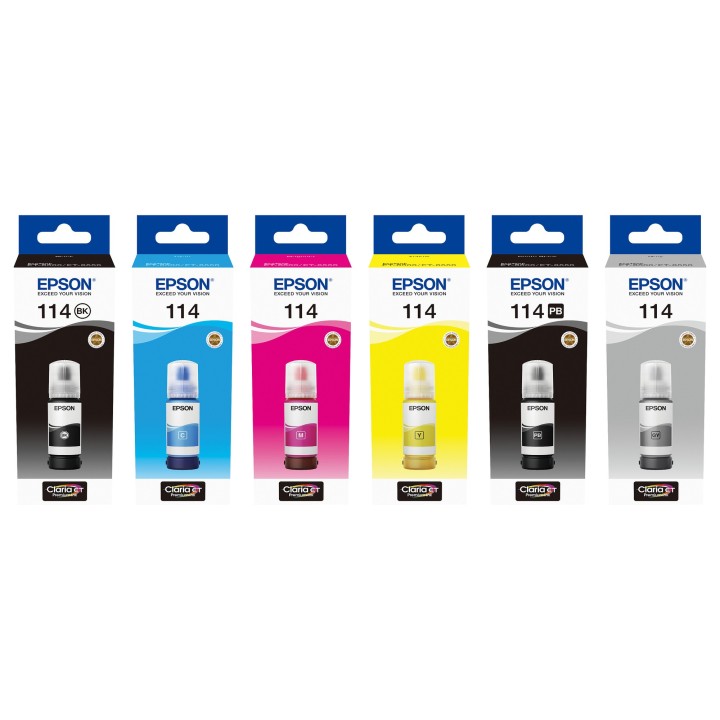
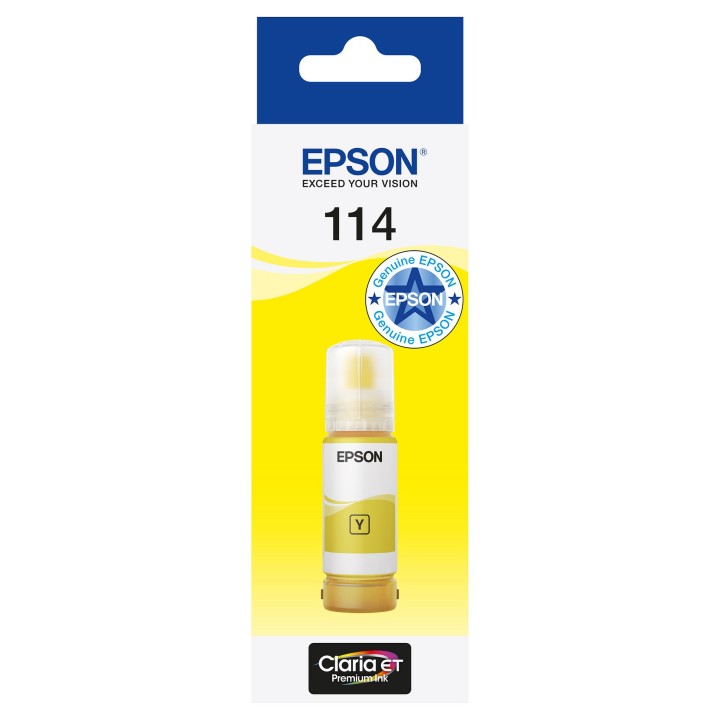
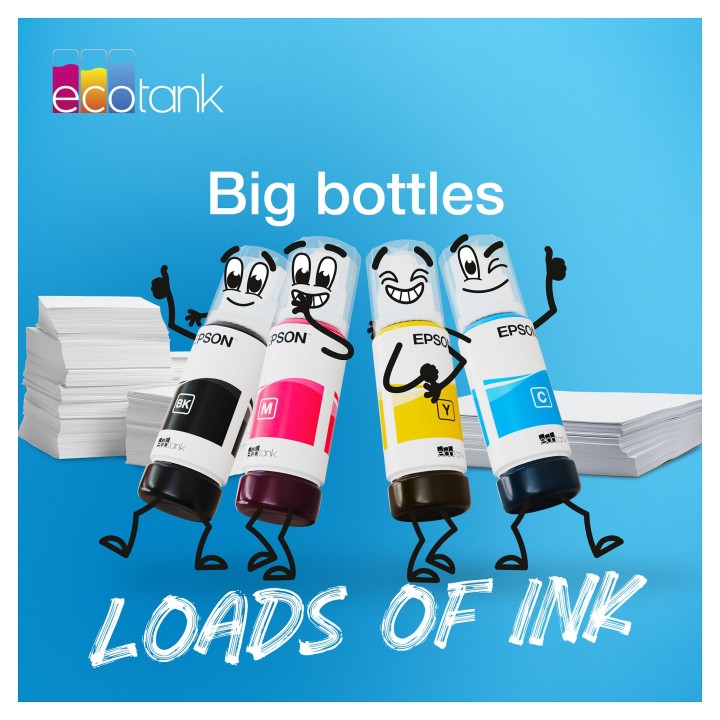
EPSON 114 EcoTank Yellow ink bottle

Cena: 128,99 zł
Brutto
Dostępność produktu: Dostępny 8 szt.
Czas dostawy Wysyłka w ciągu 3 dni roboczych
Koszt dostawy Bezpłatna dostawa od 250 zł.

Opis produktu

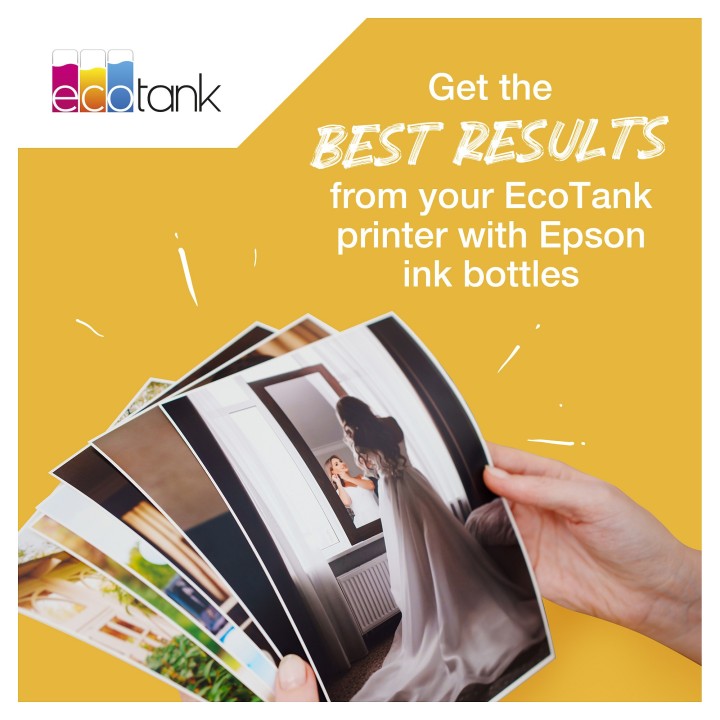
Niezależnie od tego, czy drukujesz materiały do szkoły, tworzysz rodzinne albumy ze zdjęciami albo doskonalisz swoje umiejętności fotograficzne, masz odpowiedni atrament.

Rewelacyjne wydruki

Drukowanie dokumentów w wysokiej jakości
Niesamowite, błyszczące zdjęcia

Specyfikacja

  • Opis produktu: Epson 114 żółty oryginał wkład atramentu
  • Typ produktu: Wkład atramentu
  • Technologia druku: Atramentowa
  • Drukowany kolor: Żółty
  • Pojemność: 70 ml
  • Własności kasety tonera: Epson Claria ET Premium Ink and Epson EcoTank
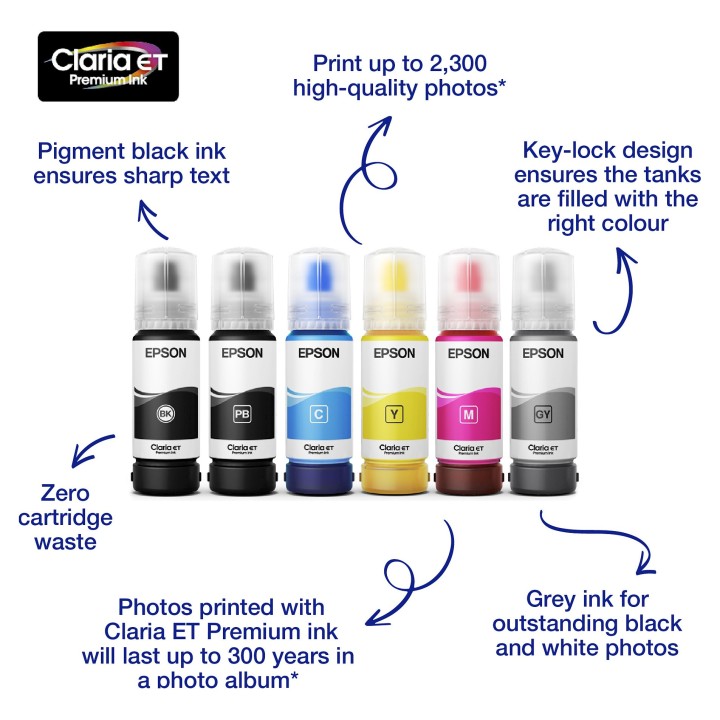
  • Uzysk: Do 2300 stron
  • Kompatybilne z: EcoTank ET8500, ET8550

Szczegóły produktu

  • Marka Epson
  • Kod produktu 661052ad71a267703c0a31cb
  • Dostępność 8 Przedmioty
  • EAN13 8715946687322
  • MPN C13T07B440

Producent

Producent

Epson Europe B.V.

Azië Building, Atlas Arena, Hoogoorddreef 5 1101BA Nagano Netherlands

E-mail: office@epson.eu

Osoba odpowiedzialna w UE

Epson Europe B.V.

Zuidermolenweg 7 3994 DA Houten Netherlands

E-mail: contact@epson.eu

Bezpieczeństwo

Informacje o bezpieczeństwie

List of carcass safety warnings based on the requirements of General Product Safety Regulation (EU) 2023/988 (GPSR): * Health risk: Avoid contact of the carcass with skin and eyes. In case of contact, rinse with plenty of water. * Risk of ingestion: Protect from children. Swallowing ink can be harmful to your health. If swallowed, do not induce vomiting, contact your doctor. * Explosion or fire hazard: Keep carcasses away from heat sources and open fire. Do not expose to direct sunlight. * Freezing protection: Do not store the carcass in places where the temperature drops below freezing. * Disposal: Dispose of used carcasses in accordance with local regulations. Do not throw in ordinary garbage cans. * Compatibility: Make sure the ink you use is compatible with your printer model. Incorrect ink can damage the printer. * Storage: Store inks in a dry and cool place, away from flammable materials. * Ventilation: Use the printer in a well-ventilated area to avoid inhaling ink fumes. * Cleaning: When replacing ink, avoid touching the electrical contacts in the printer. * Data security: Make sure your documents are printed in a secure location to protect sensitive information.

Ładowanie...
Wróć na górę