- Nowy
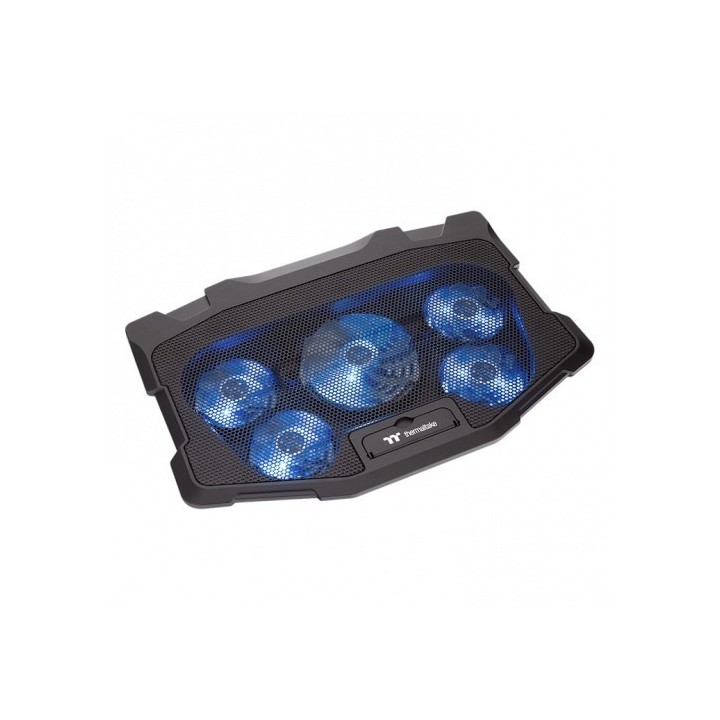
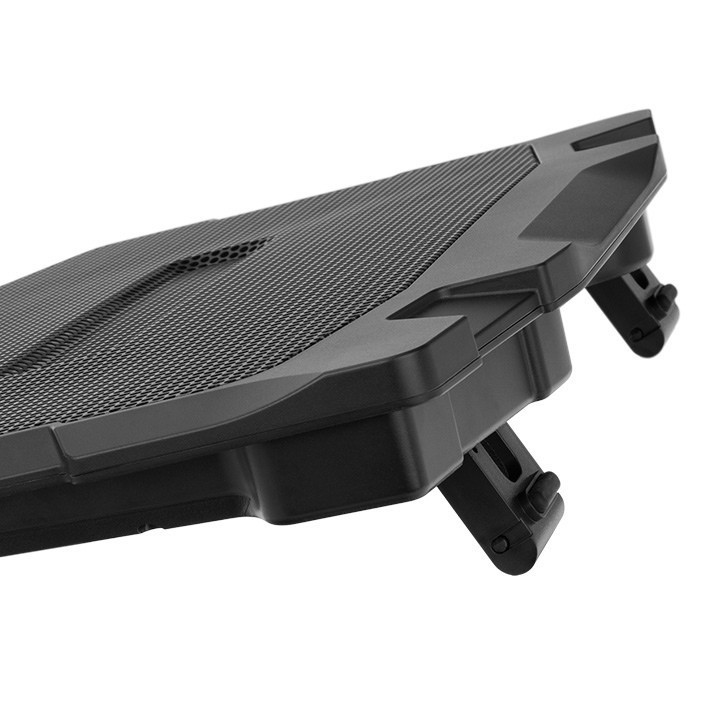
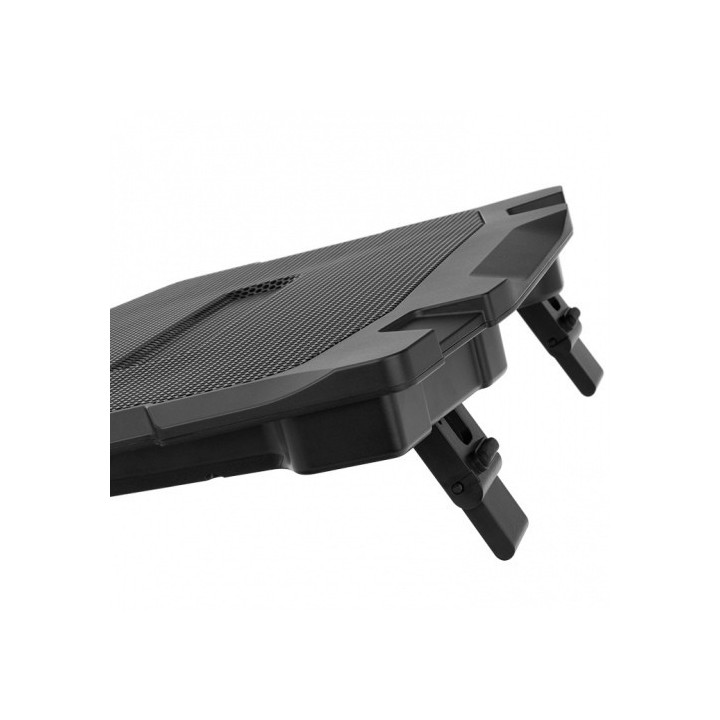
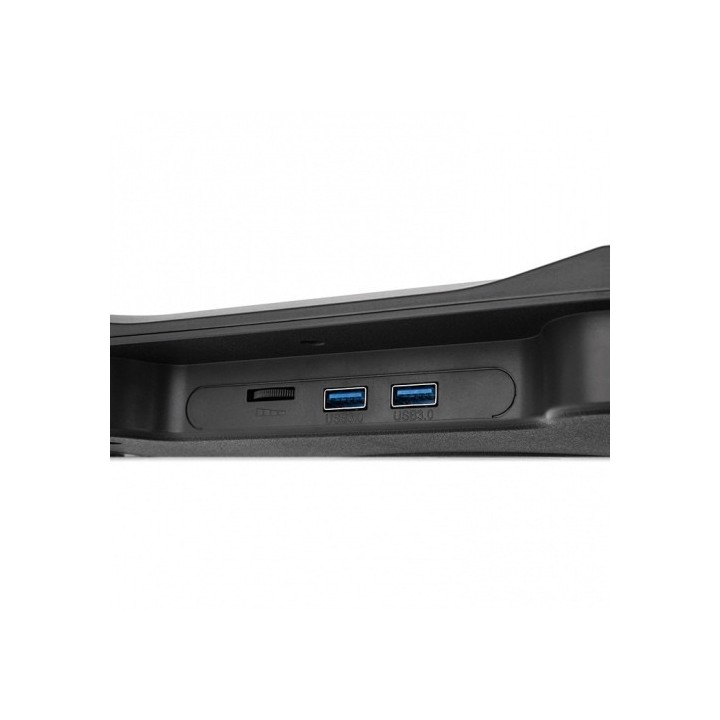
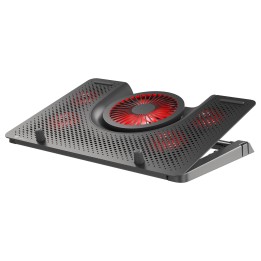
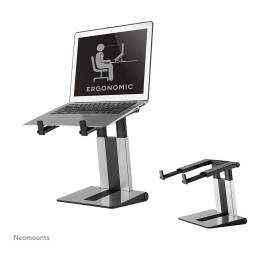
Podstawka chłodząca pod notebooka - Massive 12Max 17 cali
eXtremeMem
Szyszkowa, nr 35/37 02-285 Warszawa Polska
E-mail: michal.chmura@extrememem.com
Formularz kontaktowy: https://my.thermaltake.com/csTech.aspx
Telefon: 48-22-40-799-40
eXtremeMem
Szyszkowa, nr 35/37 02-285 Warszawa Polska
E-mail: michal.chmura@extrememem.com
Telefon: 48-22-40-799-40
List of safety warnings for laptop tables based on the requirements of Regulation (EU) 2023/988 on General Product Safety (GPSR) 1. Stability: Make sure the table is stable and positioned on an even surface to avoid the laptop accidentally tipping over. 2. Ventilation: Do not block your laptop's vents to prevent overheating. 3. Overload: Do not overload the table with excessive weight to avoid damage or tipping over. 4. Height adjustment: If the table is adjustable in height, make sure the locking mechanism is properly secured before use. 5. Storage: Store the table in a safe place, away from children, to avoid potential injuries. 6. Cleaning: Clean the table according to the manufacturer's instructions, using appropriate cleaning agents to avoid damage to the material. 7. Use on soft surfaces: Avoid placing the table on soft surfaces, such as a bed or carpet, to ensure proper ventilation of the laptop. 8. Cables: Watch out for power cables and other wires to avoid tripping or damage. 9. Long-term use: During long-term use of the table, be sure to have an ergonomic position to avoid back and vision problems. 10. Damage: Regularly check the condition of the table, and if you notice damage (e.g. cracks, sharp edges) stop using.
Produkty, które ostatnio zwróciły Twoją uwagę.