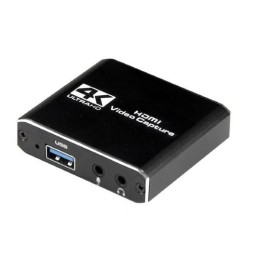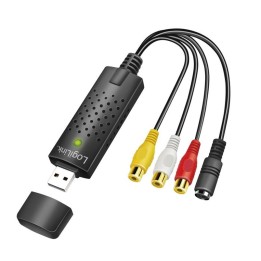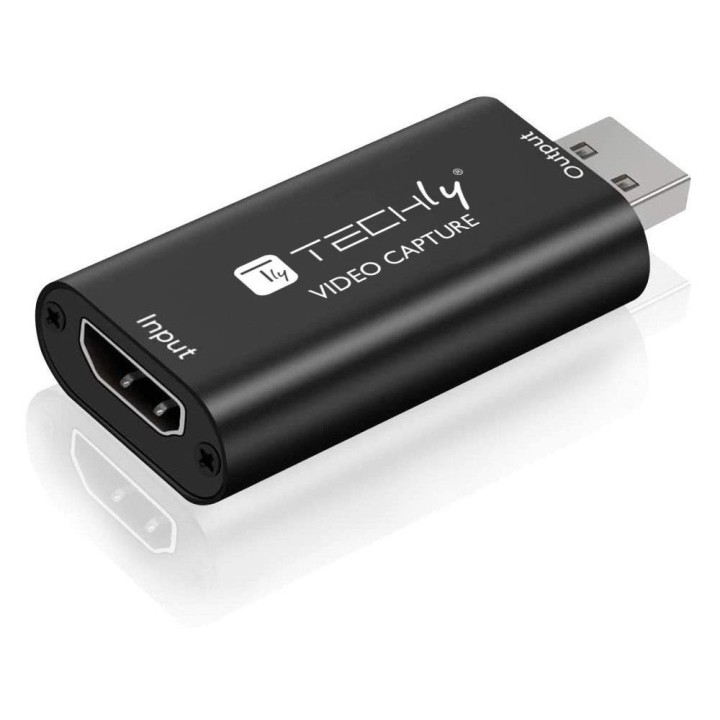
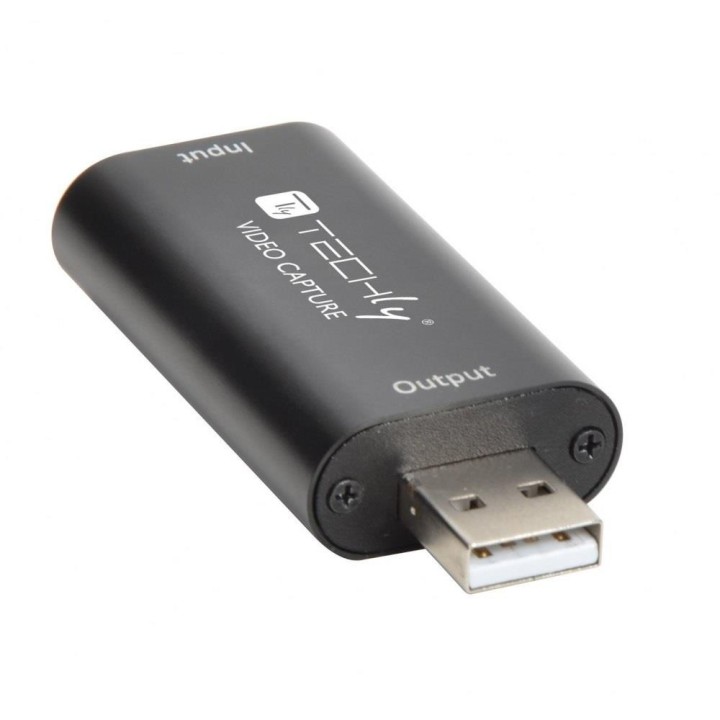
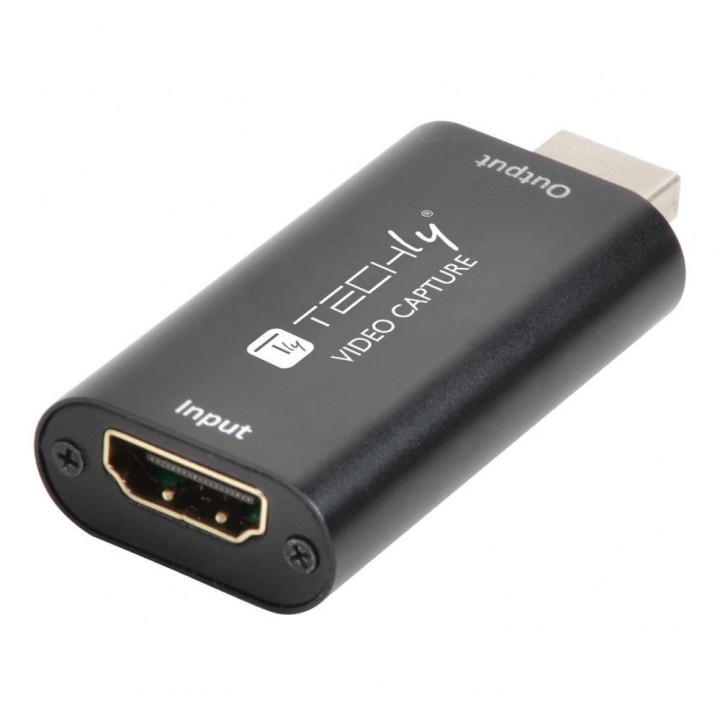
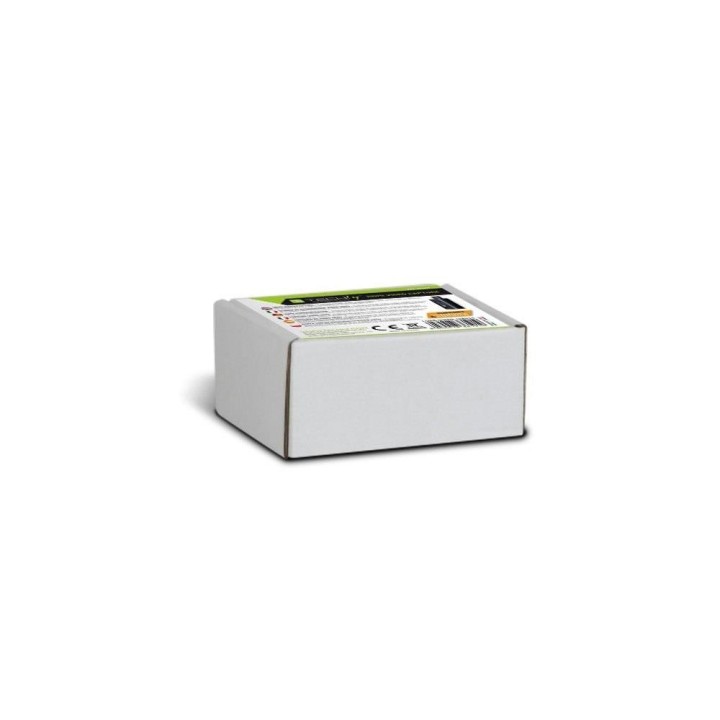
TECHLY Grabber HDMI Karta Przechwytywania HDMI 1080p do USB

Cena: 152,99 zł
Brutto
Dostępność produktu: Dostępny 8 szt.
Czas dostawy Wysyłka w ciągu 2 dni roboczych
Koszt dostawy Bezpłatna dostawa od 250 zł.

Opis produktu

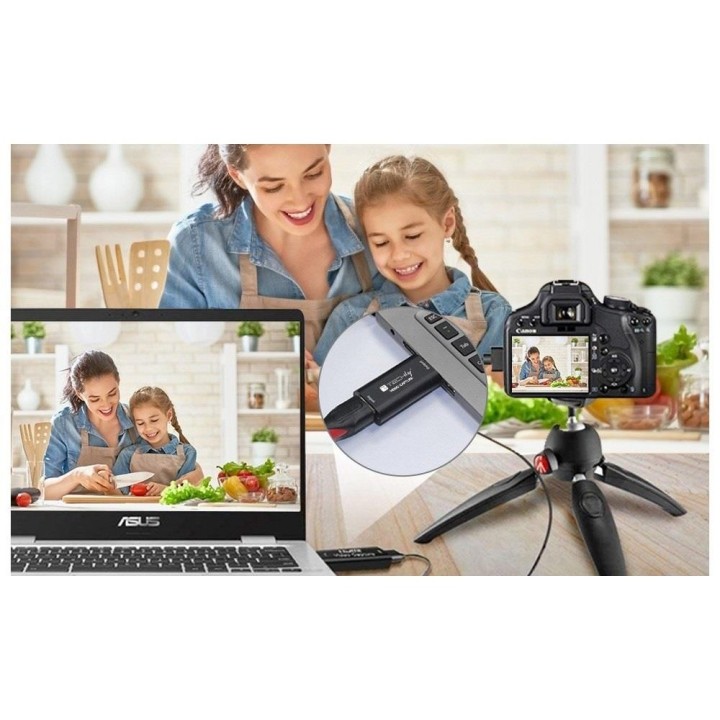
Grabber/ Karta Przechwytywania Techly HDMI 1080p / USB

Specyfikacja

  • Opis produktu: TECHly adapter przechwytywania wideo USB 2.0
  • Rodzaj urządzenia: Adapter przechwytywania wideo
  • Typ interfejsu: USB 2.0
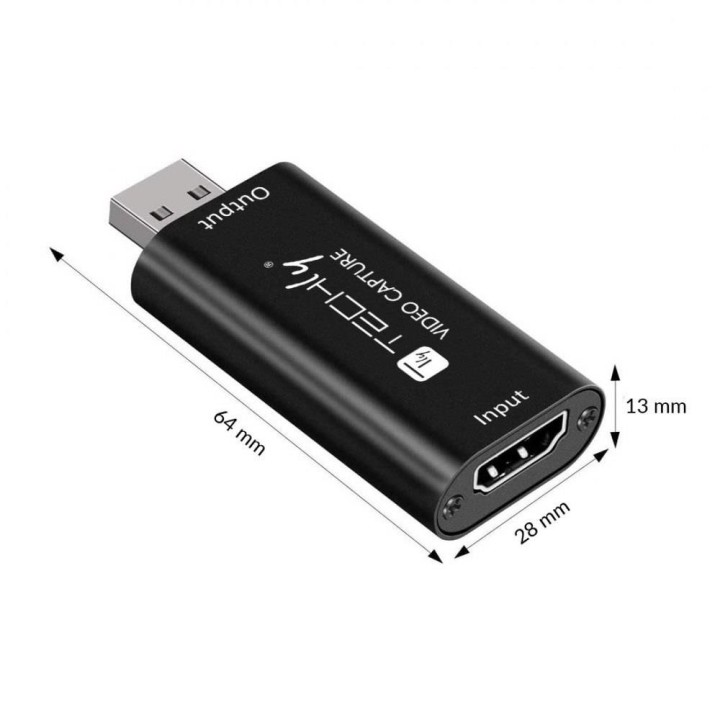
  • Wymiary (szer.głęb.wys.): 6.4 cm x 2.8 cm x 1.3 cm
  • Waga: 21.4 g
  • Kolor: Czarny
  • Wejście sygnału video: Wejście HDMI
  • Formaty video telewizji cyfrowej: 1080p, 4K
  • Format cyfrowy video: YUV
  • Szybkość przechwytywanego cyfrowego obrazu: 60 klatkisek
  • Rozdzielczość przechwytywanego cyfrowego obrazu video: 1080p, 4K, 3840 x 2160, 1920 x 1080
  • Obsługa wejścia audio: Standard

Szczegóły produktu

  • Marka Techly
  • Kod produktu 6610aefc620507cf6eaee772
  • Dostępność 8 Przedmioty
  • EAN13 8059018361919
  • MPN 361919

Producent

Producent

IC Intracom Italia SPA

Viale Europa, 33 33077 Sacile Italy

E-mail: info@icintracom.it

Telefon: +39 0434 735573

Bezpieczeństwo

Informacje o bezpieczeństwie

List of safety warnings for cards and video recorders (Laptop, PC) based on the requirements of Regulation (EU) 2023/988 on General Product Safety (GPSR): 1. Risk of electric shock: * Make sure that the device is connected to a working socket with grounding. * Do not touch the plug or cable with wet hands. * Avoid using the device in places with high humidity. 2. Risk of overheating: * Provide adequate ventilation while maintaining at least 5 cm of free space around the device. * Do not block ventilation holes and avoid putting your laptop on soft surfaces such as blankets or pillows. 3. Fire risk: * Use only original chargers and accessories recommended by the manufacturer. * Do not leave the device on unattended near flammable materials. 4. Risk of bodily injury: * Avoid using your laptop in a position that causes excessive heat pressure on your skin to prevent burns. * Use the device on a stable surface to minimize the risk of falling. 5. Hazards in humid environments: * Do not use your laptop outdoors in rain or in areas with high humidity, such as bathrooms. * If the device is flooded, immediately disconnect it from the power source and contact the service. 6. Hazards at high temperatures: * Do not expose the device to direct sunlight. * Avoid using your laptop at temperatures above the recommended range (usually 5-35°C). 7. Risk of damage during cleaning: * Before cleaning, disconnect the laptop from power and use a soft, slightly damp cloth. * Avoid using strong detergents that can damage the surface of the device. 8. Caution when replacing accessories: * Use only the accessories recommended by the manufacturer. * When replacing batteries, follow the manufacturer's instructions and do not expose the battery to high temperatures. 9. Risks associated with battery use: * Avoid damage to the battery by impact or puncture. * If the battery overheats or swells, stop using the device immediately. 10. Warnings for children: * Keep power cables out of reach of children. * Make sure that children do not play with the device or accessories that can be dangerous.

Ładowanie...
Wróć na górę