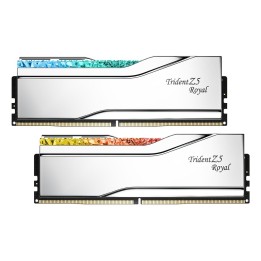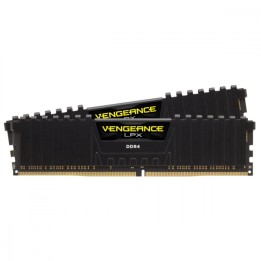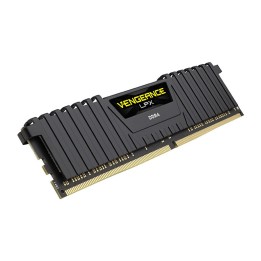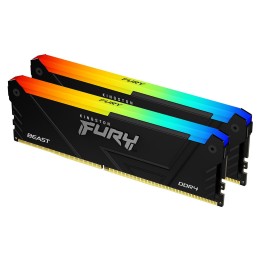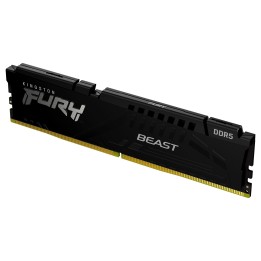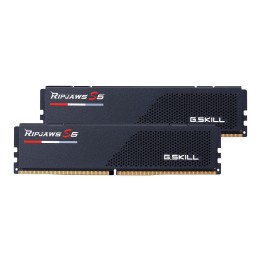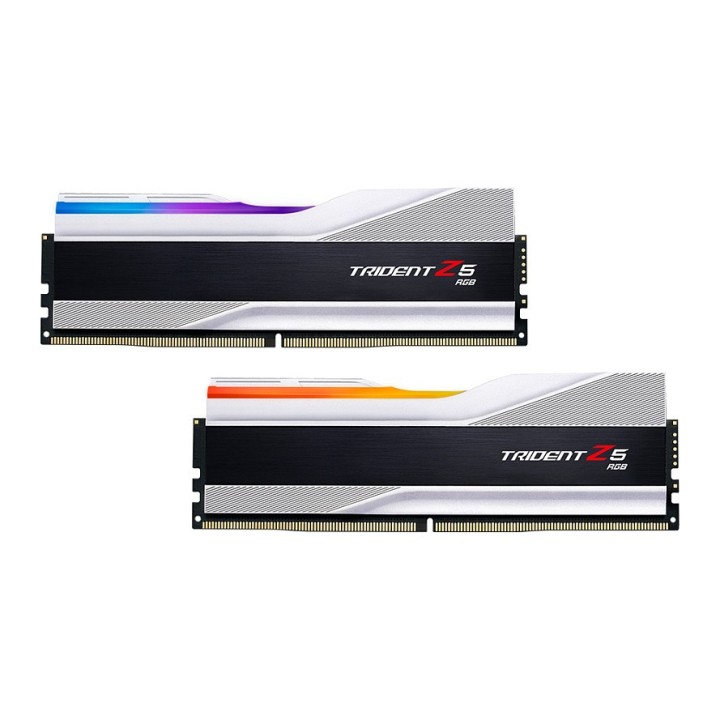
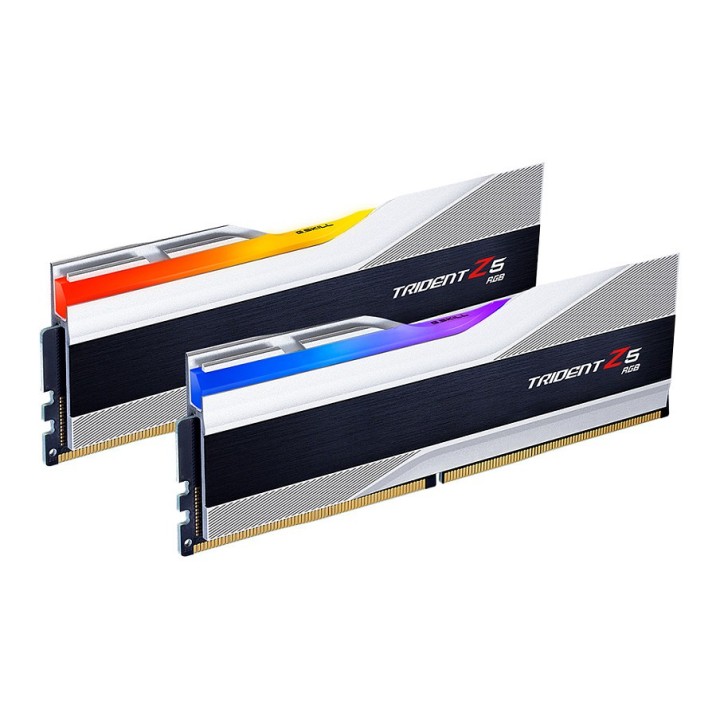
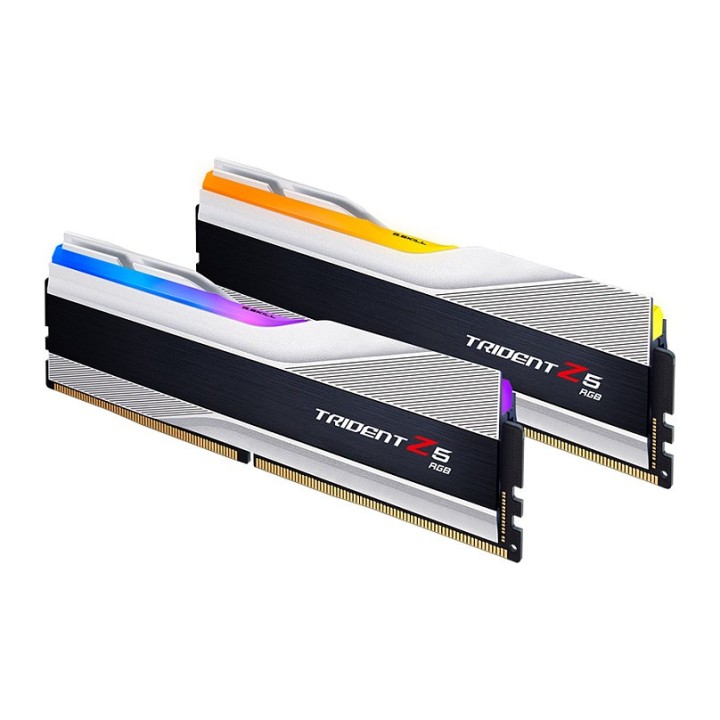
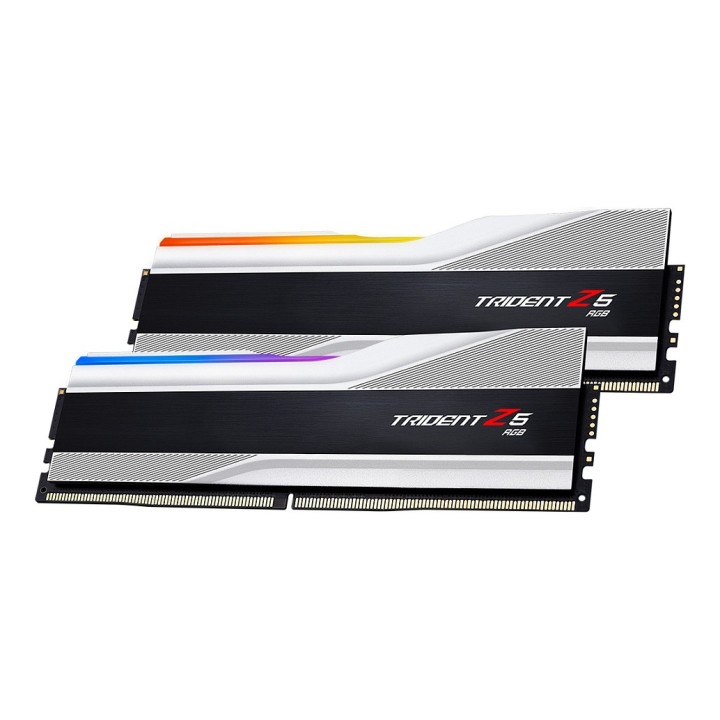
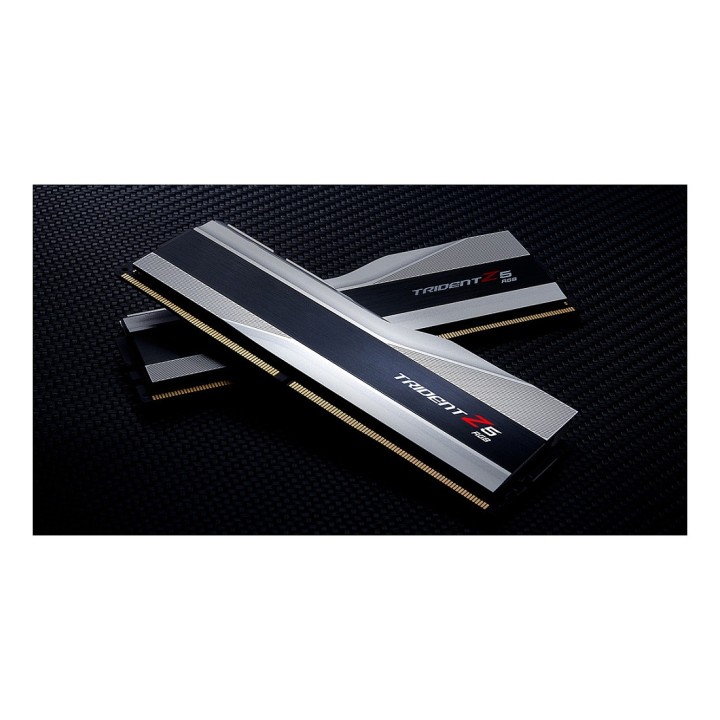
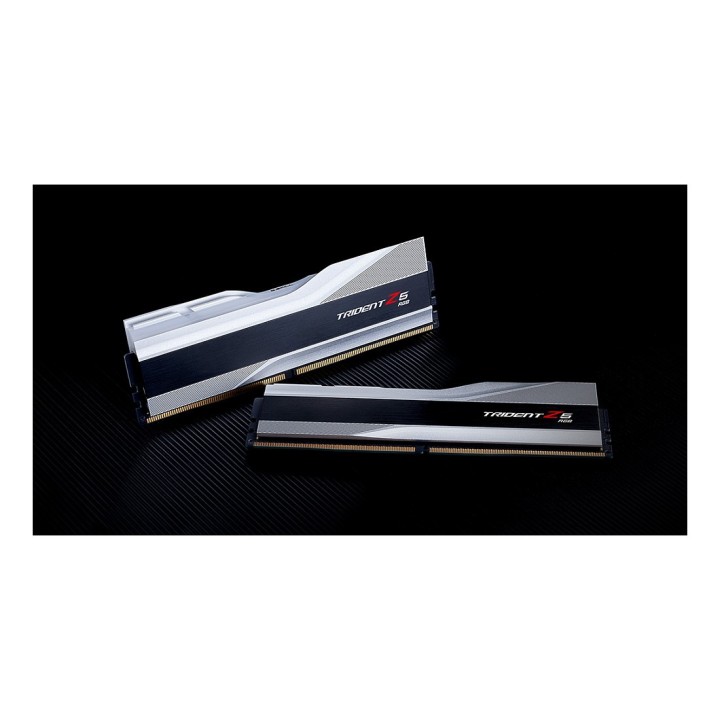
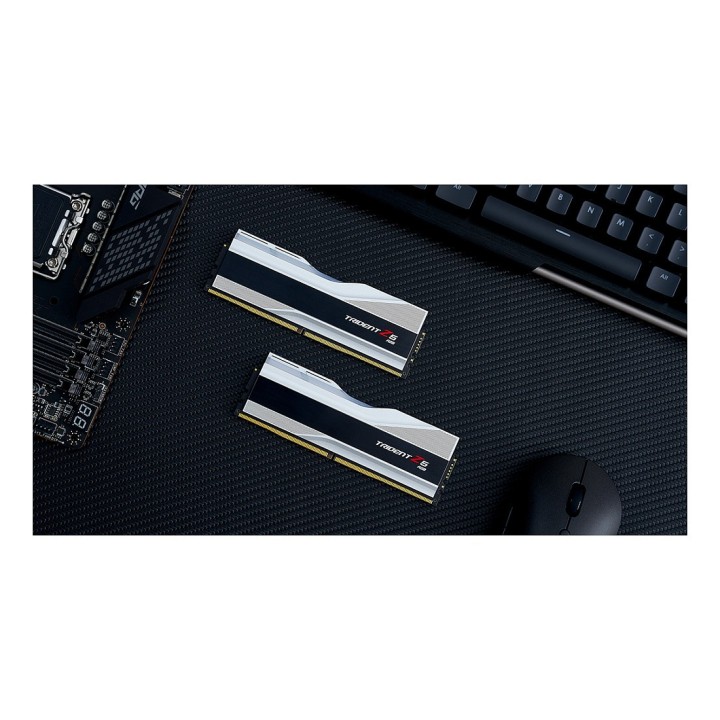
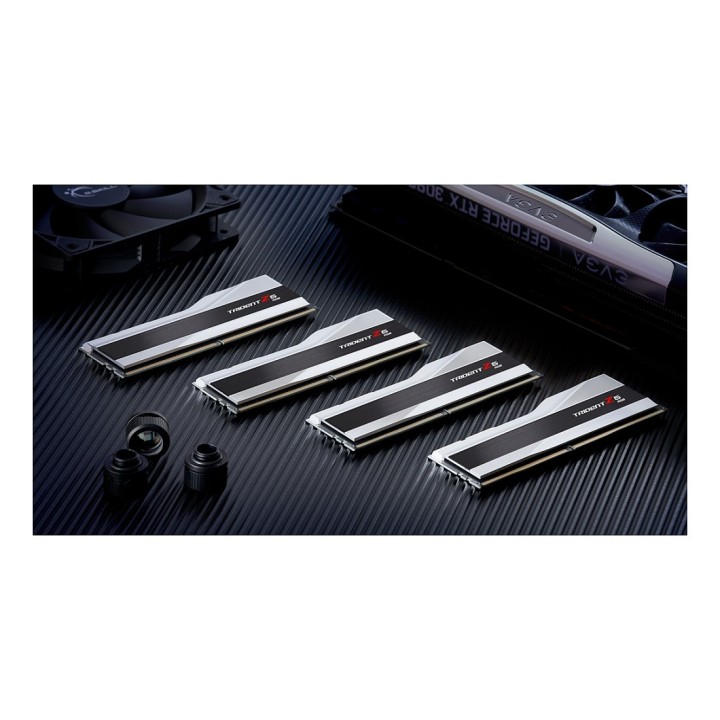
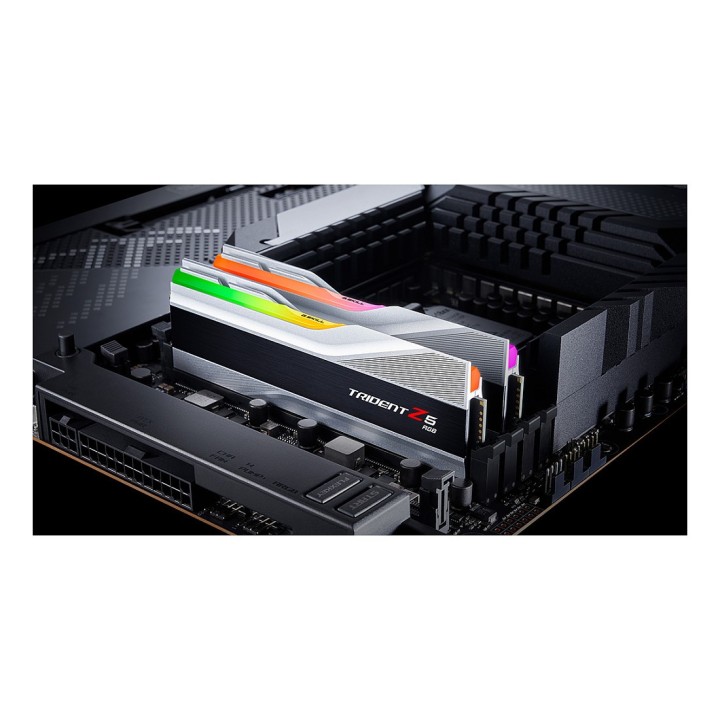
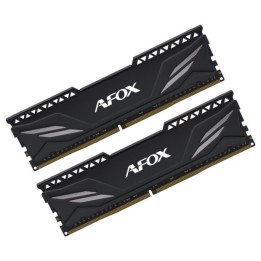
G.SKILL Trident Z5 RGB DDR5 32GB 2x16GB 6000MHz CL36 1.35V XMP 3.0 silver
Opis produktu
Pamięć DDR5 G.Skill Trident Z5 RGB 32GB (2x16GB) 6000MHz CL36 1,35V XMP 3.0
Specyfikacja
- Opis produktu: G.Skill Trident Z5 RGB DDR5 zestaw 32 GB: 2 x 16 GB DIMM 288pin 6000 MHz PC548000 niebuforowana
- Typ produktu: Zestaw pamięci
- Pojemność: 32 GB: 2 x 16 GB
- Typ pamięci: DDR5 SDRAM DIMM 288pin
- Sposób rozbudowy: Standardowy
- Sprawdzenie intgralności danych: Bez ECC
- Szybkość: 6000 MHz (PC548000)
- Latency Timings: CL36 (36363696)
- Cechy: Aluminiowe rozpraszanie ciepła, wbudowany Power Management IC (PMIC), Intel Extreme Memory Profiles (XMP 3.0), podwójny kanał, pasek ze szczotkowanego aluminium, pasek oświetleniowy z żywymi LED RGB, obsługa synchronizacji RGB płyty głównej, obsługa kontroli oświetlenia Trident Z RGB, obsługa ASRock Polychrome, obsługa ASUS Aura Sync, obsługa Gigabyte RGB Fusion 2.0, obsługa MSI Mystic Light RGB, niebuforowana
- Napięcie: 1.35 V
Szczegóły produktu
- Marka G.SKILL
- Kod produktu 6610b9d7620507cf6eb27eec
- Dostępność 79 Przedmioty
- EAN13 4713294230713
- MPN F5-6000J3636F16GX2-TZ5RS
Specyfikacja
- Typ pamięci RAM DDR5
- Opóźnienie CAS CL36
- Pojemność zestawu RAM (GB) 32 GB
- Format modułu RAM DIMM
- Pojemność jednego modułu (GB) 16 GB
- Liczba modułów (szt.) 2 szt.
- Napięcie pamięci (V) 1,35 V
Producent
Producent
eXtremeMem, Michał Chmura
Szyszkowa, nr 35/37 02-285 Warszawa Polska
E-mail: michal.chmura@extrememem.com
Telefon: +48 22 878 32 30
Osoba odpowiedzialna w UE
eXtremeMem, Michał Chmura
Szyszkowa, nr 35/37 02-285 Warszawa Polska
E-mail: michal.chmura@extrememem.com
Telefon: 48-22-40-799-40
Bezpieczeństwo
Informacje o bezpieczeństwie
List of RAM security warnings based on the requirements of Regulation (EU) 2023/988 on General Product Safety (GPSR) 1. Risk of hardware damage: * Make sure you shut down your computer before installing or disassembling RAM to avoid electrical damage. * Check the compatibility of RAM with your computer's motherboard to avoid problems with system operation. 2. Risk of cuts: * Be careful when manipulating RAM to avoid cuts to sharp edges. 3. Electrostatic hazard: * Protect your RAM from electrostatic discharge (ESD) that can damage electronic components. Use an antistatic band and work on an antistatic surface. 4. Risk of incorrect assembly: * Thoroughly insert RAM modules into the sockets to ensure proper connection and avoid problems with system operation. 5. Overheating: * Provide adequate ventilation in the computer case to prevent overheating of RAM, which can lead to unstable system operation. 6. Voltage: * Make sure the voltage settings in the BIOS are appropriate for the installed RAM to avoid damage or malfunction. 7. Hazard for children: * Keep RAM out of reach of children to prevent ingestion of small items. 8. Suitable use: * Use RAM for its intended purpose, avoid extreme conditions that can lead to damage. 9. Disassembly: * Carefully disassemble the RAM so as not to damage the modules or sockets on the motherboard. 10. Disposal: * Dispose of used RAM in accordance with local e-waste recycling regulations.
Pamięć RAM
Ostatnio oglądane
Produkty, które ostatnio zwróciły Twoją uwagę.