- Nowy
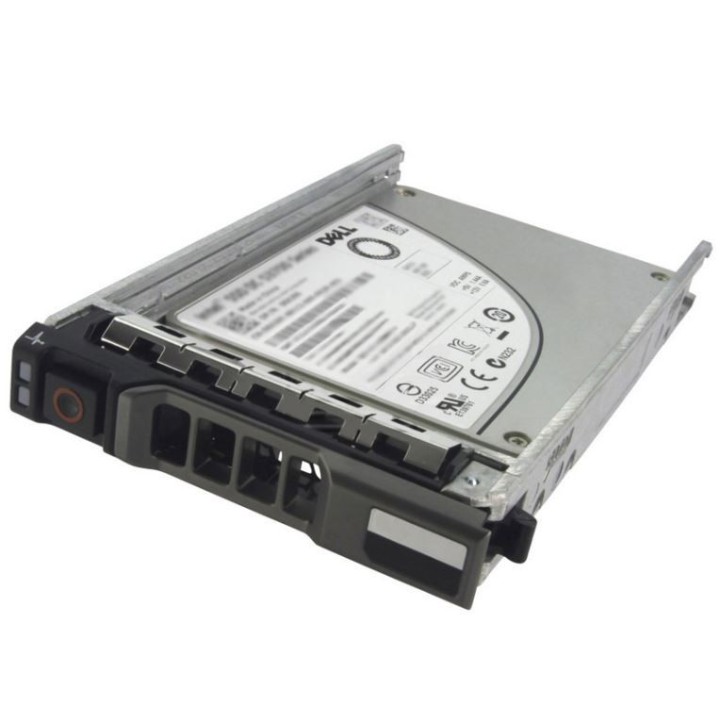
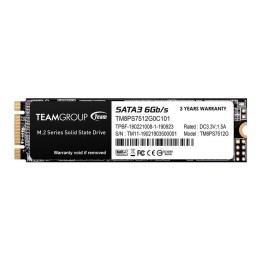
Zwiększ pojemność pamięci masowej swojego systemu Dell za pomocą dysku SSD firmy Dell. Na dysku można przechowywać duże ilości danych.
Znakomita pojemność pamięci masowej
Interfejs SATA zapewnia dużą szybkość transmisji danych
Konstrukcja solid state zapewnia odporność i szybki dostęp do danych
Dell Sp. z o.o.
ul. Inflancka 4A 00-189 Warszawa Poland
E-mail: regulatory.compliance@dell.com
Telefon: 15 123 381 551
List of SSD security warnings based on General Product Safety Regulation (GPSR) 2023/988 requirements: * Before installing or disassembling an SSD, make sure your computer is turned off and disconnected from power. * When installing an SSD, use the appropriate tools and screws to avoid damaging your drive or computer. * Do not open the SSD enclosure as this may result in loss of warranty and damage to the drive. * Protect your SSD from moisture, dust, and extreme temperatures. * Use SSD management software according to the manufacturer's instructions to monitor its health and performance. * Regularly back up data from your SSD to avoid data loss in the event of a drive failure. * Do not disassemble the SSD while writing or reading data, this can lead to data loss. * Do not expose your SSD to shocks, drops, or other mechanical damage. * Once usage is complete, delete data from the SSD securely to prevent unauthorized access to the data. * Follow the rules for the safe handling of electronic waste when disposing of an SSD.
Produkty, które ostatnio zwróciły Twoją uwagę.