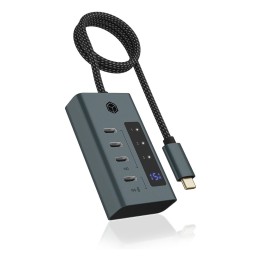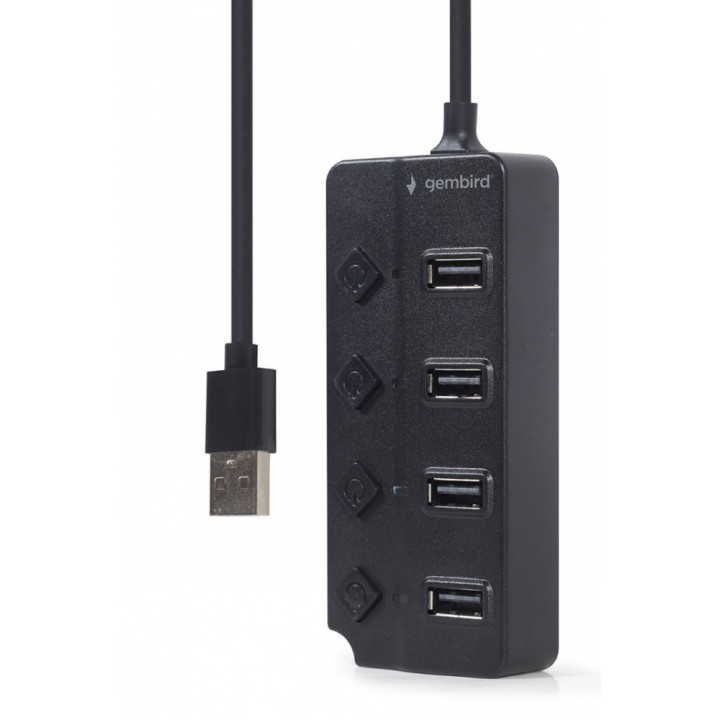
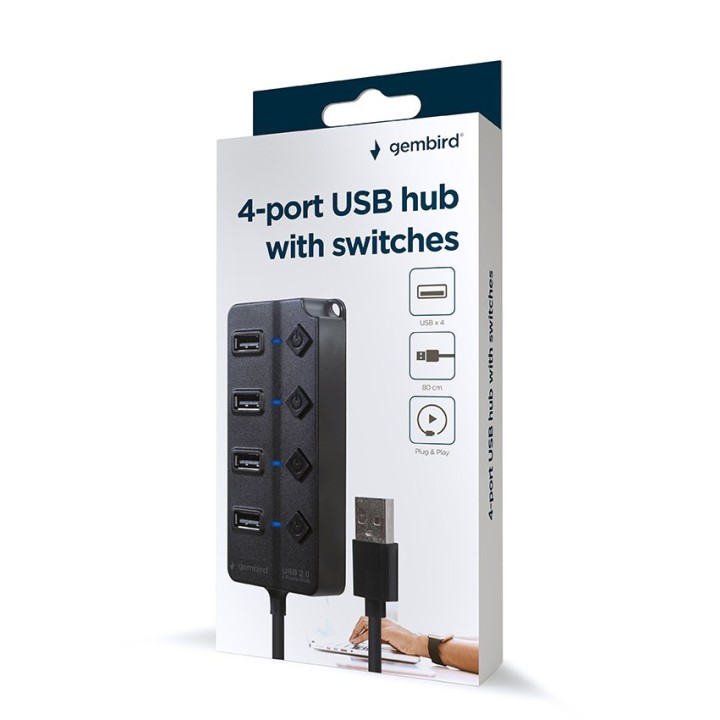
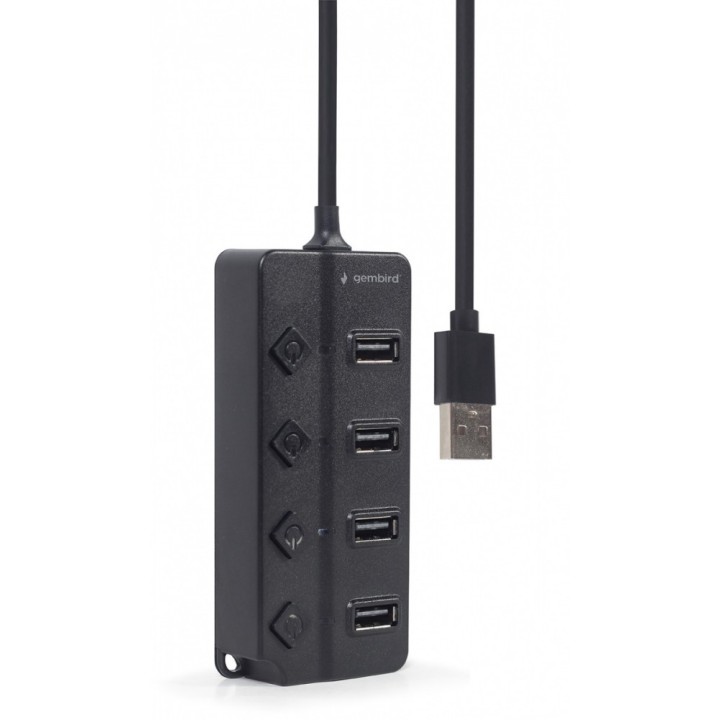
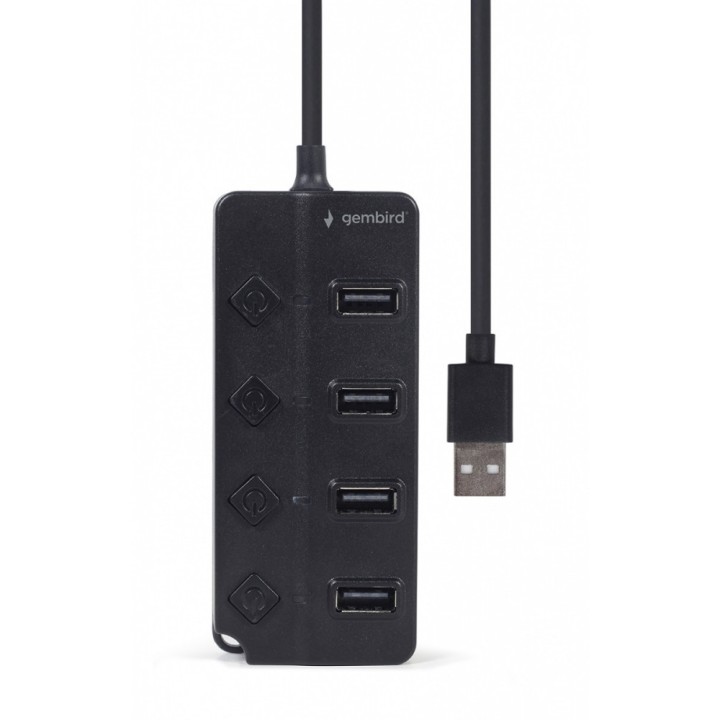
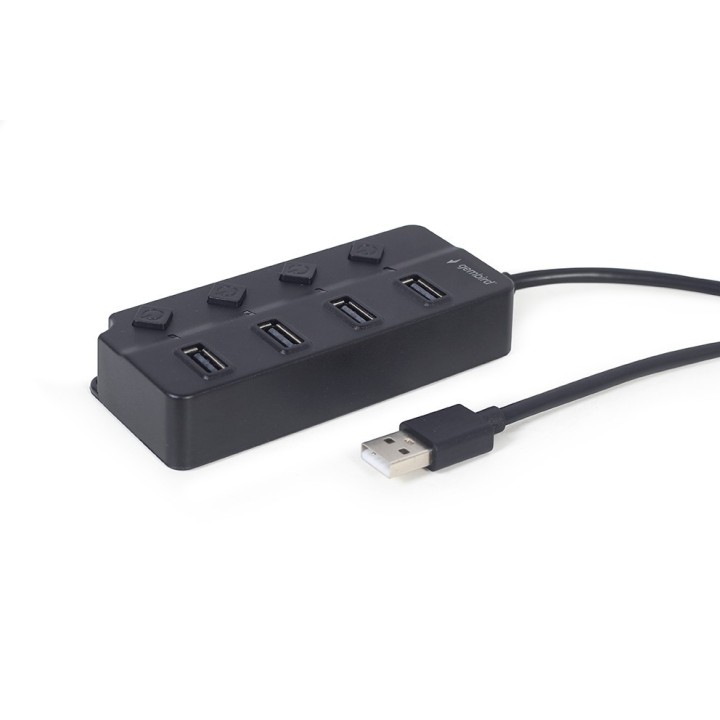
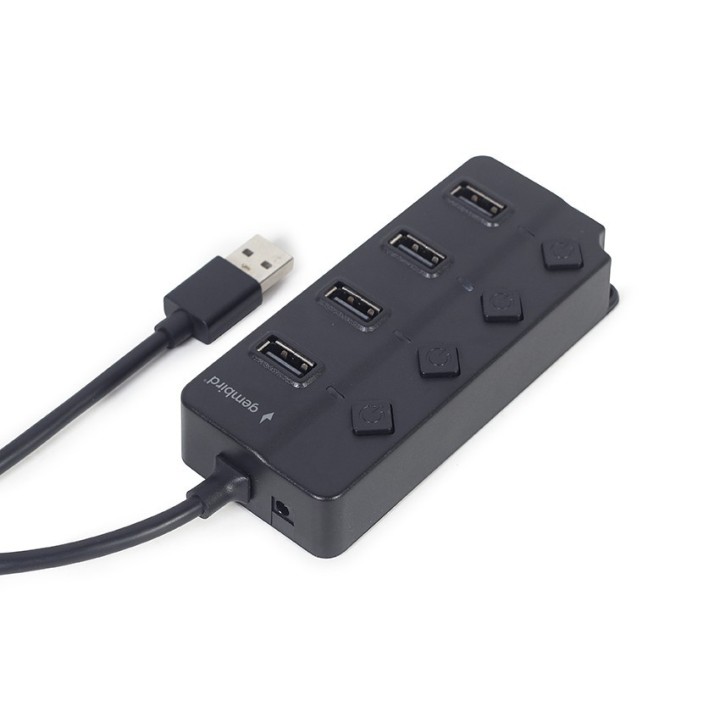
GEMBIRD 4-portowy hub USB 2.0 z przełącznikami czarny
Opis produktu
Gembird Hub USB 2.0 4-Portowy z przełącznikami
4-portowy hub USB ze zintegrowany kabel USB w kompaktowej obudowie. Może być zasilany przez gniazdo zasilania prądem stałym dla urządzeń wymagających większej mocy (zasilacz nie jest dołączony.) Posiada praktyczne przyciski włączania/wyłączania i wskaźniki stanu LED.
Specyfikacja
- Opis produktu: Gembird UHBU2P4P01 koncentrator z przełącznikami 4 porty
- Rodzaj urządzenia: Koncentrator 4 porty
- Podtyp: USB
- Porty: 4 x USB 2.0
- Cechy: 4 wyłączniki wł.wył., kontrolki statusu LED
- Zgodność z normami: USB 2.0
- Wymiary (szer.głęb.wys.): 4.6 cm x 10.6 cm x 2.1 cm
- Waga: 77 g
- Kolor: Czarny
- Wymagania systemowe: Microsoft Windows 10 11
Szczegóły produktu
- Marka Gembird
- Kod produktu 6610c84f620507cf6ebf2ec4
- Dostępność 9 Przedmioty
- EAN13 8716309124683
- MPN UHB-U2P4P-01
Specyfikacja
- Standard USB USB 2.0
Producent
Producent
Gembird Europe B.V.
Wittevrouwen 56 1358 CD Almere Netherlands
E-mail: postmaster@gmb.nl
Telefon: +31-(0)36-5211588
Bezpieczeństwo
Informacje o bezpieczeństwie
List of safety warnings for USB hubs based on the requirements of General Product Safety Regulation (EU) 2023/988 (GPSR): * Risk of electric shock: * Do not use damaged USB cables. * Do not touch the USB hub with wet hands. * Avoid contact with water and moisture. * Risk of overheating: * Do not cover the USB hub during use. * Make sure the USB hub has adequate ventilation. * Do not place the USB hub near heat sources. * Risk of short circuit and damage to devices: * Do not connect devices with too high power consumption. * Use a power supply with the appropriate parameters (if required). * Disconnect unused devices. * Risk of data corruption: * Securely disconnect USB devices before removing the plug from the hub port. * Avoid sudden power disconnection. * Restrictions on use: * Do not use the USB hub as intended. * Do not modify or repair the device yourself. * Child-related hazards: * Keep your USB hub and small accessories out of reach of children. * Do not allow children to play with the USB hub. * Maintenance and cleaning: * Clean the USB hub regularly with a dry cloth. * Do not use aggressive cleaners. * When connecting peripherals, especially external drives: * Use dedicated power supply for the USB hub to provide enough power.
Huby USB i przełączniki KVM
Ostatnio oglądane
Produkty, które ostatnio zwróciły Twoją uwagę.