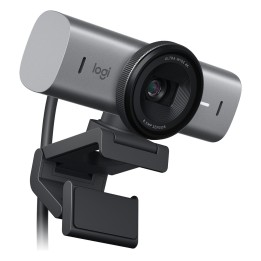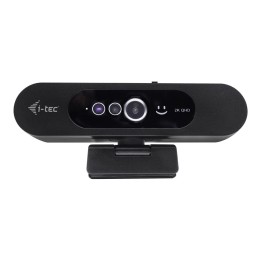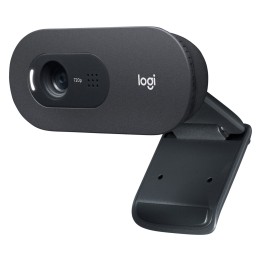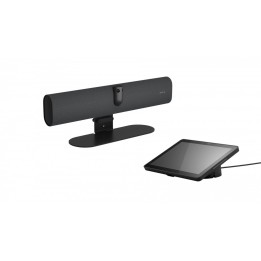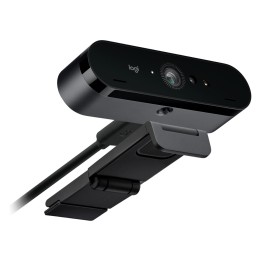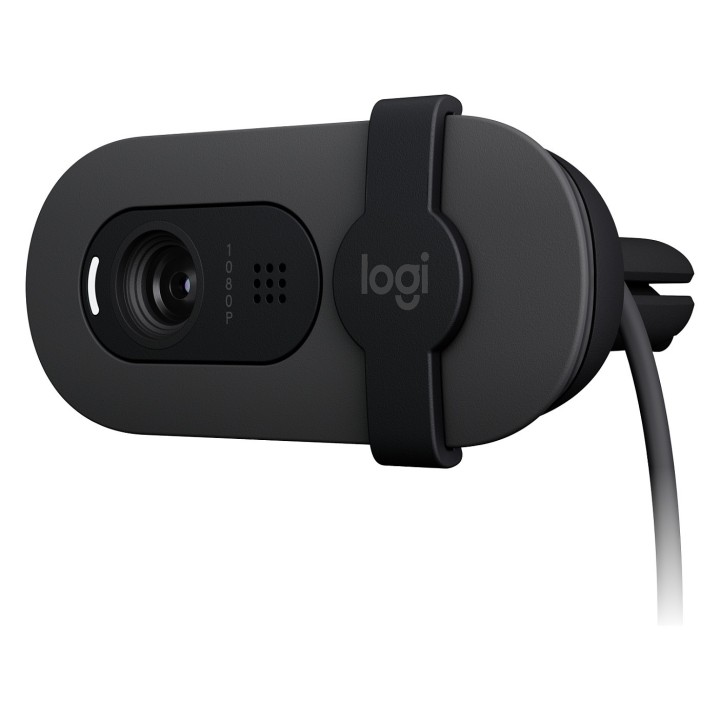
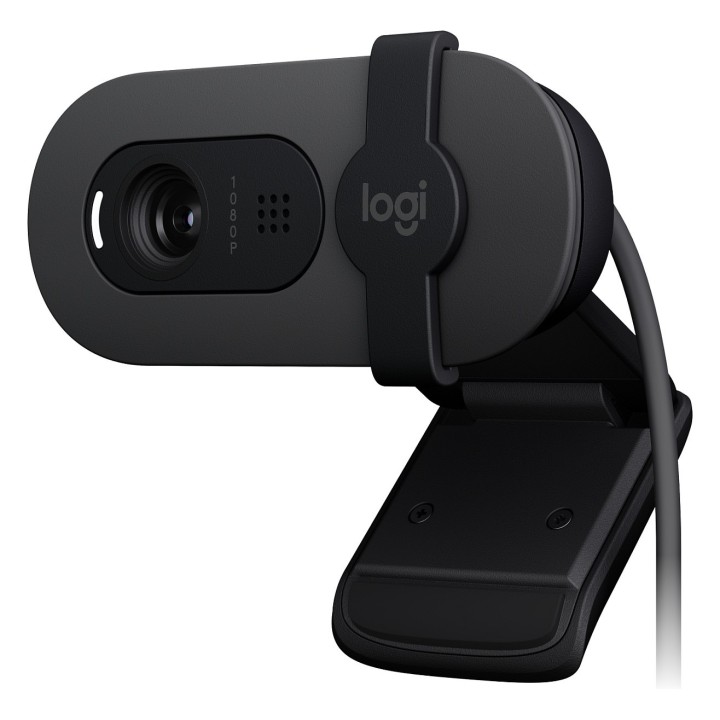
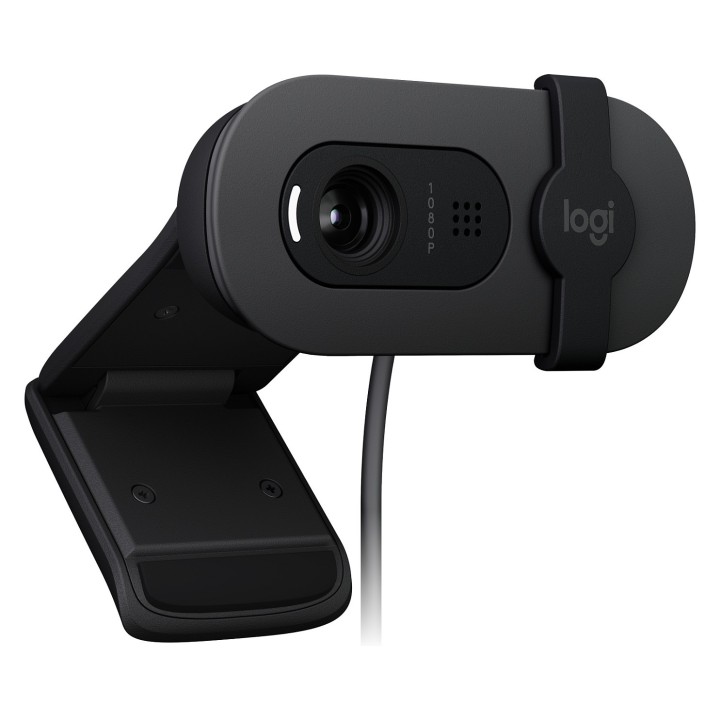
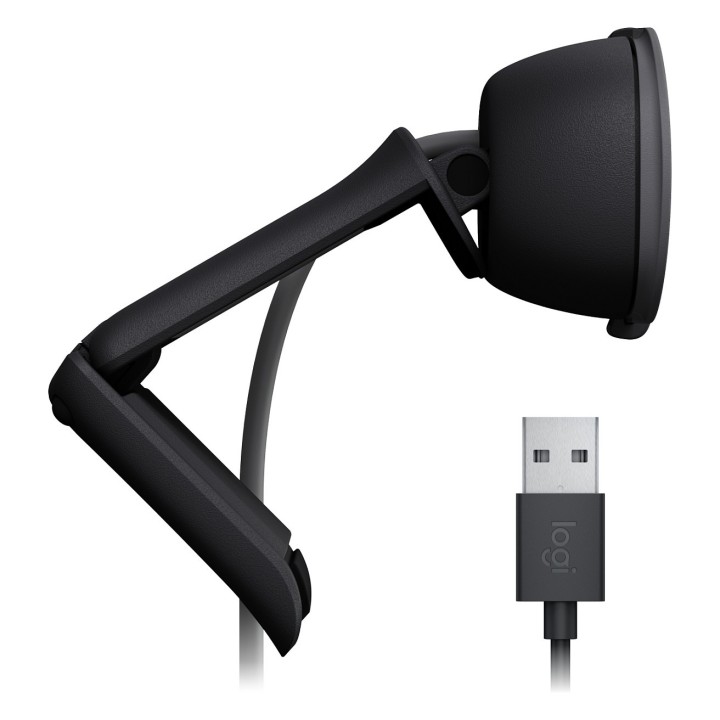
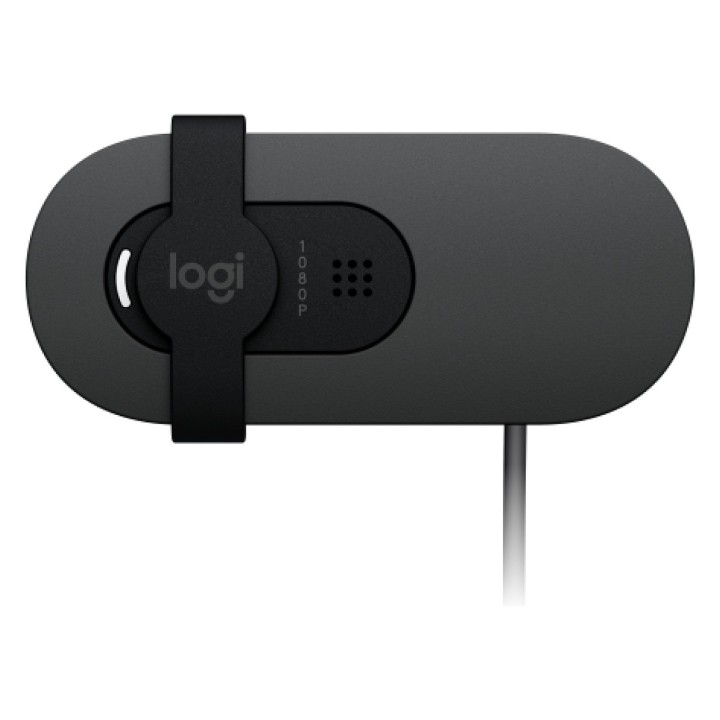
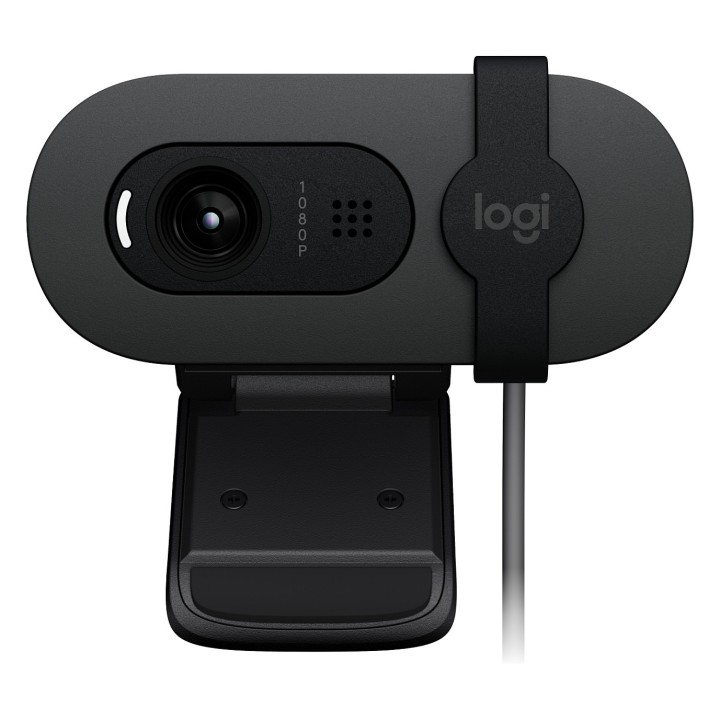
LOGITECH BRIO 100 Webcam colour 2 MP 1920 x 1080 720p 1080p audio wired USB
Opis produktu
Prowadź lepsze wideorozmowy dzięki rozdzielczości Full HD, automatycznemu balansowi światła i wbudowanemu mikrofonowi oraz osłonie migawki.
Wyglądaj wyraźniej
O 50% jaśniej
Zyskaj pełną prywatność
Brzmij lepiej
Podłącz i korzystaj
Specyfikacja
- Opis produktu: Logitech BRIO 100 kamerka internetowa
- Rodzaj urządzenia: Kamerka internetowa
- Audio: Tak: wbudowany mikrofon wszechkierunkowy
- Wymiary (szer.głęb.wys.): 7.291 cm x 6.664 cm x 3.191 cm
- Waga: 75 g
- Kolor: Grafitowy
- Technologia łączonści: Przewodowa
- Aparat fotograficzny: Kolor
- Maksymalna rozdzielczość: 1920 x 1080
- Liczba Klatek na Sekundę (maks.): 30 klatkisek
- Formaty video telewizji cyfrowej: 1080p, 720p
- Rodzaj czujnika optycznego: 2 MP
- Regulacja ostrości: Stała ostrość
- Interfejsy: USB
- Certyfikacja Oprogramowania: Certyfikat Microsoft Teams, Certyfikat Zoom, Certyfikacja Google Meet
- Dołączone przewody: 1 kabel USB zintegrowany 1.5 m
- Cechy: Automatyczna korekcja światła, zintegrowana żaluzja prywatności, technologia RightLight 2, obiektyw z powloką antyrefleksyjną
Szczegóły produktu
- Marka Logitech
- Kod produktu 6610cfac620507cf6ecb6caf
- Dostępność 48 Przedmioty
- EAN13 5099206113268
- MPN 960001585
Specyfikacja
- Mikrofon Tak
Producent
Producent
Logitech Europe S.A.
Catharijnesingel 47 3511GC Utrecht Netherlands
Telefon: +41 0 21 863 55 11
Osoba odpowiedzialna w UE
Logitech Europe S.A.
Catharijnesingel 47 3511GC Utrecht Netherlands
Telefon: +41 0 21 863 55 11
Bezpieczeństwo
Informacje o bezpieczeństwie
List of webcam safety warnings based on the requirements of General Product Safety Regulation (GPSR) 2023/988 1. Privacy Risk: * Make sure your webcam is turned off or obscured when not in use to prevent unauthorized access and potential privacy violations. 2. Security Risk: * Update your webcam software to the latest version to protect against known vulnerabilities. * Change your webcam passwords regularly to prevent unauthorized access. 3. Risk of equipment damage: * Do not place the webcam in places with high humidity or temperature to avoid damage to the equipment. * Protect your webcam from drops or bumps that can cause mechanical damage. 4. Risk for children: * Keep small webcam accessories out of reach of children to avoid the risk of ingestion. * Do not allow children to install the webcam themselves. 5. Connection risk: * Make sure your webcam cables are properly connected to avoid short circuits or other power problems. 6. Hygiene risk: * Clean your webcam regularly to prevent dust and dirt from accumulating. * Do not use harsh cleaning agents that can damage the lens or housing. 7. Risk of ergonomics: * Place the webcam on a stable surface to avoid accidental tipping over. * Set the camera at the right height and angle for comfortable use. 8. Risk of fire: * Do not place the webcam near flammable materials. 9. Health Risk: * Avoid prolonged use of the webcam in dark rooms to reduce eye strain. 10. Legal Risk: * Make sure that video and audio recording using your webcam complies with local privacy laws.
Kamery internetowe
Ostatnio oglądane
Produkty, które ostatnio zwróciły Twoją uwagę.