- Nowy
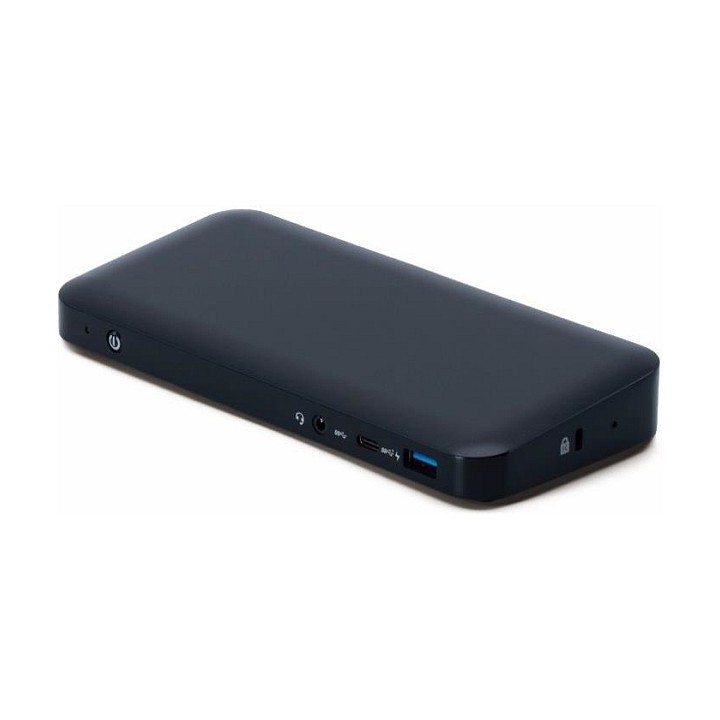
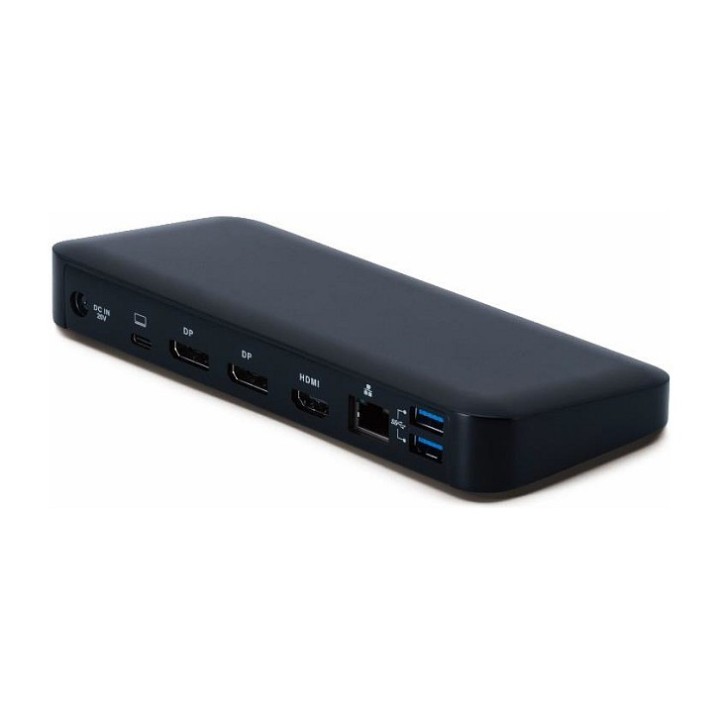
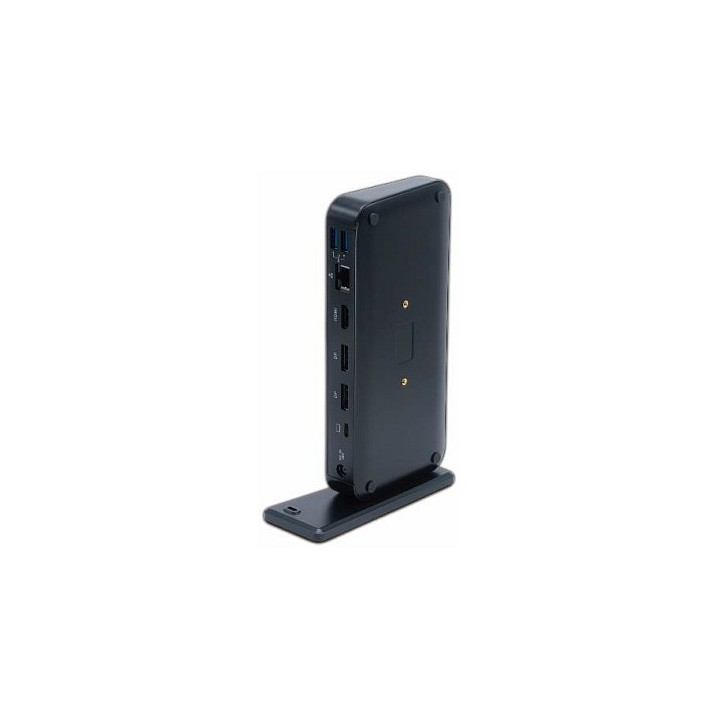
Acer USB type C docking III BLACK WITH EU POWER CORD (RETAIL PACK) obrazki
Acer USB type C docking III BLACK WITH EU POWER CORD (RETAIL PACK)
Opis produktu
Acer USB type C docking III BLACK WITH EU POWER CORD (RETAIL PACK)
Specyfikacja
- USB 3.2 Gen 1 (3.1 Gen 1) Type-A ports quantity: 2
- Host interface: USB 3.2 Gen 1 (3.1 Gen 1) Type-C
- HDMI ports quantity: 1
- DisplayPorts quantity: 2
- USB 3.2 Gen 1 (3.1 Gen 1) Type-C ports quantity: 1
- HDMI version: 2.0
- Combo headphone/mic port: Yes
- USB 2.0 ports quantity: 0
- USB 3.2 Gen 2 (3.1 Gen 2) Type-A ports quantity: 1
- DC-in jack: Yes
- Headphone outputs: 0
- Connectivity technology: Wired
- Microphone in: No
- Ethernet LAN (RJ-45) ports: 1
- Ethernet LAN: Yes
- Ethernet LAN data rates: 10,100,1000 Mbit/s
- Product colour: Black
- Card reader integrated: No
- Cable lock slot type: Kensington
- Cable lock slot: Yes
- On/off switch: Yes
- AC input voltage: 100 - 240 V
- Power source type: AC
- Power supply: 135 W
- Weight: 360 g
- Depth: 87 mm
- Width: 204 mm
- Height: 23.9 mm
- Harmonized System (HS) code: 84733020
Szczegóły produktu
- Marka Acer
- Kod produktu 662f79cb0da76568e7c96919
- Dostępność 9 Przedmioty
- EAN13 4710180498974
- MPN GP.DCK11.003
Specyfikacja
- Złącze do komputera USB 3.2 Gen 1 (3.1 Gen 1) Type-C
Producent
Producent
Acer Poland Sp. z o.o.
ul. Graniczna 8D/E, 54-610 Wrocław 54-610 Wrocław Poland
E-mail: contact.pl@acer.com
Formularz kontaktowy: https://www.acer.com/pl-pl/support/contact-acer/service-contact
Telefon: +48 22 209 89 88
Osoba odpowiedzialna w UE
Acer Poland Sp. z o.o.
ul. Graniczna 8D/E, 54-610 Wrocław 54-610 Wrocław Poland
E-mail: contact.pl@acer.com
Formularz kontaktowy: https://www.acer.com/pl-pl/support/contact-acer/service-contact
Telefon: +48 22 209 89 88
Bezpieczeństwo
Informacje o bezpieczeństwie
List of safety warnings for docking stations based on the requirements of General Product Safety Regulation (EU) 2023/988 (GPSR) * Risk of electric shock: * Make sure that the docking station is connected to an efficient grounded outlet. * Do not touch the plug or cable with wet hands. * Avoid using the docking station in areas with high humidity. * Risk of overheating: * Provide adequate ventilation while maintaining at least 5 cm of free space around the docking station. * Do not block ventilation openings. * Do not place the docking station on soft surfaces such as blankets or pillows. * Fire risk: * Use only original power supplies and accessories recommended by the manufacturer. * Do not leave the docking station on unattended near flammable materials. * Risk of bodily injury: * Use the docking station on a stable surface to minimize the risk of falling connected devices. * Avoid using the docking station in a position that causes excessive heat pressure on the skin to prevent burns. * Hazards in humid environments: * Do not use the docking station outdoors in rain or in places with high humidity, such as bathrooms. * If the docking station is flooded, immediately disconnect it from the power source and contact the service. * Hazards at high temperatures: * Do not expose the docking station to direct sunlight. * Avoid using the docking station at temperatures above the recommended range (usually 5-35°C). * Risk of damage during cleaning: * Disconnect the docking station from the power supply before cleaning and use a soft, slightly damp cloth. * Avoid using strong detergents that can damage the surface of the docking station. * Caution when replacing accessories: * Use only accessories recommended by the manufacturer. * When replacing batteries, follow the manufacturer's instructions and do not expose the battery to high temperatures. * Battery Use Hazards: * Avoid damaging the battery by impact or puncture. * If the battery overheats or swells, stop using the docking station immediately. * Child warnings: * Keep power cables out of reach of children. * Make sure your kids don't play with the docking station or accessories that can be dangerous. * Cleanliness: * Failure to regularly clean ports and sockets can lead to damage or failure. * Clean ports and sockets regularly using a dry and clean cloth, avoiding moisture input.
Stacje dokujące
- Nowy
- Nowy
- Nowy
- Nowy
- Nowy
- Nowy
Ostatnio oglądane
Produkty, które ostatnio zwróciły Twoją uwagę.
- Nowy
- Nowy
- Nowy
- Nowy
- Nowy