- Nowy
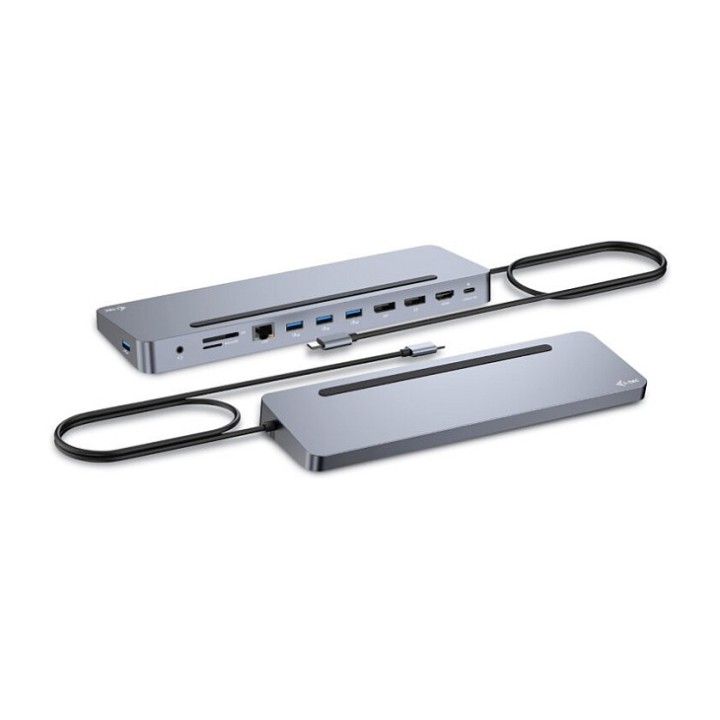
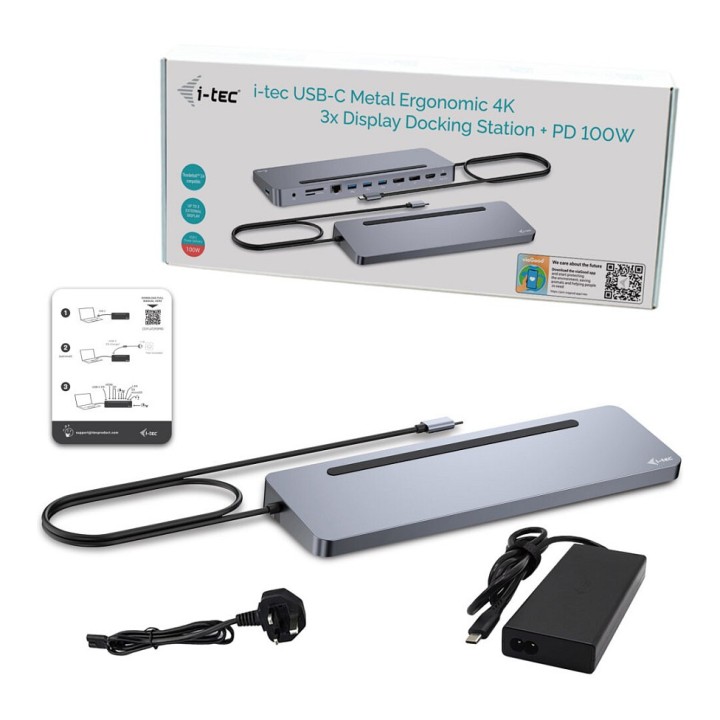

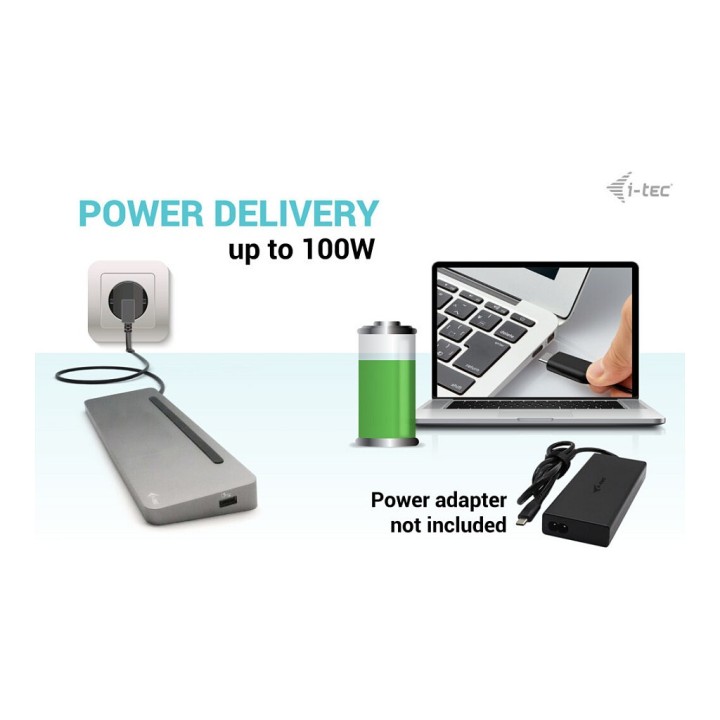
Stacja dokująca USB-C Metal Ergonomic 4K 3x Display Docking Station PD 100W obrazki
Stacja dokująca USB-C Metal Ergonomic 4K 3x Display Docking Station PD 100W
Opis produktu
Stacja Dokująca + Power Delivery 60W i-tec USB-C Flat V2
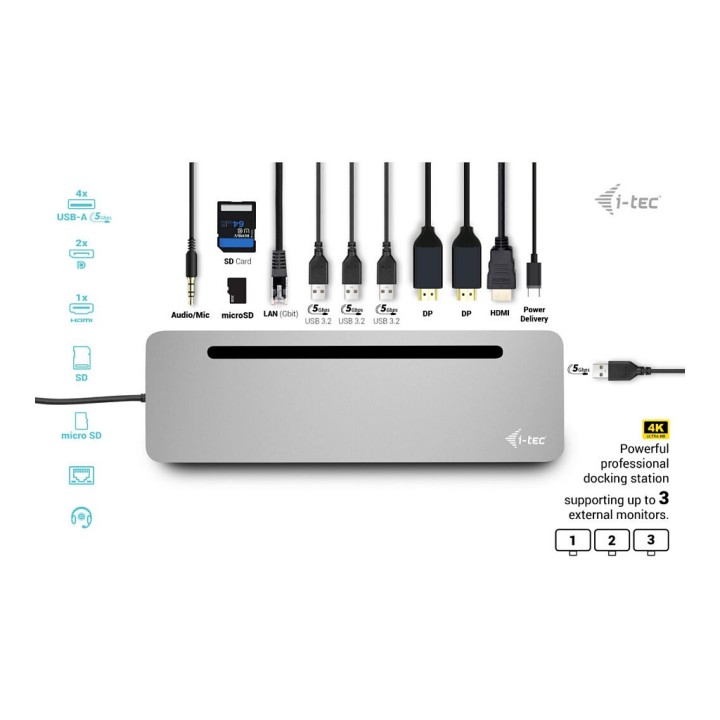
Podłącz swoje ulubione akcesoria do laptopa, tabletu, komputera lub smartfonu wyposażonego w nowy interfejs USB-C lub Thunderbolt 3.
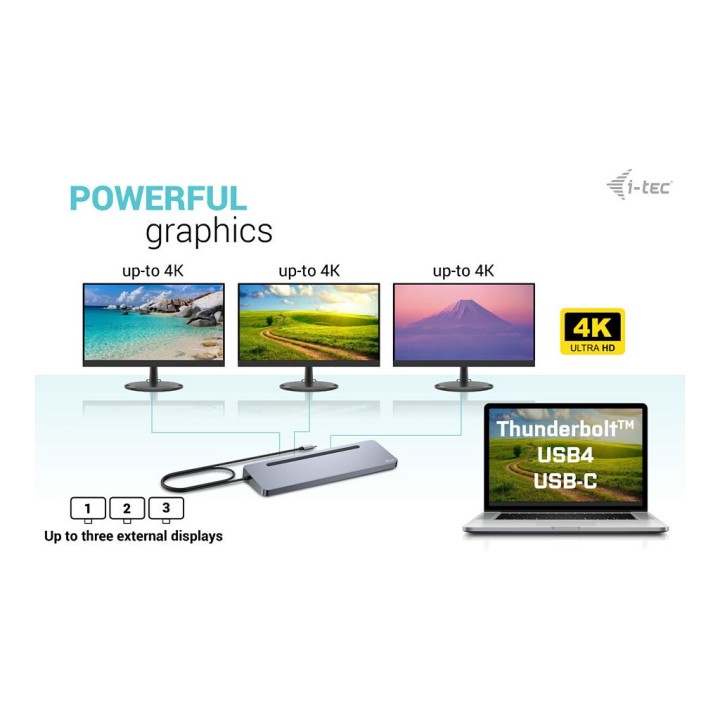
Rozszerz swój pulpit używając zewnętrznego monitora HDMI lub podłącz projektor bądź telewizor za pomocą interfejsu HDMI. Stacja dokująca obsługuje transfer wideo Ultra HD 4K z rozdzielczością do 3840 × 2160 @ 30Hz włącznie z sygnałem audio.
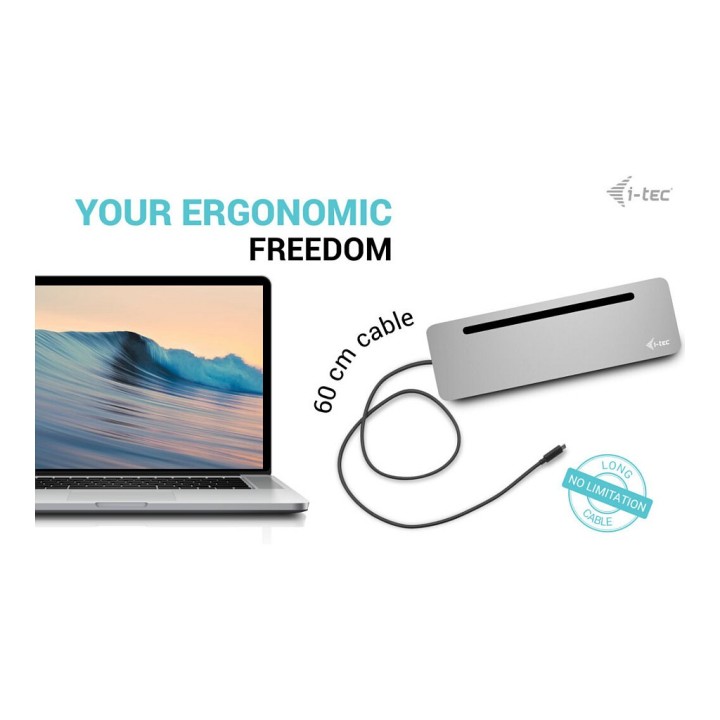
Podłącz stację dokującą za pomocą pojedynczego kabla (30 cm) do portu USB-C lub Thunderbolt 3 i od razu zacznij korzystać z urządzenia. Sterownik jest automatycznie instalowany z systemu. Stację dokującą zaprojektowaliśmy tak, aby była ergonomiczną podstawką dla Twojego laptopa lub tabletu.
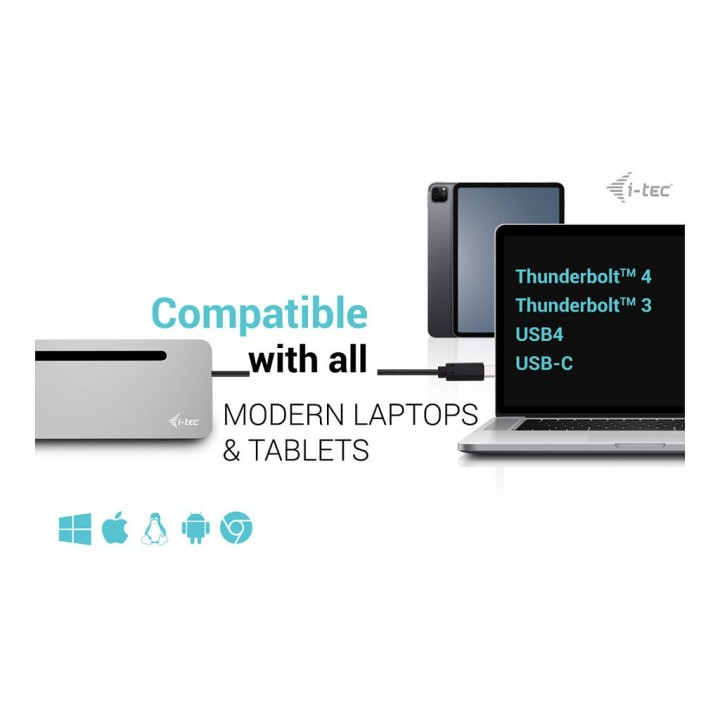
Stacja dokująca jest odpowiednia do użytku ze wszystkimi laptopami i innymi urządzeniami wyposażonymi w złącze USB-C z obsługą transmisji wideo (tryb USB-C DisplayPort Alt Mode). W przypadku niezgodności Twój nowy produkt i-tec może nie działać poprawnie. Szczegółowe informacje na temat specyfikacji portu USB w urządzeniu można znaleźć w podręczniku dotyczącym laptopa/ tabletu/ smartfonu lub kontaktując się z obsługą techniczną producenta urządzenia.
Stacja dokująca jest dostępna w dwóch wersjach:
- bez dołączonego zasilacza USB-C (kod produktu C31FLAT2PDPRO)
- z dołączonym zasilaczem 100 W (kod produktu C31FLAT2PDPRO100W/UK)
Specyfikacja
- Porty we/wy (replikatory/stacje dok.): 1 x Czytnik kart
- Dokowanie (laptopy): Nie
- Wymagania sprzętowe: Wymagania sprzętowe:Urządzenie z wolnym portem USB-C lub Thunderbolt3Wymagania dotyczące zasilania Power Delivery:Urządzenie z wolnym portem USB-C lub Thunderbolt3 z obsługą Power DeliveryWymagania dotyczące wyjścia wideo:Urządzenie z wolnym portem USB-C z obsługą DisplayPort Alternate Mode lub z portem Thunderbolt3System operacyjny:Windows 10, macOS X, Android, Chrome OS Google, Linux z najnowszymi aktualizacjami
- Akcesoria w zestawie: Produkt Podkładki silikonowe Podręcznik
- Kolor (wyliczeniowy): Czarny
- Wymiary: 280 x 70 x 22 mm
- Waga: 198 g
- Uwaga: CE+WEEE
Szczegóły produktu
- Marka i-tec
- Kod produktu 660fc50771a267703cbb6ad2
- Dostępność 30 Przedmioty
- EAN13 8595611706530
- MPN C31FLAT2PDPRO
Specyfikacja
- Złącze do komputera USB 3.2 Gen 1 (3.1 Gen 1) Type-C
- Liczba portów USB-A (szt.) 4 szt.
- Liczba obsługiwanych monitorów (szt.) 3 szt.
- Liczba portów USB-C (szt.) 1 szt.
- Moc ładowania laptopa (W) 100 W
Producent
Producent
i-tec Technologies s.r.o
Teslova 2 702 00 Ostrava Czechy
E-mail: skropka@i-tec.pl
Telefon: +48 513 168 695
Bezpieczeństwo
Informacje o bezpieczeństwie
List of safety warnings for docking stations based on the requirements of General Product Safety Regulation (EU) 2023/988 (GPSR) * Risk of electric shock: * Make sure that the docking station is connected to an efficient grounded outlet. * Do not touch the plug or cable with wet hands. * Avoid using the docking station in areas with high humidity. * Risk of overheating: * Provide adequate ventilation while maintaining at least 5 cm of free space around the docking station. * Do not block ventilation openings. * Do not place the docking station on soft surfaces such as blankets or pillows. * Fire risk: * Use only original power supplies and accessories recommended by the manufacturer. * Do not leave the docking station on unattended near flammable materials. * Risk of bodily injury: * Use the docking station on a stable surface to minimize the risk of falling connected devices. * Avoid using the docking station in a position that causes excessive heat pressure on the skin to prevent burns. * Hazards in humid environments: * Do not use the docking station outdoors in rain or in places with high humidity, such as bathrooms. * If the docking station is flooded, immediately disconnect it from the power source and contact the service. * Hazards at high temperatures: * Do not expose the docking station to direct sunlight. * Avoid using the docking station at temperatures above the recommended range (usually 5-35°C). * Risk of damage during cleaning: * Disconnect the docking station from the power supply before cleaning and use a soft, slightly damp cloth. * Avoid using strong detergents that can damage the surface of the docking station. * Caution when replacing accessories: * Use only accessories recommended by the manufacturer. * When replacing batteries, follow the manufacturer's instructions and do not expose the battery to high temperatures. * Battery Use Hazards: * Avoid damaging the battery by impact or puncture. * If the battery overheats or swells, stop using the docking station immediately. * Child warnings: * Keep power cables out of reach of children. * Make sure your kids don't play with the docking station or accessories that can be dangerous. * Cleanliness: * Failure to regularly clean ports and sockets can lead to damage or failure. * Clean ports and sockets regularly using a dry and clean cloth, avoiding moisture input.
Stacje dokujące
- Nowy
- Nowy
- Nowy
- Nowy
- Nowy
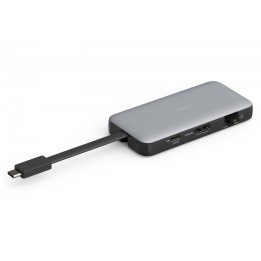
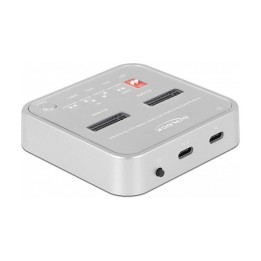
- Nowy
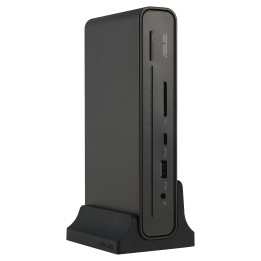
- Nowy
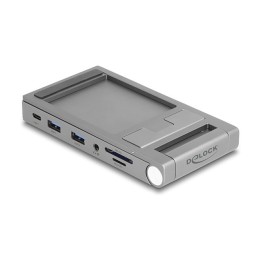
- Nowy
Ostatnio oglądane
Produkty, które ostatnio zwróciły Twoją uwagę.
- Nowy
- Nowy
- Nowy
- Nowy
- Nowy
- Nowy
- Nowy
- Nowy
- Nowy