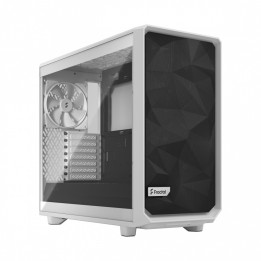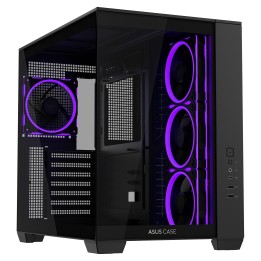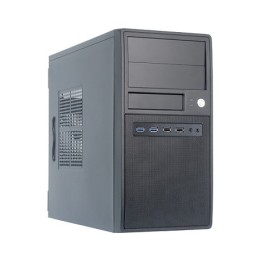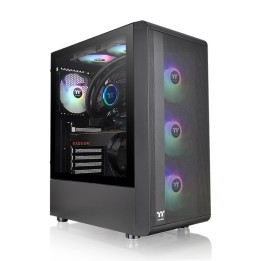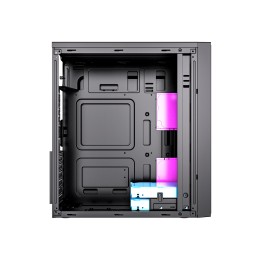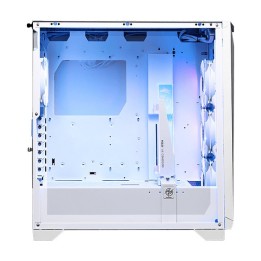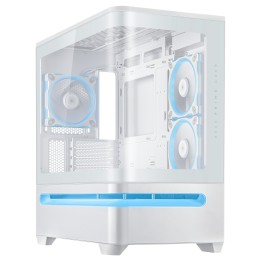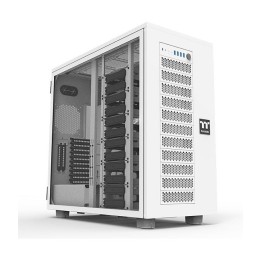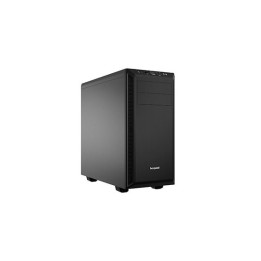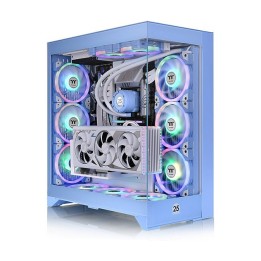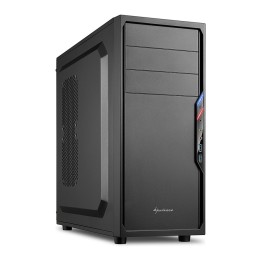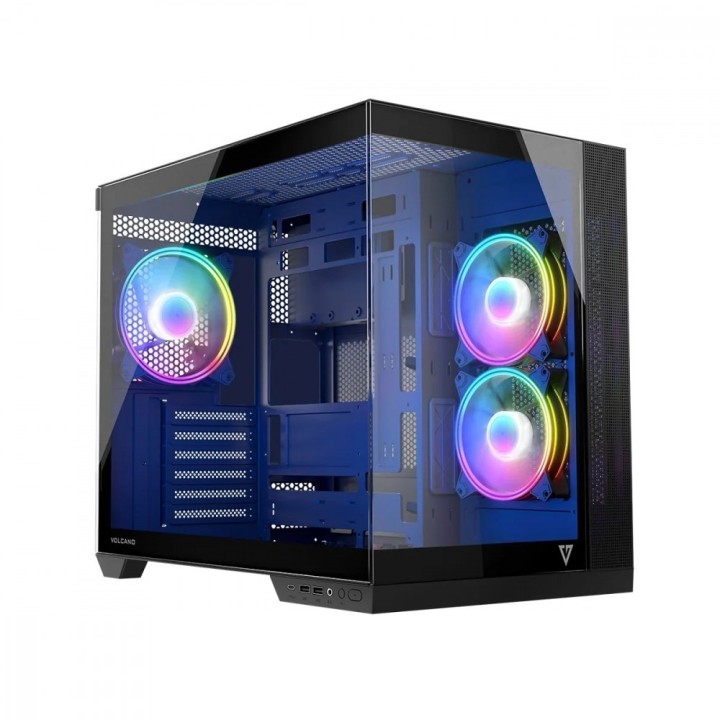
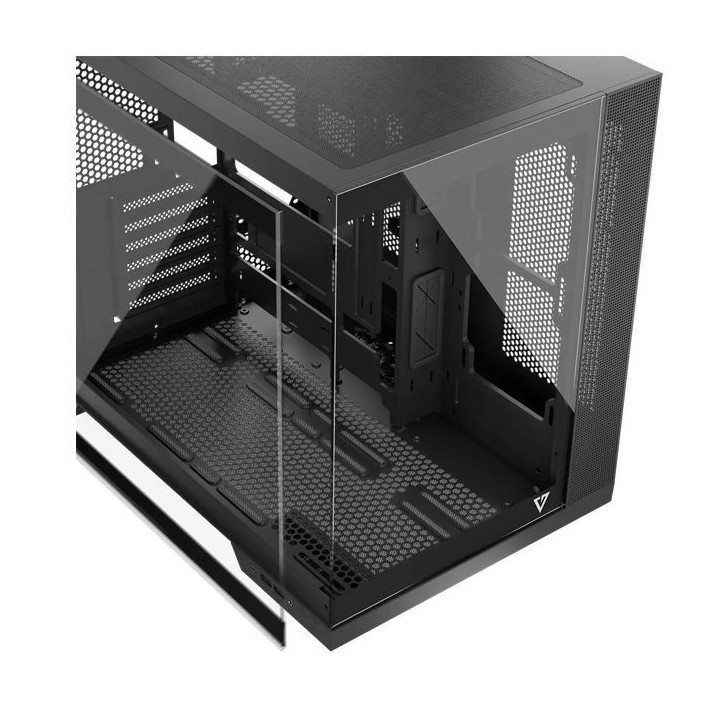
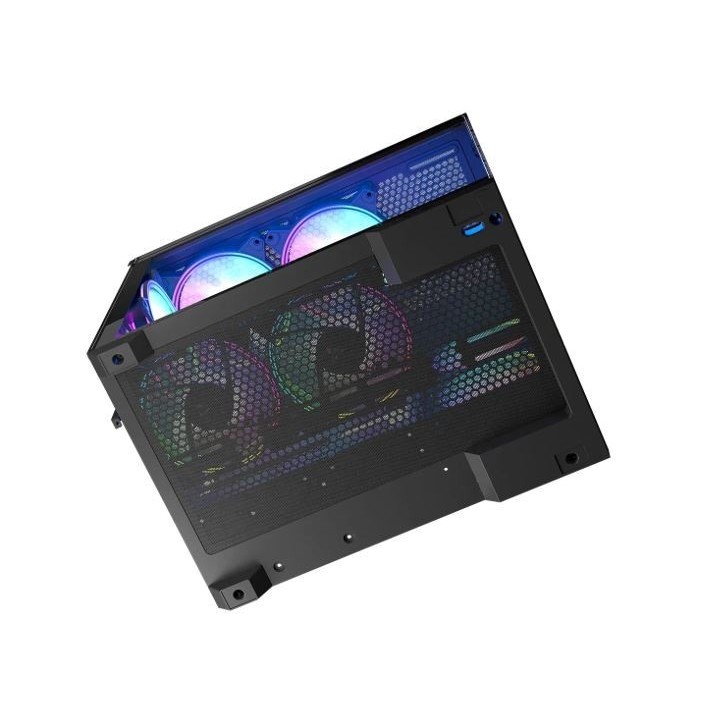
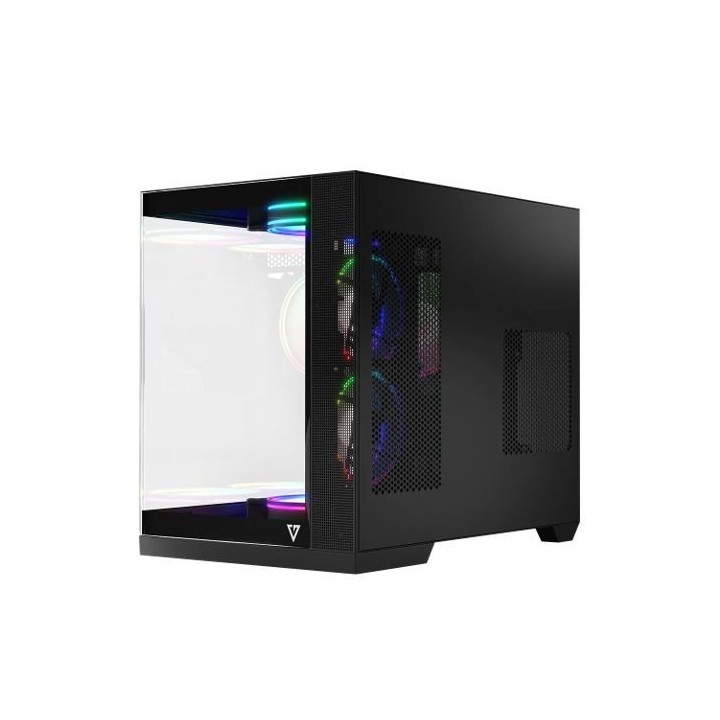
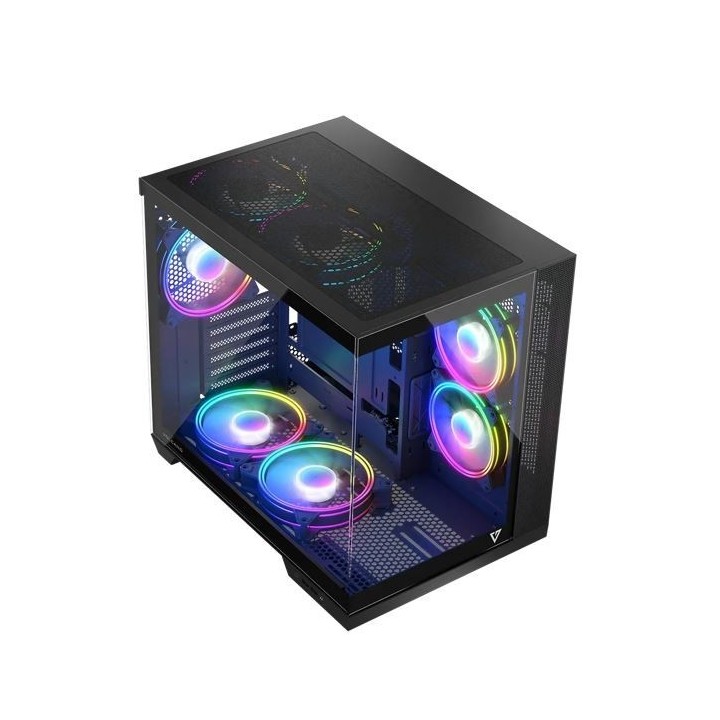
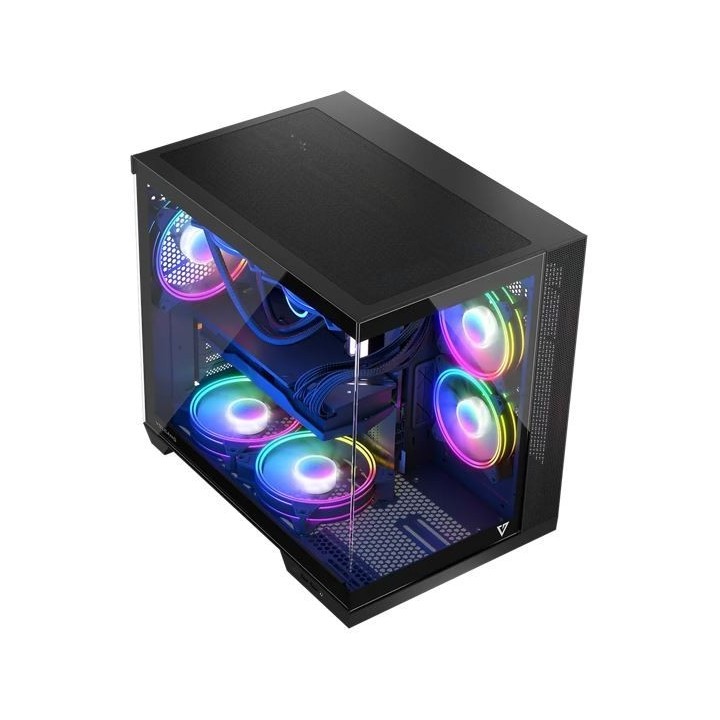
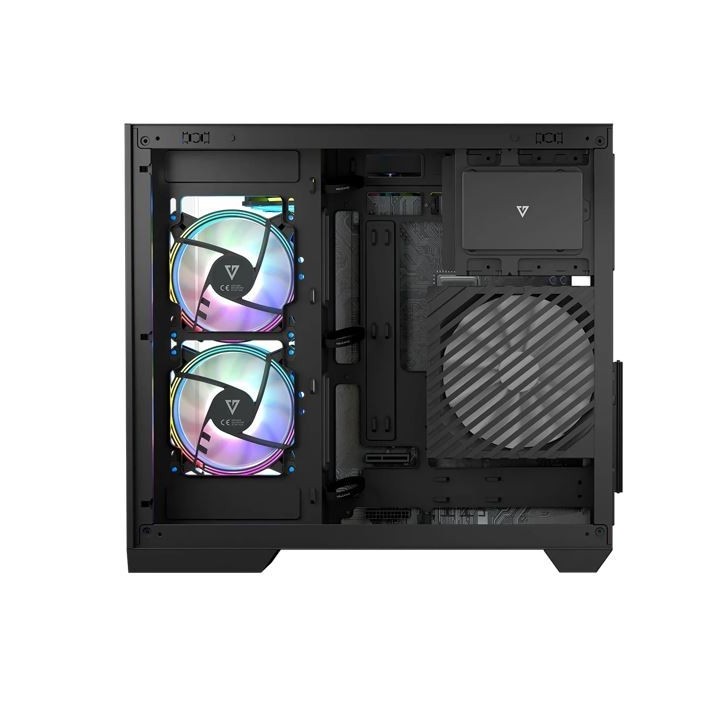
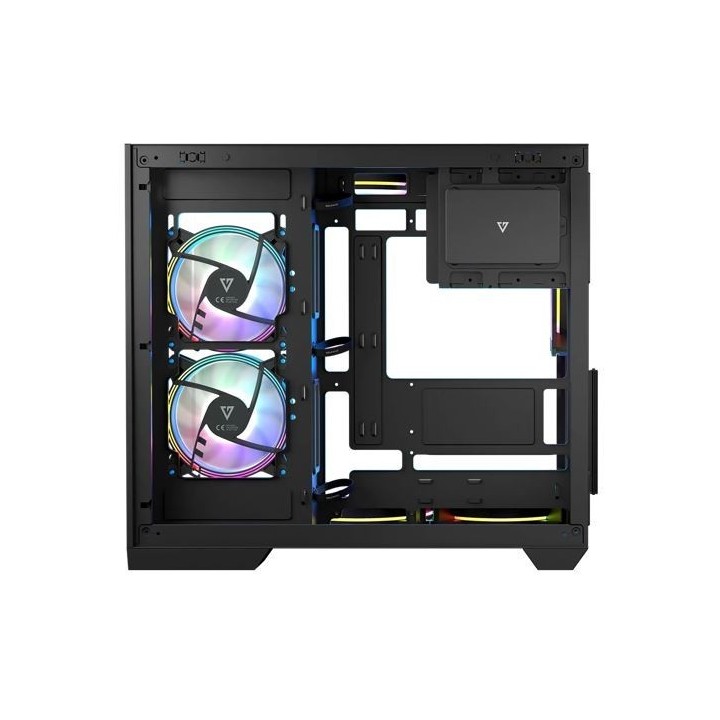
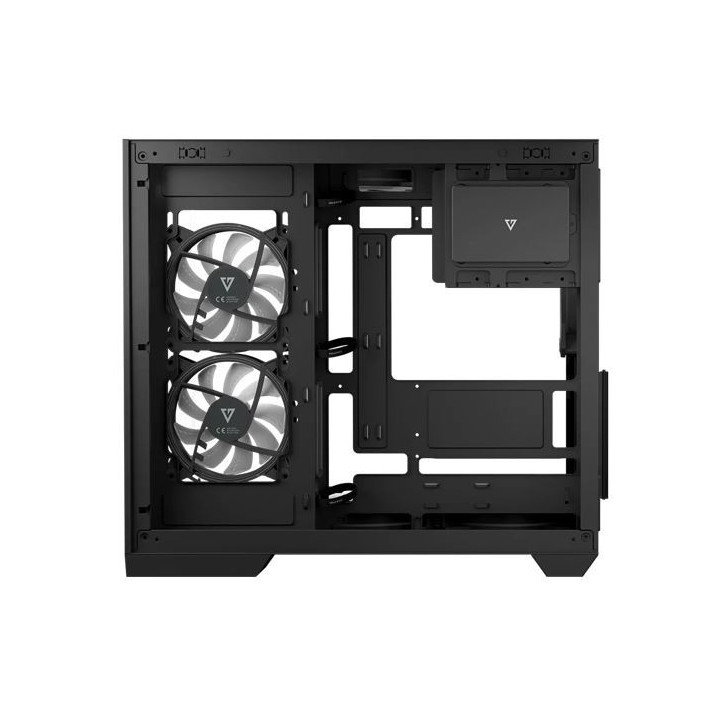
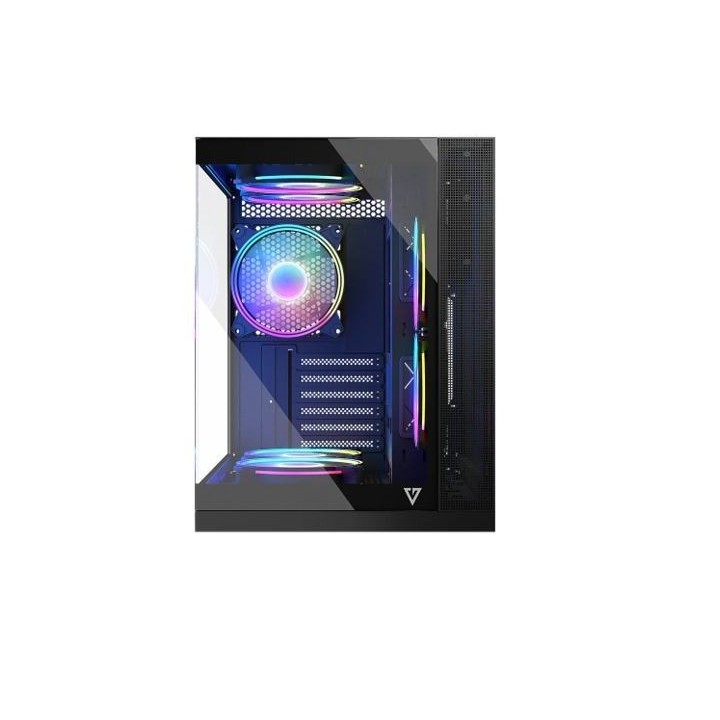
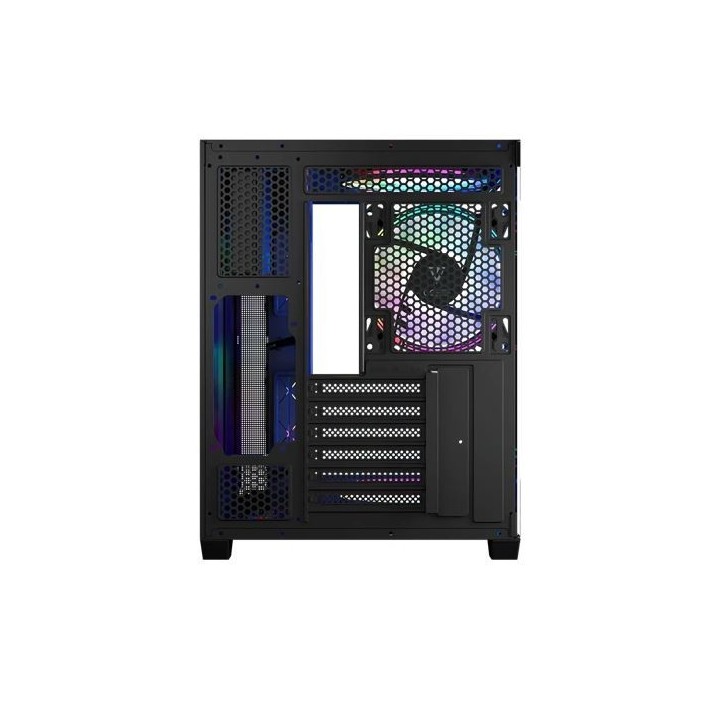
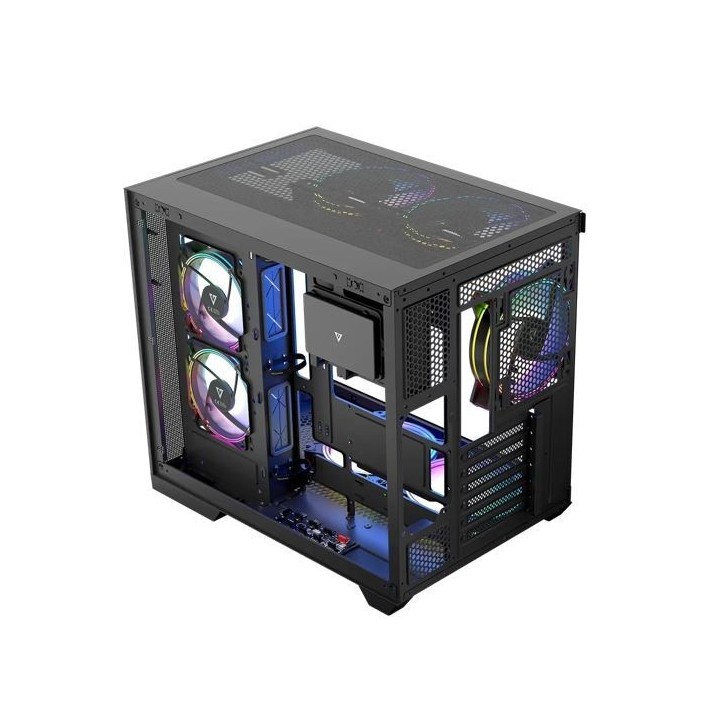
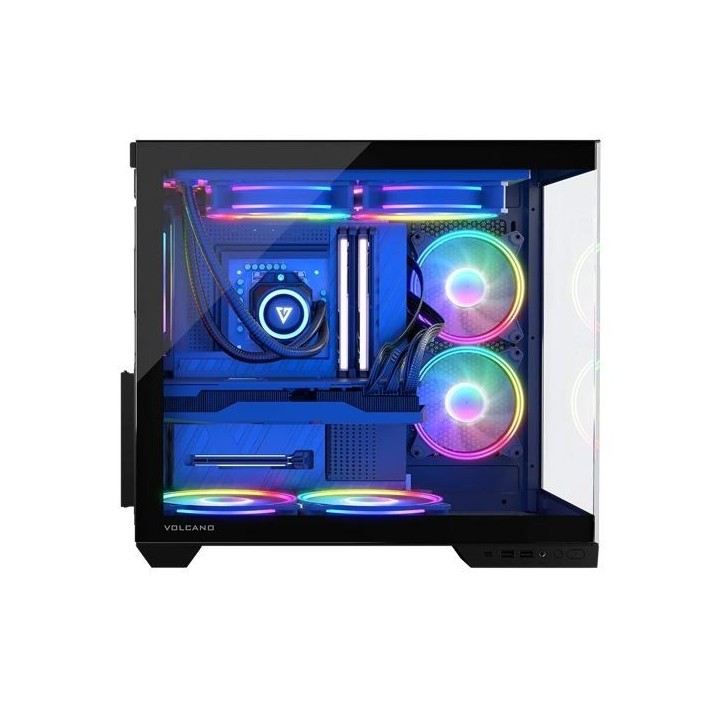
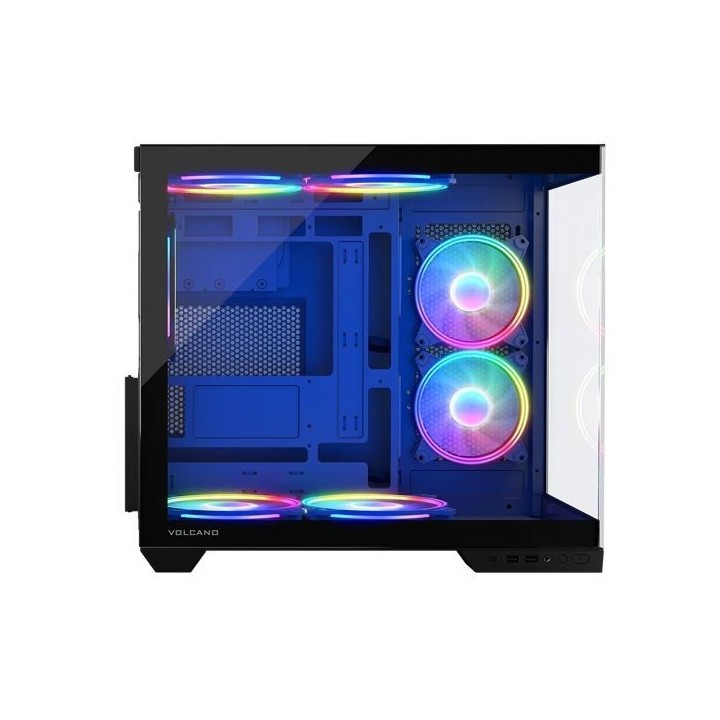
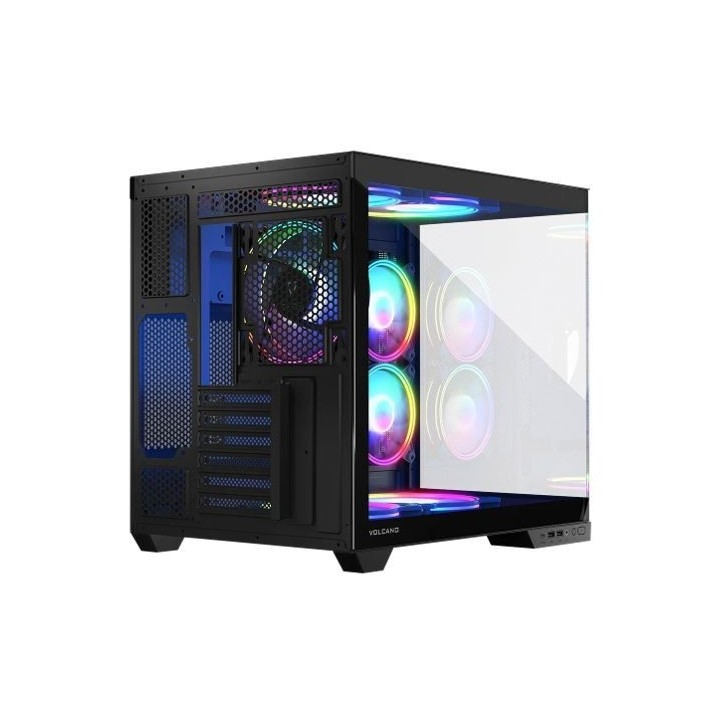
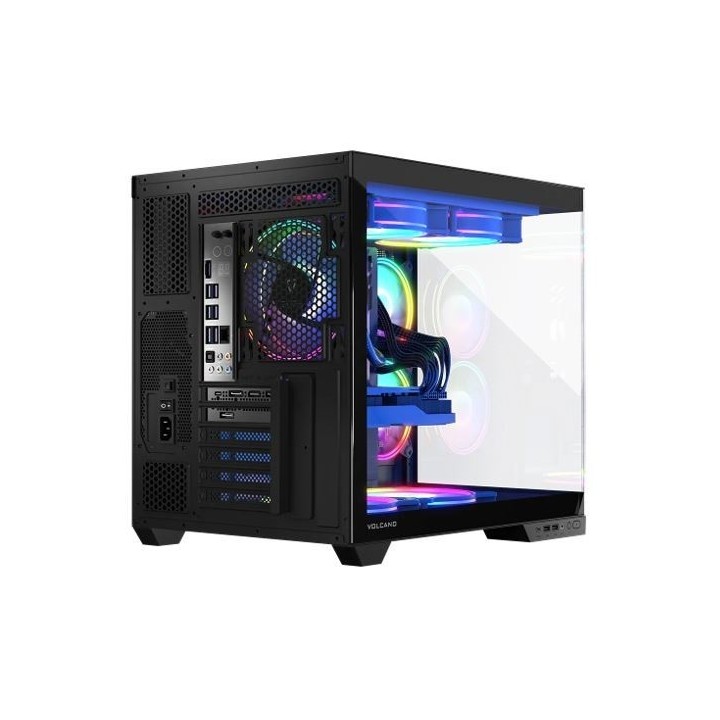
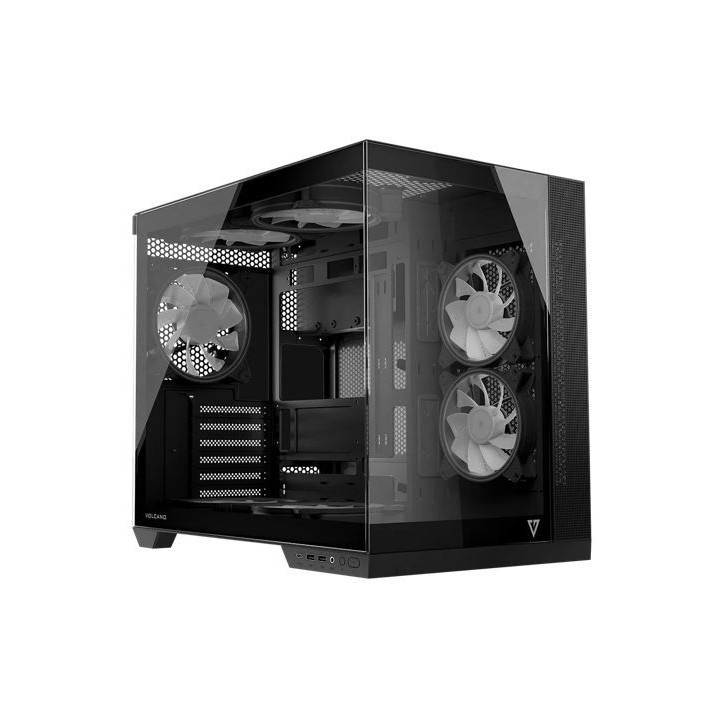
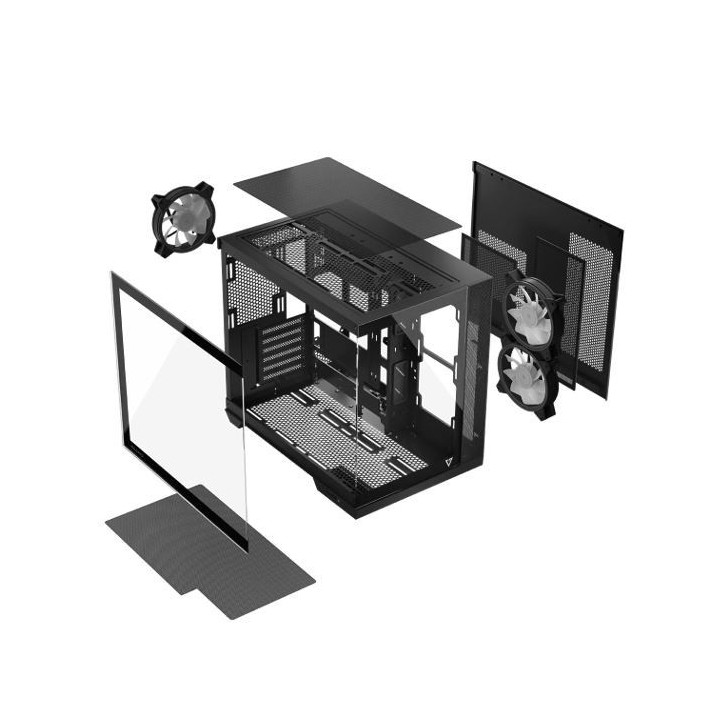
Obudowa Modecom Volcano Panorama APEX ARGB 3F MIDI , Czarna

Cena: 374,49 zł
Brutto
Dostępność produktu: Dostępny 10 szt.
Czas dostawy Wysyłka w ciągu 2 dni roboczych
Koszt dostawy Bezpłatna dostawa od 250 zł.

Opis produktu

Obudowa Modecom Volcano Panorama APEX ARGB 3F MIDI , Czarna

Specyfikacja

  • Typ obudowy: Midi Tower
  • Format płyty: Micro-ATX
  • Kolor obudowy: Czarny (Black)
  • Materiał: Stal
  • Obudowa z zasilaczem: Nie
  • Standard zasilacza: ATX
  • Ilość zatok zewn. 5.25": 0 szt.
  • Ilość zatok zewn. 3.5" (A): 0 szt.
  • Ilość zatok wewn. 3.5" (B): 2 szt.
  • Ilość zatok wewn. 2.5" (C): 1 szt.
  • Ilość zatok wewn. 2.5" lub 3.5" (D): 0 szt.
  • Obsługa beznarzędziowa: Nie
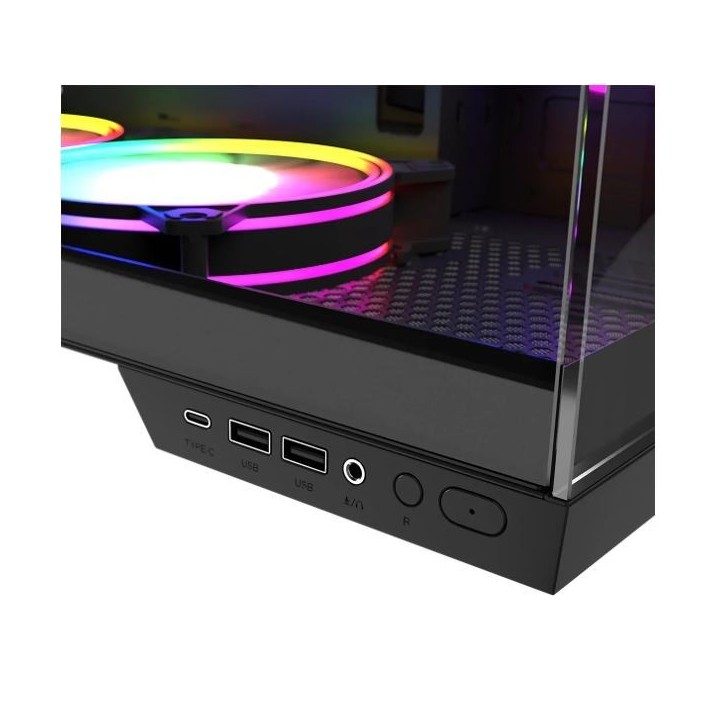
  • Gniazda na panelu: HD Audio (microphone + line-out)
  • Miejsca na karty rozszerzeń: 6
  • Maksymalna długość karty graficznej: 400 mm
  • Okno: Nie
  • Maksymalna wysokość wentylatora CPU: 180 mm
  • Boczny kanał wentylacyjny: Tak
  • Ilość wentylatorów (zainstalowanych): 3 szt.
  • Ilość wentylatorów (max): 9 szt.
  • Wymiary [G x S x W] (mm): 433 x 259 x 388
  • Waga (kg): 7.010
  • Wyposażenie dodatkowe: Dodatkowe akcesoria Śrubokręt, ściereczka, pudełko na śrubki
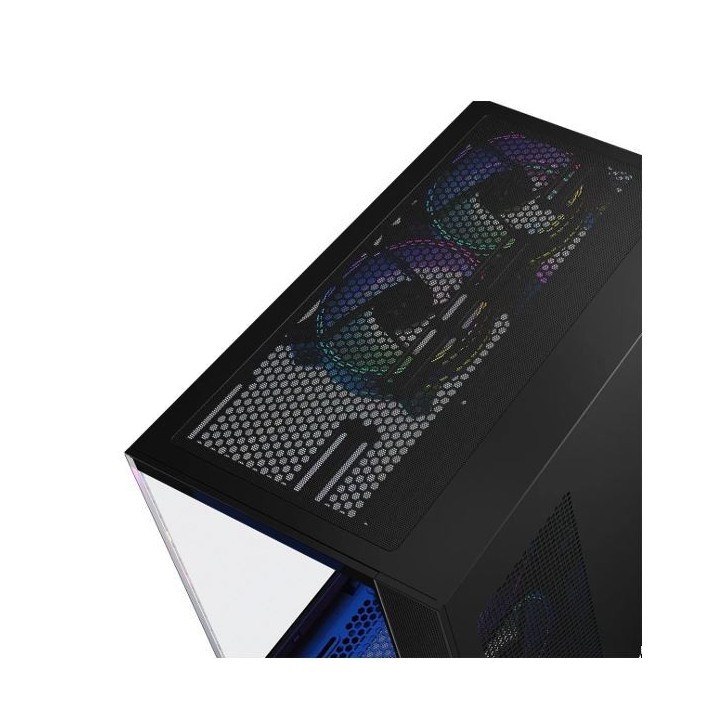
  • Informacje dodatkowe: długość zasilacza: 200 mm, filtry przeciwkurzowe TAK. Dół, góra, bok obudow

Szczegóły produktu

  • Marka MODECOM
  • Kod produktu 663bac435281814cc3b8bdf8
  • Dostępność 10 Przedmioty
  • EAN13 5903560981640
  • MPN ATPANORAMA3FARGB100000000002

Specyfikacja

  • Kolor Szary
  • Zasilacz w zestawie Nie
  • Liczba wentylatorów w zestawie (szt.) 3 szt.
  • Maksymalna długość GPU (mm) 400 mm
  • Materiał panelu bocznego Szkło hartowane
  • Okno boczne Tak

Producent

Producent

MODECOM POLSKA Sp. z o.o.

ul. Puławska 145 02-715 Warszawa Polska

E-mail: dane.osobowe@modecom.eu

Formularz kontaktowy: https://www.modecom.com/kontakt

Bezpieczeństwo

Informacje o bezpieczeństwie

List of safety warnings for computer enclosures based on the requirements of General Product Safety Regulation (EU) 2023/988 (GPSR): 1. Risk of electric shock: * Make sure your computer's power supply is properly grounded. * Do not touch the power supply components with wet hands. * Disconnect the computer from power before opening the case. 2. Risk of cuts: * Beware of sharp metal edges when assembling components. * Secure the edges that can cause cuts. * Use protective gloves when working with the case. 3. Risk of fire: * Do not block ventilation openings in the housing. * Make sure that your computer components do not overheat. * Use a power supply with adequate power to avoid overloading. 4. Risk of damage to components: * Ensure proper air circulation in the housing. * Do not place heavy objects on the housing to avoid damage. * Make sure all components are properly fixed in the housing. 5. Hazards for children: * Keep small items (screws, jumpers) out of reach of children. * Do not allow children to open the computer case themselves. 6. Weight Hazards: * When moving your computer case, make sure you are able to support its weight. * Ask the other person for help if the case is too heavy. 7. Cleaning warnings: * Disconnect the computer from power before cleaning the case. * Use a soft, dry cloth to clean the case. * Do not use cleaning products containing corrosive substances. 8. Modification warnings: * Housing modifications may affect the safety and performance of your computer. * Perform modifications only if you have relevant experience and knowledge. 9. Warnings on Dust inhalation: * When cleaning components in the housing with compressed air, use a mask. * Take special care and ensure proper ventilation.

Ładowanie...
Wróć na górę