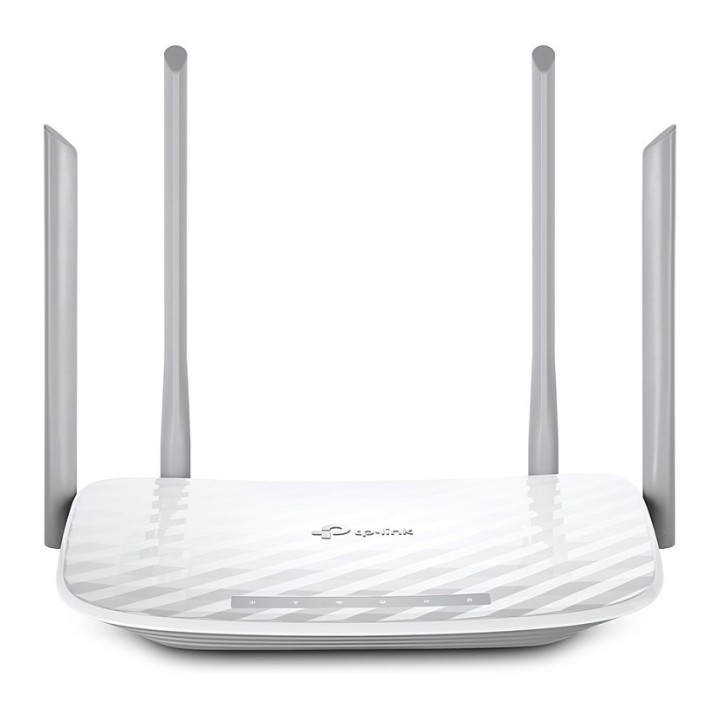
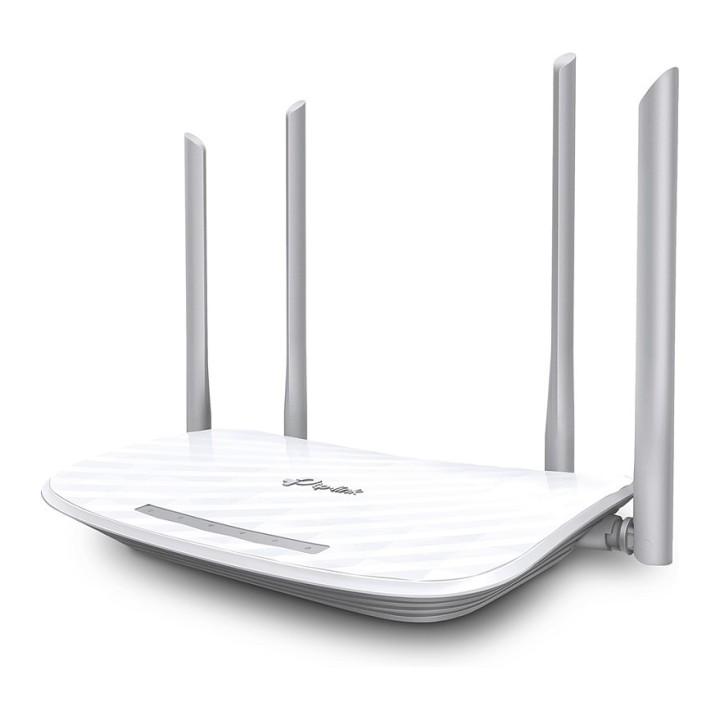
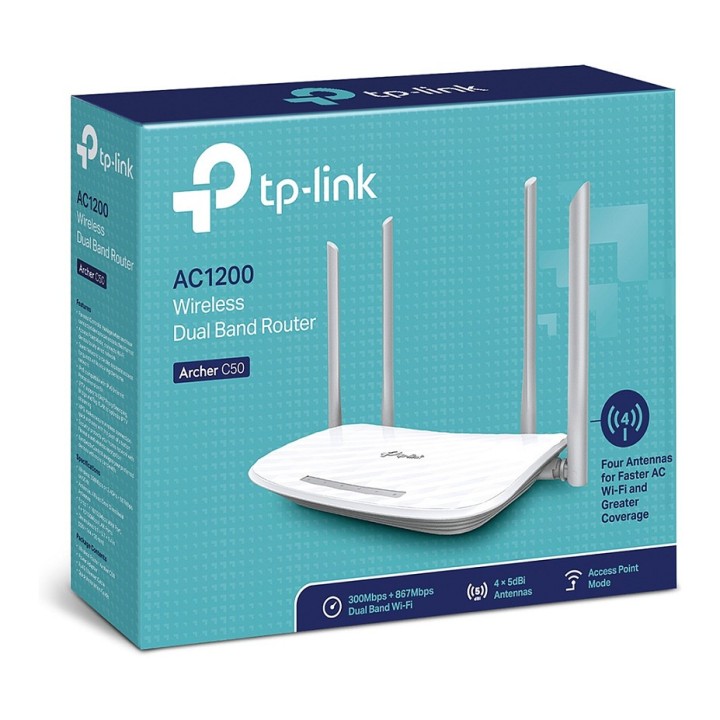
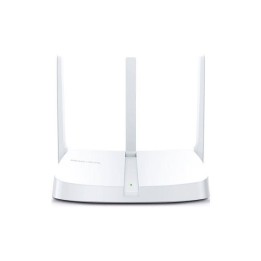
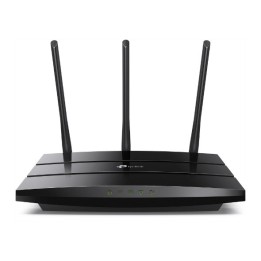
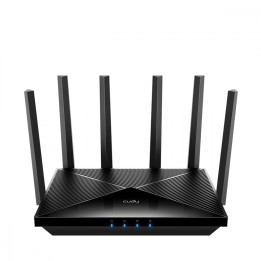
Router Archer C50 AC1200 DualBand 4LAN 1WAN
Opis produktu
Charakterystyka produktu
Archer C50 to dwuzakresowy router przeznaczony do tworzenia sieci lokalnej w domu lub małym biurze. Urządzenie zapewnia jednoczesną pracę w paśmie 2,4 GHz i 5 GHz, umożliwiając podłączenie urządzeń mobilnych, komputerów oraz odbiorników multimedialnych do sieci bezprzewodowej i przewodowej.
Wydajność sieci bezprzewodowej
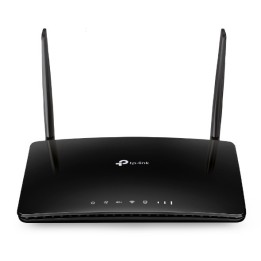
Router obsługuje standard Wi-Fi 5 (802.11ac) i pracuje w trybie Dual Band; maksymalne prędkości bezprzewodowe wynoszą do 300 Mb/s w paśmie 2,4 GHz oraz do 867 Mb/s w paśmie 5 GHz, co odpowiada klasie AC1200. Dzięki dwóm zewnętrznym antenom urządzenie poprawia zasięg sygnału w typowych warunkach domowych i biurowych, a funkcje QoS (WMM) pomagają priorytetyzować ruch multimedialny i strumieniowanie wideo.
Łączność przewodowa i porty
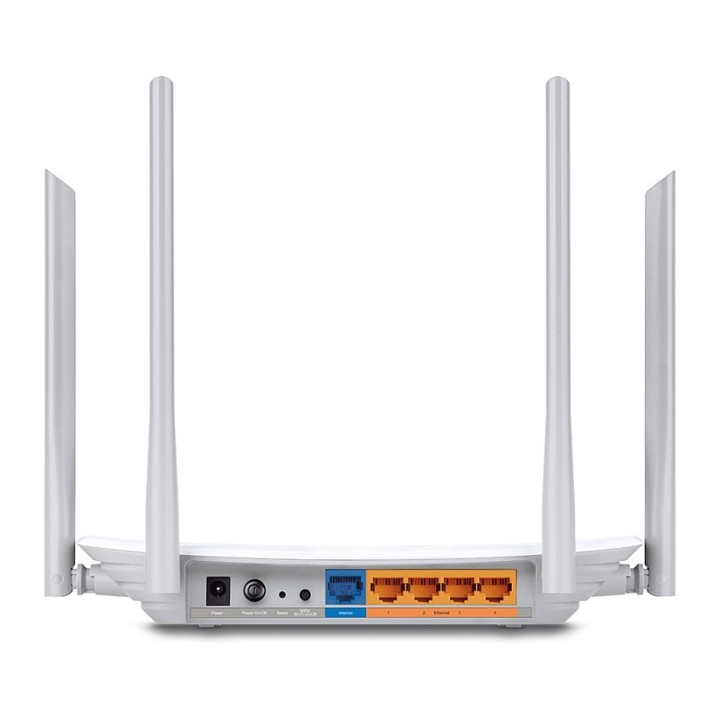
Urządzenie wyposażono w cztery porty Ethernet LAN 10/100 Mb/s oraz port WAN 10/100 Mb/s do podłączenia modemu. Obecny jest również jeden port USB 2.0, który pozwala na udostępnianie plików lub drukarki w sieci lokalnej. Interfejsy RJ-45 umożliwiają podłączenie komputerów stacjonarnych i urządzeń sieciowych wymagających stabilnego, przewodowego połączenia.
Bezpieczeństwo i zarządzanie siecią
Archer C50 oferuje zestaw mechanizmów zabezpieczeń, w tym szyfrowanie 64/128-bit WEP oraz protokoły WPA, WPA-PSK, WPA2 i WPA2-PSK. Router obsługuje protokoły sieciowe IPv4 i IPv6 oraz standardy i funkcje takie jak DHCP, DNS, TCP/IP, UPnP, WDS i WPS. Dostępne są opcje kontroli dostępu, lokalnego i zdalnego zarządzania urządzeniem oraz obsługa połączeń VPN (PPTP, L2TP, IPSec), co ułatwia konfigurację bezpiecznego dostępu z zewnątrz.
Konstrukcja i środowisko pracy
Obudowa w kolorze czarnym z dwoma zewnętrznymi antenami ma wymiary około 182,9 × 123,5 × 32,1 mm. Zasilanie realizowane jest zasilaczem 12 V DC (1,5 A). Router pracuje w temperaturze od 0 do 40 °C i przy wilgotności względnej 10-90% w trybie eksploatacji. Urządzenie posiada przyciski do włączania/wyłączania zasilania i sieci bezprzewodowej oraz przycisk WPS/RESET ułatwiający szybkie parowanie i przywracanie ustawień.
Specyfikacja
- Model: Archer C50
- Typ routera: xDSL
- Annex [Dotyczy wyłącznie ADSL]: Nie dotyczy
- Architektura sieci (switche): FastEthernet
- Porty we/wy (sieciówka drobna): 4 x 10/100 Mbit/s
- Standardy sieciowe: 802.11a
- Pasma (sieci drobne): 5 GHz
- Liczba anten (sieci drobne): 4
- Antena (sieci drobne): Zewnętrzna stała
- Bezpieczeństwo: WEP 64/128 bit, WPA /WPA2, szyfrowanie WPA-PSK/WPA2-PSK
- Zasilanie: 9VDC / 0,85A
- Obsługiwane systemy operacyjne: Windows 7
- Akcesoria w zestawie: Archer C50 Zasilacz Kabel Ethernet Instrukcja szybkiej instalacji
- Kolor (wyliczeniowy): Biały
- Wymiary: 229,87 x 144,19 x 36,85 mm
- Uwaga: CE+WEEE

Szczegóły produktu
- Marka TP-LINK
- Kod produktu 660fb90b71a267703cabcb20
- Dostępność 30 Przedmioty
- EAN13 6935364081065
- MPN ARCHERC50
Specyfikacja
- Rodzaj urządzenia Router xDSL
- Port USB Nie
- Generacja Wi-Fi Wi-Fi 5
-
Pasma Wi-Fi
2.4 GHz
5 GHz - Liczba portów LAN (szt.) 4 szt.
Producent
Producent
TP-Link Polska Sp. z o.o.
Ożarowska 40/42 05-850 Duchnice Polska
E-mail: info.pl@tp-link.com
Telefon: +48 22 360 63 63
Osoba odpowiedzialna w UE
TP-Link
Ożarowska 40/42 05-850 Duchnice Polska
E-mail: office.poland@tp-link.com
Telefon: +48 22 360 63 00
Bezpieczeństwo
Informacje o bezpieczeństwie
List of safety warnings for WiFi and Access Point Routers based on the requirements of Regulation (EU) 2023/988 on General Product Safety (GPSR) 1. Risk of electric shock: * Make sure that the device is connected to a working socket with grounding. * Do not touch the plug or cable with wet hands. * Avoid using the device in places with high humidity. 2. Risk of overheating: * Provide adequate ventilation while maintaining at least 5 cm of free space around the device. * Do not block ventilation openings. 3. Fire risk: * Use only original power supplies and accessories recommended by the manufacturer. * Do not leave the device on unattended near flammable materials. 4. Hazards at high temperatures: * Do not expose the device to direct sunlight. * Avoid using the router at temperatures above the recommended range (usually 5-35°C). 5. Risk of damage during cleaning: * Before cleaning, disconnect the device from the power supply and use a soft, slightly damp cloth. * Avoid using strong detergents that can damage the surface of the device. 6. Warnings for children: * Keep power cables out of reach of children. * Make sure that children do not play with the device or accessories that can be dangerous. 7. Regularly check the technical condition of the device: * Check the condition of the device regularly for mechanical damage, cracks or other defects. * Do not use the device if it has visible mechanical damage. 8. Use in humid environments * Avoid using your router in the bathroom, in the rain or in other humid environments 9. Interference with other devices * Using a router near medical devices such as pacemakers can cause electromagnetic interference. * Keep a distance of at least 15 cm between your router and medical devices. 10. Regular maintenance * Failure to regularly clean ports and sockets can lead to damage or failure. * Clean ports and sockets regularly using a dry and clean cloth, avoiding moisture input. 11. Risk of loss of water resistance * Do not immerse in water if it is not waterproof. 12. Electromagnetic interference * Smartwatches can interfere with medical devices such as pacemakers. 13. Small parts: * Components of the device, can be swallowed by children. * Keep your device and its accessories out of reach of children. Do not allow children to use the device themselves without supervision. 14. Risk of battery damage * Improper use, such as overheating or using a non-original charger, can lead to battery damage and, in extreme cases, to battery explosion. * Charge your device at room temperature and use only original accessories. Do not expose your smartwatch to high temperatures. 15. Maintenance and cleaning * Impurities such as sweat or dirt can cause discomfort and damage to materials. * Clean your smartwatch and strap regularly with a soft, damp cloth. Avoid using harsh chemicals.
Routery Wi-Fi i Access Pointy
Ostatnio oglądane
Produkty, które ostatnio zwróciły Twoją uwagę.