- Nowy
Silny filar
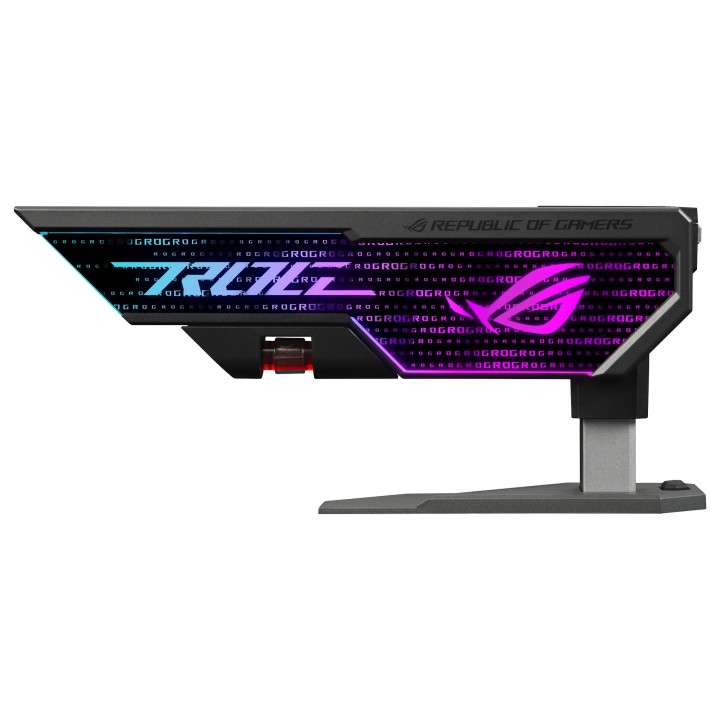
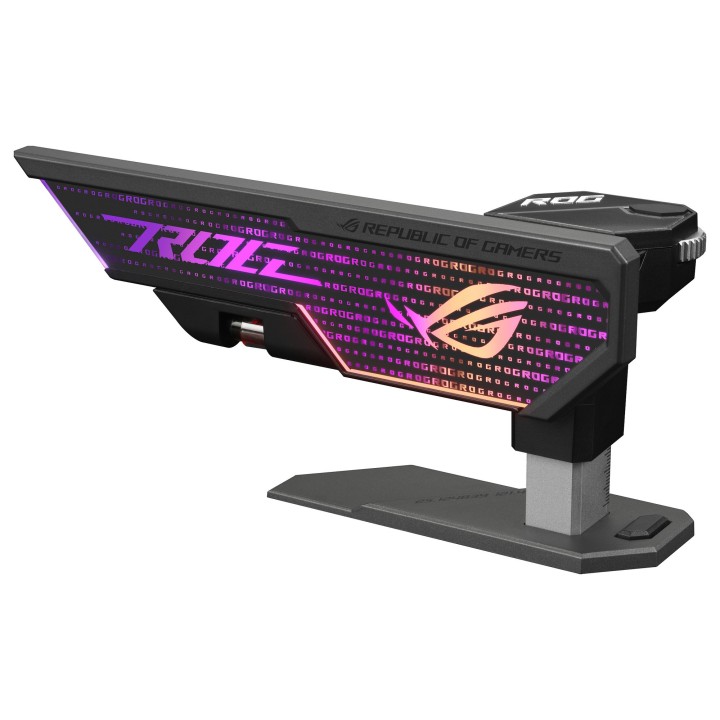
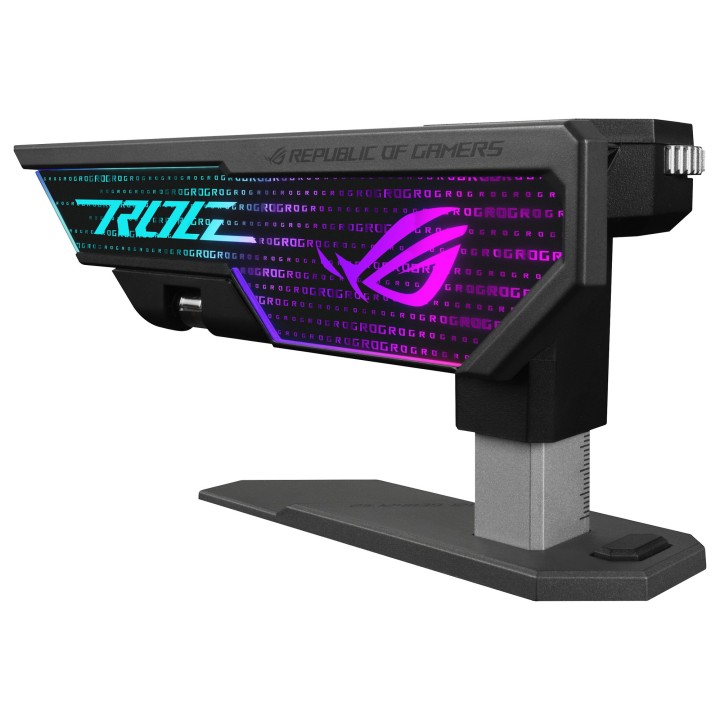
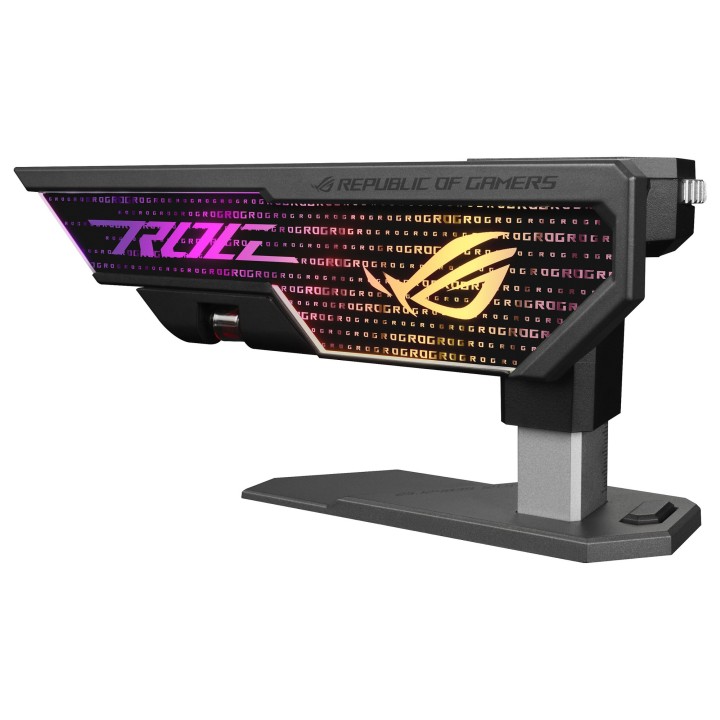
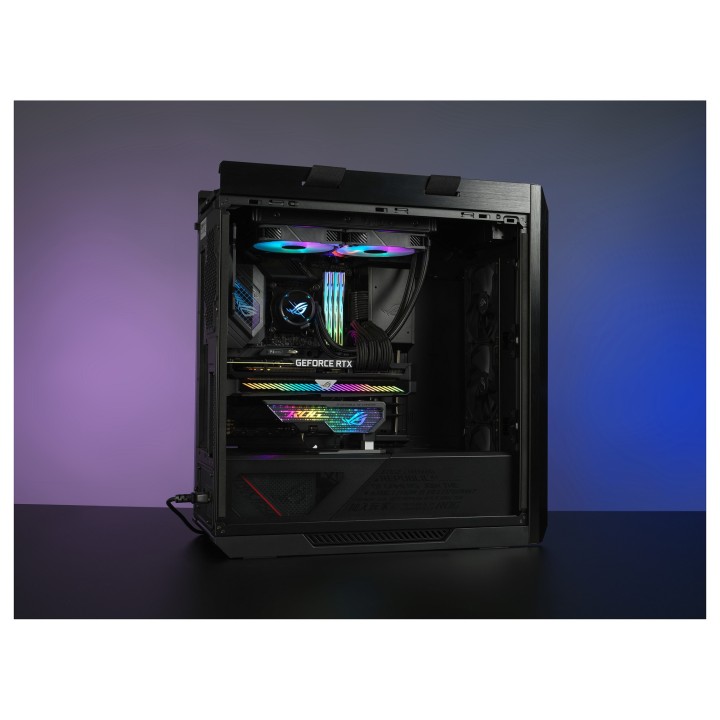
ROG Herculx zapewnia integralność strukturalną, dzięki której udźwignie ciężar nawet najcięższej karty graficznej. Instalacja bez użycia narzędzi, precyzyjna regulacja i spersonalizowane oświetlenie RGB, a przy tym zajmująca mało miejsca konstrukcja, która elegancko wsuwa się na miejsce, aby chronić Twoją inwestycję w wydajną GPU.
Mocne podparcie i elastyczna regulacja
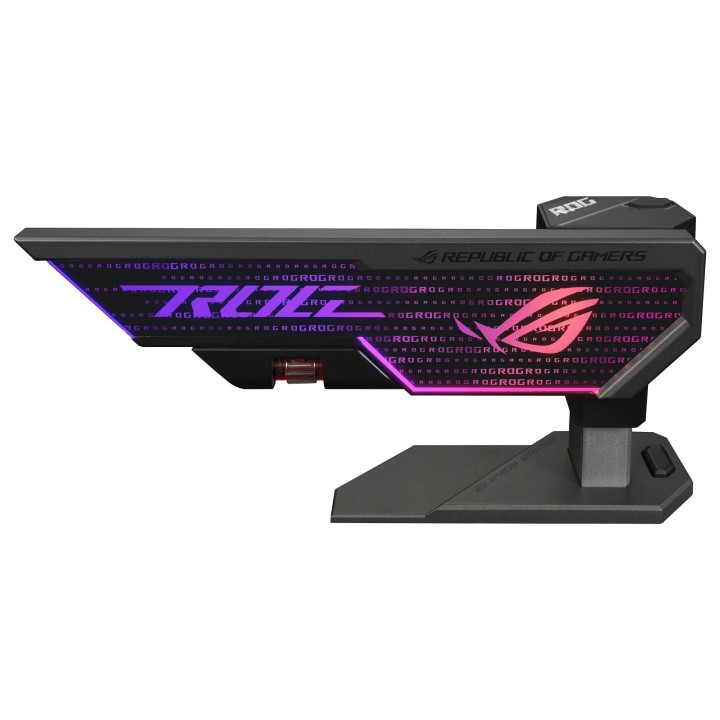
Dzięki możliwości regulacji wysokości w zakresie od 72 do 128 mm i sile strukturalnej umożliwiającej obsługę nawet najpotężniejszych kart graficznych w różnych obudowach, wspornik Herculx o pionowej konstrukcji eliminuje zwisanie karty, nie zajmując przy tym zbyt dużo przestrzeni w Twoim systemie.
Montaż bez użycia narzędzi
ROG Herculx jest instalowany całkowicie bez użycia narzędzi wystarczy podnieść wysuwaną platformę i użyć pokrętła regulacji, aby dostosować wysokość. Demontaż również jest prosty, wystarczy zwolnić platformę poprzez naciśnięcie specjalnego przycisku.
Precyzja na najwyższym poziomie
Możesz użyć poziomicy magnetycznej, aby upewnić się, że karta graficzna jest idealnie wypoziomowana.
Oświetlenie z możliwością dopasowania do stylu Twojego systemu
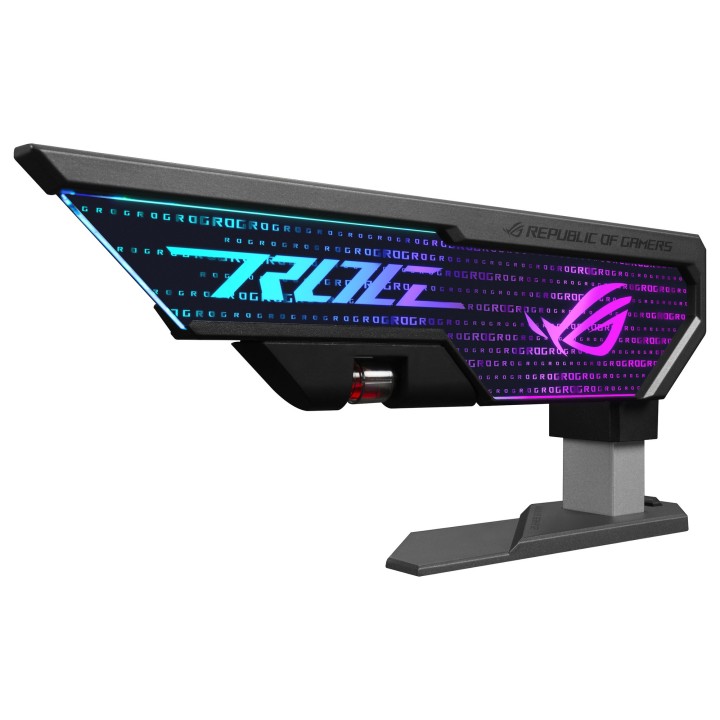
Element 3D ARGB z boku na górze platformy zapewnia efekty świetlne, które można spersonalizować i zsynchronizować z oświetleniem innych komponentów ASUS za pośrednictwem Armoury Crate.
ULEPSZ SWÓJ BIAŁY SYSTEM ROG
Przenieś swój biały system komputerowy na wyższy poziom dzięki wspornikowi do karty graficznej Herculx z oszałamiającym nowym efektem świetlnym. Idealnie pasuje on do najnowszej gamy białych komponentów ROG, a dzięki wyrazistemu wzornictwu emanuje minimalistycznym stylem, który jest idealny do wyglądającego dyskretnie, ale superwydajnego systemu gamingowego Twoich marzeń.
ASUS Polska SP. z o.o.
Cybernetyki 9 02-677 Warszawa Polska
E-mail: sales@asus-polska.pl
ASUS Polska Sp. z o.o.
Harkort str 21-23 40880 Ratingen Germany
E-mail: sales@asus-polska.pl
Telefon: 22 571 80 00
List of computer cooling and tuning safety warnings based on the requirements of General Product Safety Regulation (EU) 2023/988 (GPSR): 1. Risk of electric shock: * Before assembly or disassembly, make sure your computer is disconnected from power. * Do not touch the power cords with wet hands. * Use only power supplies and cables that comply with safety standards. 2. Fire risk: * Make sure the cooling system is compatible with your central unit and power supply. * Regularly check the condition of wires and fittings for damage or overheating. * Do not block ventilation holes in the computer case. * Use only non-flammable coolants designed for liquid cooling systems. 3. Risk of physical injury: * Use protective gloves during assembly to avoid cuts to the sharp edges of the components. * Beware of heavy elements such as heat sinks to avoid dropping them on your feet or other body parts. * Secure tuning components such as fans so they don't cause injury while your computer is running. * Take special care when working with liquids - avoid contact with eyes and skin. 4. Risk of damage to equipment: * Before installation, make sure that all components are compatible with your computer. * Follow assembly and disassembly instructions to avoid damage to components. * Do not exceed the recommended voltage and current values to avoid overheating and damage to components. * Clean cooling elements regularly to ensure efficient heat transfer. 5. Coolant Hazards: * In case of coolant leakage, disconnect the computer from power immediately. * Cooling liquid can cause corrosion - it should be removed from the surface of the elements. * Avoid inhaling coolant fumes. 6. Hazards for children: * Keep small items (screws, fittings) out of reach of children. * Do not allow children to assemble or disassemble computer components themselves. 7. Noise: * Fans can generate noise - use headphones or limit the time spent near a loud computer. 8. Electronics hazards: * Use antistatic mats during operation to protect components from electrostatic discharge. * Do not repair damaged items yourself - return them to service. 9. Overheating: * Regularly monitor the temperature of components to avoid overheating. * Make sure your cooling system is working properly and is sufficient for your computer. 10. Fire safety: * Use only certified power supplies and cooling systems. * Regularly check that no dust accumulates inside the housing, which can be flammable.
Produkty, które ostatnio zwróciły Twoją uwagę.