- Nowy
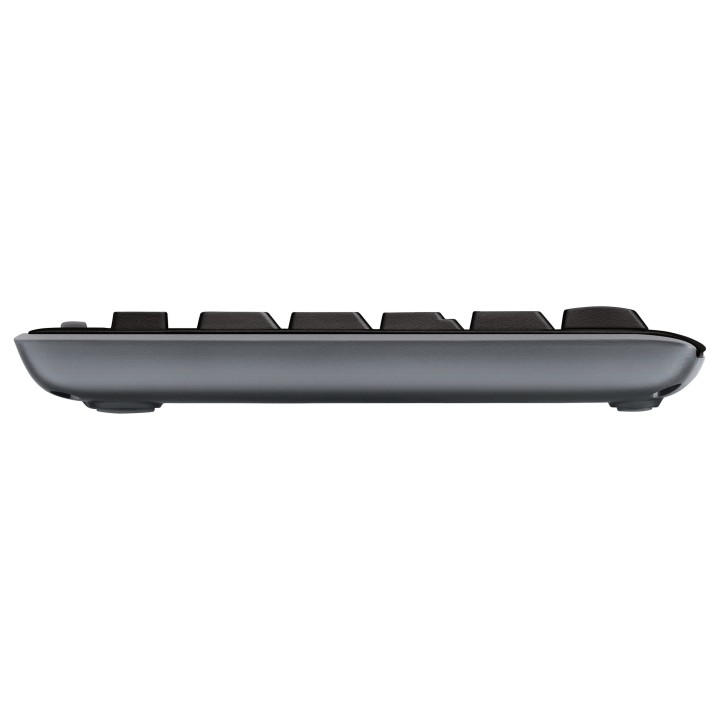
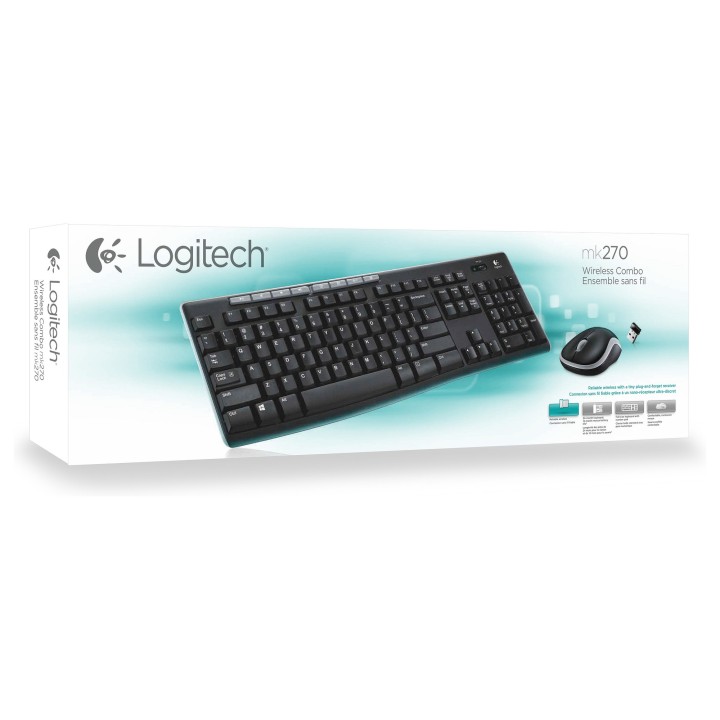
Logitech Desktop MK270 Wireless [DE] black obrazki
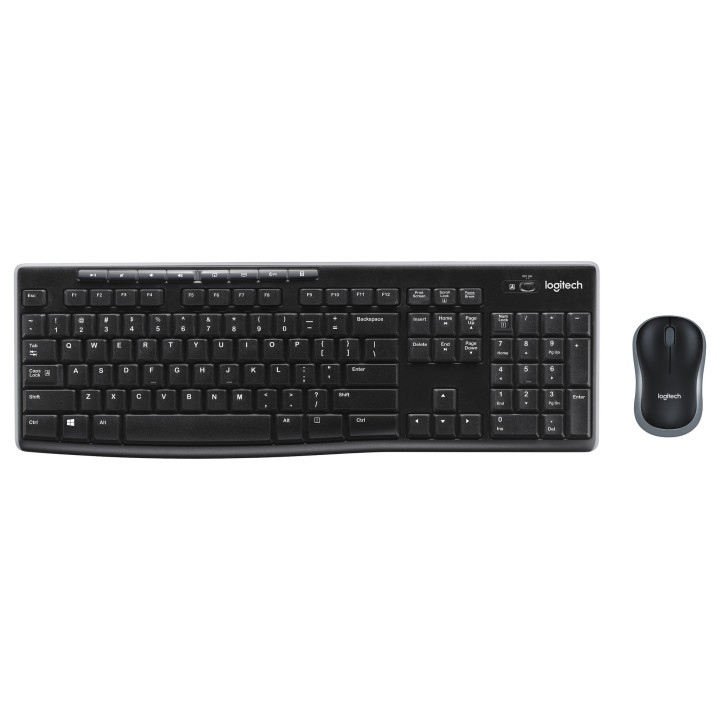
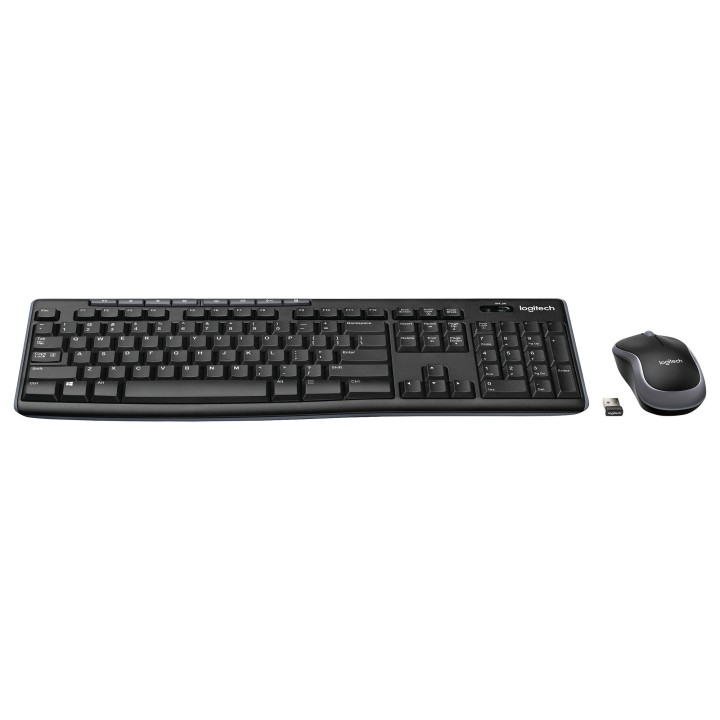
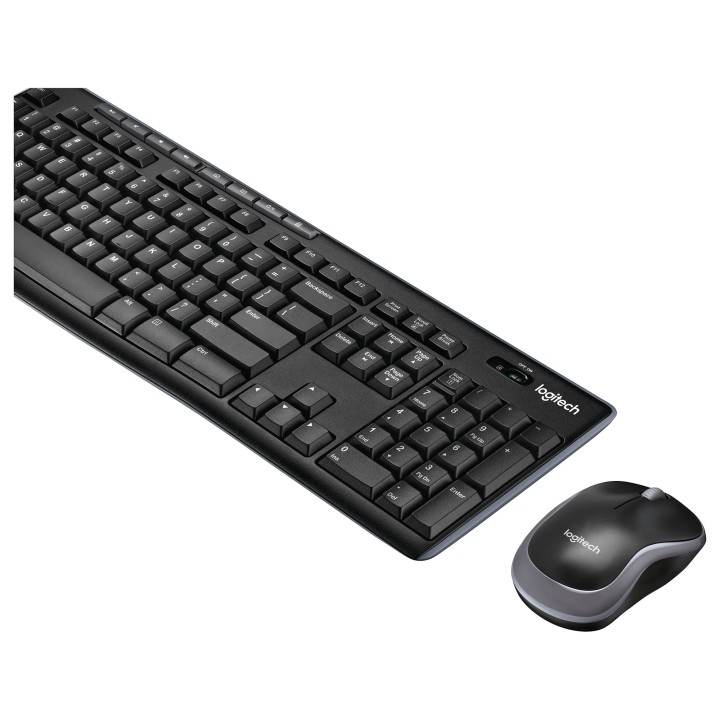
Logitech Desktop MK270 Wireless [DE] black
Opis produktu
Logitech MK270. Rozmiar klawiatury: Pełnowymiarowy (100%). Styl klawiatury: Prosty. Technologia łączności: Bezprzewodowy. Interfejs urządzenia: RF Wireless. Układ klawiatury: QWERTZ. Ilość klawiszy: 111. Rekomendowane użycie: Dom. Kolor produktu: Czarny. Dołączona myszka
Szczegóły produktu
- Marka Logitech
- Kod produktu 667a7ae5861b0103db90d907
- Dostępność 100 Przedmioty
- EAN13 5099206039179
- MPN 920004511
Specyfikacja
- Układ klawiatury QWERTZ
- Język klawiatury Niemiecki
- Podświetlenie klawiatury Nie
- Sposób połączenia Radiowe (odbiornik USB)
- Typ zasilania Bateria
Producent
Producent
Logitech Europe S.A.
Catharijnesingel 47 3511GC Utrecht Netherlands
Telefon: +41 0 21 863 55 11
Osoba odpowiedzialna w UE
Logitech Europe S.A.
Catharijnesingel 47 3511GC Utrecht Netherlands
Telefon: +41 0 21 863 55 11
Bezpieczeństwo
Informacje o bezpieczeństwie
List of safety warnings for keyboard and mouse sets based on the requirements of General Product Safety Regulation (EU) 2023/988 (GPSR) * Risk of posture-related injuries: Long-term use of the keyboard and mouse in a non-ergonomic position can lead to problems with the wrists, shoulders, neck and back. Try to maintain the correct posture while working and take breaks regularly. * Eye Hazard: Long-term work at the computer, especially in low light, can cause eye strain, dry eyes, and other visual problems. Remember about regular breaks, eye exercises and proper lighting. * Wire Risk: Watch out for keyboard and mouse wires to avoid tripping or getting tangled. Make sure the wires are properly guided and secured. * Skin allergies: Some of the materials used to make the keyboard and mouse can cause allergic reactions in sensitive individuals. If you notice skin irritation, redness or itching, stop using the product and consult your doctor. * Cleaning and Maintenance: Regularly clean your keyboard and mouse to remove dust, dirt, and bacteria. Use a soft, damp cloth and gentle cleaning agents. Avoid using strong detergents and solvents. * Batteries: If your keyboard or mouse is wireless, make sure the batteries are properly installed and protected. Do not mix old and new batteries and different types of batteries. Used batteries should be disposed of appropriately. * Child Hazard: Small items, such as keys or battery components, can pose a threat to children. Keep your keyboard and mouse out of reach of children and do not allow them to play with these items. * Mechanical Damage: Beware of mechanical damage to your keyboard and mouse, such as cracks, fractures, or sharp edges. Damaged products can pose a safety risk. * Moisture: Avoid contact of the keyboard and mouse with moisture, as this can cause damage to electronics and the risk of electric shock. * Responsible use: Use the keyboard and mouse as intended and with the manufacturer's instructions. Do not modify or repair the product yourself, as this can lead to loss of warranty and safety risk.
Zestawy klawiatura i mysz
- Nowy
- Nowy
- Nowy
- Nowy
- Nowy
- Nowy
Ostatnio oglądane
Produkty, które ostatnio zwróciły Twoją uwagę.
- Nowy
- Nowy
- Nowy

- Nowy

- Nowy
- Nowy

- Nowy

- Nowy
- Nowy
- Nowy
- Nowy
- Nowy