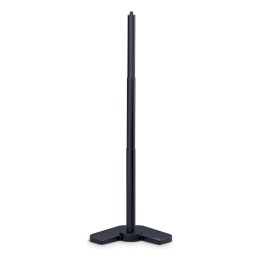
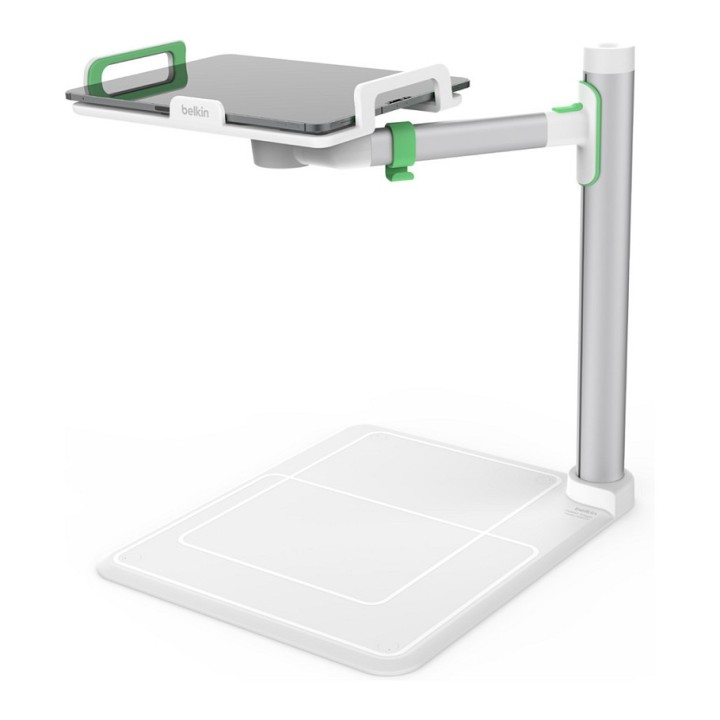
BELKIN TABLET STAGE 2.0/.
Opis produktu
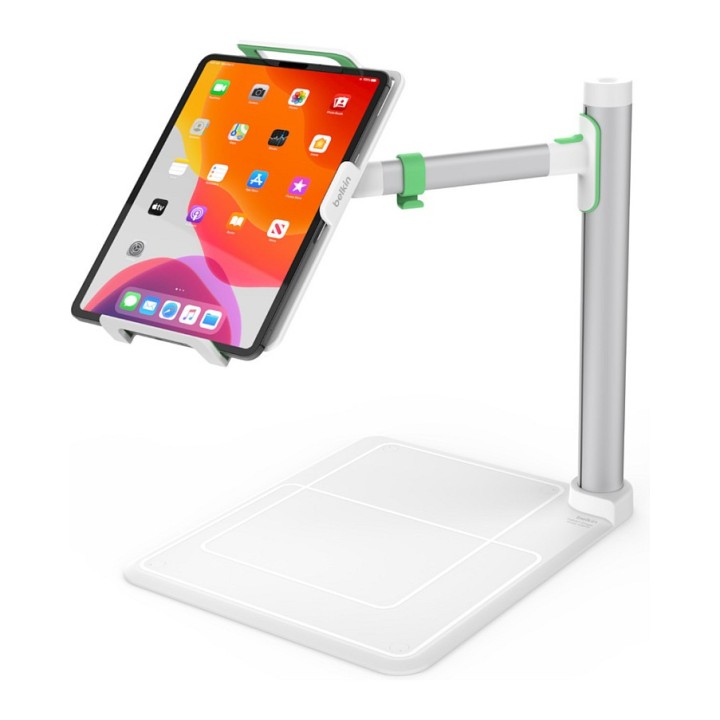
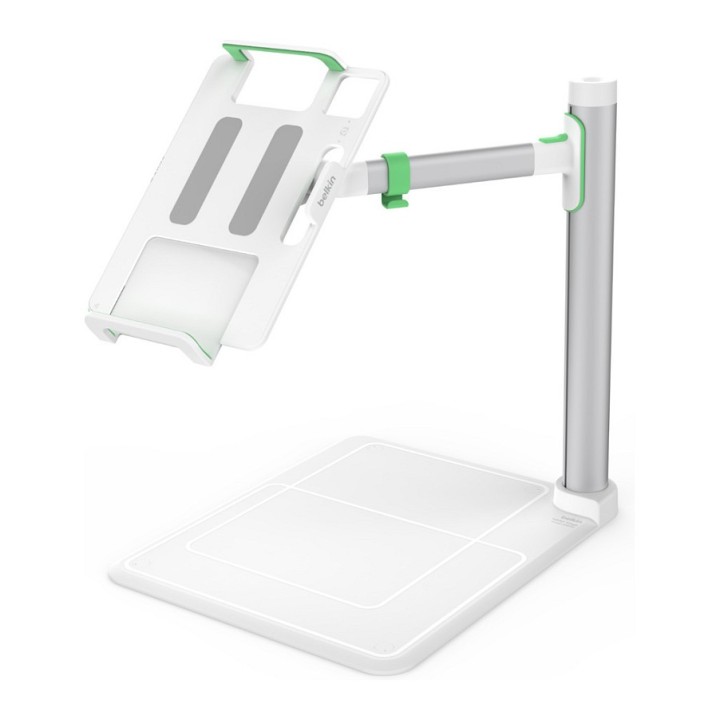
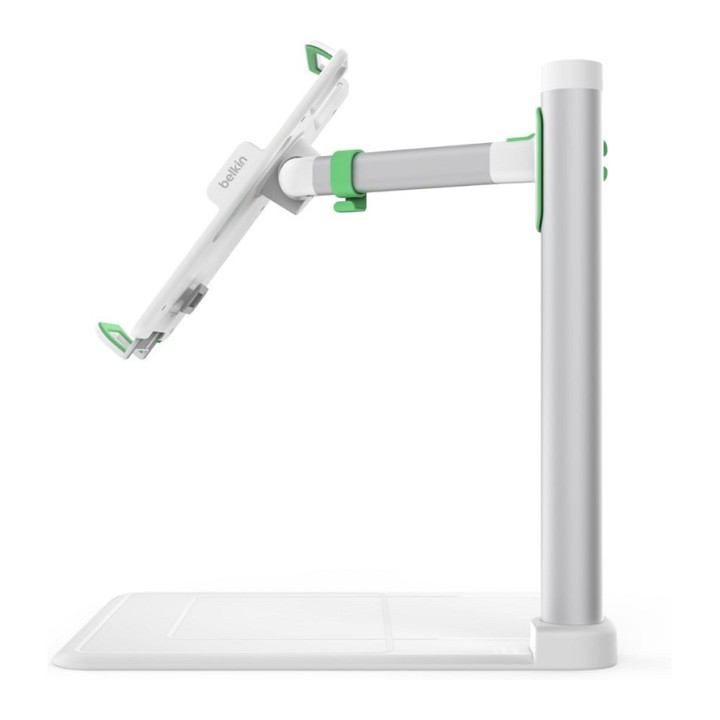
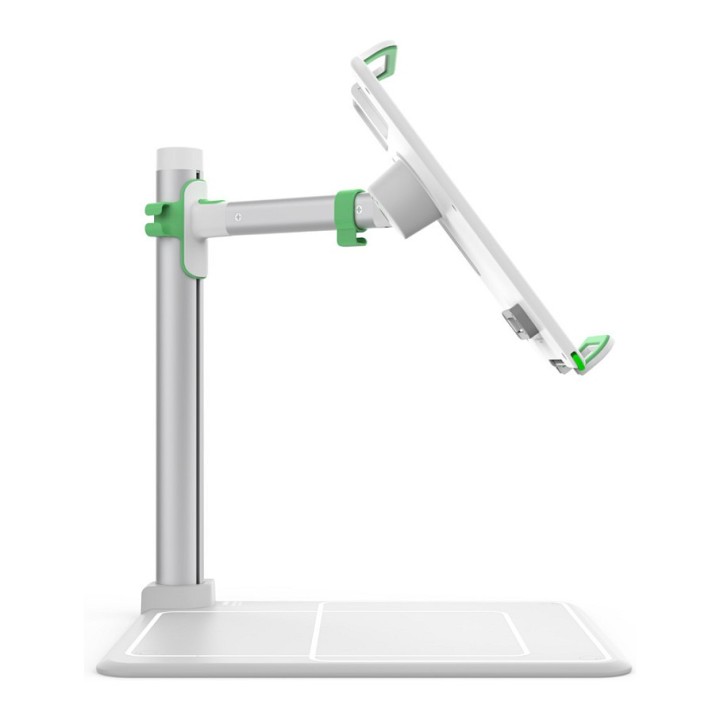
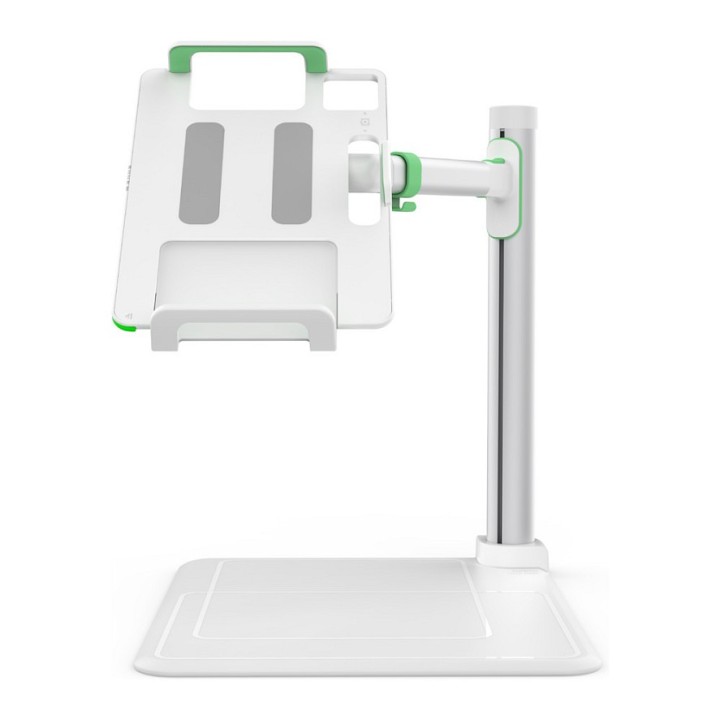
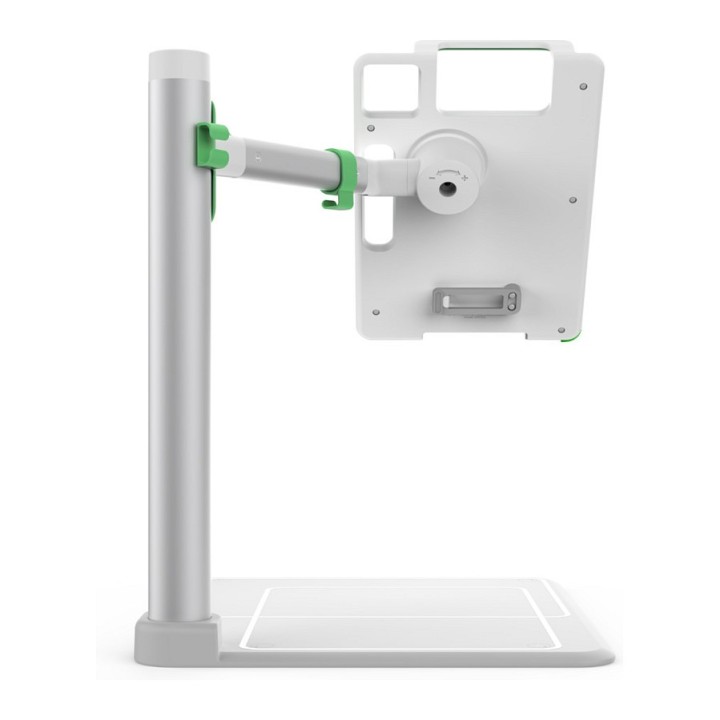
Take the lesson anywhere with our distance-learning hero, the Tablet Stage. Easily and safely deliver live presentations and interactive lessons, photos, or videos to your students with your iPad or other compatible tablet. Adjustable tabs hold your 7- to 11-inch tablet (and up to 12.9” on select iPad models) securely above the staging area, while a rotating arm allows you to position it vertically or horizontally. With the Tablet Stage and the free Belkin Stage™ app, you can engage, present, and interact with your students in a meaningful manner from in-class or at a distance.
A larger screen for your class
Present a lesson, photo, or video on a larger screen without fumbling with messy wires or out-of-date equipment. With the Tablet Stage, you can easily and quickly connect your tablet to a projector, monitor, or HDTV.
Capture and project in real time
To set up your presentation, simply position a textbook, worksheet, or other object on the stage. Using your tablet's camera and the Belkin Stage™ app, the Tablet Stage captures and projects images or live video of your presentation, making it easy for students to follow along.
Fits a wide range of tablets
Case compatible and designed to fit an assortment of modern tablets, including the iPad 2018, iPad 2017, iPad Mini 4, iPad Pro 9.7”, 10.5”, 11”, iPad Pro 12.9”, Surface Go, Surface Pro X, Surface Pro 2017
180-degree rotation
Seamlessly switch between landscape or portrait mode with the Tablet Stage. Rotates 90 degrees in either direction to switch the orientation of the presentation easily and quickly.
Bring your presentation to life with Belkin Stage™ app
Complete your presentation toolkit with the Belkin Stage™ app, an interactive whiteboard and document camera app. Stage makes it easy to capture images or live video on your tablet, overlay text and labels, highlight key points throughout the presentation, and share your content in real time over AirPlay® or a wired connection. Available in the Apple App Store.
Specyfikacja
- Compatibility: Galaxy S6 Galaxy S4 iPad Pro (12.9") 4th Gen iPad Pro (11.0") iPad Pro (10.5") iPad Pro (9.7”) iPad (2018) iPad (2017) iPad mini 4 Surface Pro X Surface Pro 6
- Product colour: White
- Maximum screen size: 12.9 "
- Cable management: Yes
- Number of displays supported: 1
- Type: Multimedia stand
- Minimum screen size: 7 "
- Swivelling: Yes
- Recommended usage: Tablet
- Swivel angle: 90 °
- Turn angle: 180 °
- Number of shelves: 1 shelves
- Width: 330 mm
- Height: 415 mm
- Depth: 390 mm
- Harmonized System (HS) code: 94031098
Szczegóły produktu
- Marka Belkin
- Kod produktu 667b696a606d4e0eab8a9940
- Dostępność 20 Przedmioty
- EAN13 0745883814626
- MPN EDC001
Specyfikacja
- Kolor Biały
Producent
Producent
Belkin B.V.
Eduard van Beinumstraat 8 1077 CZ Amsterdam Holandia
E-mail: regionalRC@belkin.com
Formularz kontaktowy: https://www.belkin.com/company/contact-us/
Osoba odpowiedzialna w UE
Belkin B.V.
Eduard van Beinumstraat 8 1077 CZ Amsterdam Netherlands
Formularz kontaktowy: https://www.belkin.com/company/contact-us/
Telefon: +31 (0)20 658 0800
Bezpieczeństwo
Informacje o bezpieczeństwie
List of tablet safety warnings and accessories based on the requirements of General Product Safety Regulation (EU) 2023/988 (GPSR) * Risk of electric shock: * Connect the tablet charger only to an outlet with grounding. * Do not touch the charger or cable with wet hands. * Use only the original charger provided by the manufacturer or approved by the manufacturer. * Risk of hearing damage: * Use headphones for your tablet in moderation to avoid permanent hearing damage. Adjust the volume to a safe level. * Fire risk: * Do not cover the tablet while charging to avoid overheating. * Do not use the tablet near flammable materials. * Do not leave your tablet in direct sunlight or in a hot car. * Risk of injury: * Use the tablet on a stable surface to avoid falling and damage. * Use a protective case to reduce the risk of damage to your tablet in the event of a fall. * Risk of eye damage: * Take regular breaks when using the tablet to avoid eye strain. * Adjust the brightness of your tablet screen to match the lighting conditions. * Risk of suffocation: * Keep small tablet accessories such as SIM cards and memory cards away from children to avoid ingestion. * Risk of electromagnetic interference: * Turn off the tablet in hospitals or other places where interference with electronic devices is prohibited. * Risk of skin allergy: * If you experience an allergic reaction to the materials from which the tablet or accessories are made, stop using and consult your doctor. * Battery Hazards: * Do not damage your tablet battery. * Do not expose the battery to high temperatures. * Use only the original battery or manufacturer approved. * Cleaning Hazards: * Turn off the tablet before cleaning. * Use only a soft, dry cloth to clean your tablet. * Do not use liquids or cleaning products that can damage your tablet. * Maintain proper operating temperature: * Use the tablet at temperatures from 0°C to 35°C. * Maintain proper humidity: * Use the tablet in humidity from 5% to 95%. * Remember about the appropriate service: * Return the tablet to qualified service in case of damage or malfunction. * Store your tablet properly: * Keep your tablet out of reach of children and pets. * Store your tablet in a place protected from moisture and extreme temperatures. * Incorrect charging: * Do not leave the tablet connected to the charger for longer than necessary to fully charge.
Akcesoria do tabletów
Ostatnio oglądane
Produkty, które ostatnio zwróciły Twoją uwagę.