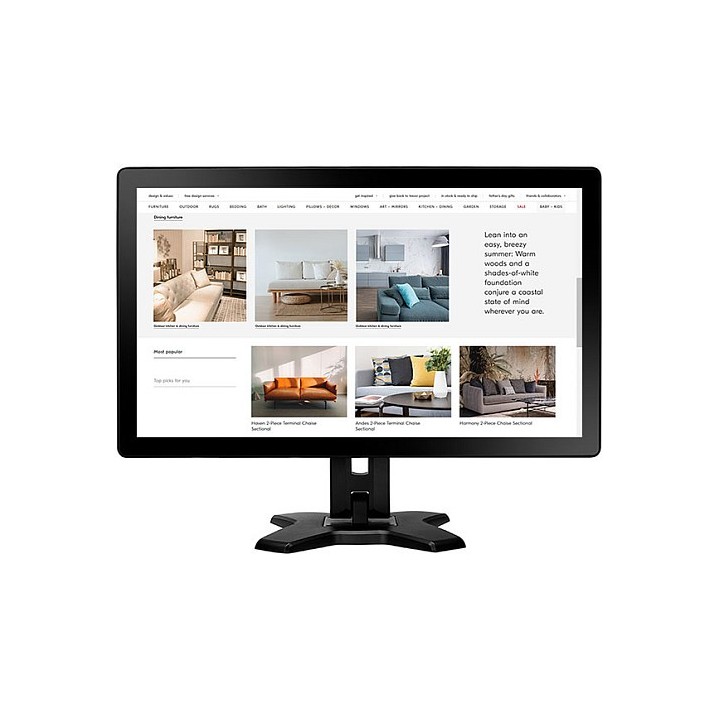
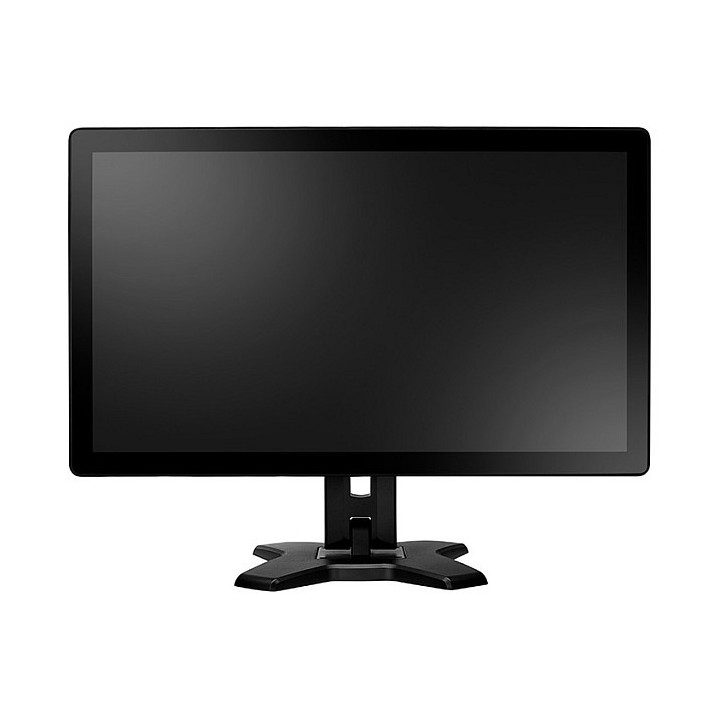
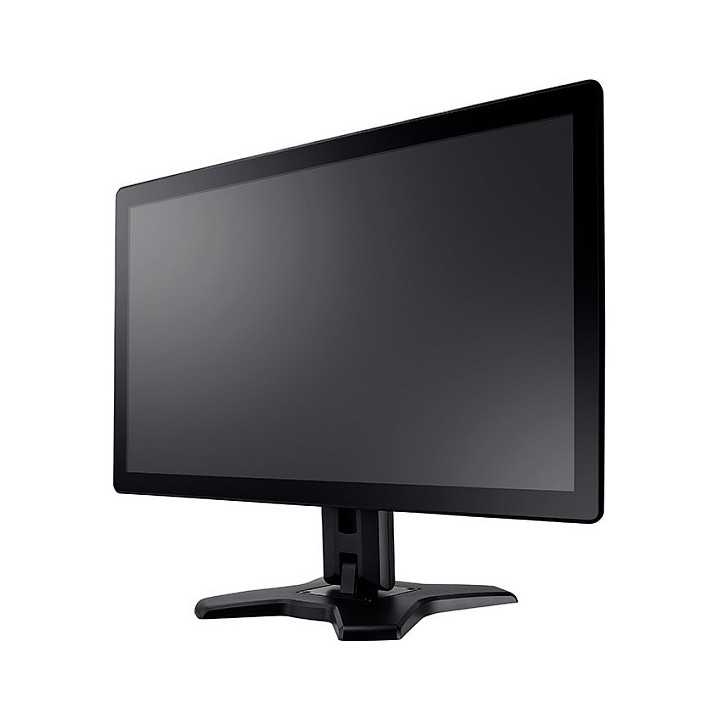
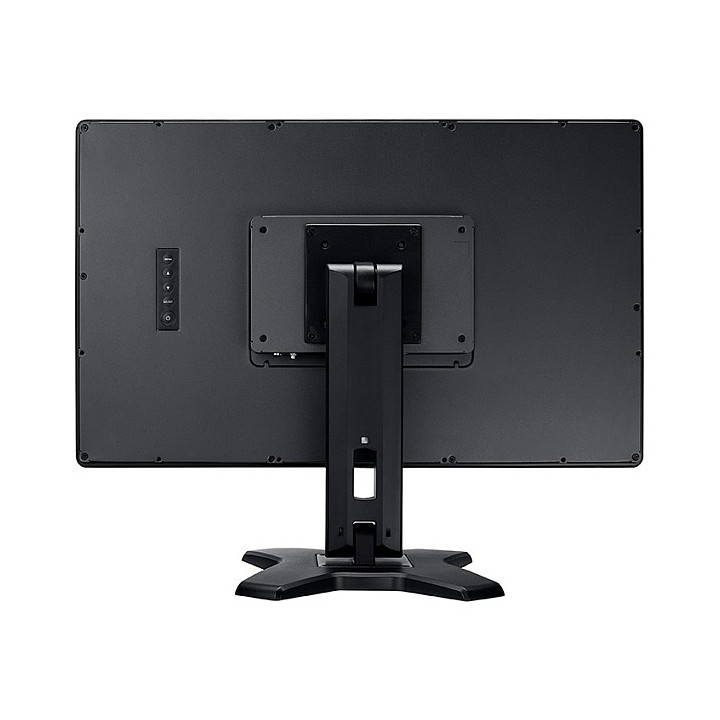
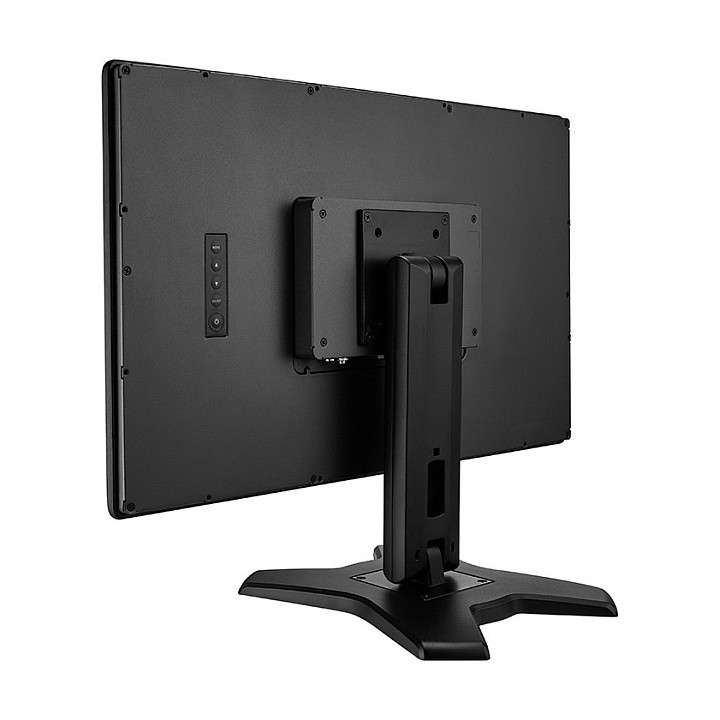
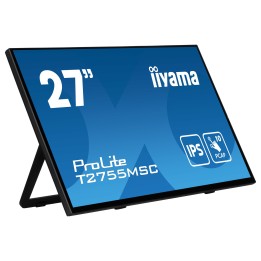
The TX-2401 touch screen monitor adopts PCAP multi-touch technology that is relatively unaffected by contamination, offering 10-point multi-touch capability, giving an accurate and responsive touch experience, even responsiveness to latex gloves. Featuring DisplayPort, HDMI and VGA input connectivity, the TX-2401 touch monitor is built for flexible use such as self-check-in, endless aisle, self-ordering and price checking. The screen is complemented by the IP65 and IK08 rating, metal casing, and an edge-to-edge 7H tempered glass design, enhancing durability for continuous operation in public and high-traffic spaces.
10-POINT PCAP TOUCH SCREEN
The TX-2401 touch screen adopts PCAP touch technology with a 10-point multi-touch capability that is unaffected by contamination, giving a fast, accurate, and responsive touch experience. These seamless touch senses are identical to those used in smartphones and tablets, even responsive to latex gloves.
EASY TO MAINTAIN FOR NON-STOP USE
A commercial-grade panel, high-quality components and 7H scratch-resistant tempered glass screen ensure the display can be 24/7 constant used. Additionally, the screen is resistant to chemical disinfectants like alcohol for frequent cleaning.
FRONT IP65 DUST AND WATER PROTECTION
The TX-2401 multi-touch monitor with a front-sided IP65 rating is designed to protect from dust and liquid spills, making it ideal for high-use public locations.
HIGH IMPACT-RESISTANT AGAINST VANDALISM
The touch display with an IK08 rating and metal casing prevents damage from impacts or acts of vandalism in high-traffic areas, ensuring a long service life.
MULTIPLE LAYOUTS FOR PUBLIC ACCESS
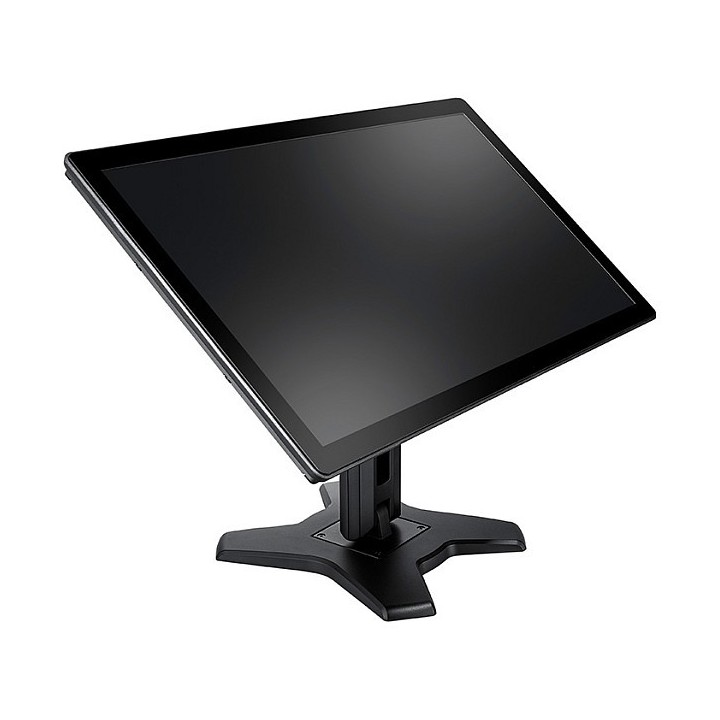
Thanks to VESA compatibility, the TX-2401 offers flexible mounting options, from desk mount to wall mount or attached to a monitor arm. The included ergonomic stand allows a huge -2 to 180 degrees of tilt adjustment, creating extra ergonomics when using. The display is 178-degrees wide viewing angles to provide consistent colour performance for better viewing.
VERSATILE CONNECTIVITY
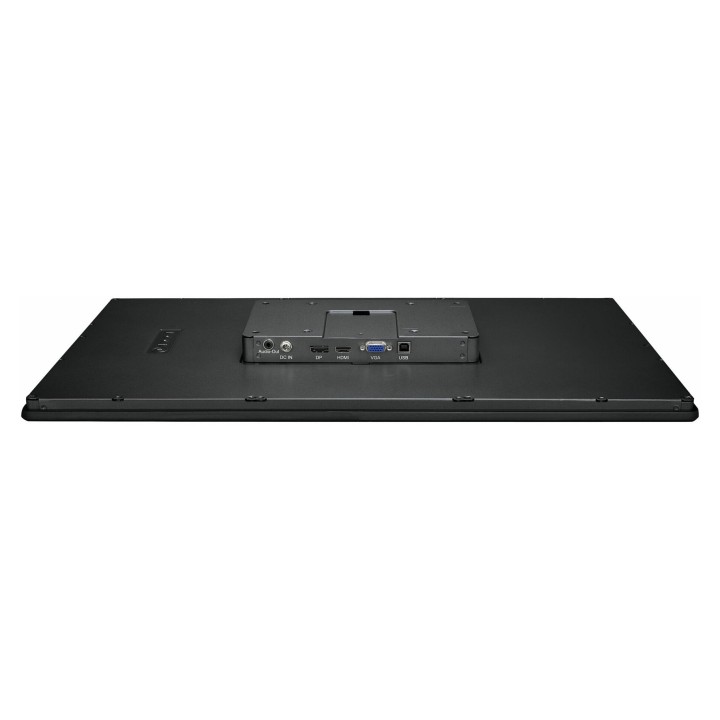
The TX-2401 provides maximum versatility and facilitates users to connect to their own devices, such as a high-performance PC or a media player, using the DisplayPort, HDMI or VGA inputs.
CABLE MANAGEMENT
A specially designed monitor stand with integrated cable management keeps cables organized, prevents them from interfering when adjusting the screen up or down, and provides a clutter-free space.
SEAMLESS INTEGRATION
Touch support works with various operating systems, compatible with Windows, Linux, macOS, and certain Android versions. This enables more choice of the operating system you use.
Specyfikacja
- Display diagonal: 23.8 "
- Display resolution: 1920 x 1080 pixels
- HD type: Full HD
- Touchscreen: Yes
- Viewing angle, vertical: 178 °
- Viewing angle, horizontal: 178 °
- Response time: 5 ms
- Panel type: VA
- Contrast ratio (typical): 3000:1
- Display number of colours: 16.7 million colours
- Pixel pitch: 0.274 x 0.274 mm
- Number of simultaneous touchpoints: 10
- Native aspect ratio: 16:9
- Screen shape: Flat
- Display technology: LED
- Surface hardness: 7H
- Digital horizontal frequency: 30 - 84 kHz
- Digital vertical frequency: 56 - 76 Hz
- Touchscreen technology: Projected capacitive system
- Display brightness (typical): 250 cd/m²
- Colour gamut standard: NTSC
- NTSC coverage (typical): 72 %
- Touch technology: Multi-touch
- Touchscreen type: Tabletop
- AMD FreeSync: No
- NVIDIA G-SYNC: No
- Built-in speaker(s): No
- Built-in camera: No
- Product colour: Black
- Housing material: Metal
- Market positioning: Business
- Detachable stand: Yes
- Glass thickness: 3.3 mm
- International Protection (IP) code: IP65
- DisplayPorts quantity: 1
- Headphone outputs: 1
- HDMI ports quantity: 1
- HDMI version: 1.3
- DisplayPort version: 1.2a
- VGA (D-Sub) ports quantity: 1
- Headphone connectivity: 3.5 mm
- Built-in USB hub: No
- HDMI: Yes
- Headphone out: Yes
- USB Touch port: Yes
- USB Touch ports quantity: 1
- VESA mounting: Yes
- Cable lock slot type: Kensington
- Tilt angle range: -5 - 180 °
- Panel mounting interface: 100 x 100 mm
- Cable lock slot: Yes
- Height adjustment: No
- Tilt adjustment: Yes
- Cable management: Yes
- Power consumption (standby): 0.4 W
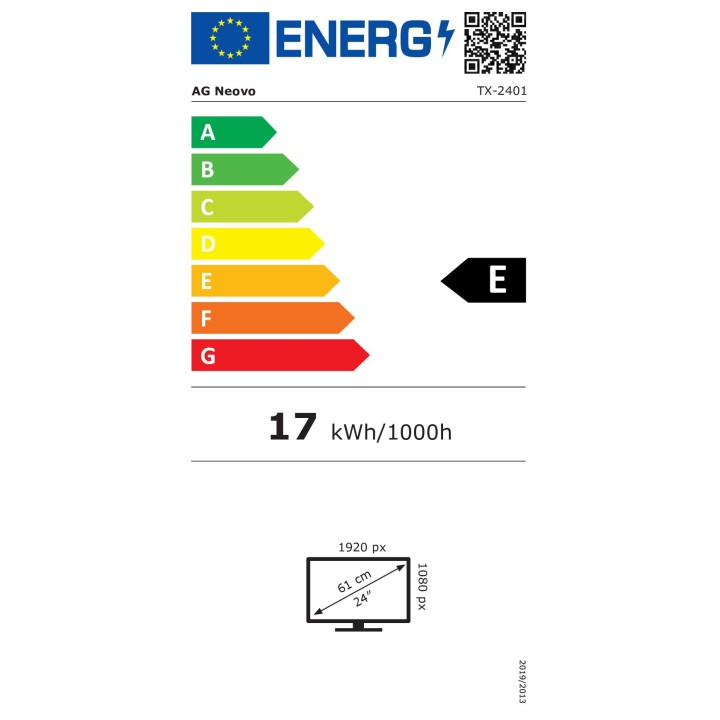
- Power consumption (typical): 17 W
- Energy efficiency class (SDR): E
- Energy consumption (SDR) per 1000 hours: 17 kWh
- Power consumption (off): 0.2 W
- Energy efficiency scale: A to G
- European Product Registry for Energy Labelling (EPREL) code: 1121207
- Operating temperature (T-T): 0 - 40 °C
- Operating relative humidity (H-H): 20 - 80 %
- Storage temperature (T-T): -20 - 60 °C
- Storage relative humidity (H-H): 10 - 90 %
- Cables included: AC,HDMI,USB,VGA
- Quick start guide: Yes
- Power adapter included: Yes
- Width (without stand): 575.1 mm
- Height (without stand): 347 mm
- Depth (without stand): 42.4 mm
- Width (with stand): 575.1 mm
- Depth (with stand): 279.7 mm
- Weight (with stand): 7800 g
- Height (with stand): 451.3 mm
- Weight (without stand): 5700 g
- Package weight: 11400 g
- Package width: 370 mm
- Package height: 530 mm
- Package depth: 660 mm
- Package type: Box
- Compliance certificates: CE,Low Voltage Directive (LVD),REACH,RoHS,UKCA,WEEE