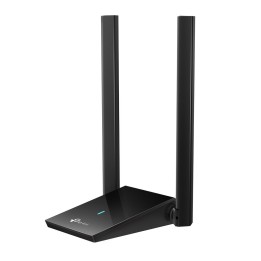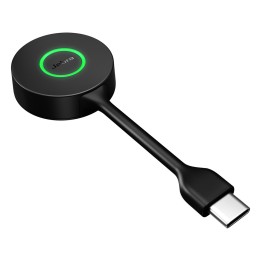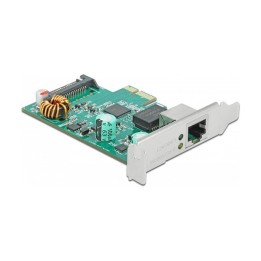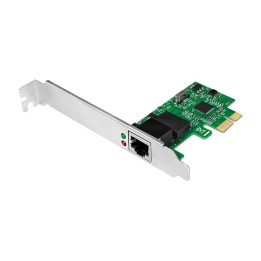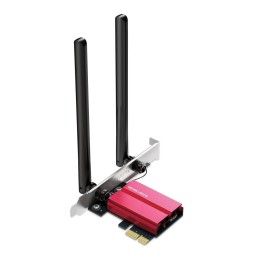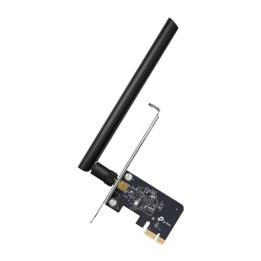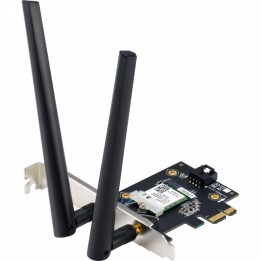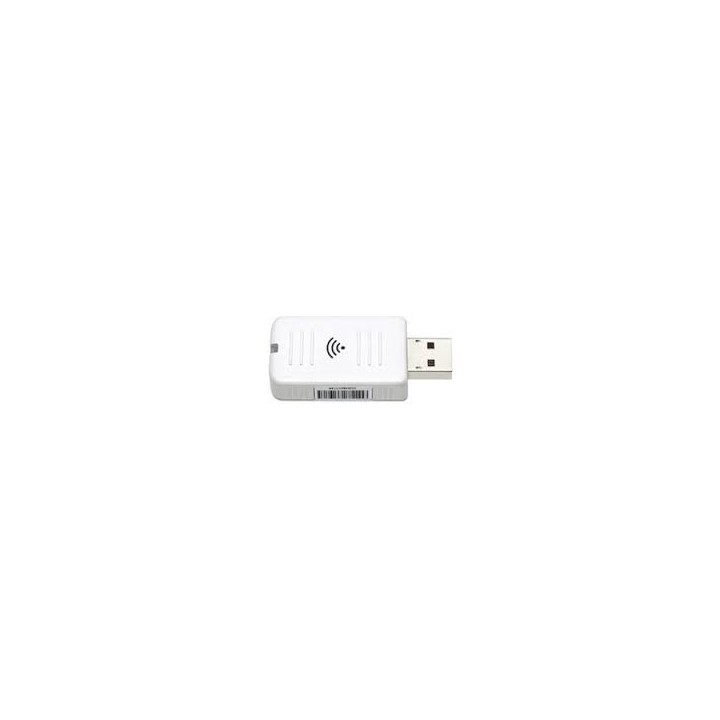
Adapter WiFi b/g/n do projektorów EPSON - ELPAP10

Cena: 636,49 zł
Brutto
Dostępność produktu: Dostępny 1 szt.
Czas dostawy Wysyłka w ciągu 2 dni roboczych
Koszt dostawy Bezpłatna dostawa od 250 zł.

Opis produktu

Adapter WiFi b/g/n do projektorów EPSON - ELPAP10

Specyfikacja

  • Pasuje do: EH-TW9400W EH-TW9400 EH-TW9300W EH-TW9300 EH-TW7400 EH-TW7300 EH-TW7100 EH-TW7000 EH-TW6800 EH-TW6700W EH-TW6700 EH-LS500W Android TV Edition EH-LS500W EH-LS500B Android TV Edition EH-LS500B EH-LS100 EB-X41 EB-X31 EB-X27 EB-W41 EB-W39 EB-W31 EB-W29 EB-W05 EB-W04 EB-U05 EB-U04 EB-S41 EB-S31 EB-S05 EB-S04 EB-L510U EB-L30002U EB-L30000U EB-L25000U EB-L1755U EB-L1750U EB-L1715S EB-L1710S EB-L1505UH EB-L1505U EB-L1500UH EB-L1500U EB-L1495U EB-L1490U EB-L1405U EB-L1300U EB-L1200U EB-L1105U EB-L1100U EB-L1075U (czarny) EB-L1070U (biały) EB-L1050U (biały) EB-L1000U EB-G7905U EB-G7900U EB-G7805 EB-G7400U EB-G7200W EB-G7100 EB-98H EB-965H EB-955WH EB-700U EB-695Wi EB-685Wi EB-685W EB-675Wi EB-675W EB-670 EB-595Wi EB-585Wi EB-585WS EB-585W EB-580S EB-580 EB-575Wi EB-570 EB-5530U z 3 zamiennymi lampami EB-5530U EB-5520W EB-536Wi EB-535W EB-530S EB-530 EB-525W EB-520 EB-2265U EB-2255U EB-2250U EB-2055 EB-2042 EB-2040 EB-1985WU
  • Uwaga: CE+WEEE
  • Kolor (wyliczeniowy): Biały

Szczegóły produktu

  • Marka Epson
  • Kod produktu 660fb92471a267703cabea99
  • Dostępność 1 Przedmiot
  • EAN13 8715946552668
  • MPN V12H731P01

Producent

Producent

Epson Europe B.V.

Azië Building, Atlas Arena, Hoogoorddreef 5 1101BA Nagano Netherlands

E-mail: office@epson.eu

Osoba odpowiedzialna w UE

Epson Europe B.V.

Zuidermolenweg 7 3994 DA Houten Netherlands

E-mail: contact@epson.eu

Bezpieczeństwo

Informacje o bezpieczeństwie

List of network card security warnings based on the requirements of General Product Safety Regulation (GPSR) 2023/988: * Make sure that the installation of the network adapter complies with the manufacturer’s instructions. Incorrect installation can lead to damage to your device or computer. * Before installing or disassembling the network card, turn off the computer and disconnect it from power. * Protect your network card from moisture and extreme temperatures. Do not use it in places where it may be exposed to water or direct sunlight. * Use the network adapter for its intended purpose. Do not try to modify or repair it on your own. * Regularly check that the network card is properly attached to the motherboard slot. A loose connection can cause network problems. * Make sure your network adapter drivers are up to date. Outdated drivers can lead to compatibility and security issues. * Use a dry, soft cloth when cleaning the network card. Avoid using cleaning products that can damage components. * If your network card has an antenna, make sure it is properly attached and undamaged. A damaged antenna can affect signal quality. * Pay attention to sharp edges or card components that may pose a potential injury hazard during installation or disassembly. * If your network card has electronic components, keep it away from children.

Ładowanie...
Wróć na górę