- Nowy
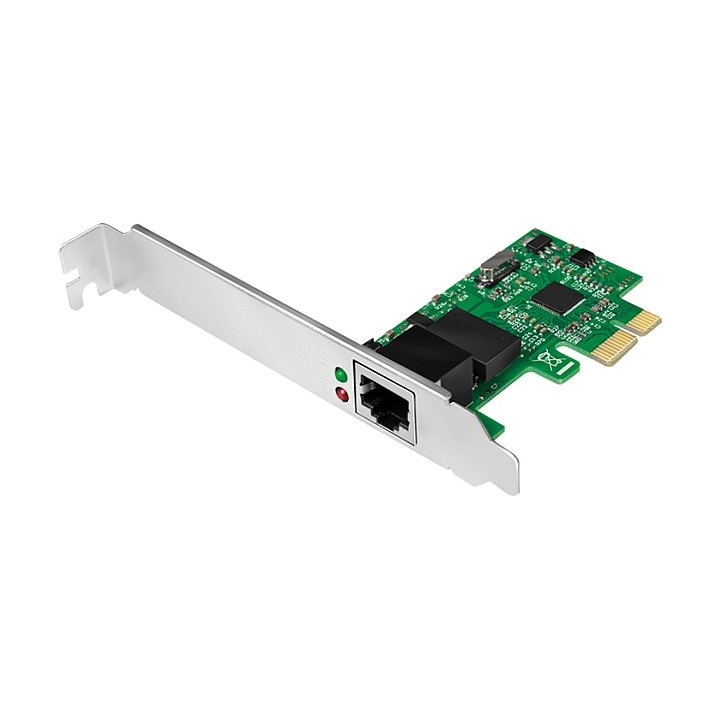
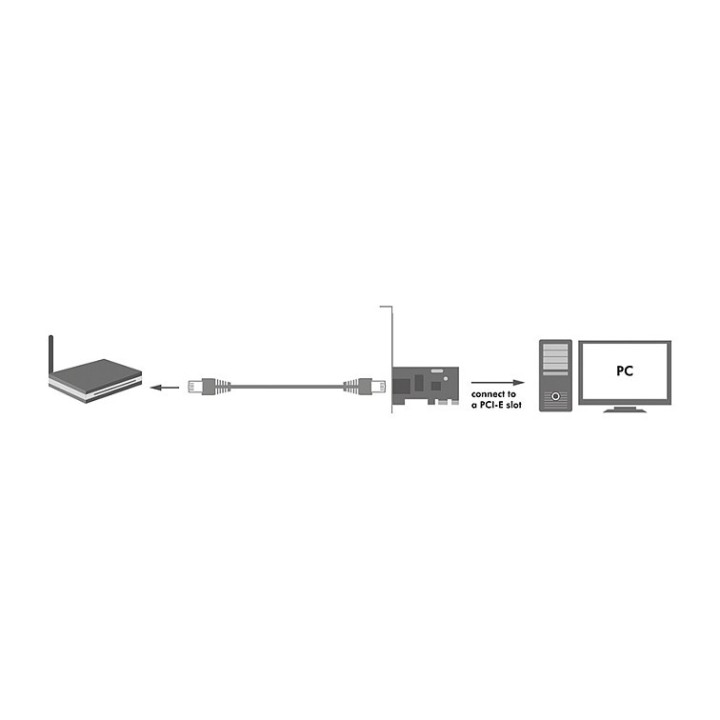
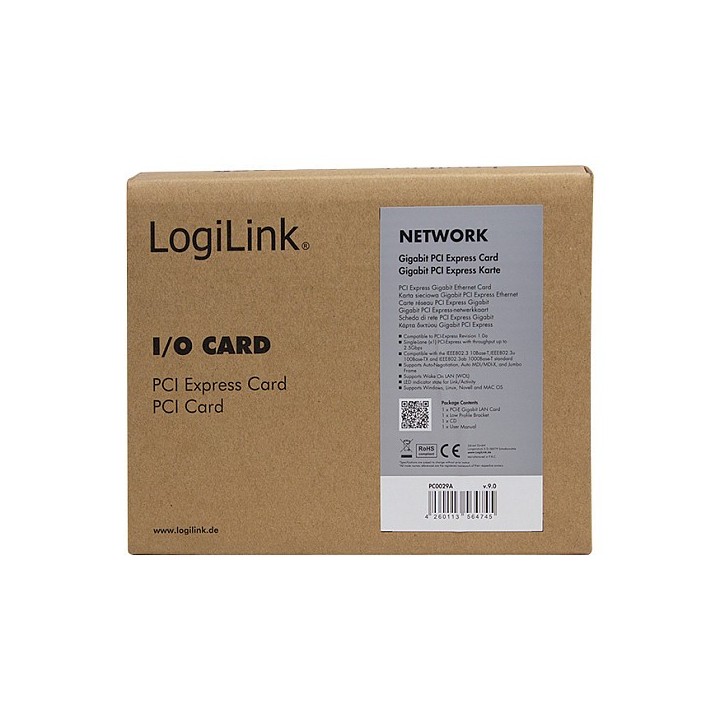
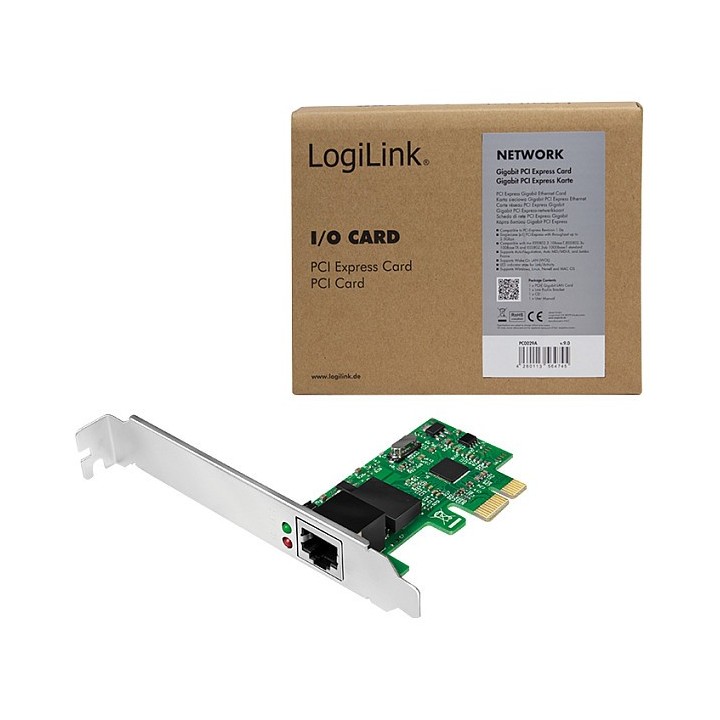
Karta sieciowa Gigabit PCI Express obrazki
Karta sieciowa Gigabit PCI Express
Opis produktu
Karta sieciowa Gigabit marki LogiLink ze złączem PCI Express do komputerów PC. Obsługuje standardy IEEE 802.3 802.3u, 802.3ab i 802.3x. Maksymalny transfer danych do 2Gbit w trybie full-duplex. Najnowsza technologia PCI Express. Może pracować jako druga karta sieciowa przy połączeniach typ DSL.
Specyfikacja
- Typ karty sieciowej: LAN
- Chipset: Realtek RTL8111F
- Interfejs: PCIe
- Porty we/wy (sieciówka drobna): 1 x 10/100/1000 Mbit/s
- Pasma (sieci drobne): 2,4 GHz
- Standardy sieciowe: 802.3u
- Liczba anten (sieci drobne): Nie dotyczy
- Antena (sieci drobne): Wewnętrzna
- Obsługiwane systemy operacyjne: Windows Vista
- Uwaga: CE+WEEE
Szczegóły produktu
- Marka LogiLink
- Kod produktu 660fb92771a267703cabf558
- Dostępność 9 Przedmioty
- EAN13 4260113564745
- MPN PC0029A
Specyfikacja
-
Obsługiwane systemy
Linux
Mac OS
Windows 10
Windows 2000
Windows 7
Windows 8
Windows 98 SE
Windows Vista
Windows XP - Interfejs do komputera PCIe
- Rodzaj urządzenia LAN
- Pasma Wi-Fi 2.4 GHz
- Antena zewnętrzna Nie
Producent
Producent
2direct GmbH
Langenstuck 5 58579 Schalksmühle Germany
E-mail: info@2direct.de
Telefon: +49 2351 66887-0
Bezpieczeństwo
Informacje o bezpieczeństwie
List of network card security warnings based on the requirements of General Product Safety Regulation (GPSR) 2023/988: * Make sure that the installation of the network adapter complies with the manufacturer’s instructions. Incorrect installation can lead to damage to your device or computer. * Before installing or disassembling the network card, turn off the computer and disconnect it from power. * Protect your network card from moisture and extreme temperatures. Do not use it in places where it may be exposed to water or direct sunlight. * Use the network adapter for its intended purpose. Do not try to modify or repair it on your own. * Regularly check that the network card is properly attached to the motherboard slot. A loose connection can cause network problems. * Make sure your network adapter drivers are up to date. Outdated drivers can lead to compatibility and security issues. * Use a dry, soft cloth when cleaning the network card. Avoid using cleaning products that can damage components. * If your network card has an antenna, make sure it is properly attached and undamaged. A damaged antenna can affect signal quality. * Pay attention to sharp edges or card components that may pose a potential injury hazard during installation or disassembly. * If your network card has electronic components, keep it away from children.
Karty sieciowe i adaptery Bluetooth
- Nowy
- Nowy
- Nowy
- Nowy
- Nowy
- Nowy
Ostatnio oglądane
Produkty, które ostatnio zwróciły Twoją uwagę.
- Nowy
- Nowy
- Nowy
- Nowy
- Nowy
- Nowy
- Nowy
- Nowy
- Nowy
- Nowy
- Nowy
- Nowy