- Nowy
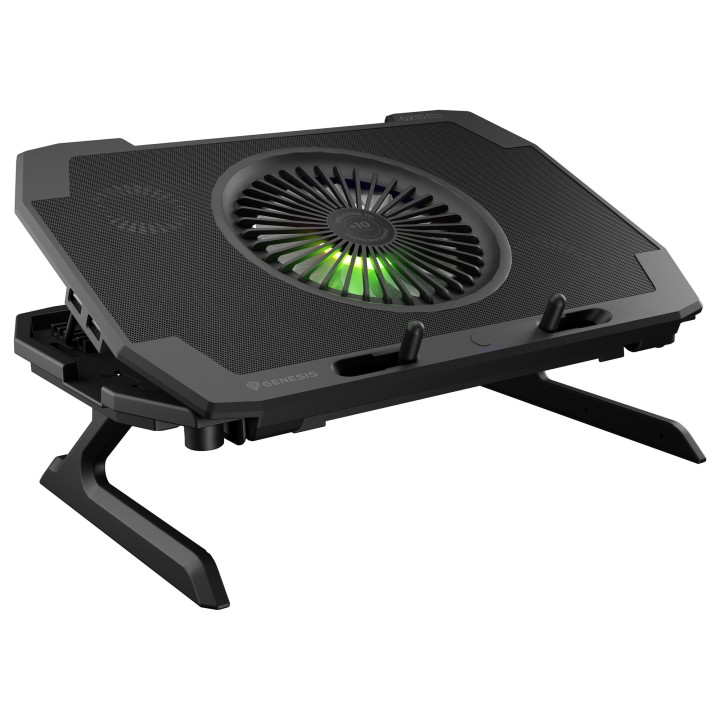
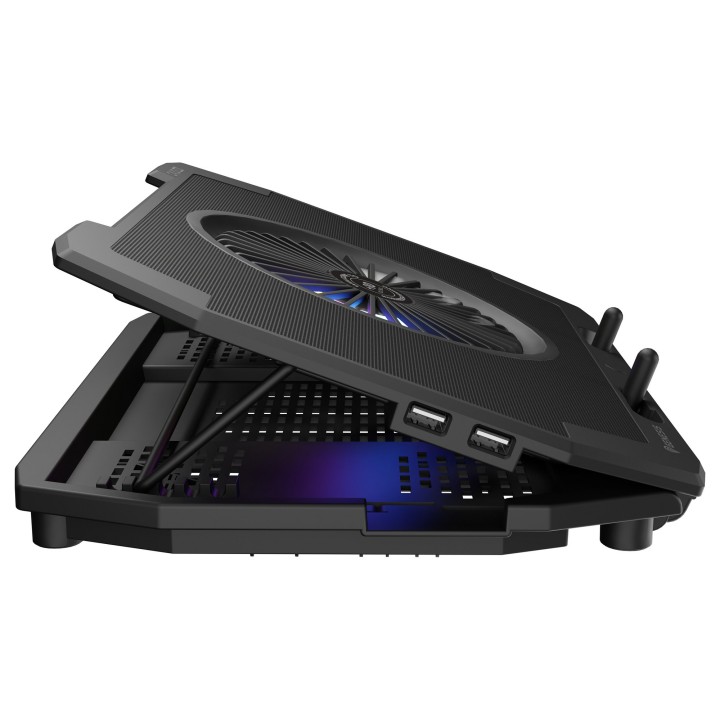
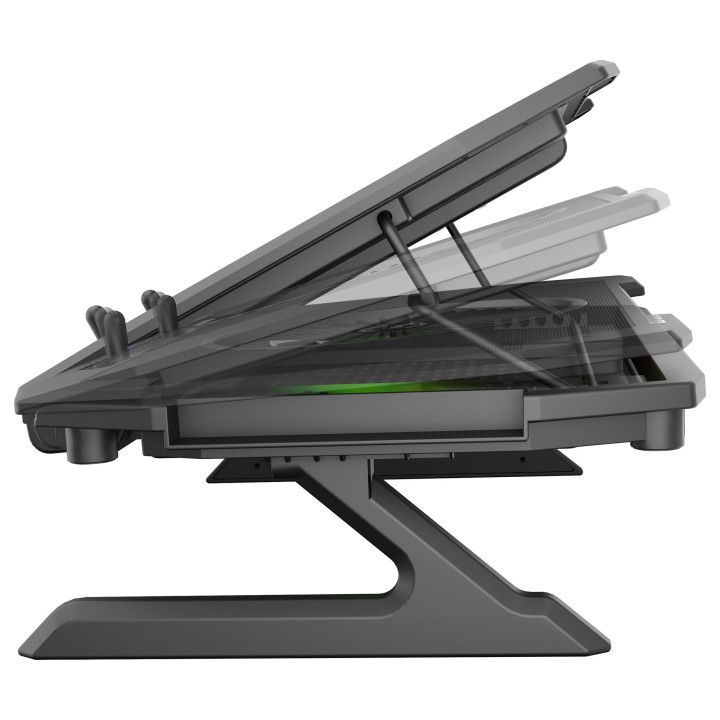
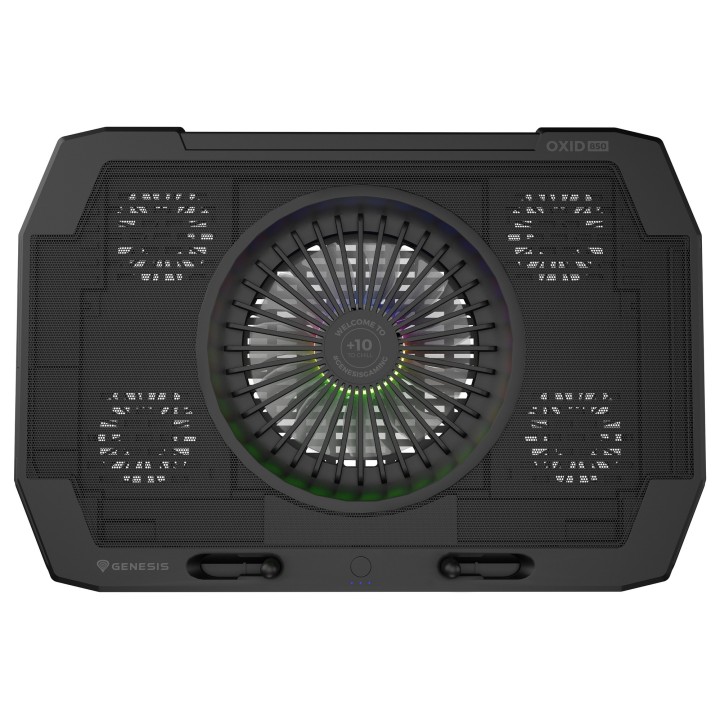
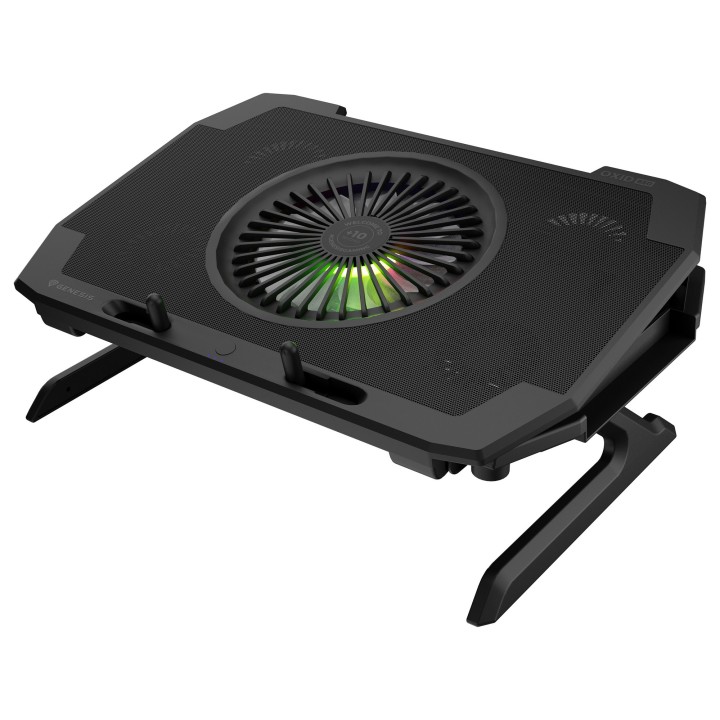
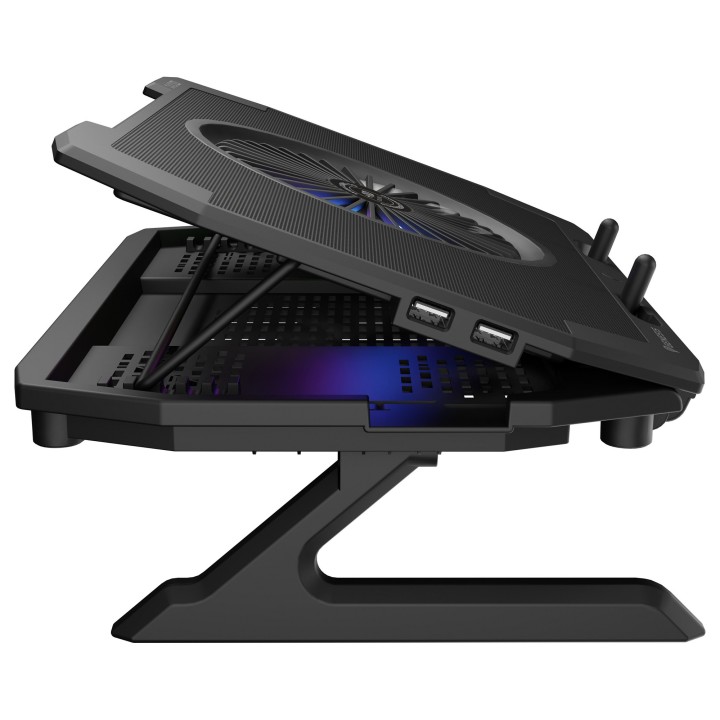
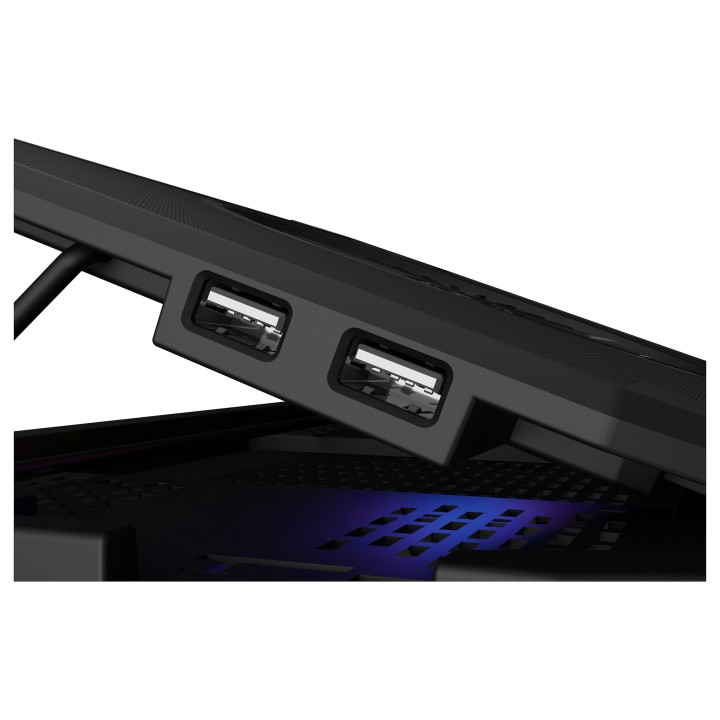
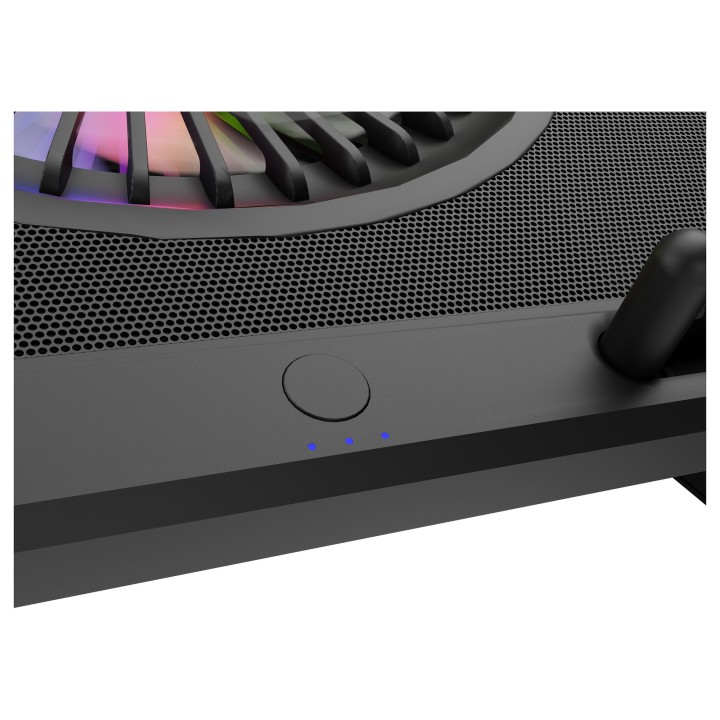
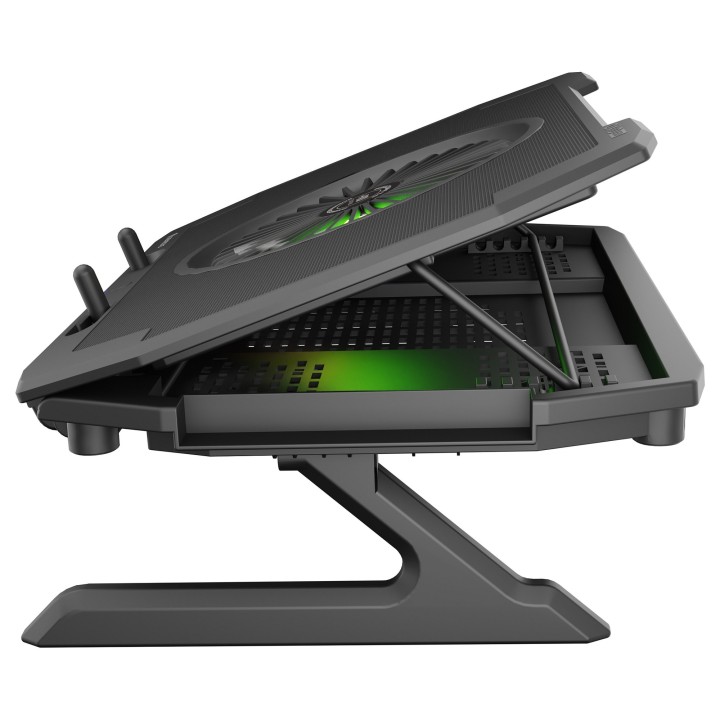
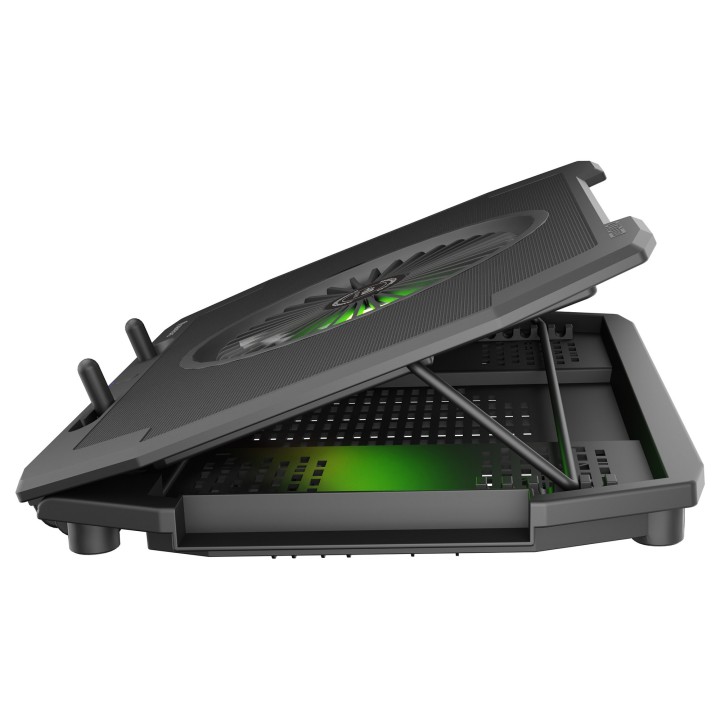
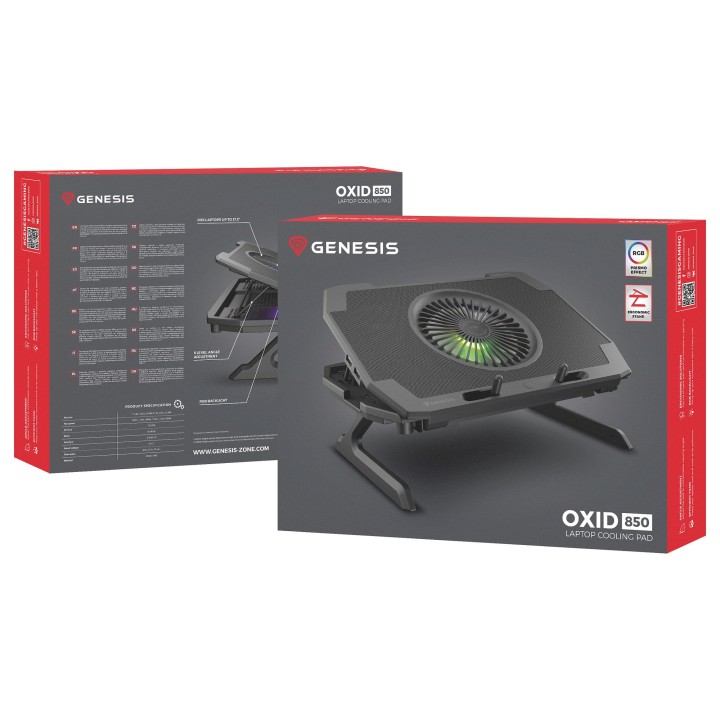
GENESIS Oxid 850 podkładka chłodząca do laptop 43,9 cm (17.3") 2500 RPM Czarny obrazki
GENESIS Oxid 850 podkładka chłodząca do laptop 43,9 cm (17.3") 2500 RPM Czarny
Opis produktu
kolor - Black
Technical details:
Producer product name - OXID 850
Producer product family - Laptop Cooling Pad
Producer - Genesis
Szczegóły produktu
- Marka Genesis
- Kod produktu 668ddd06e5f1b6b7ae3128cd
- Dostępność 30 Przedmioty
- EAN13 5901969432534
- MPN NHG1858
Specyfikacja
- Materiał Kopolimer akrylonitrylo-butadieno-styrenowy (ABS), Metal
- Regulacja wysokości Tak
Producent
Producent
Impakt S.A.
Stanisława Lema 16 62-050 Mosina Polska
Formularz kontaktowy: https://pl.genesis-zone.com/kontakt
Telefon: (+48) 611010230
Bezpieczeństwo
Informacje o bezpieczeństwie
List of safety warnings for the cooling stand based on the requirements of General Product Safety Regulation (EU) 2023/988 (GPSR): 1. Risk of electric shock: * Make sure that the device is connected to a working socket with grounding. * Do not touch the plug or cable with wet hands. * Avoid using the device in places with high humidity. 2. Risk of overheating: * Provide adequate ventilation while maintaining at least 5 cm of free space around the device. * Do not block ventilation openings. 3. Risk of fire: * Use only original accessories recommended by the manufacturer. * Do not leave the device on unattended near flammable materials. 4. Risk of bodily injury: * Use the device on a stable surface to minimize the risk of falling. 5. Hazards in humid environments: * Do not use your laptop outdoors in rain or in areas with high humidity, such as bathrooms. * If the device is flooded, immediately disconnect it from the power source and contact the service. 6. Hazards at high temperatures: * Do not expose the device to direct sunlight. * Avoid using your laptop at temperatures above the recommended range (usually 5-35°C). 7. Risk of damage during cleaning: * Before cleaning, disconnect the laptop from power and use a soft, slightly damp cloth. * Avoid using strong detergents that can damage the surface of the device. 8. Caution when replacing accessories: * Use only the accessories recommended by the manufacturer. * When replacing batteries, follow the manufacturer's instructions and do not expose the battery to high temperatures. 9. Risks associated with battery use: * Avoid damage to the battery by impact or puncture. * If the battery overheats or swells, stop using the device immediately. 10. Warnings for children: * Keep power cables out of reach of children. * Make sure that children do not play with the device or accessories that can be dangerous.
Podstawki i stoliki
Ostatnio oglądane
Produkty, które ostatnio zwróciły Twoją uwagę.
- Nowy
- Nowy