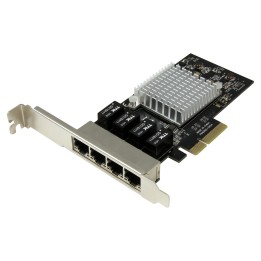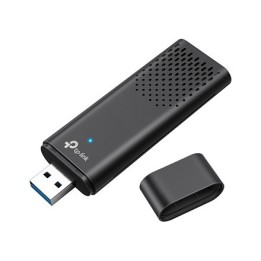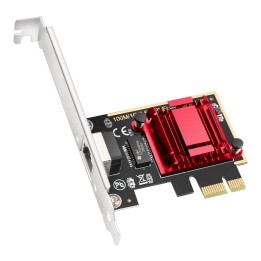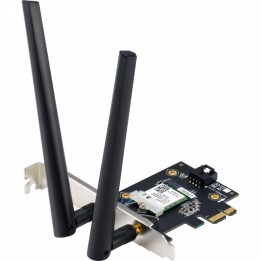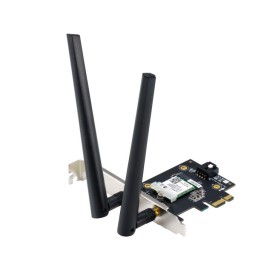

TP-LINK AC1200 Wi-Fi PCI Express Adapter v3.0 867Mbps at 5GHz + 300Mbps at 2.4GHz Beamforming
Opis produktu
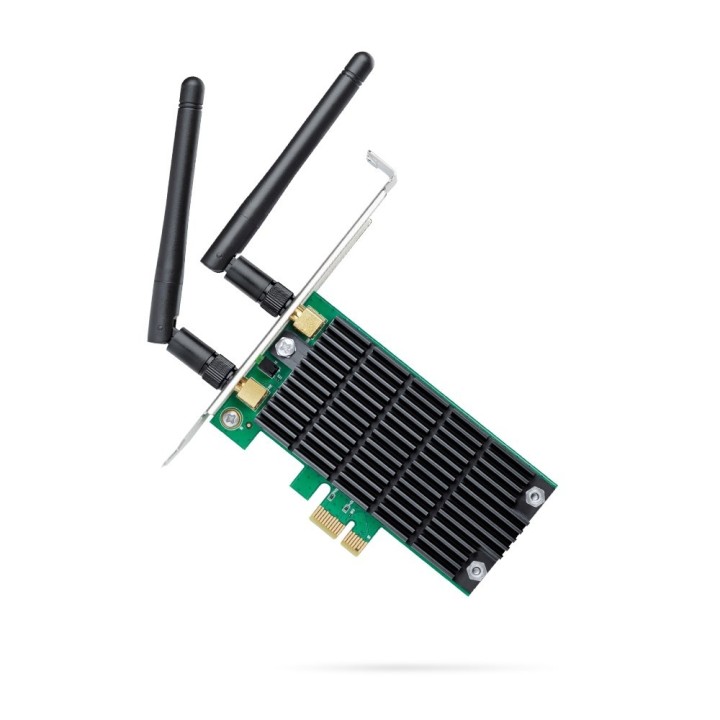
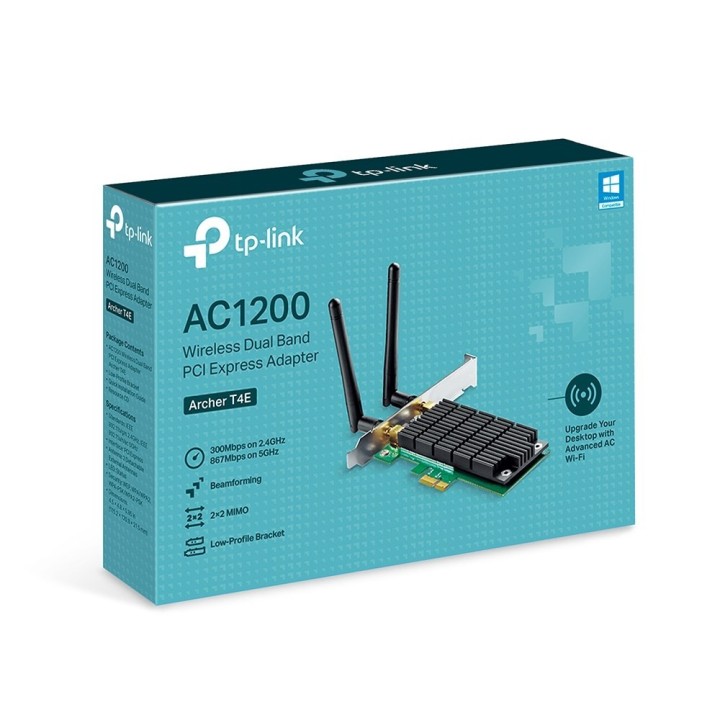
TP-LINK Karta sieciowa Archer T4E PCI-E AC1200
Karta sieciowa Archer T4E obsługuje połączenia bezprzewodowe w standardzie 802.11ac o 3 razy większej prędkości niż dotychczas dostępne połączenia w standardzie 802.11n. Dzięki dużym prędkościom Wi-Fi urządzenie idealnie sprawdzi się do każdej aktywności online, od strumieniowania wideo w jakości HD, po wrażliwe na opóźnienia gry online czy codzienne przeszukiwanie sieci.
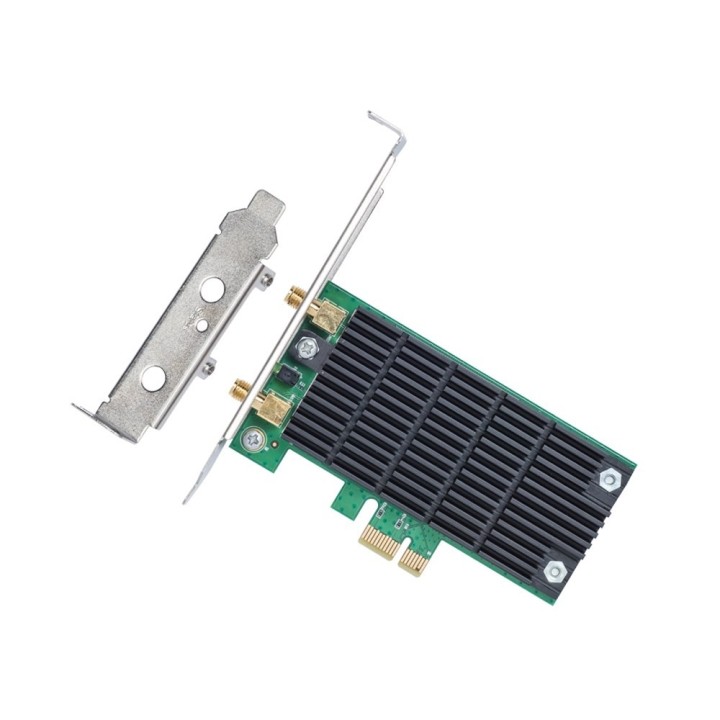
- Łatwa instalacja w prosty sposób dokonaj aktualizacji systemu, podłączając kartę sieciową Archer T9E do gniazda PCI-E
- Duża prędkość transmisji danych Do 1200 Mb/s (867 Mb/s w paśmie 5 GHz i 300 Mb/s w paśmie 2,4 GHz)
- Dwa pasma w standardzie 802.11ac 3 razy szybsze połączenia niż w standardzie 802.11n, idealne w przypadku intensywnego korzystania z sieci
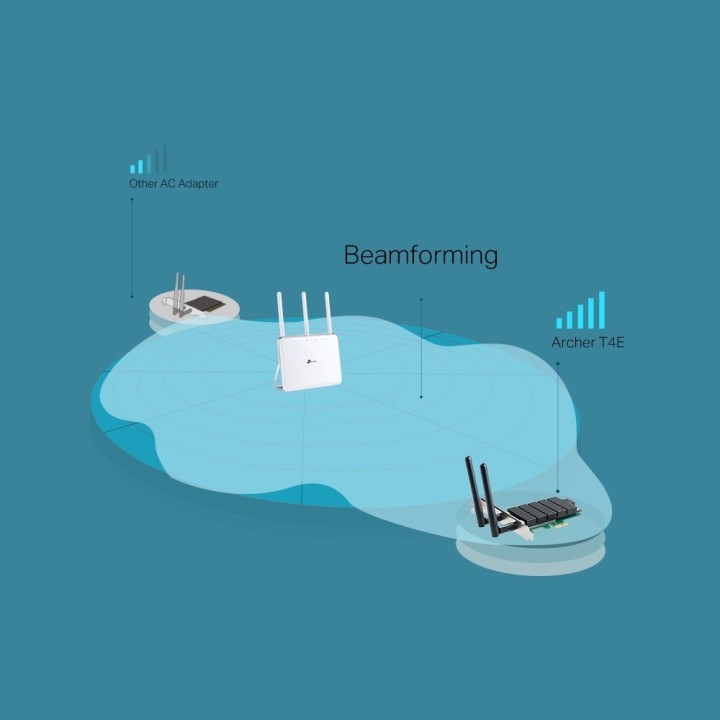
- Technologia Beamforming odbiór większej ilości sygnałów kierunkowych, umożliwiających nawiązywanie szybszych i niezawodnych połączeń bezprzewodowych
- 2×2 MIMO zwiększona wydajność połączeń bezprzewodowych
- Najszerszy zasięg dwie zewnętrzne anteny znacząco zwiększają wydajność transmisji i stabilność połączeń
Szczegóły produktu
- Marka TP-LINK
- Kod produktu 689d4d2ad03d8eef29a76035
- Dostępność 15 Przedmioty
- EAN13 8885020628517
- MPN ARCHERT4EV30
Specyfikacja
- Interfejs do komputera WLAN
Producent
Producent
TP-Link Polska Sp. z o.o.
Ożarowska 40/42 05-850 Duchnice Polska
E-mail: info.pl@tp-link.com
Telefon: +48 22 360 63 63
Osoba odpowiedzialna w UE
TP-Link
Ożarowska 40/42 05-850 Duchnice Polska
E-mail: office.poland@tp-link.com
Telefon: +48 22 360 63 00
Bezpieczeństwo
Informacje o bezpieczeństwie
List of Wi-Fi network adapter security warnings based on the requirements of General Product Safety Regulation (GPSR) 2023/988: 1. Risk of electric shock: * Make sure the device is disconnected from power before installation or disassembly. Do not touch the metal parts of the network card while the computer is running. Avoid using the network card in humid environments. 2. Risk of equipment damage: * Install the network card according to the manufacturer's instructions. * Make sure your computer is turned off before installing or disassembling the card. * Do not bend or bend the network card during installation. Protect your card from electrostatic discharge (ESD). 3. Risk of overheating: * Ensure adequate ventilation inside the computer case. * Do not block the ventilation holes of the network card. 4. Risk of interference: * Keep your network card away from sources of electromagnetic interference (eg microwave ovens, cordless phones). * Use shielded antenna cables. 5. Health risks: * Limit long-term exposure to electromagnetic radiation. * Maintain a safe distance from the network card antenna. 6. Data security risks: * Secure your Wi-Fi network with a strong password. Use WPA3 encryption. * Update your network adapter software. * Use a firewall. 7. Risk of fire: * Do not place the network card near heat or fire sources. * Use only power supplies that comply with your computer specifications. 8. Risk of ingestion: * Keep small network card components (e.g. screws) away from children. 9. Risk of injury: * Beware of sharp edges during installation 10. Cleaning risk: * Disconnect the card from the power supply before cleaning. Use a dry, soft cloth. * Do not use detergents or solvents. 11. Risk of hearing damage: * Sound signals emitted by the card set at a safe level.
Karty sieciowe i adaptery Bluetooth
Ostatnio oglądane
Produkty, które ostatnio zwróciły Twoją uwagę.