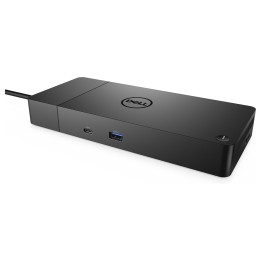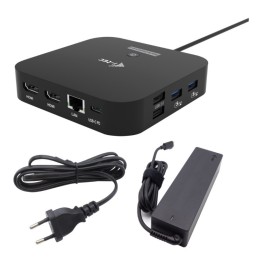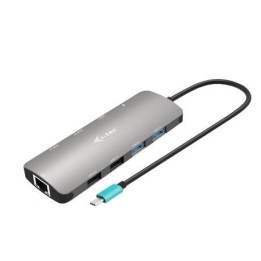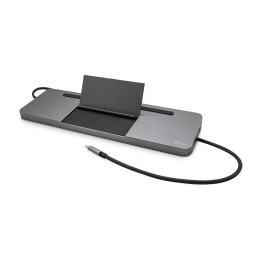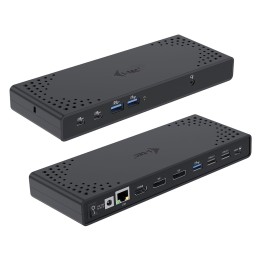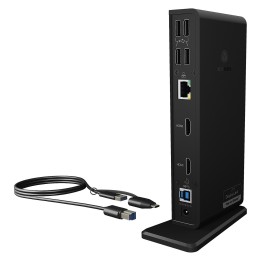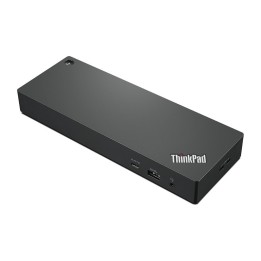
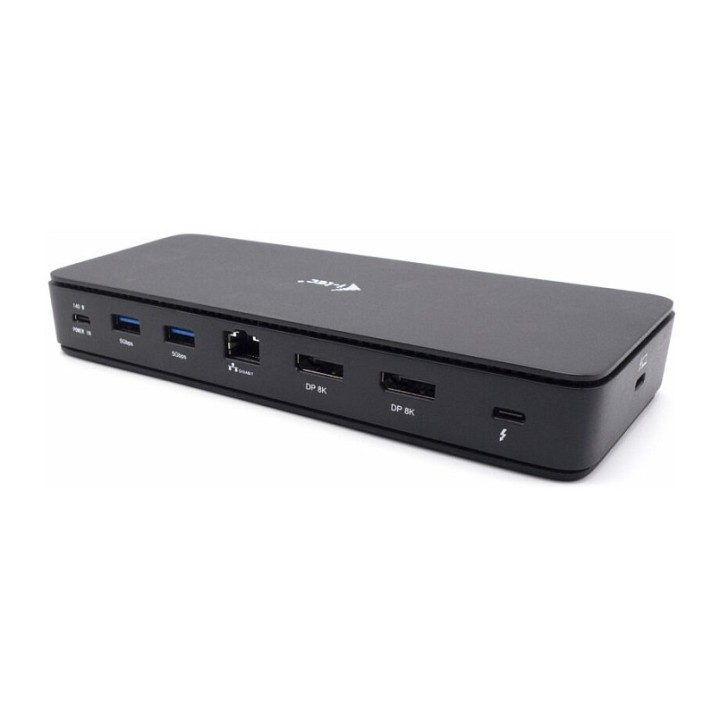
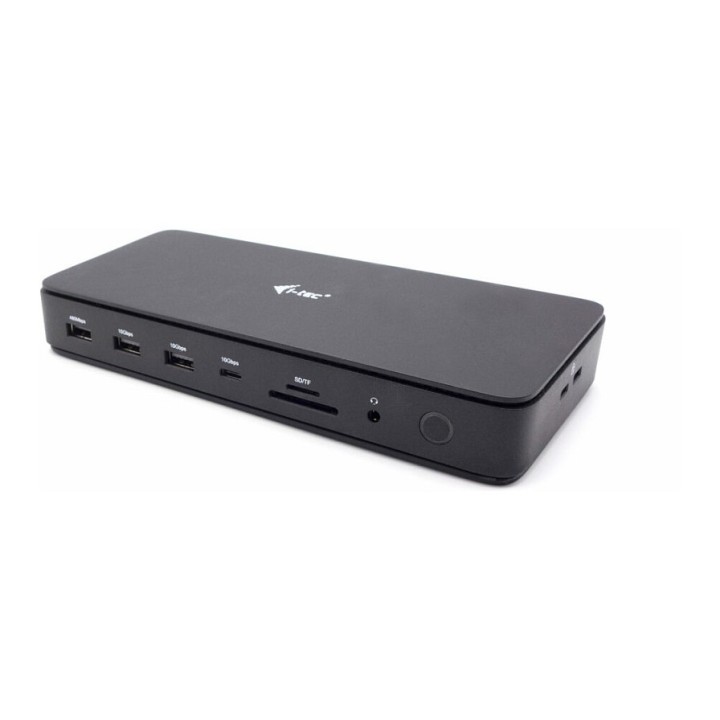
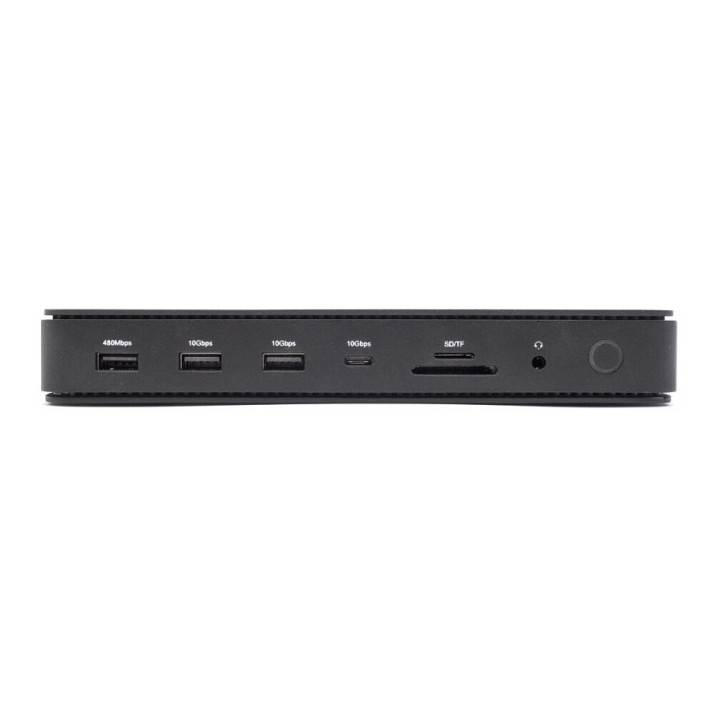
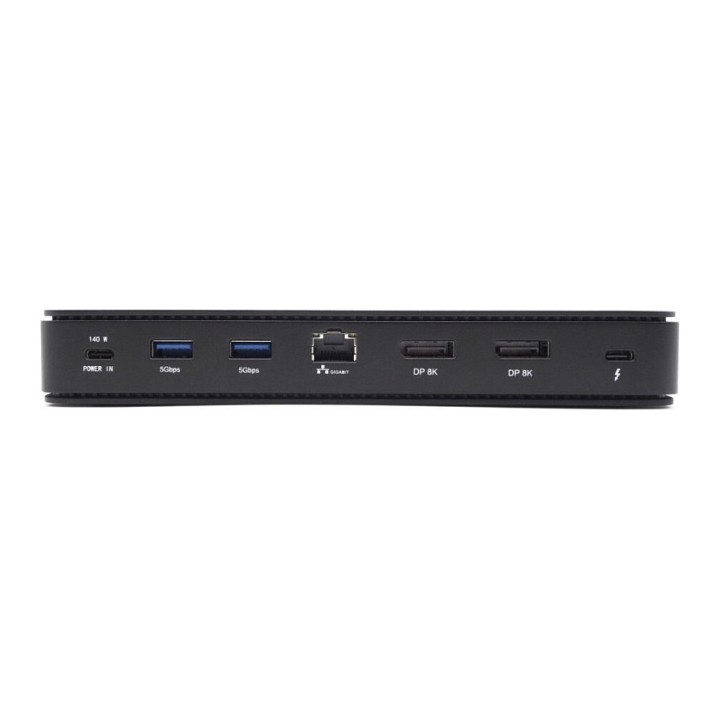
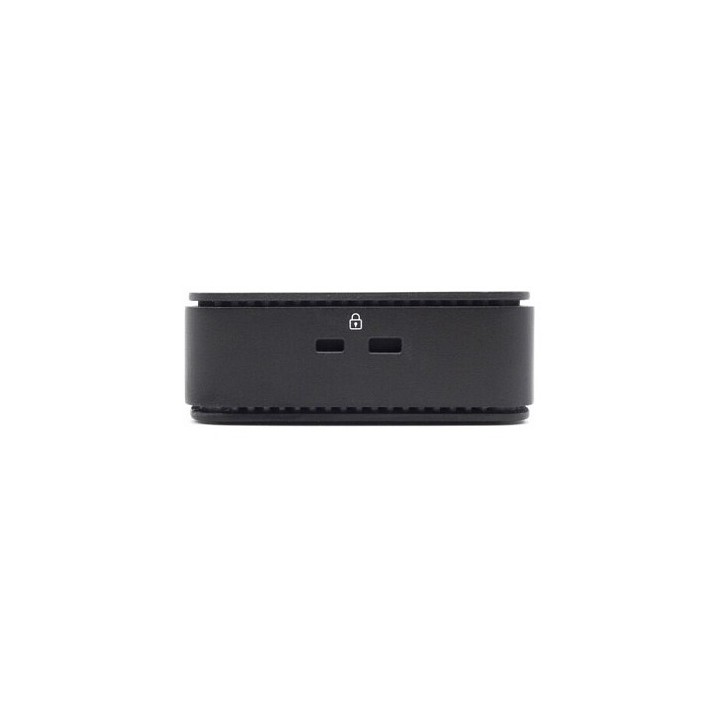
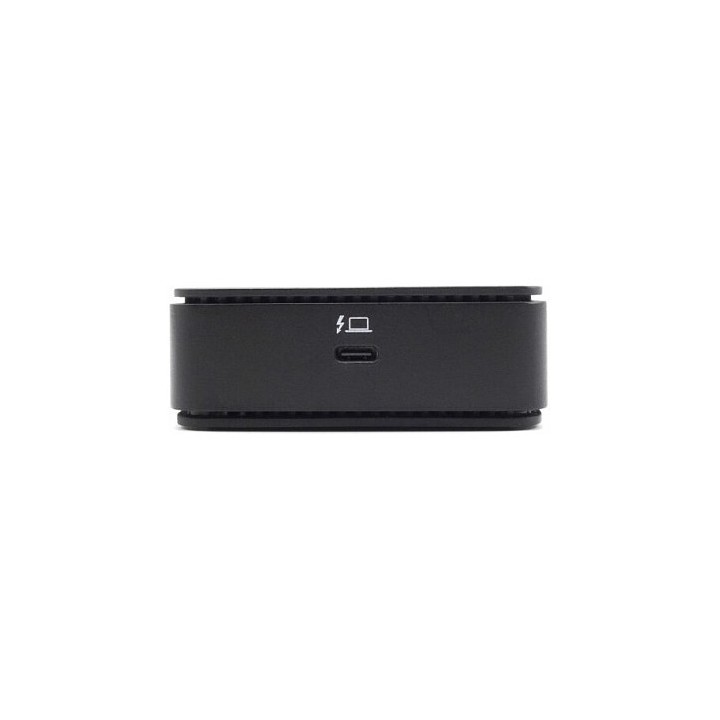
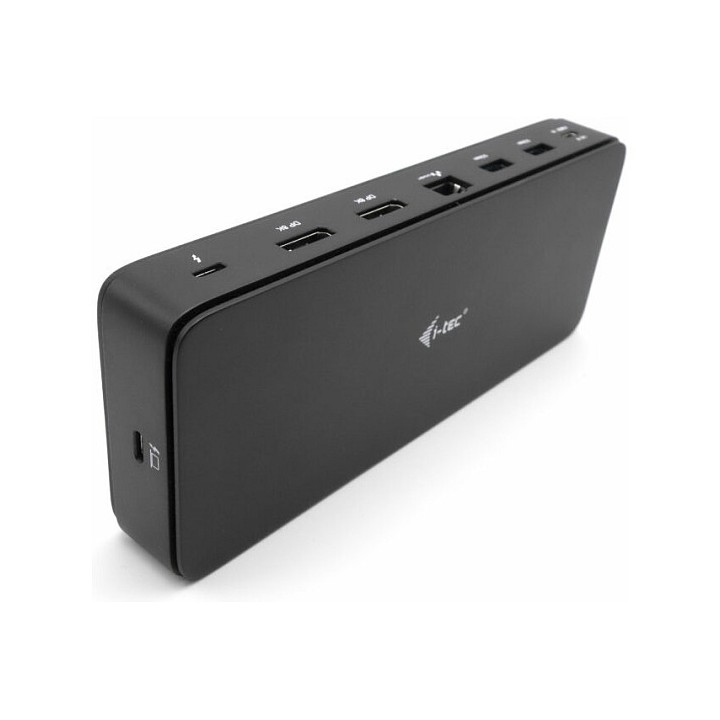
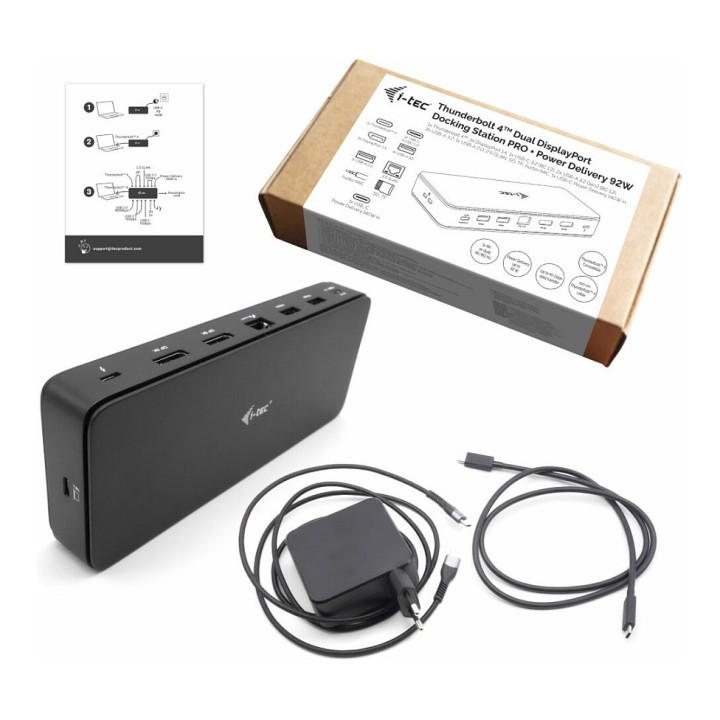
I-TEC TB4 GEN 3 DOCK 2X DISPLAY/7XUSB 2.5GLAN PD92W 1M TB4 CABLE

Cena: 949,99 zł
Brutto
Dostępność produktu: Dostępny 25 szt.
Czas dostawy Wysyłka w ciągu 3 dni roboczych
Koszt dostawy Bezpłatna dostawa od 250 zł.

Opis produktu

Exceptional performance, ultra-fast data transfer and support for up to 8K resolution. One of the most powerful docking stations on the market!

Crystal clear image quality, super-fast internet, and the ability to transfer data at speeds of up to 4 GB per second thanks to the integrated Thunderbolt” 4 output port. You can also, of course, connect your headphones or audio and charge your laptop (92W), all using one single cable.

Thanks to the integrated DP 1.4 protocol, you can connect this dock to a monitor with a resolution of up to 8K (7680 x 4320) with a refresh rate of 30 Hz, which is equivalent to the resolution of four monitors, each at 4K resolution. This makes it the ideal solution for graphic designers, analysts, developers, film editors, or high-definition video enthusiasts and lovers.

The dock is now compatible not only with Thunderbolt” 4 ports, but also USB-C*, making it a flexible solution for businesses and users who run laptops and tablets with different ports.

* Only one (4K/60 Hz) monitor is supported when connected to USB-C.

Specyfikacja

  • USB 3.2 Gen 1 (3.1 Gen 1) Type-A ports quantity: 2
  • Host interface: Thunderbolt 4
  • HDMI ports quantity: 0
  • DisplayPorts quantity: 2
  • USB 3.2 Gen 1 (3.1 Gen 1) Type-C ports quantity: 1
  • Combo headphone/mic port: Yes
  • USB 3.2 Gen 2 (3.1 Gen 2) Type-C ports quantity: 1
  • USB 2.0 ports quantity: 1
  • USB 3.2 Gen 2 (3.1 Gen 2) Type-A ports quantity: 2
  • USB Power Delivery (USB PD): Yes
  • USB Power Delivery up to: 92 W
  • Connectivity technology: Wired
  • Headphone connectivity: 3.5 mm
  • Thunderbolt 4 ports quantity: 2
  • Ethernet LAN (RJ-45) ports: 1
  • Ethernet LAN: Yes
  • Ethernet LAN data rates: 10,100,1000,2500 Mbit/s
  • Product colour: Black
  • Number of displays supported: 2
  • Card reader integrated: Yes
  • Compatible memory cards: MicroSD (TransFlash),SD
  • Data transfer rate: 40 Gbit/s
  • Maximum refresh rate: 60 Hz
  • Maximum digital resolution: 7680 x 4320 pixels
  • Output voltage: 28 V
  • Output current: 5 A
  • Thunderbolt 4 cable length: 1 m
  • Windows operating systems supported: Yes
  • Mac operating systems supported: Yes
  • Linux operating systems supported: Yes
  • Depth: 79 mm
  • Width: 197 mm
  • Height: 30 mm
  • Height (front): 286 mm
  • AC adapter included: Yes
  • Cables included: Thunderbolt,USB Type-C
  • Quick start guide: Yes

Szczegóły produktu

  • Marka i-tec
  • Kod produktu 669324e5cfd6c6e2a4c788e2
  • Dostępność 25 Przedmioty
  • EAN13 8595611706875
  • MPN TB4DUALDPDOCKPDPRO

Specyfikacja

  • Złącze do komputera Thunderbolt 4
  • Maksymalna rozdzielczość wyjścia 7680 × 4320
  • Liczba portów USB-A (szt.) 5 szt.
  • Liczba obsługiwanych monitorów (szt.) 2 szt.
  • Liczba portów USB-C (szt.) 3 szt.
  • Moc ładowania laptopa (W) 92 W

Producent

Producent

i-tec Technologies s.r.o

Teslova 2 702 00 Ostrava Czechy

E-mail: skropka@i-tec.pl

Telefon: +48 513 168 695

Bezpieczeństwo

Informacje o bezpieczeństwie

List of safety warnings for docking stations based on the requirements of General Product Safety Regulation (EU) 2023/988 (GPSR) * Risk of electric shock: * Make sure that the docking station is connected to an efficient grounded outlet. * Do not touch the plug or cable with wet hands. * Avoid using the docking station in areas with high humidity. * Risk of overheating: * Provide adequate ventilation while maintaining at least 5 cm of free space around the docking station. * Do not block ventilation openings. * Do not place the docking station on soft surfaces such as blankets or pillows. * Fire risk: * Use only original power supplies and accessories recommended by the manufacturer. * Do not leave the docking station on unattended near flammable materials. * Risk of bodily injury: * Use the docking station on a stable surface to minimize the risk of falling connected devices. * Avoid using the docking station in a position that causes excessive heat pressure on the skin to prevent burns. * Hazards in humid environments: * Do not use the docking station outdoors in rain or in places with high humidity, such as bathrooms. * If the docking station is flooded, immediately disconnect it from the power source and contact the service. * Hazards at high temperatures: * Do not expose the docking station to direct sunlight. * Avoid using the docking station at temperatures above the recommended range (usually 5-35°C). * Risk of damage during cleaning: * Disconnect the docking station from the power supply before cleaning and use a soft, slightly damp cloth. * Avoid using strong detergents that can damage the surface of the docking station. * Caution when replacing accessories: * Use only accessories recommended by the manufacturer. * When replacing batteries, follow the manufacturer's instructions and do not expose the battery to high temperatures. * Battery Use Hazards: * Avoid damaging the battery by impact or puncture. * If the battery overheats or swells, stop using the docking station immediately. * Child warnings: * Keep power cables out of reach of children. * Make sure your kids don't play with the docking station or accessories that can be dangerous. * Cleanliness: * Failure to regularly clean ports and sockets can lead to damage or failure. * Clean ports and sockets regularly using a dry and clean cloth, avoiding moisture input.

Ładowanie...
Wróć na górę