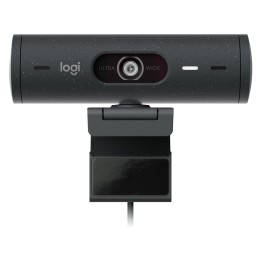
MEETUP 2 - GRAPHITE-USB/PLUGCG - WW-9006 - UK/EU
Opis produktu
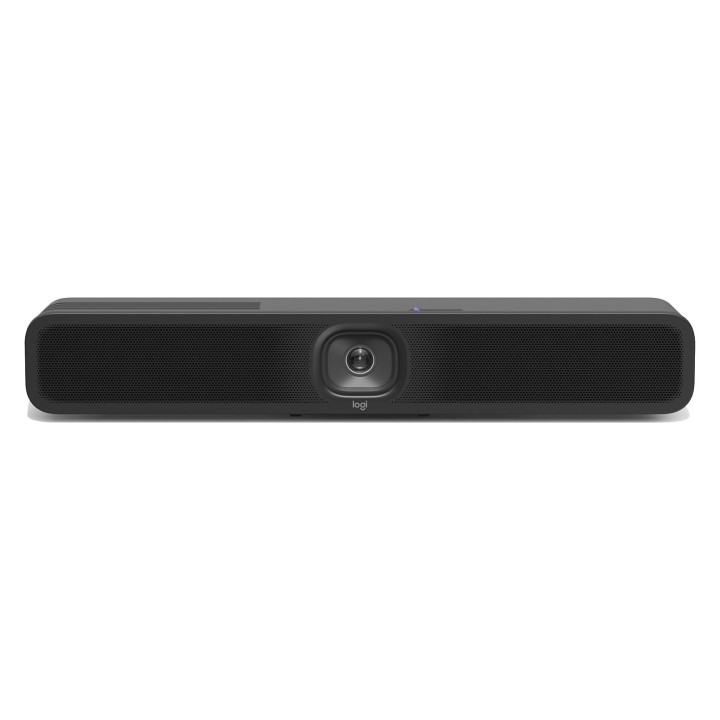
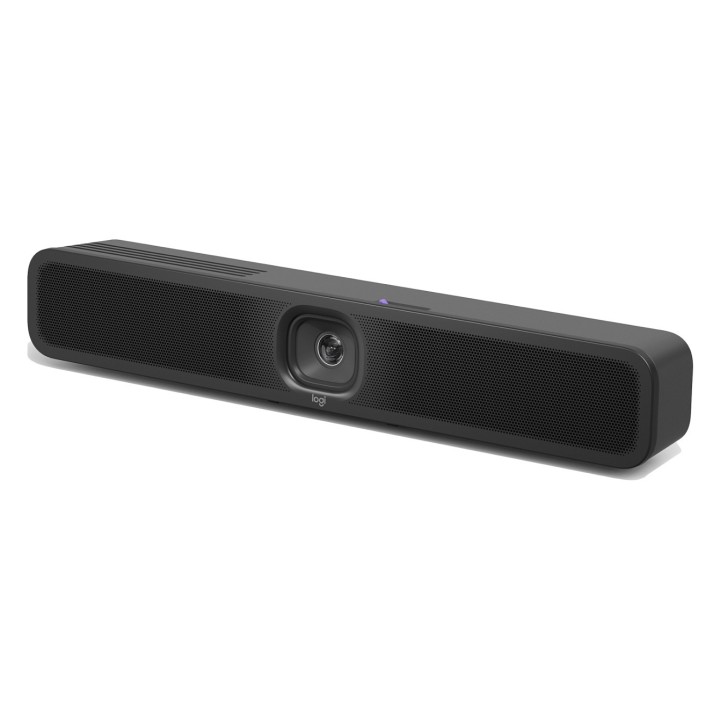
Bring AI-based features into your small USB meeting rooms with Meetup 2. Compatible with popular video platforms such as Microsoft Teams, Zoom, and Google Meet, MeetUp 2 can function in USB mode with an in-room PC or when connected to a laptop in BYOD mode.
MeetUp 2 is easy to set up and easy to manage with Logitech Sync — monitor room status, deploy updates, and modify settings all from a single cloud-based app.
AI-driven experiences in small USB rooms
Meetup 2 brings intelligent audio and video experiences to USB-based deployments in small rooms. Regular updates continuously enhance MeetUp 2's performance, expand its capabilities, and foster deeper integrations.
Simple to manage and deploy at scale
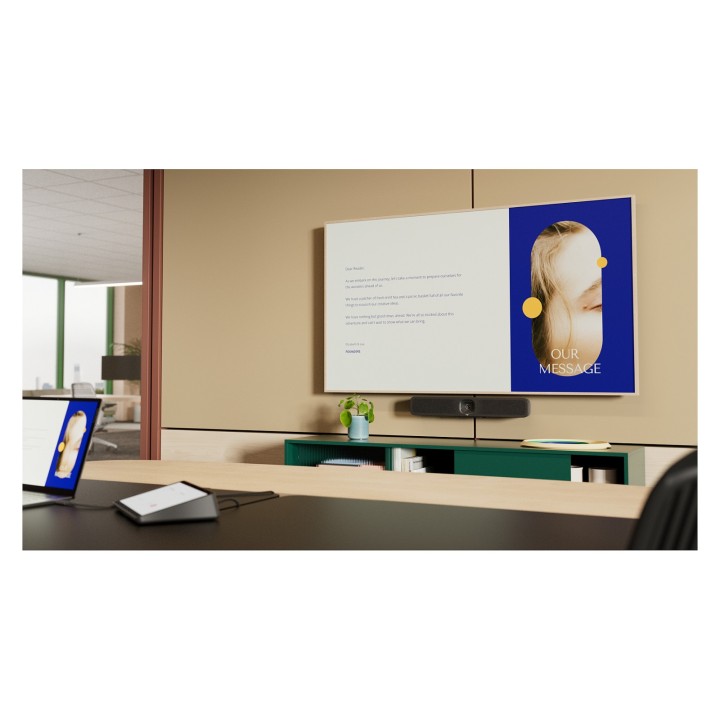
MeetUp 2 is easy to set up and manage in small spaces thanks to multiple mounting options, clean cabling, and remote management through Logitech Sync.
Single cable BYOD
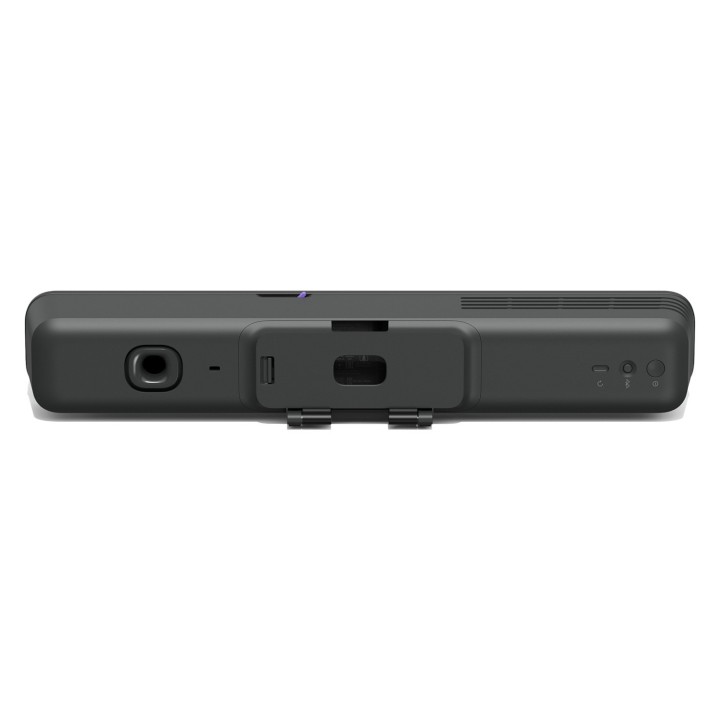
Deliver elegant, single-cable BYOD connections with MeetUp 2 when it is paired with the optional Active USB Cable accessory.
CERTIFIED FOR BUSINESS
Leverage the video conferencing platforms and features you already use. MeetUp 2 works with leading video platforms like Microsoft Teams, Zoom, and Google Meet.
A CHOICE YOU’LL FEEL GOOD ABOUT
Logitech is committed to creating a more sustainable world and we are actively working to minimize our environmental footprint and accelerate the pace of social change.
MADE WITH RECYCLED PLASTIC
The plastic parts in MeetUp 2 include up to 62% certified post-consumer recycled plastic. We’re giving a second life to plastic from consumer electronics to reduce our carbon footprint.
RESPONSIBLE PACKAGING
The paper packaging for MeetUp 2 comes from FSC™-certified forests and other controlled sources. By choosing this product, you are supporting responsible management of the world’s forests.
Specyfikacja
- PTZ control: Yes
- Digital zoom: 4 x
- Zoom capability: Yes
- Horizontal field of view: 113 °
- Camera type: Single camera
- Vertical field of view: 80 °
- Field of view (FOV) angle: 120 °
- HD type: 4K Ultra HD
- Maximum video resolution: 3840 x 2160 pixels
- Product colour: Graphite
- Tilt angle range: -32 - 32 °
- Pan range: -48 - 48 °
- Ethernet LAN (RJ-45) ports: 1
- HDMI ports quantity: 2
- USB 3.2 Gen 1 (3.1 Gen 1) Type-C ports quantity: 1
- Power source type: DC
- AC input voltage: 100 - 240 V
- AC input frequency: 100 - 240 Hz
- DC input voltage: 19 V
- Operating current: 2.1 A
- Operating temperature (T-T): 0 - 40 °C
- Operating relative humidity (H-H): 10 - 90 %
- Storage temperature (T-T): -25 - 70 °C
- Built-in microphone: Yes
- Noise reduction: Yes
- Microphone sensitivity: -36 dB
- Microphone pick-up range: 7 m
- Built-in speaker(s): Yes
- Sound pressure level (max): 83 dB
- Number of microphones: 6
- Audio beamforming: Yes
- Microphone frequency response: 90 - 16000 Hz
- Supported sample rates: 48 kHz
- Wi-Fi: Yes
- Bluetooth: Yes
- Wi-Fi standards: 802.11a,802.11b,802.11g,Wi-Fi 4 (802.11n),Wi-Fi 5 (802.11ac)
- Ethernet LAN data rates: 10,100,1000 Mbit/s
- Windows operating systems supported: Windows 10
- Mac operating systems supported: Mac OS X 13.0 Ventura,Mac OS X 14.0 Sonoma
- USB cable length: 3 m
- Power cable length: 3 m
- Power supply included: Yes
- Warranty period: 2 year(s)
- Power splitter dimensions (W x D x H): 114 x 47 x 32.3 mm
Szczegóły produktu
- Marka Logitech
- Kod produktu 66a59ad3988aaf0c882b7ded
- Dostępność 20 Przedmioty
- EAN13 0097855198198
- MPN 960-001681
Specyfikacja
- Obsługiwane systemy Windows 10
- Mikrofon Tak
Producent
Producent
Logitech Europe S.A.
Catharijnesingel 47 3511GC Utrecht Netherlands
Telefon: +41 0 21 863 55 11
Osoba odpowiedzialna w UE
Logitech Europe S.A.
Catharijnesingel 47 3511GC Utrecht Netherlands
Telefon: +41 0 21 863 55 11
Bezpieczeństwo
Informacje o bezpieczeństwie
List of webcam safety warnings based on the requirements of General Product Safety Regulation (GPSR) 2023/988 1. Privacy Risk: * Make sure your webcam is turned off or obscured when not in use to prevent unauthorized access and potential privacy violations. 2. Security Risk: * Update your webcam software to the latest version to protect against known vulnerabilities. * Change your webcam passwords regularly to prevent unauthorized access. 3. Risk of equipment damage: * Do not place the webcam in places with high humidity or temperature to avoid damage to the equipment. * Protect your webcam from drops or bumps that can cause mechanical damage. 4. Risk for children: * Keep small webcam accessories out of reach of children to avoid the risk of ingestion. * Do not allow children to install the webcam themselves. 5. Connection risk: * Make sure your webcam cables are properly connected to avoid short circuits or other power problems. 6. Hygiene risk: * Clean your webcam regularly to prevent dust and dirt from accumulating. * Do not use harsh cleaning agents that can damage the lens or housing. 7. Risk of ergonomics: * Place the webcam on a stable surface to avoid accidental tipping over. * Set the camera at the right height and angle for comfortable use. 8. Risk of fire: * Do not place the webcam near flammable materials. 9. Health Risk: * Avoid prolonged use of the webcam in dark rooms to reduce eye strain. 10. Legal Risk: * Make sure that video and audio recording using your webcam complies with local privacy laws.