- Nowy
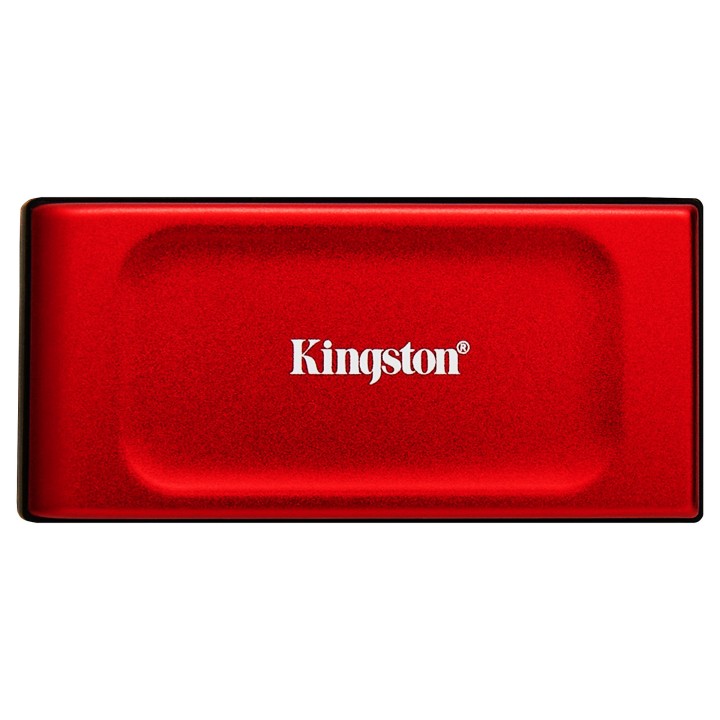
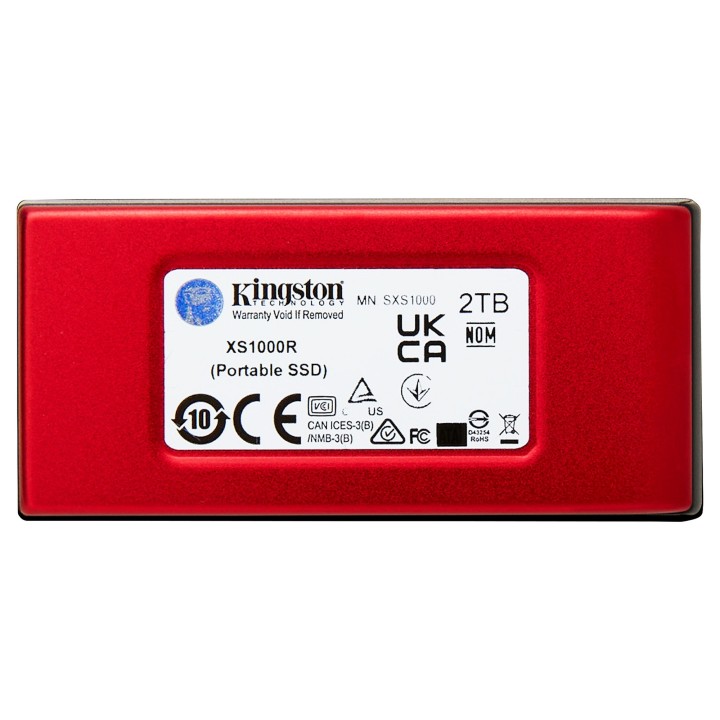
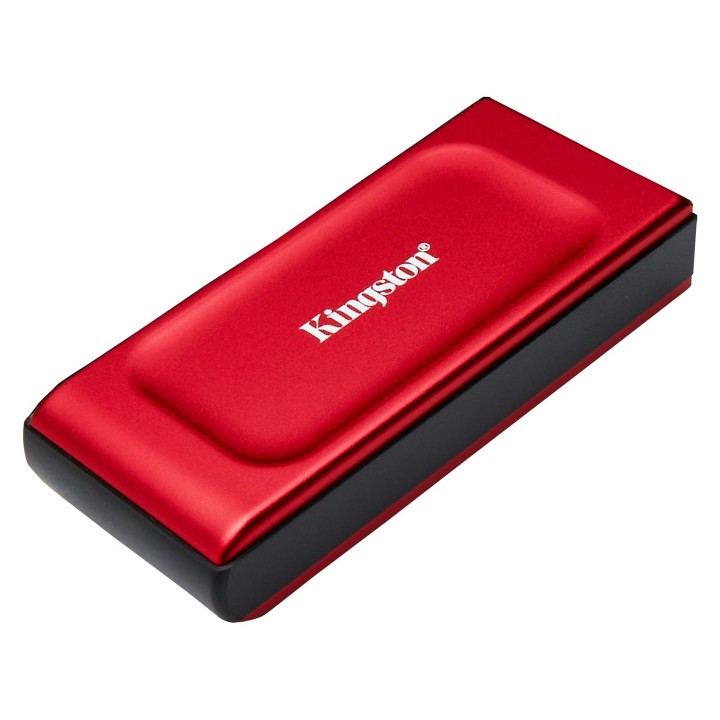
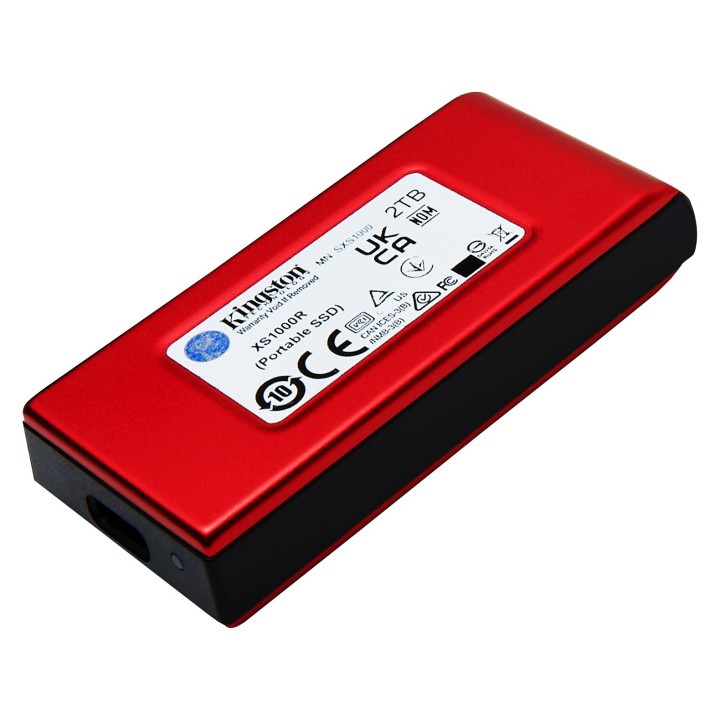
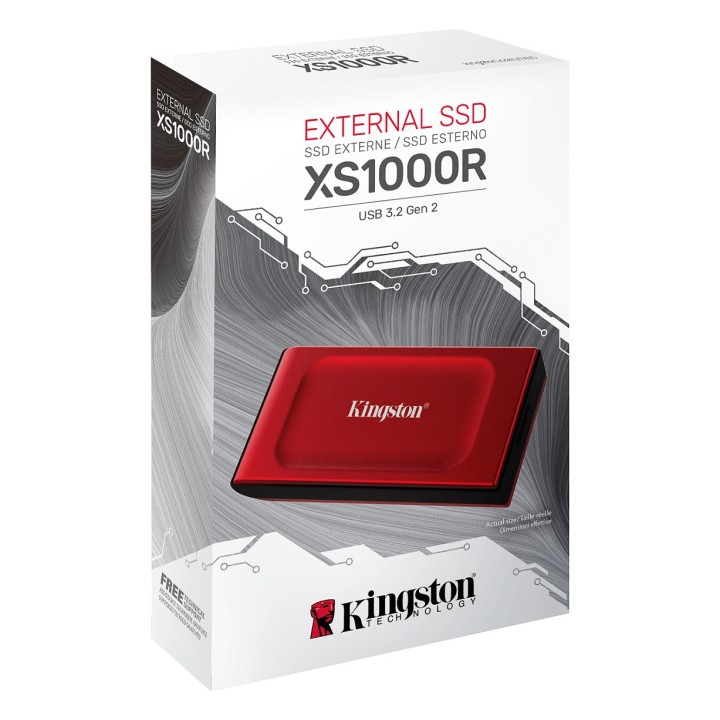
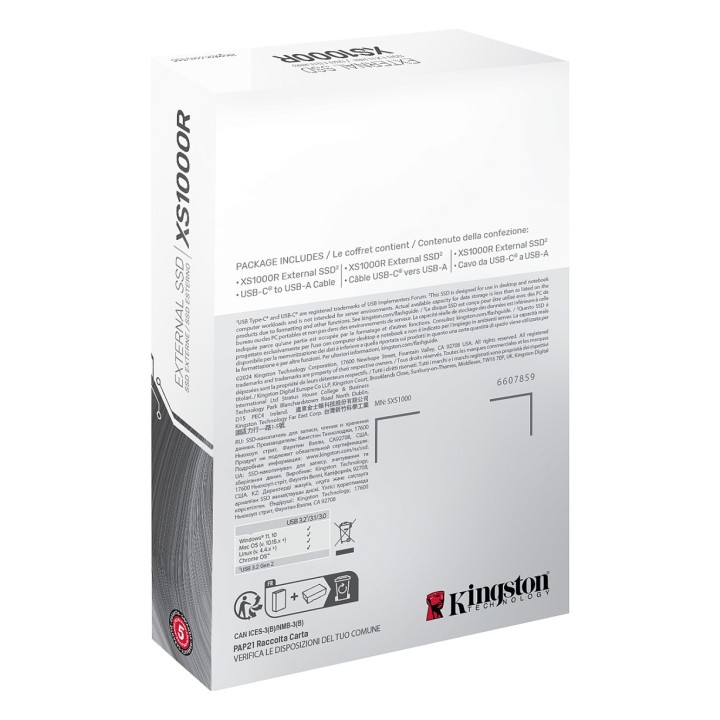
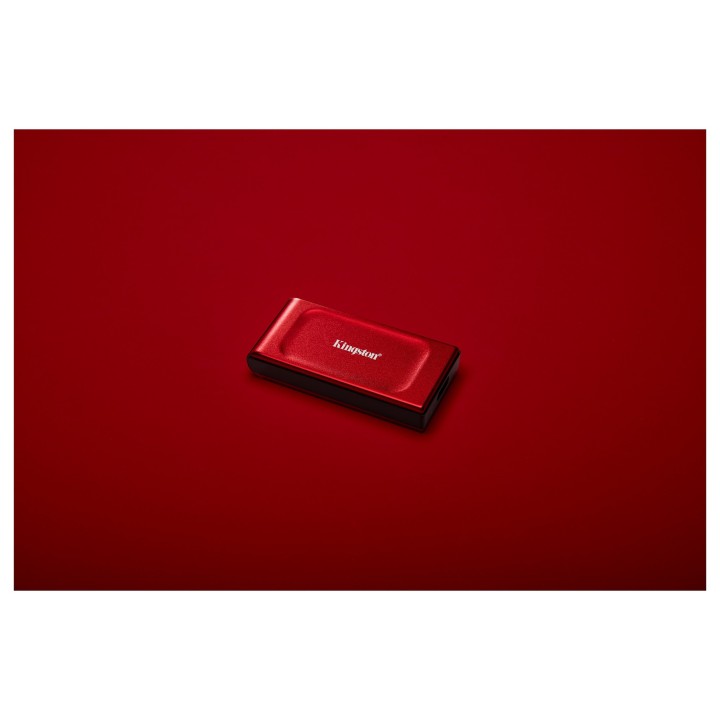
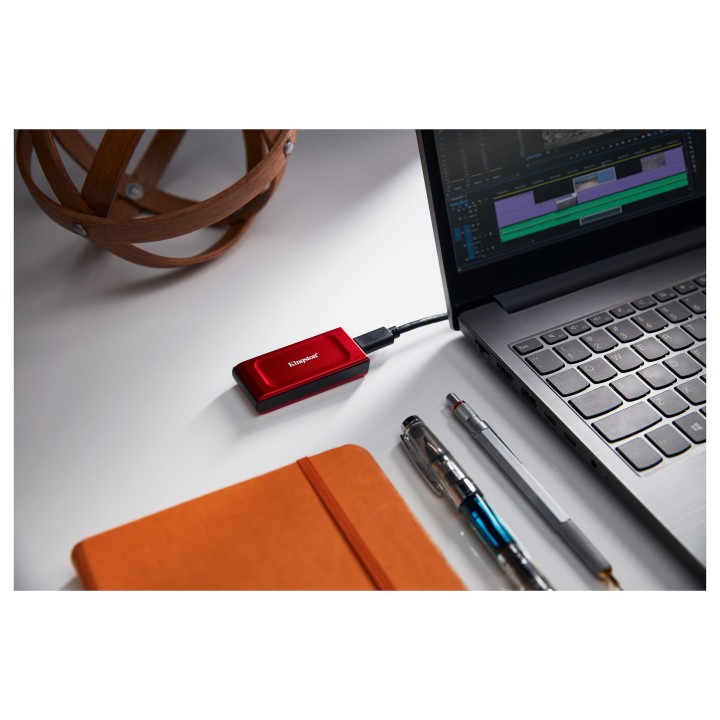
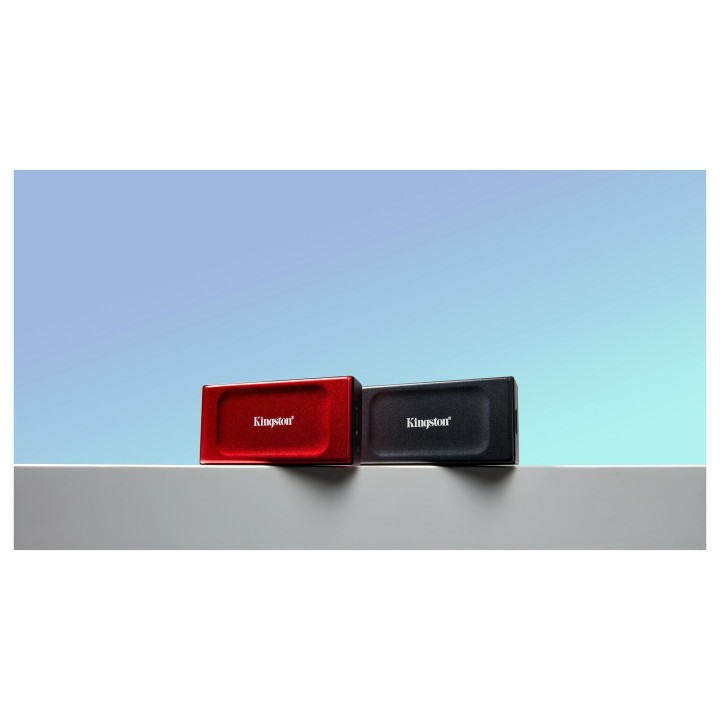

KINGSTON XS1000R 2TB SSD Pocket-Sized USB 3.2 Gen 2 External Solid State Drive Red obrazki
KINGSTON XS1000R 2TB SSD Pocket-Sized USB 3.2 Gen 2 External Solid State Drive Red
Opis produktu
Zewnętrzny dysk półprzewodnikowy Kingston XS1000 oferuje przenośną pamięć masową z szybkim interfejsem USB 3.2 Gen 2 i pojemnością 2 TB. Został zaprojektowany z myślą o wydajności i trwałości, oferując szybkie wewnętrzne prędkości odczytu danych do 1050 MBps i zapisu do 1000 MBps, co ułatwia szybkie przesyłanie plików. Kompaktowa i wytrzymała konstrukcja dysku, wykorzystująca zarówno metal, jak i tworzywa sztuczne, zapewnia, że poradzi on sobie z codziennym użytkowaniem, a jednocześnie jest wystarczająco lekki, aby podróżować. Dysk Kingston XS1000 to połączenie wydajności, trwałości i poręczności, odpowiednie dla profesjonalistów potrzebujących niezawodnego magazynu danych lub każdego, kto chce rozszerzyć pojemność swojego urządzenia.
Interfejs USB 3.2 Gen 2 zapewniający szybki transfer danych
Pojemność 2 TB z technologią 3D NAND zapewnia dużą przestrzeń dyskową
Zawiera adapter USB-A do USB-C zapewniający wszechstronną łączność
Przenośna i wytrzymała konstrukcja łącząca metal i tworzywo sztuczne
Specyfikacja
- Opis produktu: Kingston XS1000 SSD 2 TB USB 3.2 Gen 2
- Typ: SSD zewnętrzny (przenośne)
- Pojemność: 2 TB
- Interfejs: USB 3.2 Gen 2 USBC
- Cechy: 3D NAND Technology
- Kolor obudowy: Czerwony
- Wymiary (szer.głęb.wys.): 32.58 mm x 69.54 mm x 13.5 mm
- Waga: 28.7 g
Szczegóły produktu
- Marka Kingston
- Kod produktu 66a838cdf383da0894f6f76e
- Dostępność 20 Przedmioty
- EAN13 0740617341782
- MPN SXS1000R2000G
Specyfikacja
- Rodzaj nośnika SSD
- Pojemność nośnika (GB) 2000 GB
- Interfejs dysku USB 3.2 Type-C
- Prędkość odczytu (MB/s) 1050 MB/s
- Prędkość zapisu (MB/s) 1000 MB/s
Producent
Producent
Kingston Technology International Ltd
Blanchardstown Road North D15 PEC4 Dublin Irlandia
E-mail: customerservice@kingston.eu
Bezpieczeństwo
Informacje o bezpieczeństwie
List of external and portable drive safety warnings based on the requirements of General Product Safety Regulation (GPSR) 2023/988: * Use the drive according to the manufacturer’s instructions to avoid mechanical damage or data loss. * Do not expose the disc to extreme temperatures, moisture, or direct sunlight to prevent overheating or damage. * Protect your drive from drops and bumps, as this can cause damage to internal components and data loss. * Disconnect the drive from your computer in a secure manner (using the "Safe Hardware Removal" feature) to avoid data loss or damage to the drive. * Do not open the disk housing, as this may result in loss of warranty and damage to delicate components. * In case of disk failure, do not try to repair it yourself; contact a professional data recovery service. * Keep the drive away from strong magnetic fields that can disrupt operation and cause data loss. * Use only the original cables and power supplies that came with the drive to avoid compatibility issues and damage. * Regularly back up data from disk to other media to avoid losing important information in the event of a failure. * Keep the disc out of reach of children to avoid accidental damage or ingestion of small items. * When transporting the disk, protect it from shocks and moisture by placing it in a suitable protective case. * Do not attempt to connect a damaged drive to your computer as this may cause additional problems. * Regularly scan the drive with an antivirus program to prevent malware infection. * Do not use the disc near flammable substances, as overheating and fire may occur in the event of a breakdown. * Make sure the voltage in the electrical outlet complies with the requirements of the disk power supply to avoid damage. * If the drive overheats, disconnect it from power immediately and let it cool before reusing. * Clean the disc housing with a soft, dry cloth; do not use chemicals that can damage the surface. * For long-term disk storage, place it in a dry and cool place to avoid component degradation. * If your drive is equipped with encryption software, make sure your password is secure and remembered to avoid permanent loss of access to your data. * When connecting and disconnecting the drive, hold by the housing, not by the cable, to avoid damaging the connector.
Dyski zewnętrzne i banki danych
- Nowy
- Nowy
- Nowy
- Nowy
- Nowy
- Nowy
- Nowy
Ostatnio oglądane
Produkty, które ostatnio zwróciły Twoją uwagę.
- Nowy
- Nowy
- Nowy
- Nowy