- Nowy
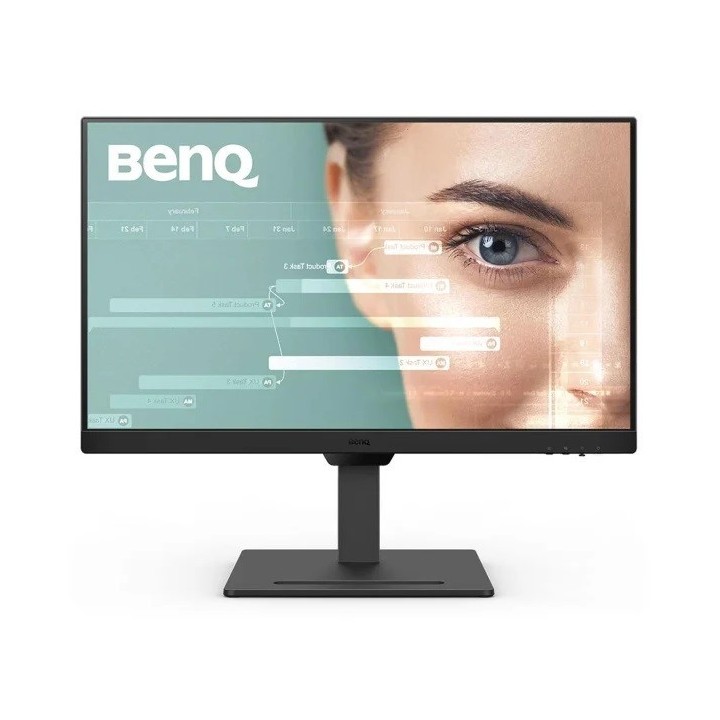
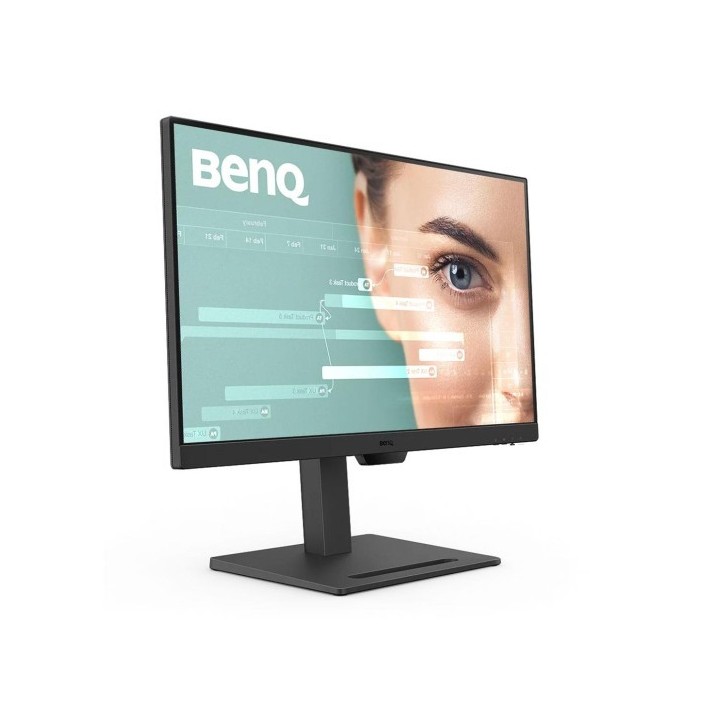
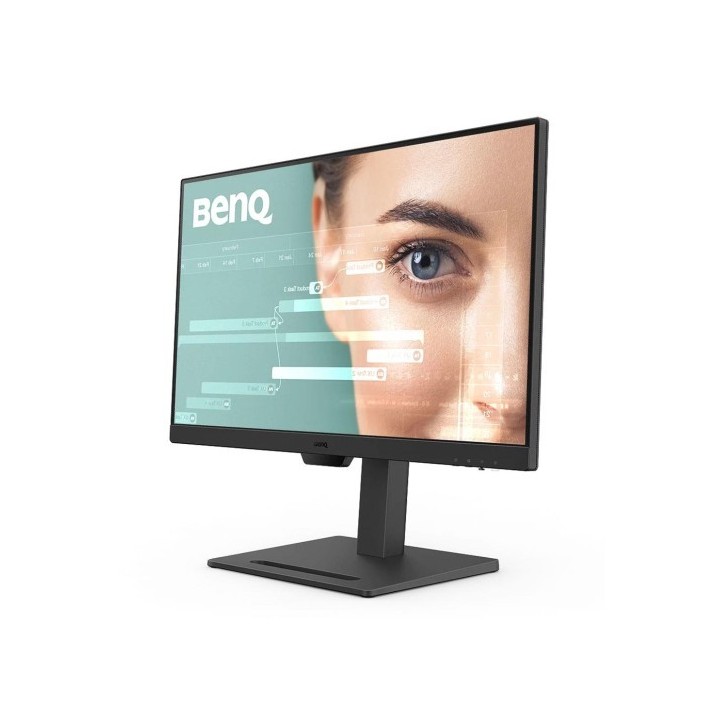
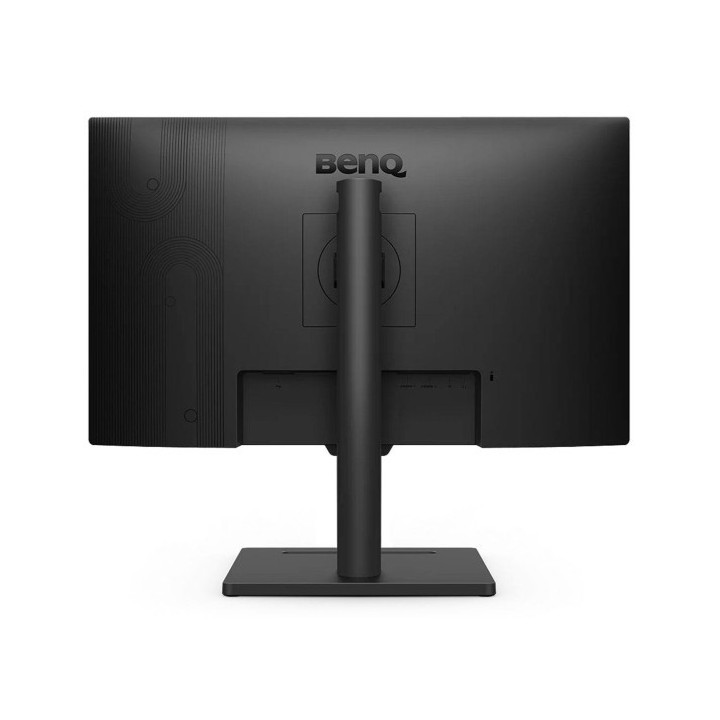
GW2790T
Dostosowany do Twoich potrzeb
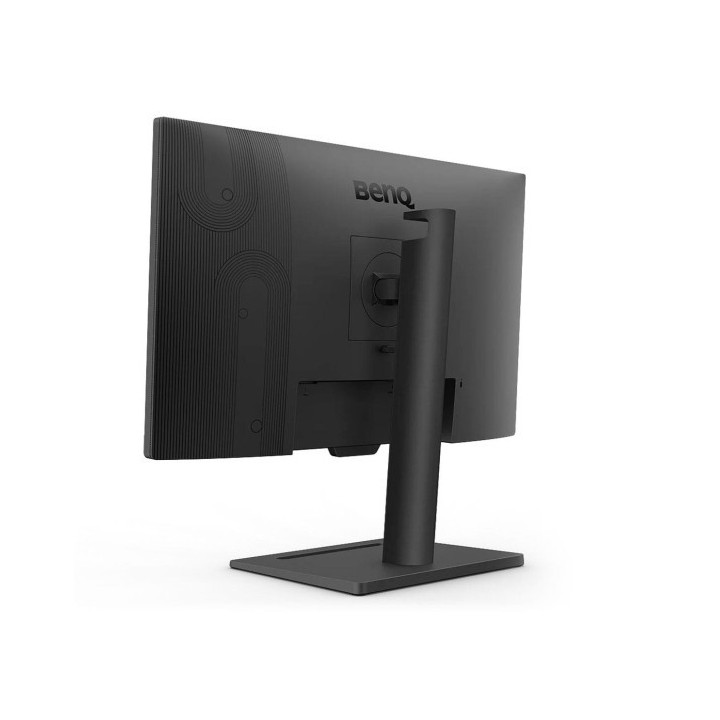
Ustaw monitor na optymalnej wysokości i zajmij najwygodniejszą pozycję, która zapewni Ci produktywność przez cały dzień.
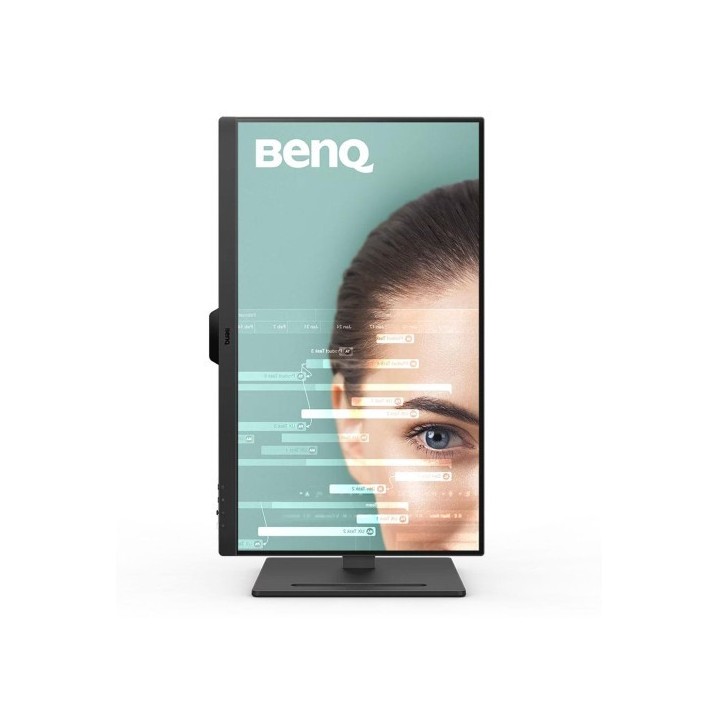
Automatycznie regulowana jasność ekranu, niski poziom niebieskiego światła, brak migotania i technologie Eye-Care zapewniają wygodne oglądanie przez cały dzień.
Jedno kliknięcie, aby przełączać się między urządzeniami
Pozostań bez wysiłku podłączony do swoich codziennych urządzeń dzięki wielu portom i ułatwiaj przełączanie między czynnościami za pomocą jednego kliknięcia. Usprawnienie podróży z każdego źródła wejściowego dla preferowanej konfiguracji nigdy nie było łatwiejsze.
Dostosuj, aby uzyskać lepszą wydajność
Monitor posiada pivot, funkcję regulacji pochylenia, obrotu i wysokości, co pozwala dostosować konfigurację tak, aby zapewnić wygodną i produktywną pracę przez cały dzień.
Płynne oglądanie: płynny ruch 100 Hz
Częstotliwość odświeżania 100 Hz zapewnia płynniejsze i wygodniejsze oglądanie podczas czytania stron internetowych, przesyłania strumieniowego wideo itp..
Certyfikat VESA MediaSync
Certyfikat VESA MediaSync gwarantuje odtwarzanie bez zakłóceń, obsługując wszystkie międzynarodowe formaty wideo, zapewniając optymalne wrażenia multimedialne.
Tryby kolorów dla wielozadaniowości
Dzięki trybom kodowania i trybowi ePaper masz jeszcze więcej opcji dla różnych scenariuszy pracy, zapewniając łatwą czytelność i komfort oczu.
Trwałe dobre samopoczucie dla Twoich oczu
Technologie BenQ Eye-Care chronią Twój wzrok dzięki wielu funkcjom, a każdy obraz widzisz wyraźnie i komfortowo.
Technologia Brightness Intelligence
Technologia Brightness Intelligence (B.I. Tech.) zapewnia wyraźną widoczność poprzez redukcję prześwietlenia jasnych scen i jednoczesne uwydatnienie ciemnych obszarów. Twoje oczy będą chronione, a Ty będziesz mieć jeszcze więcej możliwości dostosowania ustawień wyświetlania do własnych upodobań.
Certyfikat TÜV Rheinland
Globalny organ ds. bezpieczeństwa, TÜV Rheinland, przyznał, że zastosowana w modelu GW2790T technologia Flicker Free i Low Blue Light jest naprawdę przyjazna i bezpieczna dla oczu. Certyfikat Eyesafe 2.0 gwarantuje, że wyświetlacz redukuje niebieskie światło przy jednoczesnym zachowaniu żywych kolorów.
BenQ Polska Sp. z o.o.
Al. Jerozolimskie 178 02-486 Warszawa Polska
E-mail: cidertechnology@gmail.com
Formularz kontaktowy: https://www.benq.eu/en-eu/support/contact-us.html
List of computer monitor safety warnings based on the requirements of General Product Safety Regulation (EU) 2023/988 (GPSR): * Risk to vision: Long-term gazing at the monitor screen may cause eye strain, dry eyes or headaches. * Limit the working time with the monitor. * Take regular breaks. * Maintain proper distance from the screen. * Ensure proper lighting in the room. * Set the brightness and contrast of the monitor to a comfortable level. * Ergonomics: Incorrect position when working with the monitor can lead to back, neck, and shoulder pain. * Set the monitor to the correct height so that the top edge of the screen is at eye level or slightly below. * Use an adjustable chair and desk to ensure an ergonomic position. * Maintain proper posture while sitting. * Risk of electric shock: Improper use or damage to the monitor can lead to electric shock. * Do not use the monitor in humid environments. * Do not touch the monitor with wet hands. * Do not put any items inside the monitor. * If the power cable is damaged, replace it with a new one. * Disconnect the monitor from power before cleaning. * Fire risk: Overheating or short circuiting in the monitor can cause a fire. * Do not cover the ventilation holes of the monitor. * Do not place the monitor near heat sources. * Use only the original power supply that came with your monitor. * If the monitor overheats, disconnect it from power immediately. * Mechanical damage: The fall of the monitor can cause damage and pose a threat to the user. * Set the monitor on a stable surface. * Secure cables to avoid accidental tripping. * For monitor transport, use appropriate protective packaging. * Cleaning: Improper cleaning of the monitor can damage the screen or cause other problems. * Use only a soft, dry cloth to clean the screen. * Do not use cleaning products containing alcohol, ammonia or other corrosive substances. * Disconnect the monitor from power before cleaning. * Disposal: Incorrect disposal of the monitor can pose a threat to the environment. * Return the used monitor to the e-waste collection point. * Do not throw the monitor in a regular trash can. * Children: The monitor is not a toy and should not be used by children without supervision. * Make sure children do not touch the power cables. * Make sure kids don't play around with the monitor packaging. * Repairs: Do not try to repair the monitor yourself. * Any repairs should be done by qualified personnel. * Monitor portability: Be careful when moving your monitor. * Disconnect all cables before moving. * Use appropriate packaging. * Weather conditions: Do not expose the monitor to extreme temperatures or moisture. * Protect your monitor from direct sunlight. * Adjustable settings: Do not use extreme brightness or contrast settings. * These can cause faster eye strain. * Noise: If the monitor makes disturbing noises, turn it off immediately. * Contact the technical service. * Environmental protection: Be sure to turn off the monitor when not in use. * You save energy this way. * Software: Use only the software provided by the manufacturer. * You will avoid compatibility issues.
Produkty, które ostatnio zwróciły Twoją uwagę.