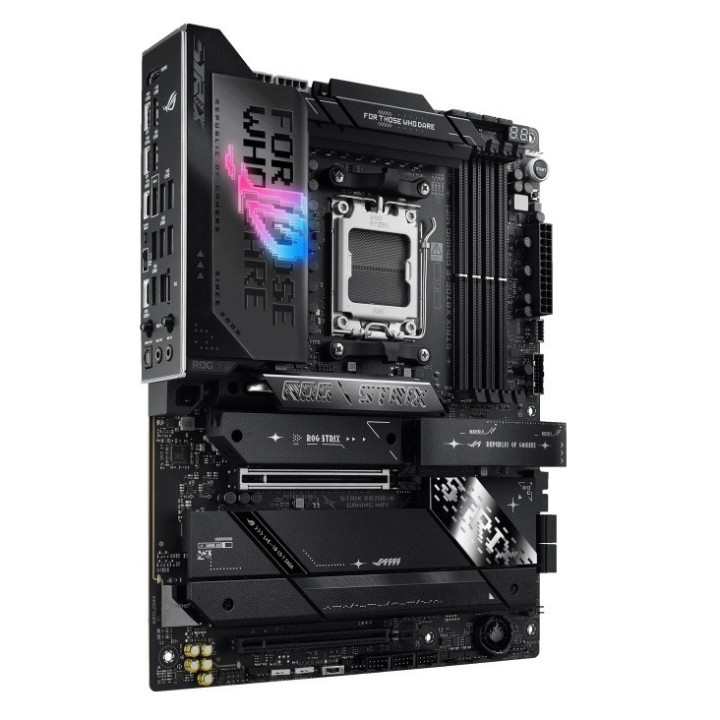
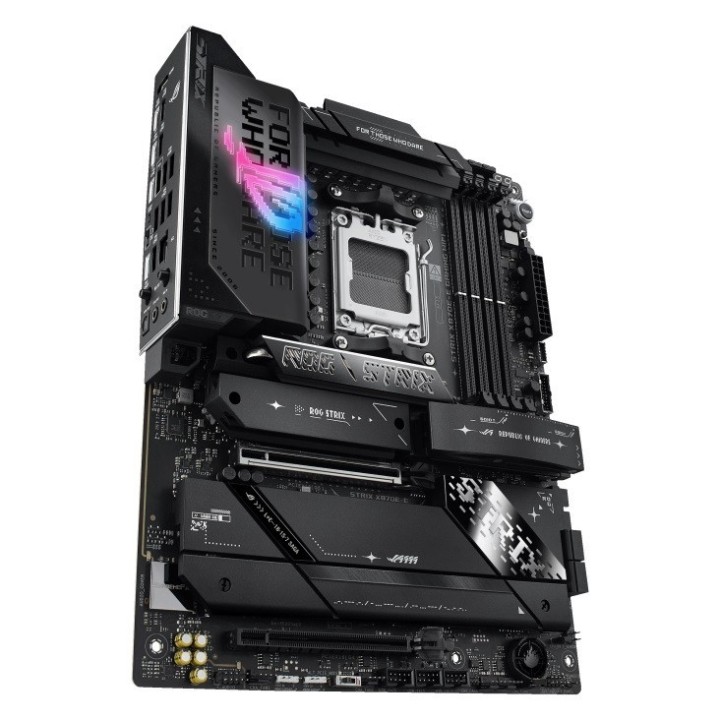
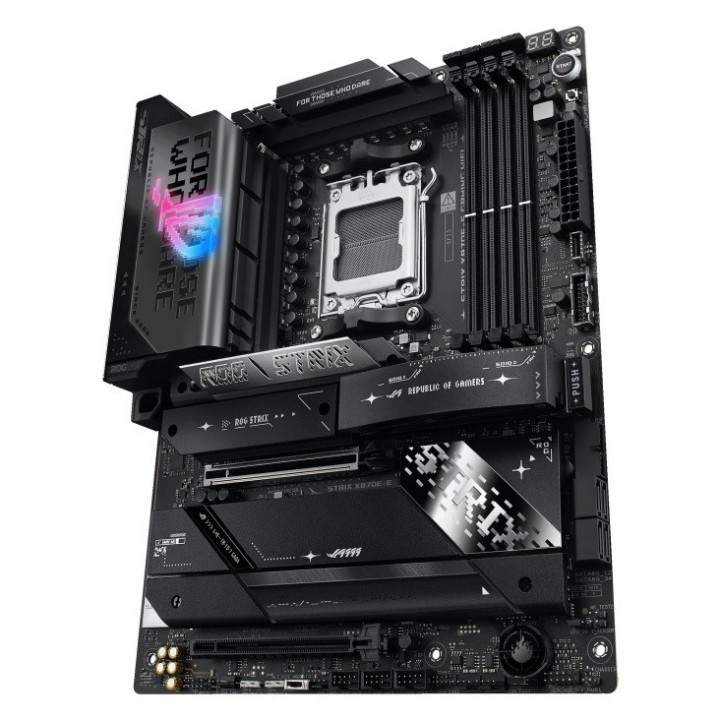
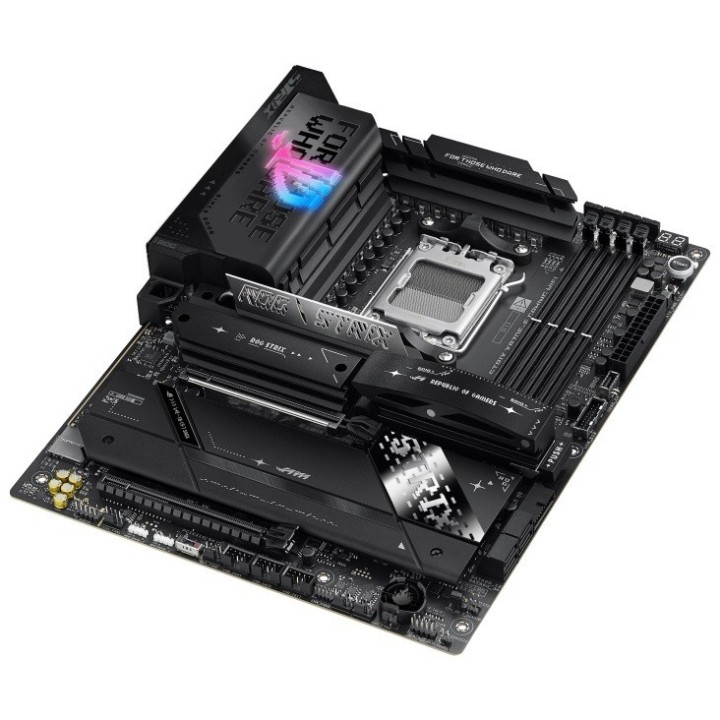
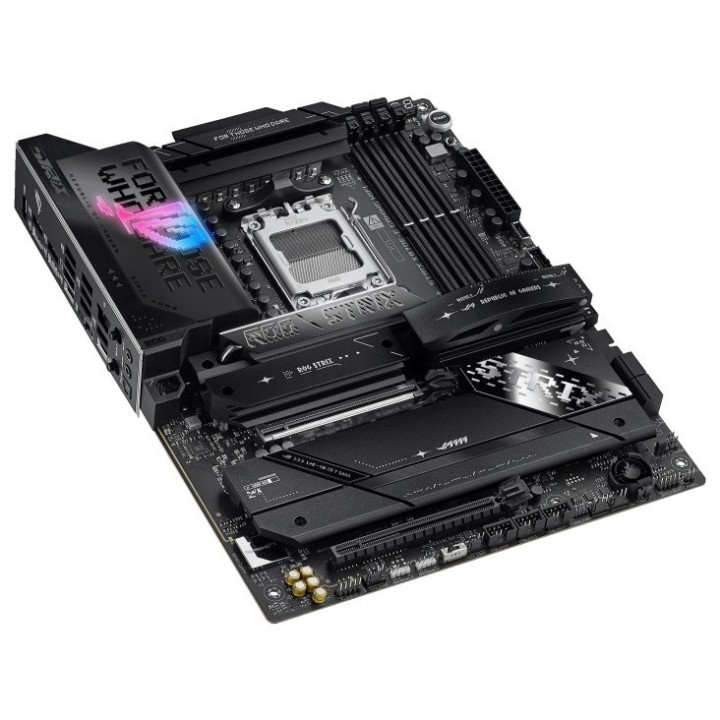
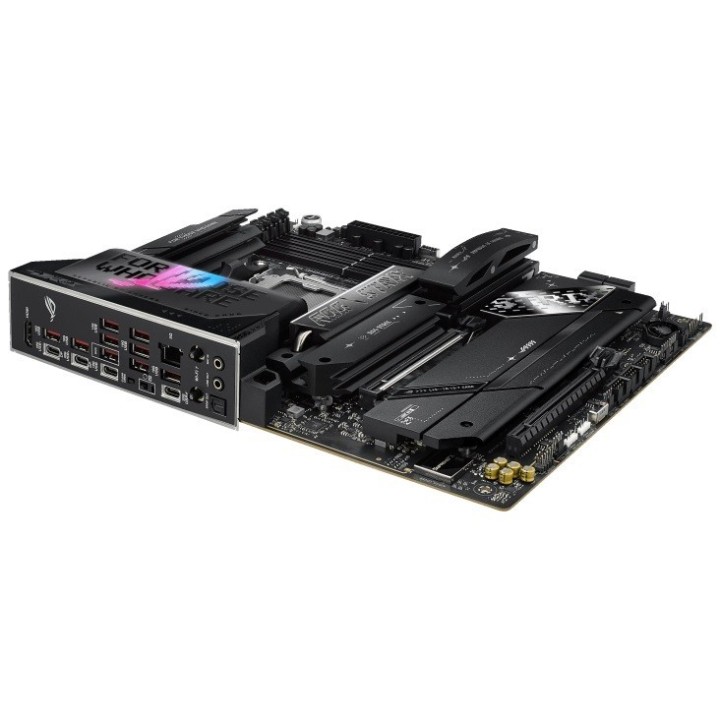
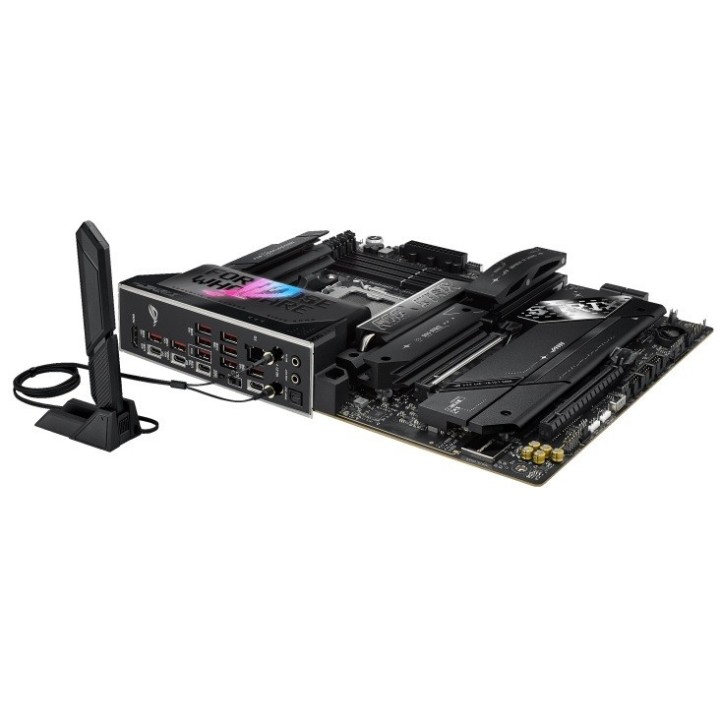
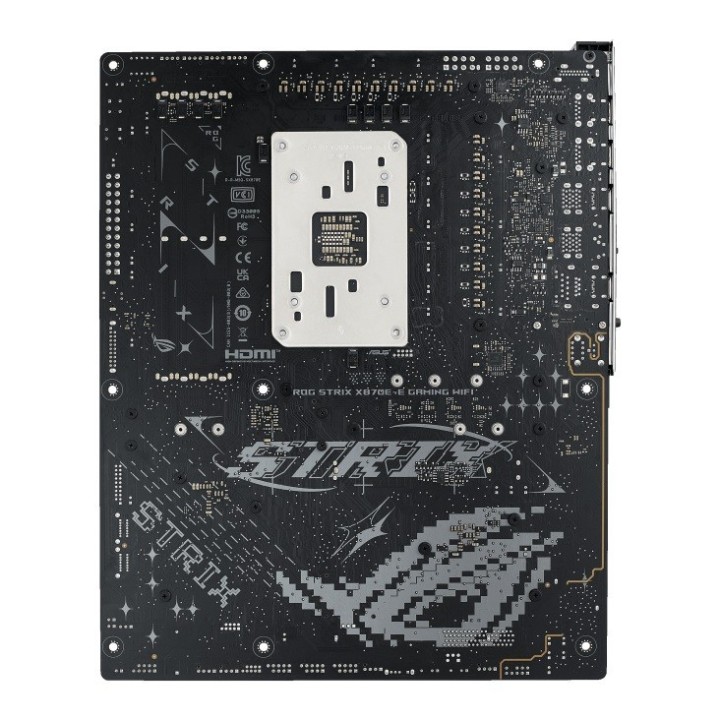
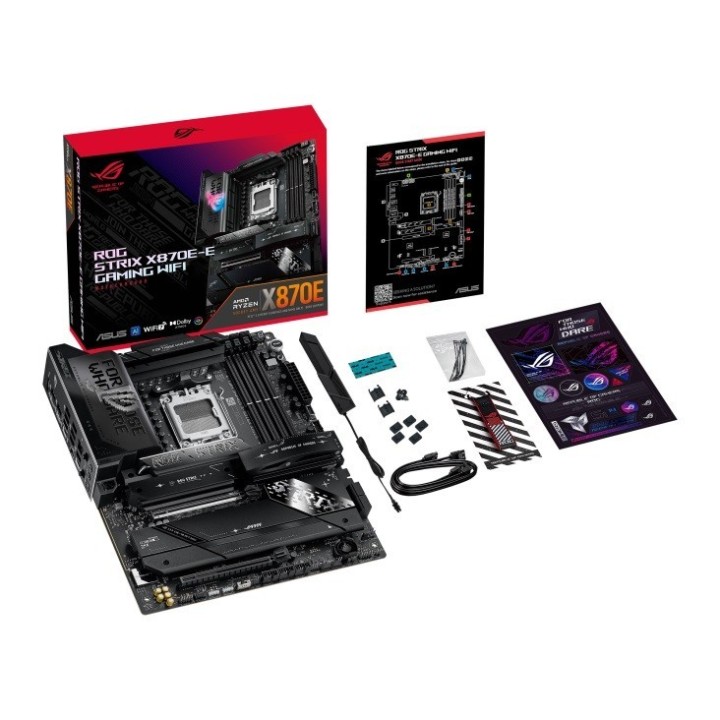
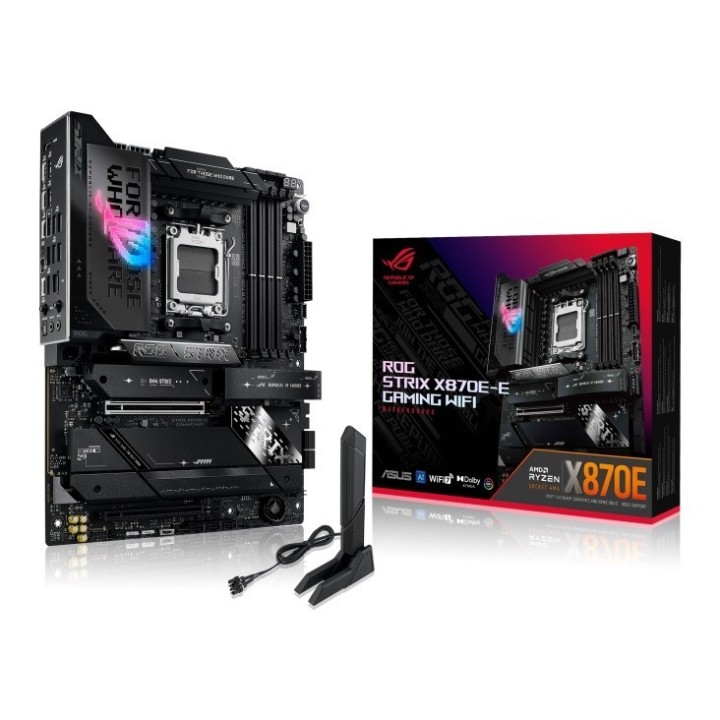
Płyta Asus ROG STRIX X870E-E GAMING WIFI /AMD X870/DDR5/SATA3/M.2/USB4/WiFi/BT/PCIe5.0/AM5/ATX

Cena: 2 265,49 zł
Brutto
Dostępność produktu: Dostępny 97 szt.
Czas dostawy Wysyłka w ciągu 3 dni roboczych
Koszt dostawy Bezpłatna dostawa od 250 zł.

Opis produktu

Płyta Asus ROG STRIX X870E-E GAMING WIFI /AMD X870/DDR5/SATA3/M.2/USB4/WiFi/BT/PCIe5.0/AM5/ATX

Specyfikacja

  • Gniazdo procesora: Socket AM5
  • Obsługiwane typy procesorów: AMD Ryzen™ (AM5)
  • Uwagi do procesora: AMD Socket AM5 for AMD Ryzen™ 9000 & 8000 & 7000 Series Desktop Processors
  • Format płyty: ATX
  • BIOS: 256 Mb Flash ROM, UEFI AMI BIOS
  • Chipset płyty głównej: AMD X870
  • Ilość złącz pamięci DDR5: 4
  • Maksymalna wielkość pamięci: 192 GB
  • Tryb pracy pamięci RAM: Dual Channel
  • Uwagi do pamięci RAM: Non-ECC, Un-buffered DDR5 Memory supports On-Die ECC function
  • Zintegrowany kontroler SATA: Chipset+CPU: 4x SATA III 6Gb/s - RAID 0,1,5,10 + 5x M.2 + RAID 0,1,5,10
  • Uwagi do kontrolera SATA: x8 only
  • Wbudowana karta graficzna: Brak lub AMD Radeon™ Graphics (zależy od procesora)
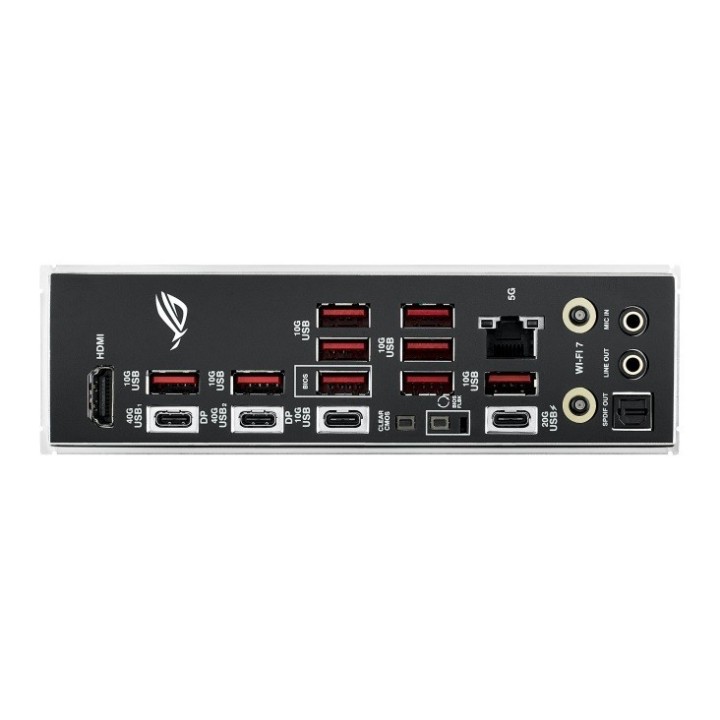
  • Gniazda karty graficznej: 2x USB4 Type-C
  • Uwagi do karty graficznej: Supports max. 4K@60Hz as specified in HDMI 2.1
  • Zintegrowana karta dźwiękowa: ROG SupremeFX 7.1 Surround Sound High Definition Audio CODEC ALC4080
  • Gniazda karty dźwiękowej: Wewnętrzne gniazdo audio przedniego panelu
  • Uwagi do karty dźwiękowej: interface audio device.
  • Złącza PCI Express x16: 2
  • Uwagi do złącz PCI: To ensure compatibility of the device installed, please refer to
  • Port LAN: 1x 5 Gigabit LAN Realtek®
  • Uwagi do karty sieciowej: ASUS LANGuard
  • Maksymalna ilość portów USB 2.0: 6
  • Maksymalna ilość portów USB 3.x: 16
  • Maksymalna ilość portów USB 4.0: 2
  • Porty USB na panelu tylnym: 9x USB 3.1 + 1x USB 3.1 Type-C + 1x USB 3.2 Type-C + 2x USB4 Type-C
  • Gniazda USB na płycie głównej: 3x USB 2.0 (6 portów) + 2x USB 3.0 (4 porty) + 1x USB 3.2 Type-C (1 port)
  • Port Wi-Fi: IEEE 802.11a/b/g/n/ac/ax/be
  • Port Bluetooth: Bluetooth V5.4
  • Uwagi do WiFi / BT: manufacturer's website for the latest specifications
  • Port PS/2: Brak
  • Port szeregowy (COM): Brak
  • Port równoległy (LPT): Brak
  • Inne porty i gniazda: Clear CMOS button(s)
  • Gniazdo zasilania: ATX (24-pin) + 2x ATX12V (8-pin)
  • Wymiary [S x W] (mm): 305 x 244
  • Wyposażenie dodatkowe: 1x Quick start guide
  • Zawiera baterię / akumulator: Tak
  • Informacje dodatkowe: Operating System: Windows 11 64-bit

Szczegóły produktu

  • Marka Asus
  • Kod produktu 66f36ef732f16407bd407c0a
  • Dostępność 97 Przedmioty
  • EAN13 4711387724163
  • MPN ROGSTRIXX870EEGAMINGWIFI

Specyfikacja

  • Typ pamięci RAM DDR5
  • Wi-Fi Tak
  • Bluetooth Tak
  • Gniazdo procesora AM5
  • Maksymalna pojemność RAM (GB) 192 GB
  • Złącza wewnętrzne 24pin ATX zasilanie
    4pin wentylator opcjonalny procesora (OPT)
    4pin wentylator procesora
    8pin 12V zasilanie
    M.2
    Przedni panel audio
    SATA III 6Gb/s
    USB 2.0/1.1
    USB 3.0
    USB C
  • Format płyty ATX
  • Liczba slotów RAM (szt.) 4 szt.
  • Liczba gniazd M.2 (szt.) 5 szt.

Producent

Producent

ASUS Polska SP. z o.o.

Cybernetyki 9 02-677 Warszawa Polska

E-mail: sales@asus-polska.pl

Osoba odpowiedzialna w UE

ASUS Polska Sp. z o.o.

Harkort str 21-23 40880 Ratingen Germany

E-mail: sales@asus-polska.pl

Telefon: 22 571 80 00

Bezpieczeństwo

Informacje o bezpieczeństwie

List of motherboard safety warnings based on the requirements of General Product Safety Regulation (EU) 2023/988 (GPSR): * Risk of electric shock: Make sure the power supply is disconnected before installing or disassembling any components. Do not touch pins, connectors or paths on the board with wet hands or in humid environments. * Short-circuit risk: Be careful that no metal objects come into contact with the plate during installation or use. * Risk of Electrostatic Damage (ESD): Use an antistatic band when working with the motherboard to avoid damage to sensitive components. * Risk of injury: Sharp edges and small elements on the board can pose a risk of injury. Be careful when manipulating. * Fire risk: Incorrect connection of power supply or overheating of components can lead to fire. Make sure all connections are correct and cooling is adequate. * Risk of component damage: Do not use excessive force when installing components to avoid damaging the board or the component itself. * Compatibility: Make sure that all components (processor, RAM, graphics card) are compatible with your motherboard. * Stability: Place the motherboard on a stable, flat surface to prevent mechanical damage. * Overheating: Provide adequate cooling to prevent the motherboard and its components from overheating. Clean radiators and fans regularly. * Kids: Keep the motherboard and small items out of reach of children to avoid the risk of ingestion or other accidents. * Installation: Disconnect the motherboard from power before any interference.
Ładowanie...
Wróć na górę